
If you’ve recently decided to cut the cord on traditional cable, you’ve probably stumbled across the term “IPTV.” And right behind it, usually lurking in forums or setup guides, is the confusing acronym: M3U link.
If you’re wondering what an IPTV M3U link actually is and how you’re supposed to use it to watch live TV, you’re in the right place. Let’s break down the tech jargon into plain English.
The Short Answer: What is an M3U Link?
At its core, an M3U link (which stands for MP3 URL) is basically a digital TV guide.
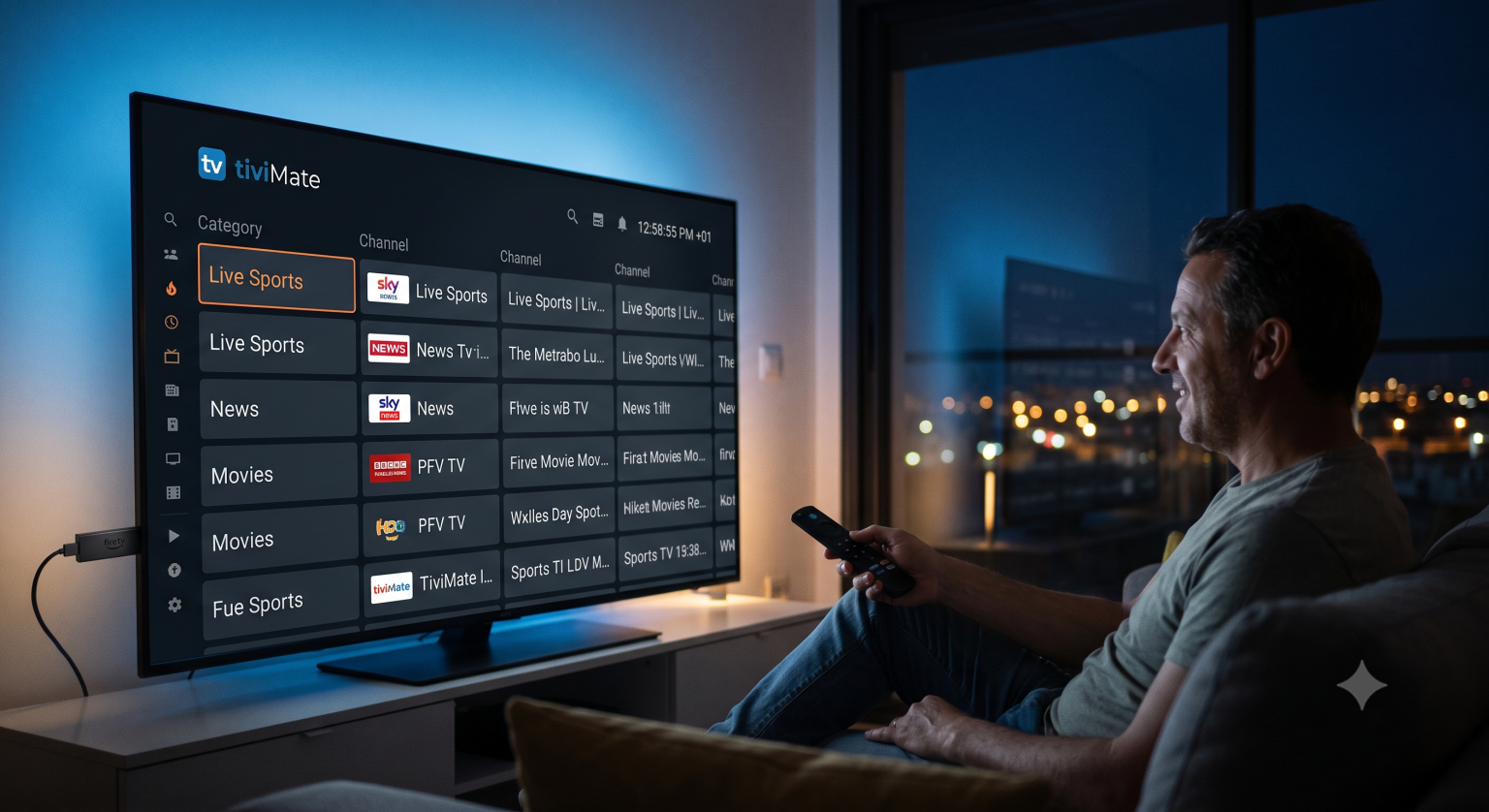
It is a simple text file format that contains the web addresses (URLs) of audio and video streams. When you subscribe to an IPTV service, the provider doesn’t send you an app with pre-loaded channels. Instead, they give you an M3U link. When you plug this link into a compatible media player, the software reads the text file, finds the streaming servers, and organizes them into a clean, clickable channel list on your screen.
How Does an M3U Playlist Actually Work?
Originally, M3U files were created way back in the Winamp days just to organize audio playlists. Fast forward to today, and they are the backbone of internet television.
If you were to open an M3U link on your computer using a basic text editor like Notepad, it wouldn’t look like a video at all. It just looks like lines of code. Here is a simplified example of what lives inside that link:
Originally, M3U files were created way back in the Winamp days just to organize audio playlists. Fast forward to today, and they are the backbone of internet television.
If you were to open an M3U link on your computer using a basic text editor like Notepad, it wouldn’t look like a video at all. It just looks like lines of code. Here is a simplified example of what lives inside that link:
Plaintext
#EXTM3U
#EXTINF:-1 tvg-id="CNN" tvg-logo="cnn.png" group-title="News", CNN Live
http://server-address.com/live/username/password/1234.ts
Let’s decode that:
#EXTM3U: This tag just tells the software, “Hey, this is an M3U file.”
#EXTINF: This line holds the metadata. It dictates the channel name, the category it belongs to (like “News” or “Sports”), and even the little channel logo you see on your TV screen.
The URL (http://…): This is the actual location of the live video feed hosted on the IPTV provider’s server.
Your media player does the heavy lifting of translating this raw text into a polished TV interface.
M3U File vs. M3U Link: What's the Difference?
You’ll often hear these two terms used interchangeably, but there is a slight difference that matters for your setup.
| Format | How it Works | Best For |
| M3U File | A static .m3u file you download to your device and upload to your player manually. | Offline setups or highly customized personal playlists. |
| M3U Link (URL) | A web address you paste into your player. It connects to the provider’s server dynamically. | Most users. It auto-updates when the provider adds new channels or fixes broken streams. |
Always opt for the URL link if your provider offers both. If a channel goes offline and the provider changes the server, an M3U link will update automatically the next time you open your app. If you downloaded a static file, you’d be stuck with dead channels until you manually downloaded a new one.
How to Use an M3U Link
Getting your channels up and running is surprisingly straightforward. You don’t need to know how to code; you just need the right software.
Get an IPTV Player: Download a dedicated IPTV player on your device. Popular options include Smarters Pro, TiviMate (highly recommended for Android TV), or VLC Media Player for PC.
Add a New Playlist: Open the app and look for an option that says “Add Playlist,” “Add M3U,” or “Login with M3U URL.”
Paste the Link: Enter the exact URL your IPTV provider emailed you. Be careful with typos these links are notoriously long and case-sensitive.
Load and Watch: Hit save. The app will take a few moments to download the channel list and the Electronic Program Guide (EPG). Once it’s done, you can browse and watch just like traditional cable.
A Quick Word on Safety and Legality
It’s important to note that an M3U link is just a vehicle for delivering content the file format itself is 100% legal. It’s no different than a blank CD.
However, what you stream through that link matters. Many premium IPTV providers use M3U links to deliver perfectly legal, licensed content. Conversely, thousands of unverified providers sell cheap access to pirated sports and movie networks. Always do your research on the provider handing you the link, and consider using a reliable VPN if you are streaming from third-party sources to protect your privacy and prevent your ISP from throttling your internet speeds.
The Bottom Line
Don’t let the technical-sounding name intimidate you. An IPTV M3U link is simply the bridge between your TV screen and your provider’s broadcasting servers. Once you copy and paste it into a good media player, you never have to look at the link again you just get to sit back and flip through the channels.