
Kann man ein einziges TV-Abonnement gleichzeitig auf dem Smart-TV im Wohnzimmer, dem Firestick im Schlafzimmer und dem Smartphone nutzen?
Das Streamen von Live-Fernsehen war weltweit noch nie so beliebt wie heute, doch Verbindungsbeschränkungen gehören nach wie vor zu den größten Unklarheiten für „Cord-Cutter“. Zu verstehen, wie IPTV auf mehreren Geräten Diese Maßnahme schützt Sie vor plötzlichen Pufferungen beim Streaming, unerwarteten Fehlercodes oder Kontosperrungen.
Hier finden Sie alles, was Sie über gleichzeitige Streams, Multi-Room-Konfigurationen und die Wahl der richtigen Konfiguration für Ihren Haushalt wissen müssen.
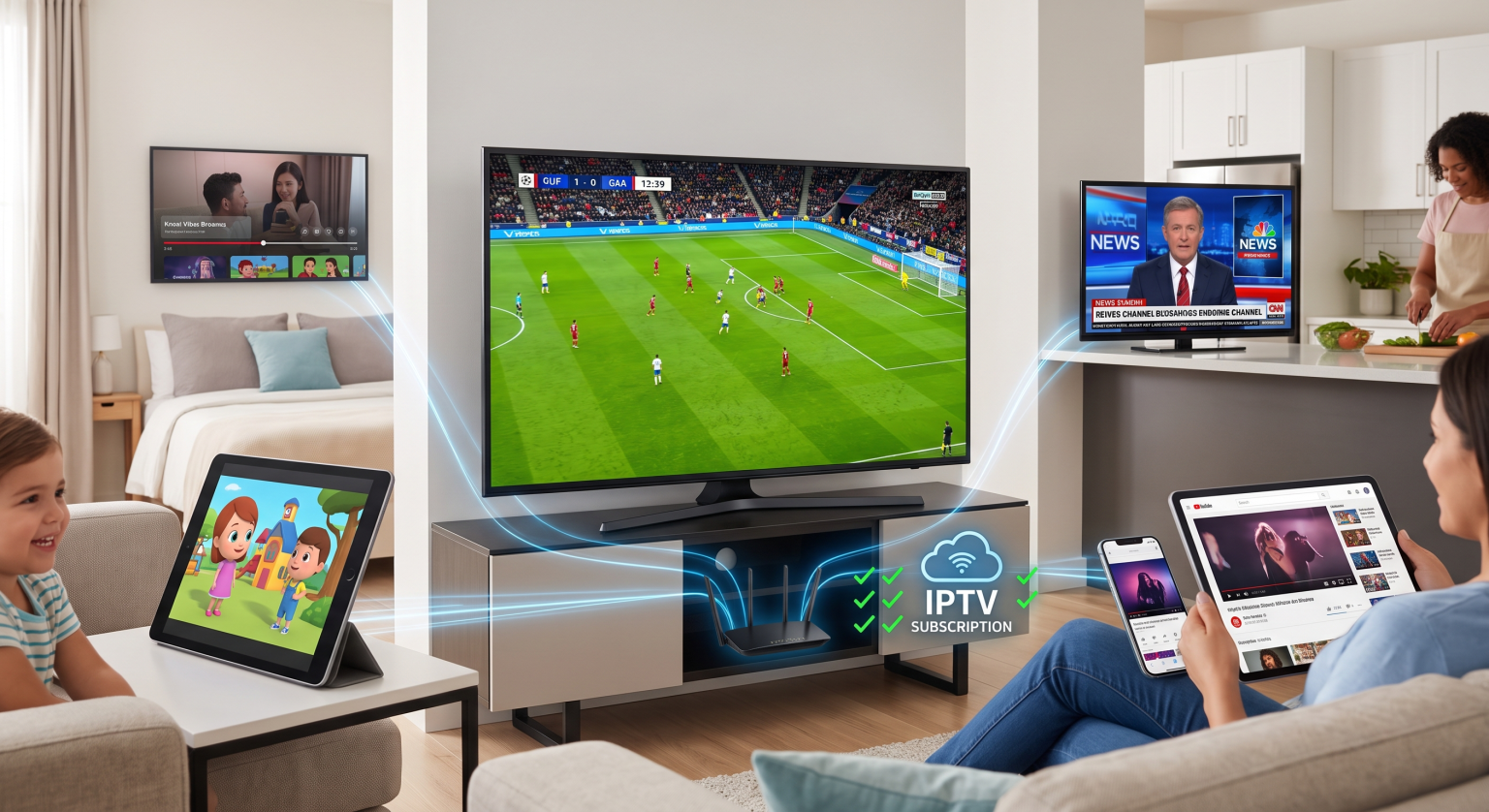
Einzelanschluss vs. IPTV für mehrere Geräte: So funktioniert es
Die meisten Standardabonnements beginnen mit einem eine aktive Verbindung (1 Stream). Sie können Ihre Wiedergabeliste oder Ihre Anmeldedaten zwar auf zehn verschiedenen Bildschirmen einrichten, Live-Streams jedoch jeweils nur auf einem Bildschirm aktiv ansehen.
Wenn Sie Inhalte streamen, weist der Server Ihres Anbieters Ihrer IP-Adresse und Ihrer Gerätekennung ein aktives Sitzungstoken zu. Wenn bei einem Tarif mit einer einzigen Verbindung ein zweiter Bildschirm gleichzeitig einen Stream anfordert, kommt es auf dem Server zu einem Konflikt.
Was passiert, wenn Sie die Verbindungslimits überschreiten?
Sofort Einfrieren: Der aktuelle Stream kann sofort in den Puffermodus wechseln, in einer Schleife wiedergegeben werden oder unterbrochen werden.
Authentifizierungsfehler: Auf dem zweiten Bildschirm wird eine Fehlermeldung wie “Kontolimit erreicht” oder “Autorisierung fehlgeschlagen” angezeigt.”
Vorübergehende IP-Sperren: Aggressive Streaming-Server können Ihr Konto automatisch für 1 bis 24 Stunden sperren, um die gemeinsame Nutzung von Zugangsdaten zu verhindern.
Gleichzeitige Streams vs. registrierte Geräte
Es gibt einen wichtigen Unterschied zwischen Installieren eine App und Streaming gleichzeitig:
Registrierte (installierte) Geräte: Die Gesamtzahl der Bildschirme, auf denen Sie Ihre Anmeldedaten eingeben können. Die meisten Anbieter sehen keine Begrenzung bei der Installation vor.
Gleichzeitige (parallele) Verbindungen: Die genaue Anzahl der aktiven Videostreams, die genau in derselben Sekunde abgespielt werden.
Wenn Sie ein Abonnement mit mehreren Anschlüssen erwerben, kann Ihr gesamter Haushalt gleichzeitig in verschiedenen Räumen Live-Sport, Nachrichten und Filme genießen, ohne dass es zu Bandbreitendrosselungen oder Serverkonflikten kommt.
Vergleich von Abonnement-Tarifen
Die Wahl des richtigen Tarifs hängt davon ab, wie viele Personen in Ihrem Haushalt gleichzeitig fernsehen.
| Funktion / Szenario | 1 Anschlussplan | 2–3 Anschlussplan | 4–5-Zimmer-Grundriss |
| Am besten geeignet für | Einzelzuschauer, Haushalte mit nur einem Fernseher | Paare, kleine Wohnungen | Großfamilien, Häuser mit mehreren Zimmern |
| Parallele Streams | jeweils 1 Bildschirm | Bis zu 3 Bildschirme gleichzeitig | Bis zu 5 Bildschirme gleichzeitig |
| Flexibilität bei IP-Adressen | Nur Heimnetzwerk | Gleiches WLAN / gleiche IP-Adresse erforderlich | Gleiche IP-Adresse / Mobilen Zugriff auswählen |
| Gefahr des Einfrierens von Bächen | Hoch, wenn geteilt | Niedrig für kleine Haushalte | Null innerhalb der Gerätegrenzen |
| Durchschnittliche Kostendifferenz | Grundpreis | ~30%–50% Zusatzmodul | ~70%–100% Zusatzmodul |
IP-Sperre vs. Multi-IP-Streaming
Bei der Einrichtung IPTV auf mehreren Geräten, prüfen Sie, ob Ihr Dienstanbieter eine IP-Sperre.
Streaming innerhalb desselben Netzwerks: Bei vielen Multi-Screen-Paketen müssen alle angeschlossenen Geräte (Smart-TVs, Android-Boxen, Tablets) dasselbe WLAN-Heimnetzwerk und dieselbe externe IP-Adresse nutzen.
Streaming an mehreren Standorten: Premium-Dienste mit mehreren Verbindungen ermöglichen das gleichzeitige Streaming über verschiedene Netzwerke, beispielsweise auf einem Bildschirm zu Hause und auf einem anderen über mobiles 5G-Netz während der Reise.
Informieren Sie sich stets über die Richtlinien Ihres Anbieters, bevor Sie Anmeldedaten in mehreren Haushalten gemeinsam nutzen, um automatische Sicherheitswarnungen zu vermeiden.
Verbessern Sie noch heute Ihr Fernseherlebnis
Haben Sie es satt, sich um die Fernbedienung zu streiten oder von Ihrem Lieblingssender verdrängt zu werden? Mit einem Upgrade auf ein spezielles Multi-Screen-Paket hat jeder in Ihrem Haushalt ununterbrochenen Zugriff auf seine Lieblingsinhalte.
Häufig gestellte Fragen
Kann ich ein VPN mit IPTV auf mehreren Geräten nutzen?
Ja, aber jedes aktive Gerät muss eine Verbindung zum selben VPN-Serverstandort herstellen, wenn Ihr Abonnement eine IP-Sperre vorsieht. Die Nutzung verschiedener Serverstandorte simuliert mehrere IP-Adressen, was zu Sicherheitssperren für Ihr Konto führen kann.
Sind für Tarife mit mehreren Geräten separate Anmeldedaten erforderlich?
In der Regel nicht. Die meisten Dienste verwenden dieselbe M3U-Playlist-URL oder dieselben Xtream Codes-Anmeldedaten, und ihr Backend erfasst und verwaltet die Anzahl der aktiven gleichzeitigen Streams automatisch.
Kann ich meinen aktuellen Tarif erweitern, um mehr Bildschirme zu unterstützen?
Bei den meisten Anbietern können Sie ein bestehendes Abonnement erweitern, um 1 bis 4 zusätzliche gleichzeitige Verbindungen hinzuzufügen, ohne dass Sie Apps neu installieren oder neue Wiedergabelisten erneut eingeben müssen.