
Czy można korzystać z jednej subskrypcji telewizyjnej jednocześnie na telewizorze smart w salonie, urządzeniu Firestick w sypialni i smartfonie?
Transmisje telewizyjne na żywo nigdy nie cieszyły się tak dużą popularnością na całym świecie, jednak ograniczenia dotyczące połączenia internetowego pozostają jednym z największych źródeł niejasności dla osób rezygnujących z telewizji kablowej. Zrozumienie, w jaki sposób IPTV na wielu urządzeniach Dzięki temu unikniesz nagłego buforowania strumienia, nieoczekiwanych kodów błędów czy zawieszenia konta.
Oto wszystko, co musisz wiedzieć o równoległych strumieniach, konfiguracjach wielopokojowych oraz wyborze odpowiedniej konfiguracji dla Twojego gospodarstwa domowego.
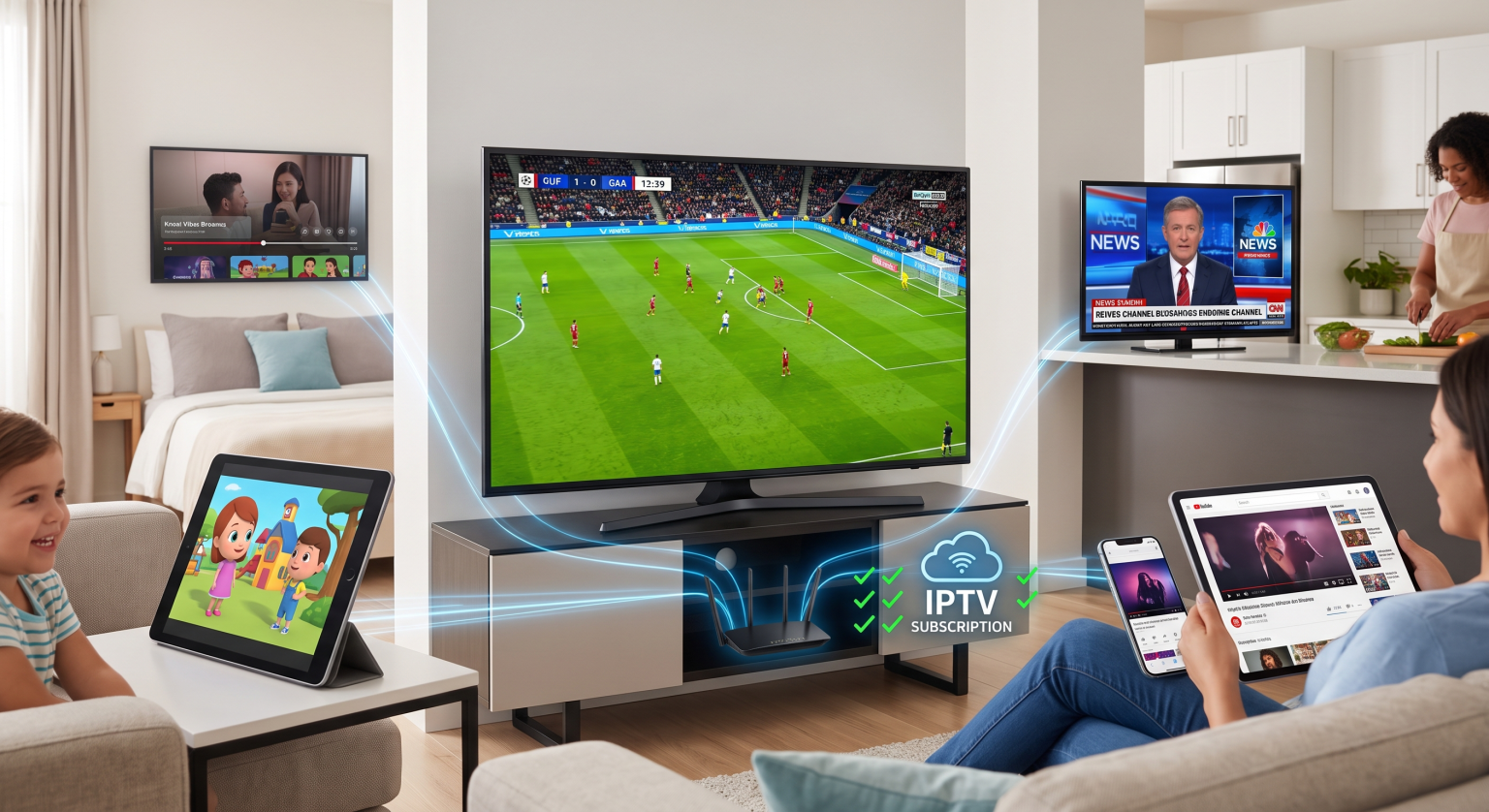
Połączenie pojedyncze a IPTV na wielu urządzeniach: jak to działa
Większość standardowych subskrypcji zaczyna się od pojedyncze aktywne połączenie (1 transmisja). Chociaż możesz skonfigurować swoją listę odtwarzania lub dane logowania na dziesięciu różnych ekranach, w danym momencie możesz aktywnie oglądać transmisje na żywo tylko na jednym ekranie.
Podczas strumieniowego przesyłania treści serwer dostawcy przypisuje token aktywnej sesji do adresu IP użytkownika i identyfikatora urządzenia. Jeśli w ramach planu z jednym połączeniem drugi ekran wysyła jednocześnie żądanie strumieniowania, na serwerze dochodzi do konfliktu.
Co się stanie, jeśli przekroczysz limity połączeń?
Natychmiast Zamrażanie: Obecny strumień może natychmiast przejść w tryb buforowania, odtwarzania w pętli lub zostać przerwany.
Błąd uwierzytelniania: Na drugim ekranie pojawi się komunikat o błędzie typu “Osiągnięto limit konta” lub “Nie udało się uzyskać autoryzacji”.”
Tymczasowe blokady adresów IP: Serwery streamingowe stosujące restrykcyjne zasady mogą automatycznie zablokować Twoje konto na okres od 1 do 24 godzin, aby zapobiec współdzieleniu danych logowania.
Strumienie równoczesne a zarejestrowane urządzenia
Istnieje istotna różnica między instalowanie aplikacja oraz transmisja strumieniowa jednocześnie:
Zarejestrowane (zainstalowane) urządzenia: Łączna liczba ekranów, na których można wprowadzić dane logowania. Większość dostawców nie nakłada żadnych ograniczeń dotyczących instalacji.
Liczba połączeń równoczesnych (współbieżnych): Dokładna liczba aktywnych strumieni wideo odtwarzanych dokładnie w tej samej sekundzie.
Jeśli wykupisz pakiet z wieloma połączeniami, wszyscy członkowie Twojej rodziny będą mogli jednocześnie oglądać transmisje sportowe na żywo, wiadomości i filmy w różnych pokojach bez ograniczeń przepustowości ani konfliktów z serwerami.
Porównanie planów abonamentowych
Wybór odpowiedniego pakietu zależy od tego, ile osób w Twoim gospodarstwie domowym ogląda telewizję w tym samym czasie.
| Funkcja / Scenariusz | 1. Plan połączeń | 2–3 Schemat połączeń | 4–5 Plan dla wielu pomieszczeń |
| Najlepsze dla | Osoby oglądające w pojedynkę, gospodarstwa domowe z jednym telewizorem | Pary, małe mieszkania | Duże rodziny, domy wielopokojowe |
| Równoczesne strumienie | po jednym ekranie na raz | Maksymalnie 3 ekrany jednocześnie | Do 5 ekranów jednocześnie |
| Elastyczność adresów IP | Tylko sieć domowa | Wymagana ta sama sieć Wi-Fi / ten sam adres IP | Ten sam adres IP / Wybierz dostęp mobilny |
| Ryzyko zamarznięcia strumienia | Wysoka, jeśli jest udostępniana | Niski poziom dla małych gospodarstw domowych | Zero w granicach możliwości urządzenia |
| Średnia różnica w kosztach | Ceny podstawowe | ~30%–50% – moduł dodatkowy | ~70%–100% – moduł dodatkowy |
Transmisja z blokadą adresu IP a transmisja z obsługą wielu adresów IP
Podczas konfiguracji IPTV na wielu urządzeniach, sprawdź, czy Twój dostawca usług stosuje Blokada IP.
Przesyłanie strumieniowe w obrębie tej samej sieci: Wiele pakietów obsługujących wiele ekranów wymaga, aby wszystkie podłączone urządzenia (telewizory Smart TV, urządzenia z systemem Android, tablety) korzystały z tej samej domowej sieci Wi-Fi i miały ten sam zewnętrzny adres IP.
Transmisja strumieniowa z wielu lokalizacji: Usługi Premium z obsługą wielu połączeń umożliwiają jednoczesne strumieniowanie treści z różnych sieci, np. na jednym ekranie w domu i na innym – na urządzeniu mobilnym z dostępem do sieci 5G – podczas podróży.
Zawsze zapoznaj się z zasadami obowiązującymi u dostawcy przed udostępnianiem danych logowania w kilku gospodarstwach domowych, aby uniknąć automatycznego uruchomienia mechanizmów zabezpieczających.
Już dziś popraw jakość swoich wrażeń wizualnych
Masz dość kłótni o pilota lub tego, że ktoś przełącza Twój ulubiony kanał? Przejście na dedykowany pakiet wieloekranowy zapewni wszystkim domownikom nieprzerwany dostęp do ich ulubionych treści.
Najczęściej zadawane pytania
Czy mogę korzystać z VPN przy oglądaniu IPTV na wielu urządzeniach?
Tak, ale jeśli Twoja subskrypcja wymaga blokady adresów IP, każde aktywne urządzenie musi łączyć się z tą samą lokalizacją serwera VPN. Korzystanie z różnych lokalizacji serwerów symuluje użycie wielu adresów IP, co może spowodować zablokowanie konta ze względów bezpieczeństwa.
Czy plany obejmujące wiele urządzeń wymagają oddzielnych danych logowania?
Zazwyczaj nie. Większość serwisów korzysta z tego samego adresu URL listy odtwarzania M3U lub loginu Xtream Codes, a ich systemy zaplecza automatycznie śledzą liczbę aktywnych strumieni jednocześnie i zarządzają nią.
Czy mogę rozszerzyć mój obecny plan, aby obsługiwał więcej ekranów?
Większość dostawców umożliwia rozszerzenie istniejącego planu o 1 do 4 dodatkowych jednoczesnych połączeń bez konieczności ponownej instalacji aplikacji lub ponownego wprowadzania nowych list odtwarzania.