
Are you tired of being locked into a single IPTV player in your region? You’re not alone. Thousands of users wonder if they can use their Xtream Codes multiple apps setup to watch their favorite streams on different devices. The good news? You absolutely can, but there is a catch.
How Using Xtream Codes Multiple Apps Works
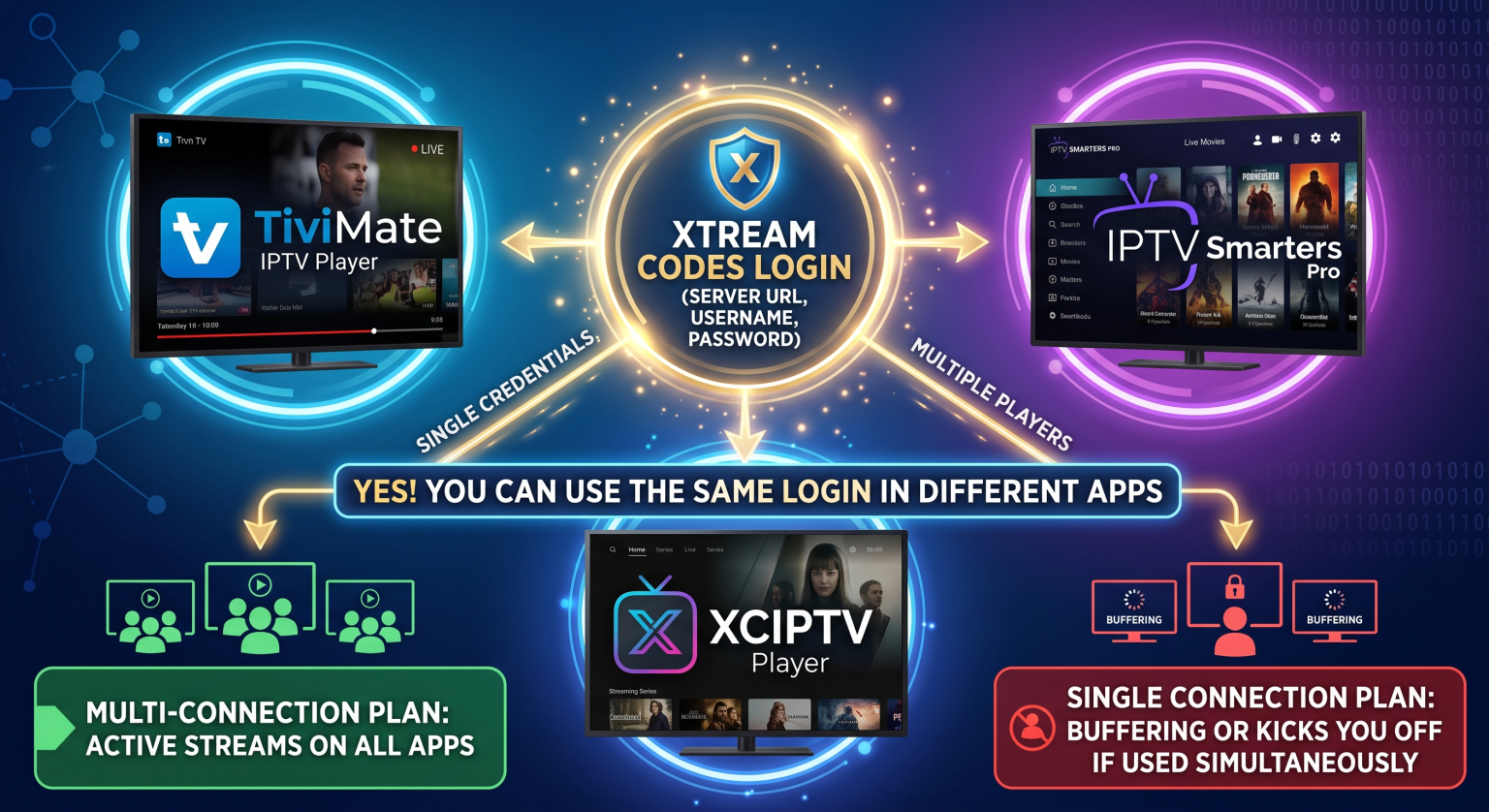
An Xtream Codes API login consists of three simple elements: a server URL, a username, and a password. Unlike standard M3U playlists, this protocol communicates directly with your provider’s server. This makes it incredibly easy to manually type your credentials into different media players.
However, using the same login across different software depends entirely on your provider’s strict rules. You can seamlessly install your details on apps like TiviMate, Smarters Pro, and XCIPTV all at once.
The Crucial Connection Limit Rule
While you can input your details into several players, streaming video simultaneously is a different story. Most local and global providers strictly enforce a “max connection” limit per account.
One Connection: You can install the credentials everywhere, but you can only actively watch on one screen at a time.
Multiple Connections: You can stream concurrently across different rooms, devices, or apps.
Top IPTV Players for Multi-Device Streaming
When setting up your IPTV service, choosing the right application matters. Some players handle API logins better than others, especially when syncing your favorites and EPG data.
Here is a quick breakdown of the most popular options for managing your streams across various platforms:
| Feature | IPTV Smarters Pro | TiviMate | GSE Smart IPTV |
| Best For | Beginners & All Devices | Advanced Android TV Users | Apple/iOS Ecosystem |
| API Integration | Native Xtream API Login | Native Xtream API Login | Requires Manual Setup |
| Multi-Screen | Yes (Built-in split screen) | Yes (Premium feature) | No native split-screen |
| UI Experience | Standard, tile-based | Premium cable-like EPG | Basic, functional UI |
Common Errors When Sharing Credentials
If you try to bypass your provider’s limits, you will inevitably run into technical issues. Using Xtream Codes multiple apps simultaneously on a single-connection plan triggers instant errors.
The server will detect the hardware conflict immediately. You might experience continuous buffering, an “invalid credentials” message, or even temporary account bans.
How to Avoid Buffering and Bans
To keep your streaming service running smoothly, follow these simple best practices:
Close apps properly: Force close the player on device A before opening the stream on device B.
Buy extra connections: Ask your provider for a dual or multi-connection plan for your household.
Never share publicly: Sharing your login with friends can lead to permanent account suspension.
Conclusion
Setting up Xtream Codes multiple apps gives you the absolute freedom to enjoy your media anywhere, as long as you respect your assigned connection limits. Ready to upgrade your streaming experience? Contact your current provider today to upgrade your subscription for uninterrupted multi-room viewing!
Watch this easy guide on using Xtream Codes with IPTV Smarters Pro
This video provides a quick and visual walkthrough on how to properly enter your login credentials into one of the most popular IPTV players.
People Also Ask (FAQ)
Can I use my Xtream Codes login on two TVs at the same time?
Yes, but only if you have purchased a multi-connection subscription from your provider. If you only have one connection, opening the app on your second TV will cause heavy buffering or kick the first TV offline.
Are M3U links better for multiple apps?
No. Both M3U links and API logins connect to the exact same server and carry the same connection limits. However, the API method is generally faster and provides a much better TV guide (EPG) layout.