
Are you tired of endlessly scrolling through your Hisense TV to find a reliable streaming app? Finding the IPTV player Hisense VIDAA users trust most can instantly transform your television into an entertainment powerhouse. Whether you’re streaming local sports in the United States or international movie releases, having the right app matters.
Hisense TVs running the VIDAA operating system are incredibly fast and intuitive. However, to unlock their full potential, you need a premium smart TV IPTV app that supports various playlist formats without buffering. Let’s explore the absolute best options available this year.
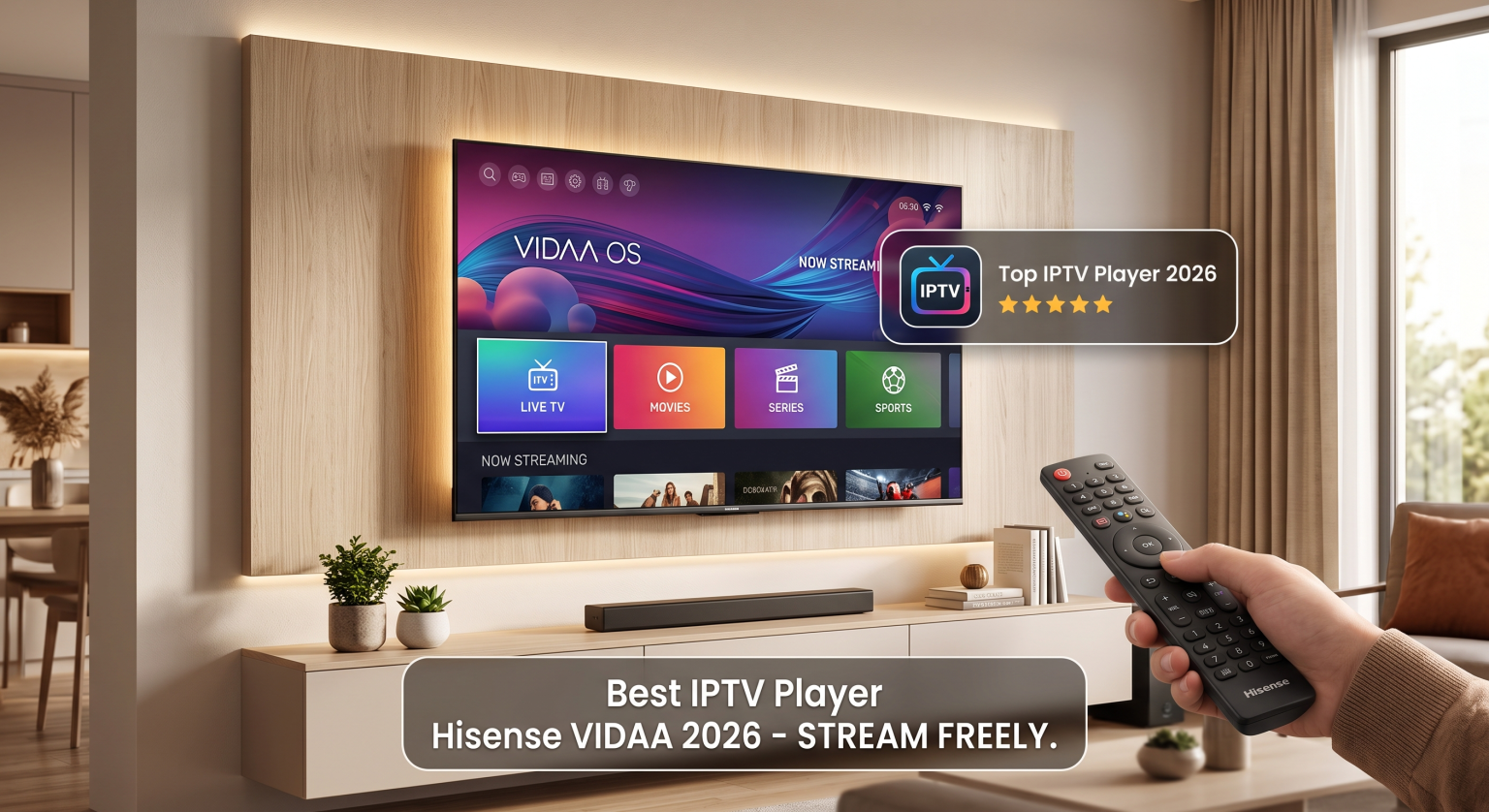
Why You Need a Dedicated IPTV Player Hisense VIDAA
Using a built-in browser or cast feature often leads to lag, crashes, and poor resolution. A native IPTV player Hisense VIDAA is specifically optimized for the platform’s lightweight OS. These dedicated apps ensure faster channel zapping times, built-in EPG (Electronic Program Guide) support, and seamless 4K playback.
For viewers in the United States, local ISP routing can sometimes affect live streams. A premium m3u playlist player often provides advanced buffer management and backup DNS options to keep your content running smoothly during peak hours.
Key Features to Look For in 2026
When browsing the VIDAA OS IPTV store, don’t settle for the first application you see. Here are the core features you need to prioritize:
-
Format Support: Full compatibility with M3U, XSPF, and Xtream Codes API.
-
User Interface: A clean, easy-to-navigate dashboard that works intuitively with your TV remote.
-
Parental Controls: PIN protection to ensure family-friendly viewing.
-
Multi-Playlist Handling: The ability to add and switch between multiple IPTV providers seamlessly.
Top 3 IPTV Apps for Hisense VIDAA TV (Comparison)
If you want to stream live TV on VIDAA without interruptions, here is how the top contenders stack up in 2026.
| Feature / App | SmartOne IPTV | HotPlayer | SSIPTV |
| Best For | Premium UI & Features | Ease of Use & Fast Zapping | Free Basic Streaming |
| Xtream Codes API | Yes | Yes | Limited |
| Cost | Paid (Offers Free Trial) | Paid (Offers Free Trial) | 100% Free |
| Favorite List & EPG | Excellent | Very Good | Basic |
Detailed Reviews: Best Players to Use in the US
1. SmartOne IPTV
SmartOne IPTV is arguably the most versatile player currently available on the VIDAA store. It supports multiple languages and offers an advanced internal player with pause, play, and time-shift catch-up features. It is a highly recommended Xtream codes player for users seeking a customizable layout and robust performance.
2. HotPlayer
HotPlayer has rapidly gained popularity in 2026 for its lightning-fast navigation and strict parental controls. It allows you to switch between channels instantly using the numbers on your remote and supports up to 3 separate playlists simultaneously. It’s a fantastic, reliable option for sports fans across the US.
3. SSIPTV
If you are strictly looking for a free solution, SSIPTV remains a legacy favorite. While the interface feels slightly dated compared to modern paid alternatives, it gets the job done for basic M3U links. Just be aware that handling very large playlists might cause occasional menu lag.
Upgrade Your US Home Entertainment Today
Choosing the right IPTV player Hisense VIDAA is the ultimate key to enjoying buffer-free live TV, movies, and series directly on your big screen. Don’t let a clunky, outdated app ruin your weekend movie nights or live sports events.
Ready to get started? Head over to your Hisense App Store today, download a free trial of SmartOne IPTV or HotPlayer, and upload your playlist to experience next-level streaming!
People Also Ask (FAQ)
How do I install an IPTV app on my Hisense VIDAA TV?
Navigate to the “Apps” or “App Store” section on your VIDAA home screen. Use the search function to look for players like “SmartOne IPTV” or “HotPlayer,” select the app, and click “Install.”
Are IPTV players legal in the United States?
Yes, downloading and using an IPTV player is completely legal. The applications themselves are just empty media players. However, it is your responsibility to ensure the media or playlists you upload are legally obtained.
Why is my IPTV player buffering on my Hisense TV?
Buffering is usually caused by internet speed fluctuations, Wi-Fi interference, or ISP throttling. Try connecting your TV directly to your router via an Ethernet cable to stabilize the connection.