
Are you tired of buffering, clunky interfaces, and outdated streaming apps? Finding the right IPTV player Windows 11 supports natively can transform your PC into a powerhouse entertainment hub. Whether you’re in the USA or streaming globally, the right software guarantees smooth live TV without the hassle.
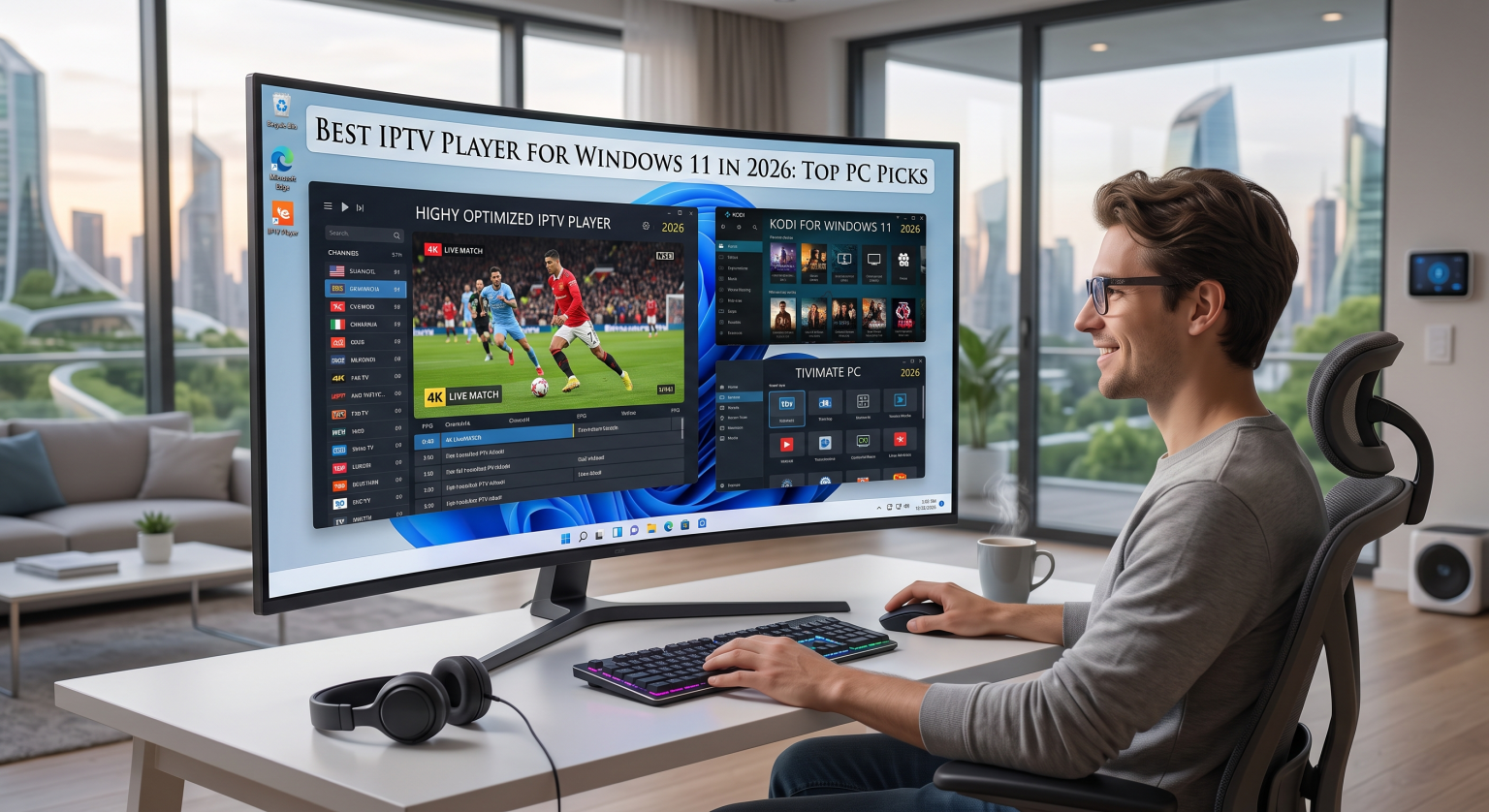
Why You Need a Dedicated IPTV Player for Windows 11 in the USA
As cable TV costs soar across the USA, thousands are turning to alternative viewing methods. A dedicated IPTV player Windows 11 software allows you to load your own media seamlessly. Instead of relying on a generic web browser, an optimized PC IPTV client gives you hardware acceleration, better decoding for live streaming protocols, and a much cleaner viewing experience.
Using a top-tier M3U playlist player means you get instant access to your favorite local and international channels without lag. You can easily organize your media, set up parental controls, and bypass the limitations of traditional television.
Top 3 Windows 11 IPTV Players: Side-by-Side Comparison
Not all media players are built the same. Here is a quick breakdown of the top contenders for 2026 to help you choose the best live TV streaming app for your desktop or laptop setup.
| Feature / Software | IPEXO IPTV Player | VLC Media Player | MyIPTV Player |
| Best For | Premium UI & XC API support | Universal media & basic M3U | Native Windows 11 integration |
| EPG Support | Yes (Built-in & Advanced) | No | Yes (Standard) |
| Playlist Formats | M3U, M3U8, XC/XUI API | M3U, Network Streams | M3U, M3U8 |
| Price | Free (Premium upgrades) | 100% Free & Open Source | Free |
Detailed Reviews of the Best Media Player Alternatives
1. IPEXO IPTV Player (Top Overall Pick)
Quickly becoming a fan favorite in 2026, IPEXO is arguably the most robust IPTV player Windows 11 users can install right now. It goes beyond basic playback by offering seamless Electronic Program Guide (EPG) integration, a beautifully modern UI, and comprehensive XC API support. If you want a setup that feels like a premium smart TV, this is your absolute best bet.
2. VLC Media Player (Best Open-Source Choice)
VLC remains the undisputed king of versatility. While it isn’t strictly dedicated to IPTV, this Windows media player alternative can handle almost any video format and streaming link you throw at it. It is perfect for users who just want a quick, no-frills way to test an M3U link without navigating complex menus.
3. MyIPTV Player (Best Free Microsoft Store App)
Available directly from the Microsoft Store, MyIPTV Player offers fantastic native compatibility with Windows 11. It excels as an M3U playlist player with channel filtering, favorites management, and basic EPG capabilities. It’s lightweight, incredibly fast, and completely free of intrusive ads.
Ready to Upgrade Your PC Streaming Experience in the USA?
The days of dealing with terrible streaming quality and disorganized channels in the USA are over. By upgrading to a high-quality IPTV player Windows 11 application, you can finally enjoy a seamless, personalized entertainment experience right on your desktop.
Take action now: Head over to the Microsoft Store to download IPEXO or MyIPTV Player today. Load up your favorite M3U playlist, configure your TV guide, and start watching your favorite shows in crystal-clear HD immediately!
People Also Ask (PAA)
Is it legal to use an IPTV player on Windows 11?
Yes, using an IPTV player is completely legal. The players themselves (like VLC or IPEXO) are simply blank media-playing software. However, you are responsible for ensuring that the M3U playlists or streaming content you load into them comply with your local copyright laws.
Do these players come with pre-loaded channels?
No. The best IPTV player Windows 11 apps are “blank canvases”. You must obtain your own M3U playlists or XC API credentials from a third-party TV provider to access live content.
Can I watch 4K content on Windows 11 IPTV players?
Absolutely. As long as your internet connection is fast enough (typically 25 Mbps or higher) and your provider offers 4K streams, modern software can easily decode and display 4K resolution on Windows 11.