
Has your favorite streaming app suddenly vanished from your screen? You are definitely not alone. In 2026, many viewers across the US have turned on their televisions only to find their go-to media player missing from the app store.
If you are frantically searching for an IPTV Smarters Pro Samsung LG workaround, you have come to the right place. We will break down exactly why this happened and show you the best replacement apps to get your setup running again.
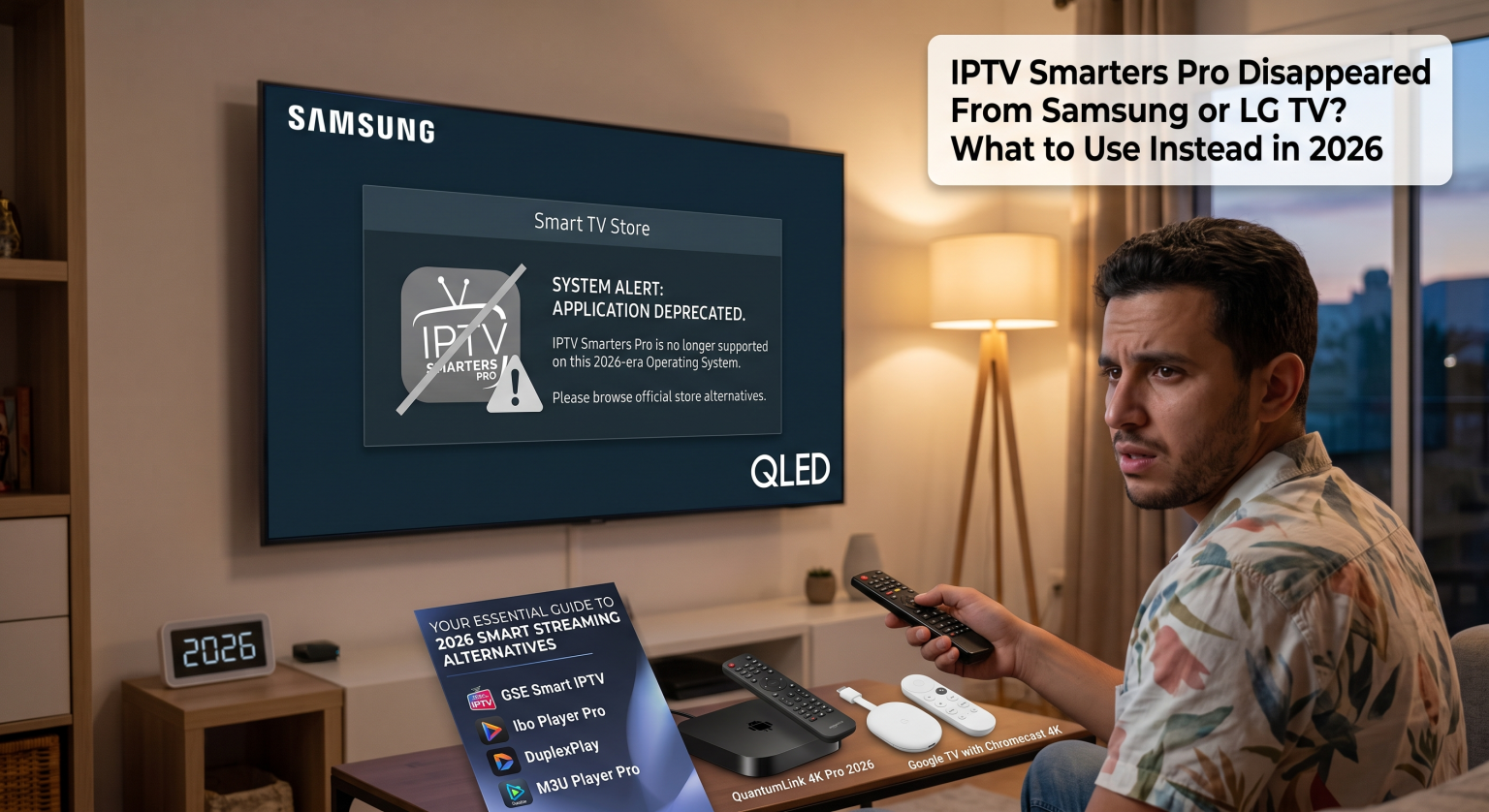
Why Did the App Disappear from Smart TVs?
Samsung’s Tizen OS and LG’s WebOS frequently update their app store policies due to strict licensing battles. Because of regional broadcasting rules in the US and beyond, third-party streaming apps are regularly pulled without warning.
This aggressive region-locking means that even if you bought a high-end 4K display, your native app ecosystem remains heavily restricted. Fortunately, there are reliable IPTV Smarters Pro Samsung LG alternatives that easily bypass these hurdles.
Best IPTV Smarters Pro Samsung LG Replacements in the US
When your primary app gets deleted, you need a fast and reliable replacement to watch your local US sports and daily news. Here are the top WebOS streaming apps and Tizen-compatible players for 2026.
1. IBO Player Pro (Best for Direct Installation)
IBO Player Pro is rapidly becoming the favorite choice for Smart TV media players. It is purpose-built for easy television remote navigation, featuring a modern, tile-based dashboard with large text.
Instead of fighting with USB drives, you can usually download it straight from your local app store. It effortlessly supports your existing M3U playlist player links and Xtream Codes API credentials.
2. Smart IPTV (The Classic Choice)
If you need a lightweight and highly stable option, Smart IPTV remains a top contender. It has been around for years and is specifically optimized to perform beautifully on older television models.
While the interface is slightly more basic, it handles massive channel lists without lagging. This makes it incredibly easy to organize your favorite networks and regional broadcasts.
3. Bypass Restrictions with TiviMate (Via External Stick)
Tired of dealing with native app store removals? The most permanent fix for US users is plugging a cheap Google TV or Amazon Firestick into your screen’s HDMI port.
This unlocks the open Android ecosystem, allowing you to install TiviMate. TiviMate offers a premium, cable-like interface with advanced DVR recording and multi-screen features you simply won’t find on standard TV operating systems.
Feature Comparison: Choosing Your Next Media Player
Not sure which route to take? Use this quick breakdown to find the perfect match for your home entertainment system.
| Feature / App | IBO Player Pro | Smart IPTV | TiviMate (Via Streaming Stick) |
| Platform Compatibility | Samsung Tizen & LG WebOS | Samsung Tizen & LG WebOS | Android TV & Amazon Fire OS |
| User Interface | Modern, Tile-Based | Minimalist & Fast | Premium Cable-Style |
| Best Feature | Smart TV Remote Navigation | Lightweight Performance | Multi-Screen & DVR Recording |
| Setup Method | Official App Store / Web Portal | Official App Store / USB | External Device Required |
How to Get Your Local US Channels Back Online
Transitioning to a new app in 2026 does not mean you have to lose your customized viewing preferences. All of the alternatives listed above function identically to your old setup by acting as empty media players.
Simply install the application, open the settings, and enter the M3U link or Xtream Codes details provided by your host. Within minutes, your complete channel guide and on-demand library will sync perfectly.
Ready to Upgrade Your Streaming Experience?
Do not let app store restrictions dictate what you can watch in your own living room. Whether you choose a native app like IBO Player Pro or upgrade your hardware for TiviMate, securing a reliable IPTV Smarters Pro Samsung LG alternative is fast and easy.
Take control of your entertainment today! Subscribe to one of the premium player options above, load up your playlist credentials, and get back to enjoying seamless, high-quality streams.
IPTV Smarters Alternatives & Fixes
This video offers a great visual breakdown of what to do when your favorite IPTV app is suddenly removed and how to quickly set up a replacement on your streaming devices.