
Did you know the seemingly harmless games on your television could be silently hijacking your home internet? Smart TV app security has become a massive concern for US households in 2026. What was once just a screen for streaming is now a complex, internet-connected hub vulnerable to hidden cyber threats.
If you own a Samsung or LG television, you need to understand exactly what is happening behind the screen. Let’s explore the latest vulnerabilities, how they impact your local network, and the critical steps you must take to secure your digital home.
The Hidden Threat in Your Living Room
When we think of cybersecurity, we usually worry about our smartphones or laptops. However, smart TV app security is often ignored by consumers, creating a massive blind spot for hackers to exploit.
Recent cybersecurity investigations in 2026 have exposed severe connected TV threats. Millions of users have unknowingly downloaded applications that secretly harbor malicious software. These aren’t just obscure, untrusted tools; even highly-rated, “Editor’s Choice” family games have been implicated in these massive privacy breaches.
Understanding Smart TV App Security in 2026
The landscape of television cybersecurity shifted dramatically this year. Let’s break down the two primary risks you face when installing new software on your display.
The Residential Proxy Botnet Crisis
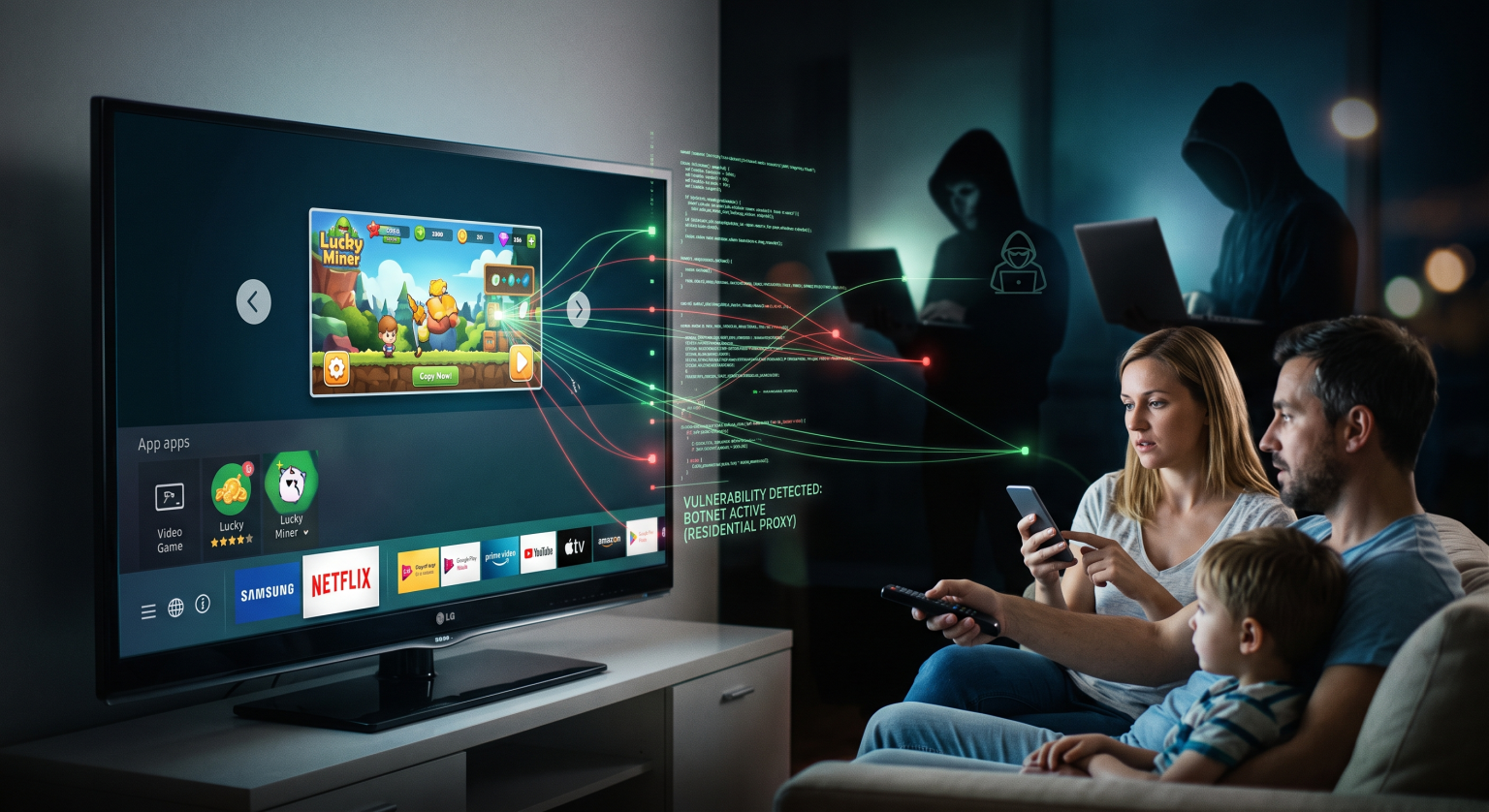
In mid-2026, security researchers revealed that popular apps on both LG and Samsung stores contained “residential proxy” SDKs (Software Development Kits). In simple terms, these hidden codes turn your television into a traffic node for third parties.
When infected, your TV allows unknown actors to route their internet traffic through your US home Wi-Fi. This IoT vulnerability essentially drafts your device into a global botnet, draining your bandwidth and masking the activities of data brokers or cybercriminals.
ACR Data Tracking and Privacy Concerns
Beyond botnets, native tracking features pose a significant smart TV app security risk. Automatic Content Recognition (ACR) technology constantly monitors what you watch, playing the role of an invisible spy.
Brands use ACR to build detailed digital fingerprints of your household habits. Unless you manually dig into your settings to disable these features, your personal data is constantly being harvested and transmitted to advertisers.
LG webOS vs. Samsung Tizen: A Security Comparison
How do the top two brands compare when it comes to safeguarding your home network protection? Both have faced severe backlash this year, but the scale of their vulnerabilities differs.
| Feature / Threat Area | Samsung (Tizen OS) | LG (webOS) |
| Proxy Malware Infection Rate | Found in approx. 26.5% of apps | Found in over 42.5% of apps |
| Common Vulnerable Apps | Popular games (e.g., Pac-Man) | Various third-party webOS tools |
| 2026 Company Response | Banning proxy SDKs & removing apps | Suspending apps & warning developers |
As the table shows, both platforms struggle with smart TV app security, but LG’s webOS saw a significantly higher percentage of compromised applications. Fortunately, both companies have recently pledged to purge these malicious botnet applications from their storefronts.
How to Protect Your Home Network Today
You don’t have to unplug your television to stay safe. By taking a proactive approach, you can eliminate most Tizen OS malware and webOS privacy risks.
Follow these simple steps to lock down your device:
Audit Your Apps: Delete any unused or suspicious applications, especially free games that heavily feature ads.
Disable ACR: Navigate to your TV’s privacy settings and turn off Automatic Content Recognition (ACR) and targeted advertising.
Update Your Firmware: Always install the latest system updates, as these often contain critical patches for known IoT vulnerabilities.
Read the Fine Print: Never blindly click “Accept” on new app pop-ups, as some explicitly ask to share your IP address for an “ad-free” experience.
Conclusion & Next Steps
Whether you’re in a bustling US city or managing a quiet suburban smart home, securing your digital footprint is no longer optional. The 2026 revelations surrounding botnets and proxy malware prove that your television is a prime target for cybercriminals. Don’t let convenience compromise your safety.
Are you ready to take full control of your digital privacy?
Frequently Asked Questions (PAA)
Can a smart TV get a virus from an app?
Yes. While traditional computer viruses are rare, your television can be infected with malware or residential proxy software through malicious apps. These programs run silently in the background, compromising your smart TV app security and internet bandwidth.
How do I know if my smart TV is hacked?
Signs of a compromised television include sluggish performance, unexpected pop-up ads, unprompted changes to your settings, and unexplained spikes in your home internet data usage.
Is it safe to connect my TV to my home Wi-Fi?
Connecting your TV is generally safe if you take precautions. To ensure maximum smart TV app security, keep your software updated, avoid shady third-party apps, and disable invasive data-tracking features in the main settings menu.