
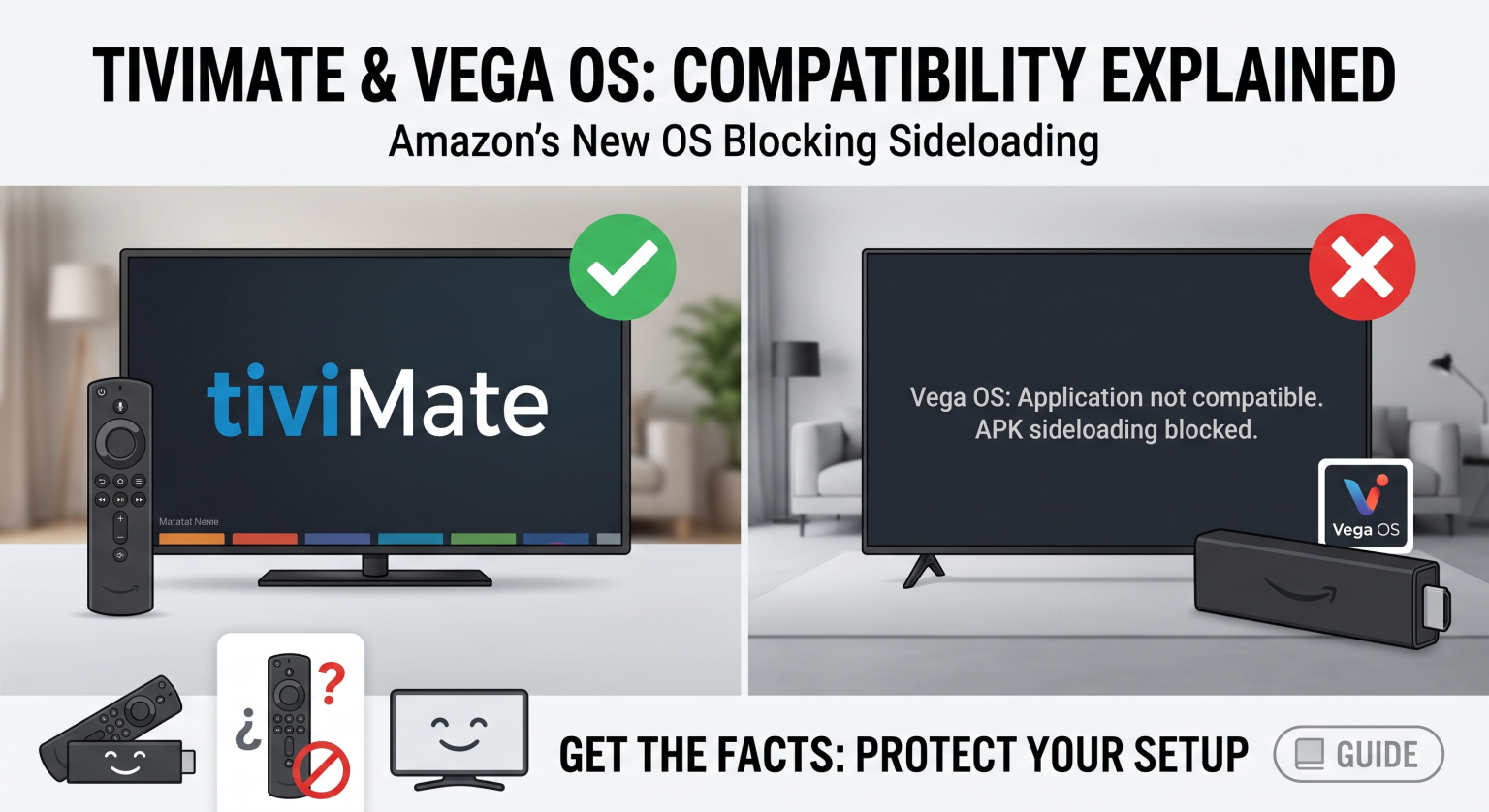
If you recently bought a new Amazon Fire TV device in the United States, you might be asking: Can I still install my favorite IPTV player? The short answer is no. Because Amazon’s latest update shifts away from Android, running TiviMate on Vega OS is currently not possible without switching your hardware strategy.
Let’s dive into why this change happened, how it impacts your streaming setup, and what you can do to keep your favorite media player running smoothly.
What is Amazon's New Operating System?
For years, Amazon used Fire OS, an operating system built on the open-source Android framework. This allowed users to easily “sideload” third-party Android applications using tools like the Downloader app. However, the new Vega OS is a proprietary, Linux-based platform built entirely from scratch by Amazon.
Since this new platform does not use Android code, it natively rejects standard APK files. The transition aims to improve device performance on budget hardware, but it severely limits software flexibility for advanced users.
The Problem with TiviMate Vega OS Compatibility
TiviMate is exclusively built for Android TV and Google TV environments. Because the developer has packaged the software strictly as an APK file, TiviMate on Vega OS simply cannot be installed or executed natively.
Amazon’s official stance is that dropping APK compatibility enhances system security and helps curb digital piracy. As a result, the beloved “Install Unknown Apps” developer option has been completely removed from devices running the new firmware.
No Sideloading: All applications must be downloaded directly from the official Amazon Appstore.
No APK Support: Android installation files will not run on the Linux-based architecture.
Strict Ecosystem: Amazon now maintains full control over which media players and streaming apps are permitted on their network.
Fire OS vs. Vega OS: What’s the Difference?
To understand how this OS shift impacts your home theater setup, here is a quick breakdown of Amazon’s legacy system versus their new direction.
| Feature | Legacy Fire OS | New Vega OS |
| Core Foundation | Android Open Source Project (AOSP) | Proprietary Linux-based System |
| Sideloading | Fully supported via Developer Options | Completely blocked for enhanced security |
| TiviMate Compatibility | 100% Compatible (APK installs seamlessly) | Incompatible (APK files will not execute) |
| Device Examples | Fire TV Stick 4K Max, Fire TV Cube | Fire TV Stick 4K Select, Fire TV Stick HD |
Will We See a TiviMate Vega OS App in the Future?
Right now, the developer behind TiviMate has not announced any plans to rewrite the application for a Linux-based ecosystem. Porting an app from Android to a completely new proprietary system is incredibly time-consuming and expensive for independent developers.
Furthermore, Amazon’s strict Appstore guidelines make it difficult for advanced IPTV players to gain official approval. Until Amazon opens up its developer ecosystem, a native version of TiviMate on Vega OS remains highly unlikely.
How to Keep Using TiviMate in the US Market
If you live in the United States and rely on TiviMate for your daily entertainment, you still have excellent options. You simply need to pivot your hardware strategy away from Amazon’s newest dongles.
Keep Older Fire TV Devices: Do not upgrade to the Fire TV Stick 4K Select or HD models. Older models running Fire OS will continue to support your existing apps.
Switch to Google TV: Devices like the Chromecast with Google TV or the Onn 4K Pro Streaming Box still fully support Android APK sideloading.
Invest in Premium Android Boxes: The NVIDIA Shield TV remains the gold standard for running robust media players without platform restrictions.
Ready to Upgrade Your Streaming Setup?
Don’t let hardware restrictions ruin your viewing experience. If you are frustrated by the lack of TiviMate Vega OS support, it’s time to switch to a true open-source device.
[Click here to explore the top-rated Google TV and Android streaming boxes of 2026] and take back control of your home entertainment today!
People Also Ask (FAQ)
Can I use the Downloader app on Vega OS?
While a version of the Downloader app may exist in the official store for web browsing, it can no longer be used to install APK files on Linux-based Amazon devices.
Is there a TiviMate alternative for Amazon's new OS?
Currently, options are heavily limited. You will have to rely on basic media players officially approved and listed within the Amazon Appstore, which often lack the advanced Electronic Program Guide (EPG) and recording features of TiviMate.
Will my current Fire TV Stick automatically update to Vega?
No. Amazon cannot magically convert an Android-based Fire Stick to a Linux-based system via a software patch. The new OS is currently restricted to newer hardware releases out of the box.