
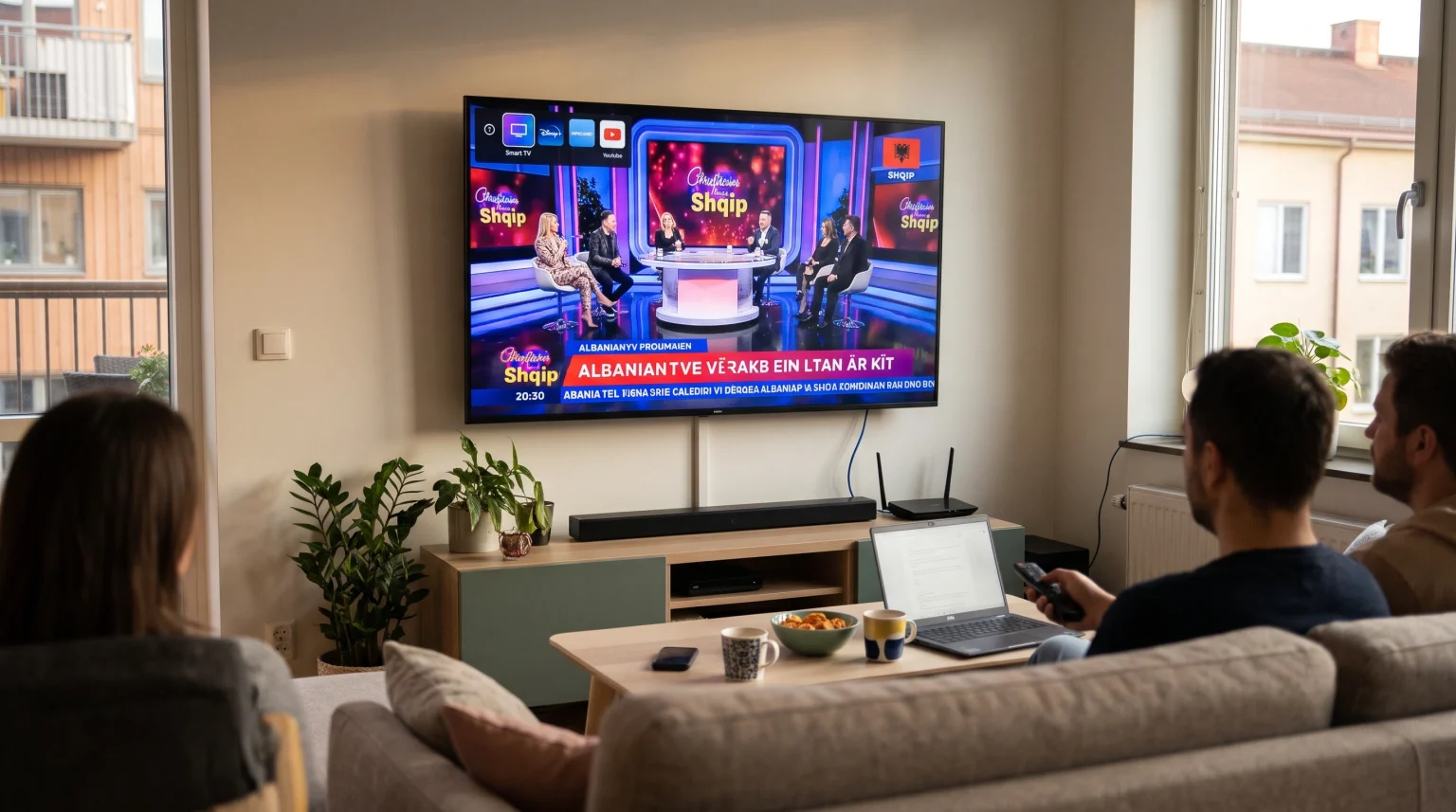
Watching Albanian television in Sweden is a daily priority for many Albanian-speaking households. Traditional satellite dishes are often restricted in Swedish apartment buildings. Because of these restrictions, most viewers in Sweden now use a Smart TV and a broadband internet connection to watch Albanian news, entertainment, and live sports.
Setting up Albanian TV Sweden on a Smart TV depends on two main factors. The first factor is the streaming method you choose, such as an official diaspora streaming app or an Internet Protocol Television (IPTV) player. The second factor is your television operating system. Samsung Tizen, LG webOS, and Google TV handle streaming apps in different ways. This guide explains how each option works in 2026 so you can choose a reliable setup for your home.
Respuesta rápida
To watch Albanian TV in Sweden on a Smart TV, you can install either a dedicated Albanian streaming app or a compatible IPTV player from your television’s app store. Dedicated Over-the-Top (OTT) platforms are suitable for viewers who want a simple, ready-made app with built-in Albanian channels. IPTV players are suitable for viewers who already use an IPTV service such as TV Shadow IPTV and want to manage playlists using M3U or Xtream Codes. Google TV offers the widest selection of streaming apps, while Samsung Tizen and LG webOS work well with supported built-in players.
Ways to Watch Albanian TV in Sweden
Viewers in Sweden generally choose between two main methods to watch Albanian channels on a Smart TV. Both methods require a stable internet connection, and both work without a satellite dish.
Dedicated Albanian Diaspora Streaming Platforms
Several licensed platforms offer Albanian television packages specifically for viewers living in Europe. Services such as NimiTV provide access to Albanian broadcasters, including channels from DigitAlb, Tring, ArtMotion, and Kujtesa, through a single subscription. These platforms also offer Video on Demand (VOD) libraries and catch-up television features.
Dedicated diaspora apps are available on many Samsung Smart TVs, LG Smart TVs, and Android TV or Google TV devices. However, app availability always depends on your country settings, television model, model year, and operating-system version.
IPTV Player Applications
The second method is to install a standalone IPTV media player on your Smart TV. An IPTV player is an empty software application that does not include television channels by itself. Instead, you connect your own IPTV playlist or service credentials to the player.
Many viewers in Sweden prefer IPTV players because one application can organize live television, movies, and series in a single interface. This approach is also useful if you watch both Albanian channels and Swedish or international channels on the same television.
Smart TV Operating Systems Compared for Albanian TV
Your Smart TV operating system determines which apps you can download and how easy the setup process will be. In Sweden, the three most common Smart TV platforms are Samsung Tizen, LG webOS, and Google TV (used by Sony BRAVIA, TCL, Philips, and other brands).
If you are comparing television operating systems before buying a new screen, our guide to El mejor sistema operativo para Smart TV para IPTV en 2026: Tizen, Google TV y webOS explains the technical differences in detail.
Samsung Tizen
Samsung Smart TVs use the Tizen operating system. Tizen has its own app store, called the Samsung Smart Hub or Samsung Apps. Samsung Tizen does not support Android applications from the Google Play Store.
For Albanian TV Sweden, Samsung Tizen supports several well-known IPTV players, such as IBO Player Pro and Smart IPTV, as well as certain dedicated diaspora apps. However, app availability on Samsung Tizen depends on the television model year, the Tizen version, and Samsung’s regional app-store policy in Sweden. Older Samsung models may have fewer compatible apps than newer models.
LG webOS
LG Smart TVs use the webOS operating system and the LG Content Store. Like Samsung Tizen, LG webOS does not support native Android apps from Google Play.
LG webOS offers a strong selection of native IPTV players, including IBO Player Pro, Smart IPTV, and SS IPTV. Many LG televisions also include the LG Magic Remote, which allows you to point and click on channel lists and menus. As with Samsung, app availability on LG webOS depends on the webOS version, television model, and regional store rules.
Google TV y Android TV
Televisions from brands such as Sony BRAVIA and TCL commonly run Google TV or Android TV. These televisions use the Google Play Store.
Google TV provides access to a wider variety of IPTV players than Tizen or webOS. Popular Android-based IPTV players, such as TiviMate, XCIPTV, and Televizo, are designed specifically for Android TV and Google TV. Google TV may be more suitable for users who want more flexibility in choosing an IPTV player. Samsung Tizen and LG webOS may be suitable for users who prefer their built-in television interfaces and already have a compatible app in their native store.
Comparison Table: Smart TV Platforms for Albanian TV
| Característica | Samsung Tizen | LG webOS | Google TV / Android TV |
| Sistema operativo | Tizen | webOS | Google TV / Android TV |
| Tienda de aplicaciones | Samsung Apps | LG Content Store | Google Play Store |
| Native Android app support | No es compatible de forma nativa con Google Play | No es compatible de forma nativa con Google Play | Full Google TV app ecosystem |
| Common IPTV players | IBO Player Pro, Smart IPTV | IBO Player Pro, Smart IPTV, SS IPTV | TiviMate, XCIPTV, Televizo |
| Remote-control navigation | Standard directional remote | Standard or Magic Remote pointer | Standard directional remote |
| App availability | Depends on model, year, and country | Depends on model, year, and country | Depends on app policy and country |
IPTV Compatibility and Setup on Smart TVs
If you use an IPTV service such as TV Shadow IPTV, understanding how IPTV players work on Smart TVs helps prevent setup problems. TV Shadow IPTV is an independent service and has no official relationship with Samsung, Sony, LG, Google, or any other television manufacturer.
Not every IPTV app works on every Smart TV. Before you subscribe to any service or purchase a paid player license, verify that a compatible IPTV player is available in your Smart TV app store in Sweden.
M3U and Xtream Codes Compatibility
Most IPTV players connect to your channel list in one of two ways:
M3U Playlist: An M3U link is a Uniform Resource Locator (URL) that contains your channel list. On Samsung Tizen and LG webOS, many players require you to upload this M3U link through the app developer’s website using your television’s Media Access Control (MAC) address.
API de Xtream Codes: Xtream Codes uses a server URL, a username, and a password. This login method is often easier to type with a television remote control and usually loads channel categories and VOD libraries efficiently.
Electronic Program Guide (EPG) Support
An Electronic Program Guide (EPG) displays current and upcoming television programs. Good EPG support makes it much easier to browse Albanian news, talk shows, and movies.
On some older Smart TVs with limited memory, very large playlists can cause the EPG to load slowly or fail to appear. If your television struggles with a large channel list, you can ask your provider to hide channel groups that you do not watch. Reducing the playlist size often improves EPG loading speed and overall app stability.
Remote-Control Usability and External Devices
Navigating hundreds of Albanian and international channels requires a responsive remote control. Make sure your chosen IPTV player allows you to create a favorites list, switch channels quickly, and search for movies easily.
If your Smart TV is older or does not have a good IPTV player in its app store, you do not need to buy a new television. You can connect an external streaming device, such as a Google TV streaming box or an Apple TV, to your television’s High-Definition Multimedia Interface (HDMI) port.
For a deeper look at how different television systems handle IPTV apps, read our comparison of Tizen frente a Google TV para aplicaciones de IPTV: ¿en qué se diferencian?.
Watching Live Albanian Football and Sports in Sweden
Many Albanian viewers in Sweden use their Smart TVs to watch live football, including the Albanian national team, regional leagues, and European competitions. Live sports are more demanding on a Smart TV than news or talk shows because the camera moves rapidly across the pitch.
Manejo del movimiento y frecuencia de actualización
A television’s refresh rate measures how many times per second the screen updates the image. Most standard Smart TVs use a 60Hz panel, while mid-range and higher-end televisions often use a 120Hz panel.
When watching live football, good motion processing helps keep the ball and players clear during fast passes. If you notice motion blur or stutter during a match, check your television’s picture settings. Turning off excessive motion smoothing or selecting a dedicated Sports or Cinema picture mode can often make movement look more natural.
To learn more about how panel speed affects sports broadcasts, see our guide on Televisores de 60 Hz frente a 120 Hz para ver el fútbol en directo.
Picture Quality and 4K Upscaling
Many live television streams are broadcast in Standard Definition (SD) or High Definition (HD) rather than native 4K resolution. When you watch an HD Albanian channel on a modern 4K Smart TV, the television uses a process called upscaling to fill the screen.
Strong upscaling improves sharpness and reduces visual noise. However, if the original video stream has a low bitrate, even an expensive 4K television cannot add missing detail. If live channels look soft on your screen, our article on ¿Por qué se ve borrosa la IPTV en un televisor 4K nuevo? explains how signal quality and television settings affect sharpness.
Wi-Fi vs. Ethernet for Streaming Stability
Sweden has fast fiber broadband in most cities, but a weak home Wi-Fi signal can still cause buffering during live football matches. Thick walls, distance from the router, and interference from neighboring apartments can reduce Wi-Fi stability.
Whenever possible, connect your Smart TV directly to your router using an Ethernet cable. A wired Ethernet connection provides a more consistent data transfer rate than Wi-Fi, which reduces freezing and buffering during peak evening viewing hours.
How to Set Up Albanian TV on Your Smart TV
Follow these general steps to start watching Albanian TV in Sweden on a Smart TV:
Check your internet connection: Connect your Smart TV to your router using an Ethernet cable or a strong 5 GHz Wi-Fi network.
Open your Smart TV app store: Go to Samsung Apps on a Samsung TV, the LG Content Store on an LG TV, or the Google Play Store on a Google TV.
Install your chosen app: Search for either your licensed Albanian diaspora app or a compatible IPTV player.
Enter your login details: Sign in with your diaspora account, or add your M3U playlist or Xtream Codes credentials to your IPTV player.
Organiza tus canales: Create a favorites list for your most-watched Albanian news, entertainment, and sports channels so you can find them quickly.
Test playback: Open several live channels to verify that the audio, video, and EPG load smoothly.
Conclusión
Watching Albanian TV in Sweden on a Smart TV is straightforward once you match your streaming method to your television’s operating system. Dedicated diaspora apps offer a simple setup for viewers who want an all-in-one Albanian platform. IPTV players offer greater flexibility for viewers who use services such as TV Shadow IPTV and want to manage custom channel lists and EPG data.
Samsung Tizen and LG webOS work reliably with supported native apps, while Google TV provides broader access to Android-based IPTV players. Whichever television you use, connecting via Ethernet and keeping your playlist organized will give you the most reliable viewing experience for daily news, entertainment, and live sports.
Preguntas frecuentes (FAQ)
Can I watch Albanian TV in Sweden without a satellite dish?
Yes, you can watch Albanian TV in Sweden without a satellite dish. You only need a broadband internet connection and a Smart TV with a compatible streaming app or IPTV player.
Which Smart TV brand is best for Albanian TV in Sweden?
No single Smart TV brand is best for every user. Google TV televisions (such as Sony BRAVIA and TCL) offer the largest selection of IPTV player apps through the Google Play Store. Samsung Tizen and LG webOS televisions are also good options if your preferred streaming app or IPTV player is available in their native app stores.
Do IPTV players on Samsung and LG Smart TVs include Albanian channels?
No, IPTV players available in the Samsung and LG app stores are empty media players. They do not include any television channels or subscriptions. You must connect your own playlist or service credentials to watch channels.