
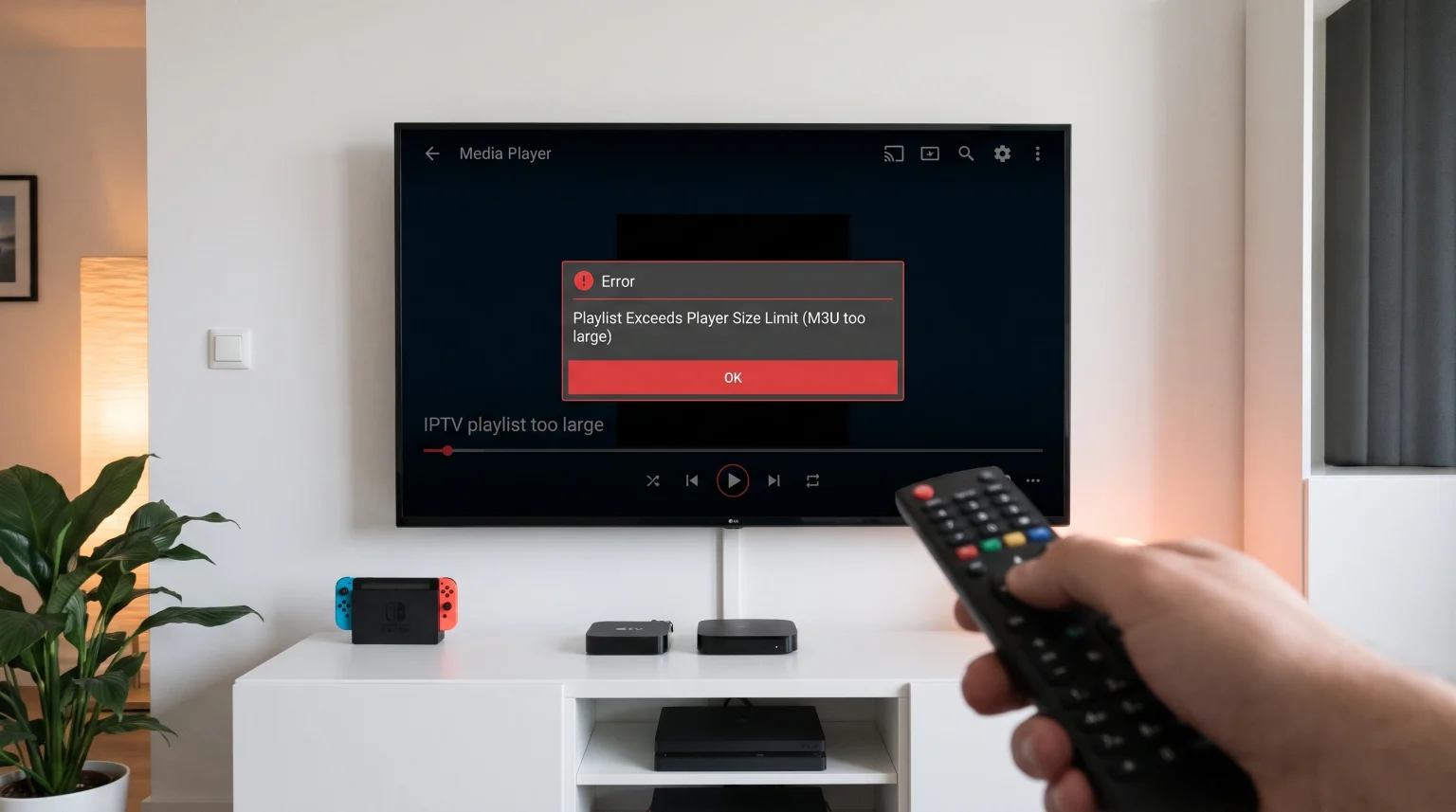
Many users experience a specific error when they add a new IPTV subscription to their television application. The screen displays a message indicating that the IPTV playlist too large. This error prevents the channels from loading.
This happens because the M3U file contains too much data for the device. A modern IPTV subscription often includes tens of thousands of live channels, movies, and television series. This creates a very large text file. When a Smart TV or a streaming device tries to read this massive text file, the system memory reaches its maximum capacity.
This article explains why this size limit exists. It also provides clear solutions to help you load your channels successfully and improve your streaming experience.
Respuesta rápida
Your IPTV playlist is too large because the M3U file contains tens of thousands of live channels and video-on-demand (VOD) files. Smart televisions and basic streaming devices have limited system memory (RAM). When an IPTV application tries to load a massive M3U text file into this limited memory, the application crashes, freezes, or stops the download.
To fix this problem, you should use the Xtream Codes API login method instead of an M3U link. Alternatively, you can ask your IPTV provider to remove unnecessary countries and VOD content from your subscription to reduce the file size.
What Is an M3U Playlist?
An M3U playlist is a simple text file. This file contains a list of media links. In the context of IPTV, the M3U file tells the media player exactly where to find the video streams on the internet.
Every single television channel requires at least two lines of text in the M3U file. The first line contains the channel name and category. The second line contains the direct web address (URL) of the video stream.
If you download an M3U file to your computer and open the file with a basic text editor, you will see thousands of lines of text. The media player application must read every single line to build the channel list on your screen.
Why Do M3U Playlists Become Too Large?
Ten years ago, M3U playlists were very small. Today, many users see the “IPTV playlist too large” error because modern subscriptions contain a massive amount of content.
The file size increases for three main reasons:
1. Global Live Channels
Modern providers offer channels from many different countries. A single subscription might include 15,000 live television channels. Each channel adds more text to the M3U file.
2. Video on Demand (VOD)
The biggest cause of large playlists is Video on Demand. This includes movies and television series. If a provider includes 50,000 movies and 10,000 television series episodes, the M3U file must contain a specific web link for every single video. VOD content can make an M3U file ten times larger than a file containing only live channels.
3. Catch-Up TV Data
Some subscriptions offer a “Catch-Up” feature. This feature allows you to watch programs from the past few days. To make this feature work, the M3U file must include additional code tags for the past programs. This extra code increases the total file size.
Smart TV Hardware and Memory Limits
To understand why the application crashes, you must understand how television hardware works.
When you start an application, the device uses Random Access Memory (RAM). A standard desktop computer usually has 8GB or 16GB of RAM. However, a standard Smart TV has much less memory. Many popular televisions only have 1GB or 2GB of RAM.
When you use an M3U link, the application tries to download the entire text file into the television’s RAM. If the M3U file is 50 megabytes, the television must process millions of lines of text simultaneously. The television processor cannot handle this amount of data. The RAM becomes completely full. When the RAM is full, the television operating system forces the application to close.
This hardware limitation is very common on standard television operating systems. If you want to learn more about television software performance, El mejor sistema operativo para Smart TV para IPTV en 2026 explains the hardware differences between Samsung, Sony, and LG televisions.
M3U Link vs. Xtream Codes API
The best way to solve the size limit error is to change how the application connects to the server. Most modern IPTV applications offer two connection methods: M3U Link and Xtream Codes API.
The table below explains the technical differences between the two connection methods.
| Característica | Enlace M3U | API de Xtream Codes |
| Data Download Method | Downloads the entire playlist file at once. | Downloads categories first, then loads video links only when requested. |
| RAM Usage | Very high memory usage. | Low memory usage. |
| Login Details | Requires one very long web address (URL). | Requires a Server URL, a Username, and a Password. |
| Risk of Size Error | High risk for large subscriptions. | Very low risk. |
| VOD Handling | Loads all VOD text data into memory immediately. | Organizes VOD into separate menus without loading all data. |
Because of these differences, TV Shadow IPTV always recommends using the Xtream Codes API method when your media player application supports it.
How to Fix the "IPTV Playlist Too Large" Error
If you currently have a playlist that is too large, you can use several methods to fix the problem.
1. Switch to the Xtream Codes API
As shown in the comparison table, Xtream Codes API is the most efficient solution. Open your media player application. Look for a button that says “Add User”, “Login with Xtream Codes”, or “XC API”. Enter your Server URL, Username, and Password. The application will organize the data automatically without exceeding the memory limit.
2. Request a Reduced Playlist
If your application only accepts M3U links, contact your IPTV provider. Ask the provider to remove the content you do not watch. For example, you can ask the provider to remove Video on Demand (VOD) completely. You can also ask the provider to remove channels from countries you do not speak the language of. Removing this content will reduce the M3U file size significantly.
3. Use an M3U Editor
If you cannot contact your provider, you can use an M3U editor website. These websites allow you to upload your large M3U link. You can then manually select and delete the categories you do not want. The website will generate a new, smaller M3U link for you to use in your application.
4. Upgrade Your Streaming Hardware
If you want to keep all the content but your television cannot load the file, you should buy an external streaming device. Devices like the NVIDIA Shield TV or the Apple TV 4K have powerful processors and more RAM than a standard Smart TV. These devices can handle very large M3U files easily.
If you are using a Samsung television and experiencing memory errors, you can read more about its specific limitations in our article asking, ¿Es Samsung Tizen una buena opción para la IPTV en 2026?.
Live Football and Electronic Program Guides (EPG)
The playlist size limit also affects your ability to watch live football and other sports.
When you want to watch live football, you usually want to see a television schedule. In the IPTV system, the television schedule is called an Electronic Program Guide (EPG). The EPG is a second file that connects to your M3U playlist.
If your M3U playlist contains 15,000 channels, the application will try to download the EPG schedule data for all 15,000 channels. This requires a massive amount of processing power. If the playlist is too large, the EPG will fail to load, or the television will freeze just before the football match begins.
A smaller, organized playlist ensures that the EPG updates quickly. This allows you to find the correct sports channel without delay. Furthermore, a television that is struggling to process a massive text file may experience reduced streaming stability. If your sports stream is dropping frames or looking unclear, processor overload from a massive playlist could be the cause. You can learn more about visual performance in our guide explaining ¿Por qué se ve borrosa la IPTV en un televisor 4K nuevo?.
IPTV Compatibility and Player Limitations
It is important to understand that not all applications handle large files in the same way.
Some older applications have a strict, programmed limit. For example, some classic applications will automatically reject any M3U file that is larger than 15 megabytes. The application will simply display an error message and refuse to process the file, regardless of the television’s hardware power.
Modern applications are designed differently. Applications such as Tivimate or IPTV Smarters Pro are optimized to handle larger amounts of data. However, even the best application cannot overcome the physical RAM limit of a basic television.
En TV Shadow IPTV, we provide flexible connection options. Our system supports both M3U formats and Xtream Codes API. This ensures that you can connect successfully, regardless of which application or television brand you choose to use.
Conclusión
The “IPTV playlist too large” error is a common problem caused by hardware limitations. Modern IPTV subscriptions contain thousands of channels and movies. When an application attempts to load this massive M3U text file, standard televisions simply do not have enough system memory to process the information.
You can fix this error quickly by changing your connection method. Using the Xtream Codes API instead of a direct M3U link prevents the application from downloading the entire file at once. If you must use an M3U link, removing unnecessary countries and Video on Demand (VOD) content will reduce the file size and stop the application from crashing. By optimizing your playlist size, you guarantee a faster interface and a more stable viewing experience.
Preguntas frecuentes (FAQ)
What is the maximum size for an M3U playlist?
There is no universal maximum size for an M3U file. The maximum size depends entirely on the application you use and the memory (RAM) inside your television or streaming device. A basic Smart TV might fail at 20 megabytes, while a powerful Android TV box might easily process a 100-megabyte file.
Why does my Smart TV app crash when loading channels?
The application crashes because the television runs out of Random Access Memory (RAM). An M3U file with thousands of movies and channels requires too much memory to process at one time. When the memory is completely full, the television operating system shuts down the application to protect the device.
Is Xtream Codes API better than M3U for large playlists?
Yes, Xtream Codes API is much better for large playlists. The API method does not download a massive text file. Instead, the API method downloads the category folders first. It only downloads the video links when you click on a specific category. This uses very little memory.