
Scheduled recordings often fail when Daylight Saving Time (DST) ends. Clocks move backward by one hour in many countries. This time change creates a direct conflict between your local television time and the broadcaster time. Electronic Program Guide (EPG) data relies on accurate time zones to schedule events correctly.
When the time changes, the EPG may show incorrect start times for television programs. The IPTV application will follow the EPG data exactly as it is written. If the EPG data is one hour late, the recording will start one hour late. This problem affects many different Smart TV platforms, digital media players, and recording applications. Users must understand how time synchronization works to prevent missed recordings during the DST transition period.
Respuesta rápida
Scheduled recordings fail during Daylight Saving Time changes because of time synchronization errors. Your IPTV player, the IPTV server, and the EPG data source must use the exact same time standard. When clocks change, a local Smart TV may update its time automatically. However, the EPG XML data may remain on the old time schedule. This exact mismatch causes the recording application to start or stop one hour early or one hour late. You can fix this issue by adjusting the EPG time offset in your IPTV player settings.
How Time Zones Affect IPTV EPG Data
IPTV services use an Electronic Program Guide to display television schedules. The EPG is usually an XML file. This XML file contains the start time and end time for every television program.
Broadcasters usually schedule television programs using Coordinated Universal Time (UTC). UTC does not observe Daylight Saving Time. Your local IPTV player application must convert the UTC time into your local time zone. When Daylight Saving Time ends, the local time zone offset changes. For example, Central European Summer Time (UTC+2) changes to Central European Time (UTC+1).
If the Smart TV operating system updates the local time, but the IPTV application fails to register the new time offset, the EPG will display the wrong time. If you use different television platforms, you can read our guide comparing the El mejor sistema operativo para Smart TV para IPTV en 2026] to understand how different platforms manage time synchronization.
Common Reasons for IPTV Recording Daylight Saving Time Failures
Several different factors can cause an [IPTV recording daylight saving time] failure. You must identify the correct cause to fix the problem.
Device Time and Server Time Mismatch
Your Smart TV or Android TV box has an internal system clock. The IPTV provider also uses a server clock. If your local device clock changes automatically, but the server clock does not change, the scheduled recording will fail.
Cached EPG Data
Many IPTV players download the EPG data and store this data locally to improve performance. This stored data is called a cache. If the IPTV application downloaded the EPG cache before Daylight Saving Time ended, the cache contains the old time schedules. The application will use the old time schedules for new recordings.
Incorrect EPG Offset Settings
Most IPTV applications allow users to set a manual time offset. This feature is called EPG Shift or EPG Offset. If a user manually changed the EPG offset during the summer, this manual setting will become incorrect when the winter time begins.
Time Synchronization Comparison
This table explains how different systems manage time during a Daylight Saving Time change.
| System Component | Time Management Method | DST Change Behavior |
| Smart TV System | Network time protocol | Updates automatically |
| IPTV Application | Reads local system time | Follows the Smart TV time |
| EPG XML File | UTC time codes | Remains fixed (UTC does not change) |
| EPG Offset Setting | Manual user adjustment | Requires manual user change |
How to Fix Scheduled Recordings on TV Shadow IPTV
Users can configure TV Shadow IPTV on many different devices. You can use M3U links or Xtream Codes API to connect your service. TV Shadow IPTV provides accurate EPG data for live television channels. However, your local IPTV player must interpret this EPG data correctly.
If your scheduled recordings fail after Daylight Saving Time ends, follow these exact steps:
Restart your Smart TV or digital media player completely.
Open your IPTV application settings.
Find the EPG or Electronic Program Guide section.
Select the option to clear the EPG cache.
Select the option to force an EPG update.
Check the television guide.
If the television guide time is still incorrect, you must change the EPG offset. Find the EPG Time Shift setting in your IPTV application. Adjust the time shift by +1 hour or -1 hour until the television guide matches the real broadcast time.
Live Football and Sports Event Recordings
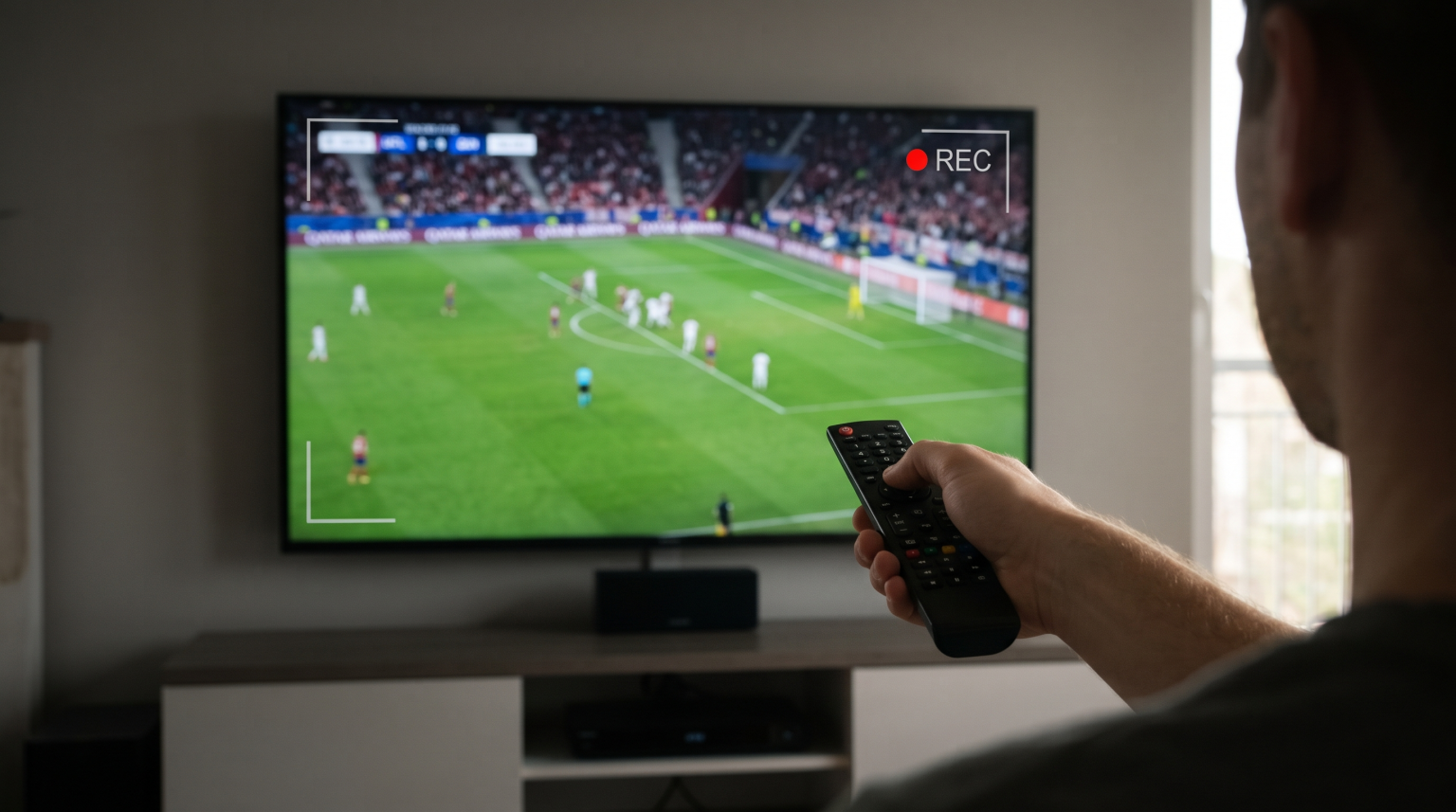
Time synchronization is extremely important for live sports. Live football matches have strict start times. A time synchronization error will cause you to miss the beginning or the end of a live football match.
When you schedule a live football recording during a Daylight Saving Time change, you should add manual padding to the recording schedule. Padding means adding extra time to the beginning and the end of the recording. Add 60 minutes before the match and 60 minutes after the match. This extra time guarantees that you will record the entire live football match even if the EPG data is incorrect.
Live football also requires excellent picture processing. If you experience visual problems during sports recordings, read our article explaining ¿Por qué se ve borrosa la IPTV en un televisor 4K nuevo? to optimize your picture settings.
Smart TV Operating System Limitations
Different Smart TV operating systems handle background recording tasks differently. Samsung Tizen and LG webOS often limit background application processes to save system memory. Google TV and Android TV provide more flexibility for background recording applications.
If you schedule a recording on a Samsung Tizen television, the IPTV application must remain active in the system memory. If the television enters a deep sleep state during the time change, the scheduled recording may fail to start. Users who record many television programs usually prefer external Android TV devices or Google TV devices. These external devices handle background recording tasks and time zone changes very reliably.
Conclusión
Daylight Saving Time changes cause problems for scheduled IPTV recordings because the local device time and the EPG data become desynchronized. The EPG data uses a fixed UTC time, while the local television clock changes automatically. This mismatch causes recordings to start one hour early or one hour late. You can solve this problem quickly. You must clear the EPG cache in your IPTV application and update the EPG data. If the time remains incorrect, you can manually adjust the EPG Time Shift setting in your IPTV player. Always add extra recording time for important live football matches during the transition week.
PREGUNTAS FRECUENTES
Why did my scheduled recording start exactly one hour late?
Your IPTV application is using the old Daylight Saving Time offset. The internal clock changed, but the EPG data did not update to reflect the new time zone offset.
How do I fix an EPG time error after a clock change?
You must clear your IPTV application cache. After you clear the cache, download the EPG data again. If the time is still wrong, adjust the manual EPG Time Shift setting by one hour.
Does TV Shadow IPTV update the EPG automatically?
Yes, the EPG data source updates automatically. However, your local IPTV application must download this new data. You can usually configure your IPTV application to update the EPG every 24 hours.