
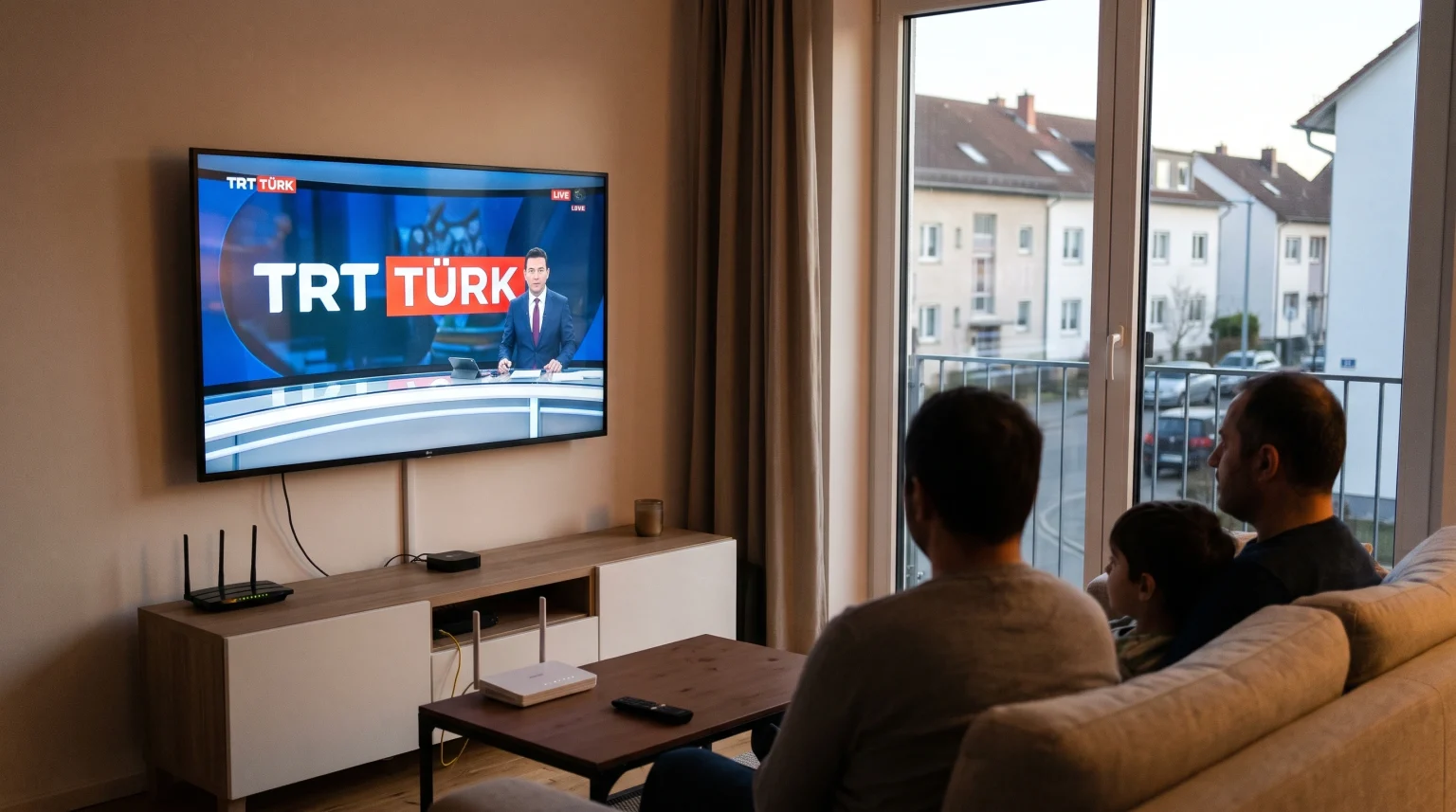
Many households in Denmark want reliable access to Turkish news, drama series, entertainment, and live sports on a living-room television. Watching Turkish TV in Denmark is possible through several methods, including Internet Protocol Television (IPTV), international streaming applications, cable add-on packages, and satellite dishes.
In 2026, most viewers prefer using a Smart TV because a Smart TV removes the need for complex satellite installations on apartment balconies. However, the viewing experience depends heavily on the television operating system, the available applications in Denmark, and the stability of the home internet connection. This guide explains how to watch Turkish TV in Denmark on a Smart TV, how major Smart TV platforms compare, and how to optimize picture quality for daily viewing and live football.
Respuesta rápida
The best way to watch Turkish TV in Denmark on a Smart TV depends on the television brand and the preferred viewing method. Viewers who want the widest selection of IPTV player applications and international streaming apps generally benefit from a Smart TV running Google TV or Android TV, such as Sony BRAVIA or TCL models. Viewers who already own a Samsung Tizen TV or an LG webOS TV can also watch Turkish channels directly through supported Smart TV apps, though app availability depends on the country, TV model, model year, and operating-system version.
Ways to Watch Turkish TV in Denmark
Residents in Denmark have four main technical options for receiving Turkish television channels. Each option has different hardware requirements and channel selections.
Internet Protocol Television (IPTV): IPTV delivers live television channels and on-demand video over a broadband internet connection rather than through cable or satellite signals. Viewers use a compatible IPTV player application on a Smart TV or an external streaming device.
International Streaming Services: Some European streaming platforms offer dedicated Turkish channel packages containing European feeds such as Euro D, Euro Star, Show Turk, TV8 Int, and Kanal 7 Avrupa. Channel availability depends on regional licensing in Denmark.
Cable and Fiber TV Add-Ons: Certain Danish television providers offer international language packages. These packages are easy to use with a standard provider box, but they often include a limited number of Turkish channels.
Satellite Reception: A satellite dish pointed toward Türksat satellites provides direct broadcast reception. However, many apartment buildings in Denmark restrict the installation of exterior satellite dishes.
For most modern homes in Denmark, internet-based viewing on a Smart TV is the most practical solution.
Smart TV Operating Systems for Turkish TV in Denmark
A Smart TV operating system controls which applications you can install, how the menu looks, and how smoothly the television navigates large channel lists. The three most common Smart TV platforms in Denmark are Samsung Tizen, LG webOS, and Google TV.
If you are deciding between platforms before buying a new television, our guide to El mejor sistema operativo para Smart TV para IPTV en 2026: Tizen, Google TV y webOS explains the technical differences in greater detail.
Samsung Tizen
Samsung Smart TVs from 2016 and later use the Tizen operating system. Samsung Tizen uses the Samsung Apps store (accessible through the Samsung Smart Hub).
Samsung Tizen does not support Android applications from Google Play, and users cannot install Android APK files directly on a Samsung television. Instead, viewers must install applications that are officially published in the Samsung Apps store for their region. App availability on Samsung Tizen depends on the country, TV model, model year, operating-system version, and Samsung app-store policy.
LG webOS
LG Smart TVs use the webOS operating system. Users download applications from the LG Content Store.
Many LG Smart TVs include the LG Magic Remote, which features a point-and-click cursor and a scroll wheel. This pointer navigation can make scrolling through long lists of Turkish TV channels faster than using standard directional arrow buttons. Like Samsung Tizen, LG webOS does not support Google Play, and app availability varies by country, TV model, model year, and webOS version.
Google TV y Android TV
Sony BRAVIA, TCL, Philips, and several other television brands use Google TV or Android TV. Google TV is built on the Android TV operating system and uses the Google Play Store.
Because Google Play hosts a large library of media players, Google TV and Android TV generally offer the broadest selection of IPTV player applications and international streaming apps. Users who own an older Samsung or LG television with limited app support can also connect an external Google TV or Android TV streaming device to an HDMI port to access this ecosystem.
Smart TV Platform Comparison for Turkish TV
The following table compares the core differences between the three major Smart TV operating systems when used for Turkish TV in Denmark.
| Característica | Samsung Tizen | LG webOS | Google TV / Android TV |
| Sistema operativo | Tizen | webOS | Google TV / Android TV |
| Official app store | Samsung Apps | LG Content Store | Google Play Store |
| Compatibilidad con aplicaciones para Android | No es compatible de forma nativa con Google Play | No es compatible de forma nativa con Google Play | Native Google Play TV apps |
| IPTV player selection | Depende del modelo y del país | Depende del modelo y del país | Broad selection via Google Play |
| Remote navigation | Standard directional remote | Magic Remote pointer (on supported models) | Standard directional remote with voice search |
| External device option | Supported via HDMI | Supported via HDMI | Supported via HDMI |
Samsung Tizen may be suitable for users who already own a Samsung television and prefer the Samsung Smart Hub interface. LG webOS may be suitable for users who want pointer-based remote navigation. Google TV may be more suitable for users who want the largest selection of media player applications.
For a closer look at specific television models, you can read our comparison of the Los mejores televisores inteligentes para IPTV en 2026: comparación entre Samsung, Sony, LG y TCL.
IPTV Compatibility on Smart TVs
Viewers who use an IPTV service such as TV Shadow IPTV to watch Turkish TV in Denmark need a compatible IPTV player application installed on their television. An IPTV player is a media player application that loads your channel list; the player application itself does not supply television channels.
TV Shadow IPTV is an independent service and has no official relationship or partnership with Samsung, Sony, LG, Google, or any other television manufacturer. In addition, not every IPTV player application works on every Smart TV.
IPTV Player Availability
Available IPTV players differ by platform and region:
On Samsung Tizen and LG webOS: Popular players that are often available in official app stores include SmartOne IPTV, IBO Player, Set IPTV, and Smart IPTV (SIPTV). Many of these Smart TV player applications offer a short free trial followed by a separate one-time or annual activation fee paid to the app developer.
On Google TV and Android TV: Popular players include TiviMate, OTT Navigator, and IPTV Smarters Pro.
Always check your specific television app store in Denmark to confirm which players are currently available for your model year and software version.
M3U and Xtream Codes Compatibility
Most IPTV services provide access details in one of two standard formats:
M3U Playlist URL: A web link (Uniform Resource Locator) that contains the list of channels and stream addresses.
API de Xtream Codes: A login method that uses a server URL, a username, and a password.
Before paying for a Smart TV IPTV player activation, verify that the player supports the exact login format provided by your service. Some players only accept M3U playlists, while others support both M3U playlists and Xtream Codes. On Samsung Tizen and LG webOS, many players let you upload your M3U link through a web portal on your phone or computer using the TV’s MAC address or a linking code, which avoids typing long web addresses with a TV remote.
Electronic Program Guide (EPG) and Remote Usability
An Electronic Program Guide (EPG) displays current and upcoming program schedules directly on the screen. When watching Turkish channels from Denmark, check the time-zone offset setting inside your IPTV player. Denmark uses Central European Time (CET) or Central European Summer Time (CEST), while Turkey uses Turkey Time (TRT) all year. Adjusting the EPG time-shift setting ensures that Turkish program start times match local Danish time accurately.
Remote-control usability is also important when browsing hundreds of Turkish and international channels. Look for an IPTV player that supports favorite lists, channel search, and category hiding so you can place Turkish news, drama, and sports channels at the top of the menu.
Smart TV Operating-System Limitations
Older Smart TVs often have slower processors and less internal memory than modern televisions. Processing a very large IPTV playlist directly on an older Samsung Tizen or LG webOS television can cause slow menus or temporary freezing. Keeping the channel list organized by hiding unused country categories can improve performance. If an older Smart TV no longer receives software updates or lacks suitable IPTV apps, connecting a modern external Google TV or Android TV device to an HDMI port is a reliable alternative.
Watching Live Turkish Football on a Smart TV
Many viewers in Denmark tune in to Turkish television for live football matches. Live sports place higher demands on both the television hardware and the home internet connection than standard news or drama broadcasts.
Note: TV Shadow IPTV does not own broadcasting rights for UEFA Champions League, the Turkish Süper Lig, or any other sports competition. Always use authorized and legal viewing methods available in your region.
Manejo del movimiento y frecuencia de actualización
Fast-moving football action requires smooth motion processing. A television’s refresh rate measures how many times per second the screen updates the image. Televisions with a 120Hz panel generally handle fast camera pans more smoothly than 60Hz panels, though final motion clarity also depends on the television’s image processor and the frame rate of the incoming video signal.
To learn more about how panel speed affects sports, see our guide on Televisores de 60 Hz frente a 120 Hz para ver el fútbol en directo.
Picture Processing, 4K TVs, and HDR
Many live television streams broadcast in High Definition (HD) rather than native 4K Ultra High Definition. When you watch an HD Turkish channel on a large 4K Smart TV, the television uses a process called upscaling to stretch the lower-resolution image to fit the 4K screen. Better picture processing produces sharper edges and fewer visual artifacts.
If a stream looks soft or pixelated on a new television, our article explaining ¿Por qué se ve borrosa la IPTV en un televisor 4K nuevo? covers the most common causes and fixes.
High Dynamic Range (HDR) expands contrast and color range on supported broadcasts. However, most standard live television channels still broadcast in Standard Dynamic Range (SDR). For the most natural football picture, use a balanced picture mode such as Standard, Cinema, or Sports (with excessive sharpness turned down) rather than Vivid mode, which can make grass colors look artificial.
Wi-Fi vs Ethernet for Streaming Stability
Live football streams require a steady, uninterrupted internet connection to prevent buffering during key moments.
Ethernet Cable: Connecting the Smart TV directly to your router with an Ethernet cable provides the most consistent connection and avoids wireless interference from neighboring apartments.
Wi-Fi: If an Ethernet cable is not practical, connect the television to a 5 GHz Wi-Fi network rather than a crowded 2.4 GHz network, and keep the router as close to the television as possible.
Most HD live streams require at least 10 Mbps of stable download speed, while 4K streams typically require 35 Mbps or more.
Conclusión
Watching Turkish TV in Denmark on a Smart TV is straightforward once you match your viewing method to your television’s operating system. Google TV and Android TV televisions provide the broadest selection of media players through Google Play, while Samsung Tizen and LG webOS televisions offer built-in app stores that work well for many households without extra cables.
Regardless of whether you use an international streaming service or an IPTV provider such as TV Shadow IPTV, focus on three practical factors: confirm app availability for your exact TV model in Denmark, configure the EPG time zone for local Danish time, and use an Ethernet connection whenever possible for smooth daily viewing and live sports.
Preguntas frecuentes (FAQ)
Can I watch Turkish TV in Denmark without a satellite dish?
Sí. You can watch Turkish TV in Denmark over a broadband internet connection using a Smart TV. Compatible options include IPTV player applications, international streaming services that offer Turkish channel packages, or cable TV add-ons.
Which Smart TV brand is best for Turkish IPTV apps?
No single brand is best for every user. Smart TVs running Google TV or Android TV (such as Sony BRAVIA or TCL) offer the widest selection of IPTV player apps through the Google Play Store. Samsung Tizen and LG webOS also support dedicated IPTV players through their own app stores, depending on the model and country.
Do I need an external streaming box to watch Turkish TV on a Smart TV?
No, an external box is not required if your Smart TV supports the application you want to use. However, an external Google TV or Android TV device is useful if your television is several years old, runs slowly, or does not list your preferred IPTV player in its built-in app store.