
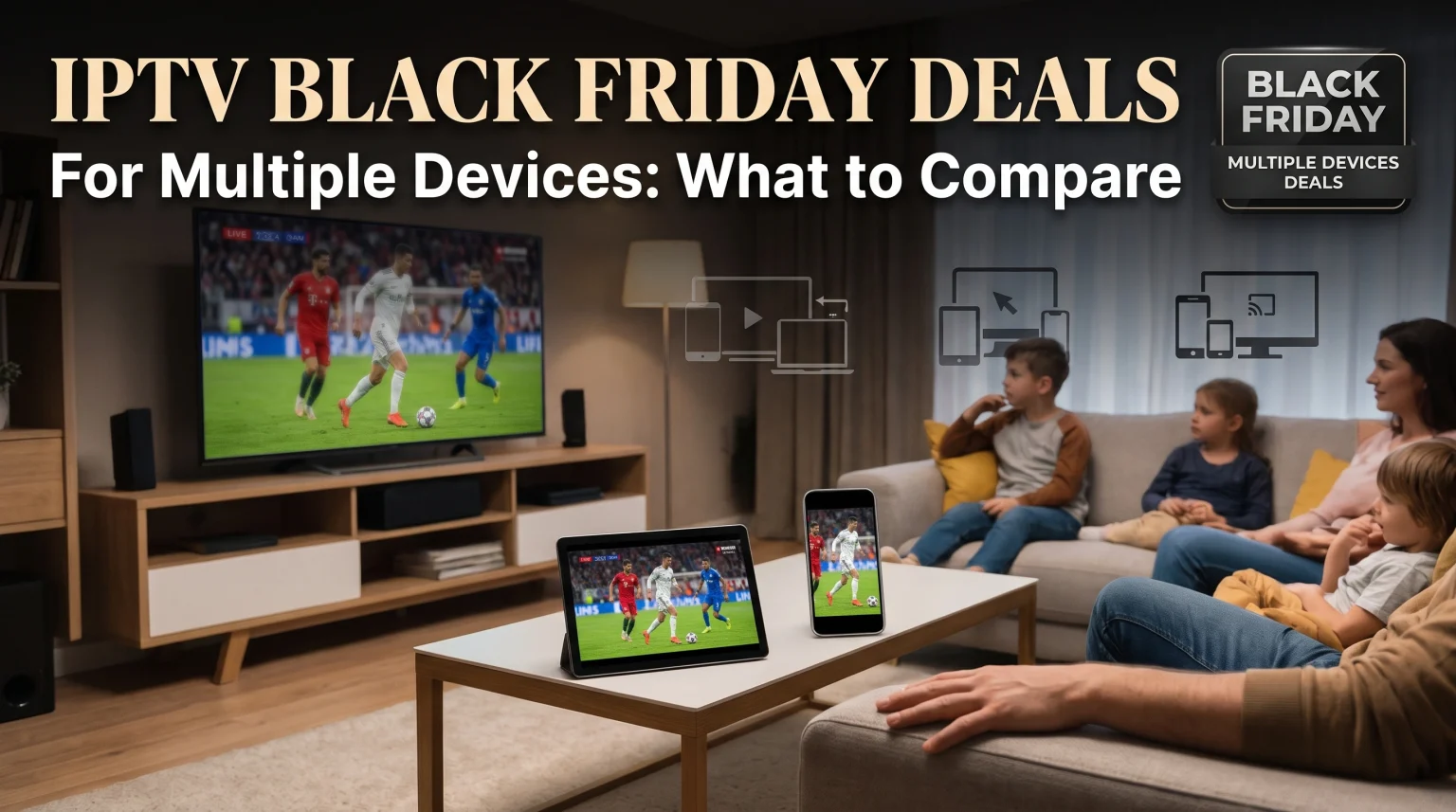
Black Friday is an excellent time to purchase an IPTV subscription for your home. Many providers offer special discounts on multi-device plans during November. A multi-device plan allows your family to watch different channels on different televisions at the exact same time.
However, choosing the right deal requires careful comparison. You must understand how simultaneous connections work. You also need to check if your Smart TV supports the necessary IPTV applications. Different television brands use different operating systems. Samsung uses Tizen, LG uses webOS, and Sony uses Google TV. These operating systems have completely different application stores.
This article explains what you should compare before you buy an IPTV multi-device Black Friday deal. You will learn about operating systems, live football requirements, and device compatibility. This information will help you choose the best subscription for your household.
Réponse rapide
The best IPTV multi-device Black Friday deal depends on your television operating system and your internet connection speed. You must select a subscription plan that explicitly provides multiple simultaneous connections. Sony BRAVIA televisions with Google TV provide the best compatibility for IPTV applications. Samsung Tizen and LG webOS have fewer application choices. To watch live television on multiple screens at the exact same time, you need a fast internet connection and a compatible IPTV player application installed on every device.
Understanding IPTV Multi-Device Connections
When you shop for an IPTV Black Friday deal, you will see the term “simultaneous connections.” You must understand this term to buy the correct plan.
An IPTV provider measures your usage by counting simultaneous connections. One connection means you can watch one video stream on one screen. If you want to watch live football on your television and a movie on your smartphone at the same time, you need a plan with two connections.
During Black Friday sales, providers often sell plans with three or four connections at a lower price. You must check the exact number of connections included in the offer. Do not share your login details with people outside your house. Providers monitor the internet addresses that connect to their servers. If you use too many different internet addresses at the same time, the provider may block your account.
You only need multiple connections if devices play video at the exact same time. You can install an IPTV application on ten different televisions. If you only turn on one television at a time, you only need a plan with one connection.
Smart TV Operating Systems: Tizen vs Google TV vs webOS
When you buy an IPTV Black Friday deal, you need a compatible application to play the video. The television brand determines which applications you can install.
If you are comparing television operating systems, Samsung Tizen ou Sony BRAVIA Google TV : lequel est le meilleur pour l'IPTV en 2026 ? explains these differences thoroughly.
Sony BRAVIA and Google TV
Sony BRAVIA televisions use the Google TV operating system. Google TV includes the Google Play Store. The Google Play Store offers many popular IPTV players. Because Google TV is based on Android, it provides the maximum compatibility for IPTV services. Google TV may be more suitable for users who want deep integration with Google applications.
Samsung et Tizen
Samsung Smart TVs use the Tizen operating system. Samsung Tizen does not support Android applications from Google Play. You must use the official Samsung application store. The Samsung store has fewer IPTV applications than the Google Play Store. Samsung Tizen may be suitable for users who prefer the clean Samsung Smart TV interface.
LG and webOS
LG Smart TVs use the webOS operating system. LG webOS also does not support Android applications. You must use the official LG application store. Like Samsung, the LG store offers a limited selection of IPTV applications.
App availability for Samsung and LG televisions often depends on your country and your television model year. An application available in Germany might not be available in Sweden.
Operating System Comparison Table
| Fonctionnalité | Samsung Tizen | Sony Google TV | LG webOS |
| Système d'exploitation | Tizen | Google TV | webOS |
| Écosystème d'applications | Samsung Apps | Google Play | LG Content Store |
| Prise en charge des applications Android | Pas de prise en charge native de Google Play | Écosystème d'applications Google TV | Pas de prise en charge native de Google Play |
| Disponibilité des applications IPTV | Cela dépend du modèle et du pays | Depends on app and country | Cela dépend du modèle et du pays |
IPTV Player Compatibility and Formats
Most IPTV providers deliver content using Xtream Codes or M3U playlist formats. You must enter these codes into an IPTV player application.
Your multi-device Black Friday plan will provide one set of login details. You will enter these same login details into the IPTV player application on each television. The IPTV player will then download the Electronic Program Guide (EPG). The Electronic Program Guide shows the schedule for live television programs.
TV Shadow IPTV provides a service compatible with Xtream Codes and M3U formats. Our service works with major Smart TV operating systems, Android boxes, and Amazon Fire TV devices.
Do not assume that every IPTV application works perfectly on every television. You should always test a free IPTV player application on your television before purchasing a long-term Black Friday subscription. Check if the Electronic Program Guide loads quickly. Check if the remote control navigates the menus smoothly.
Watching Live Football on Multiple Devices
Many users purchase an IPTV multi-device Black Friday plan to watch live sports in different rooms. Watching live football requires capable television hardware and a very stable internet connection.
Traitement des mouvements et fréquences de rafraîchissement
When a football moves quickly across the television screen, the television must process the motion clearly. A television with a 120Hz refresh rate displays fast motion better than a television with a 60Hz refresh rate. Téléviseurs 60 Hz ou 120 Hz pour le football en direct to learn exactly how refresh rates affect picture quality.
Internet Speed Requirements
Internet speed is extremely important for live sports. When you stream video, the television downloads data continuously. If two televisions stream live football at the exact same time, you need double the internet bandwidth.
We recommend a minimum internet speed of 25 Mbps for one High Definition (HD) stream. We recommend a minimum internet speed of 50 Mbps for one 4K stream. If three televisions stream video simultaneously in your house, you should have an internet speed of at least 100 Mbps.
Wi-Fi versus Ethernet Connections
For the best streaming stability, connect your Smart TV directly to your internet router. You should use an Ethernet cable instead of a wireless Wi-Fi connection. A Wi-Fi signal can suffer from interference caused by walls or other electronic devices. An Ethernet cable provides a direct connection and prevents video buffering during important football matches.
If you have a fast internet connection but the picture quality still looks bad, the television might have a picture processing problem. Pourquoi l'IPTV est-elle floue sur un téléviseur 4K neuf ?
How to Choose the Best Black Friday Deal
You should compare several specific factors before buying an IPTV subscription during Black Friday.
First, look at the subscription duration. Providers often offer 12-month or 24-month packages during Black Friday. A 24-month package usually offers the lowest monthly price. However, you should only buy a 24-month package if you trust the provider.
Second, check the exact device limit. Confirm exactly how many screens can play video at the exact same time. Do not buy a single-connection plan if your family wants to watch television in the living room and the bedroom simultaneously.
Third, verify the channel categories. Ensure the provider offers the specific sports channels, movie channels, and international channels you want to watch.
Finally, check customer support. A good provider will offer technical support to help you configure the IPTV application on your television. TV Shadow IPTV provides clear instructions for setting up multiple devices on different operating systems.
Conclusion
Choosing the best IPTV multi-device Black Friday deal requires more than just looking at the price. You must ensure your Smart TV operating system supports good IPTV player applications. Sony Google TV offers the widest application choice, while Samsung Tizen and LG webOS offer more limited options.
You must also verify how many simultaneous connections your family truly needs. Always check your internet speed to ensure it can support multiple video streams at the exact same time. A wired Ethernet connection will always provide a better experience for live football than a Wi-Fi connection.
Take time to evaluate your hardware, understand the connection limits, and find an application that works well on your television. TV Shadow IPTV offers plans that support multiple devices with high-quality streaming performance. By comparing these technical details, you can secure reliable entertainment for your entire household this Black Friday.
Foire aux questions (FAQ)
What is an IPTV simultaneous connection?
A simultaneous connection is the number of screens that can play video at the exact same time. If your subscription plan has two connections, you can watch television on two devices at once.
Do I need a separate subscription for each television in my house?
No. You can use one subscription for multiple televisions. However, your single subscription plan must include enough simultaneous connections for every television that is playing video at the exact same time.
Will an IPTV Black Friday deal work on my Samsung television?
Yes, but this depends on the applications available in the Samsung store. Samsung Tizen uses different applications than Android TV. You must find an IPTV player in the Samsung application store that supports M3U playlists or Xtream Codes.