
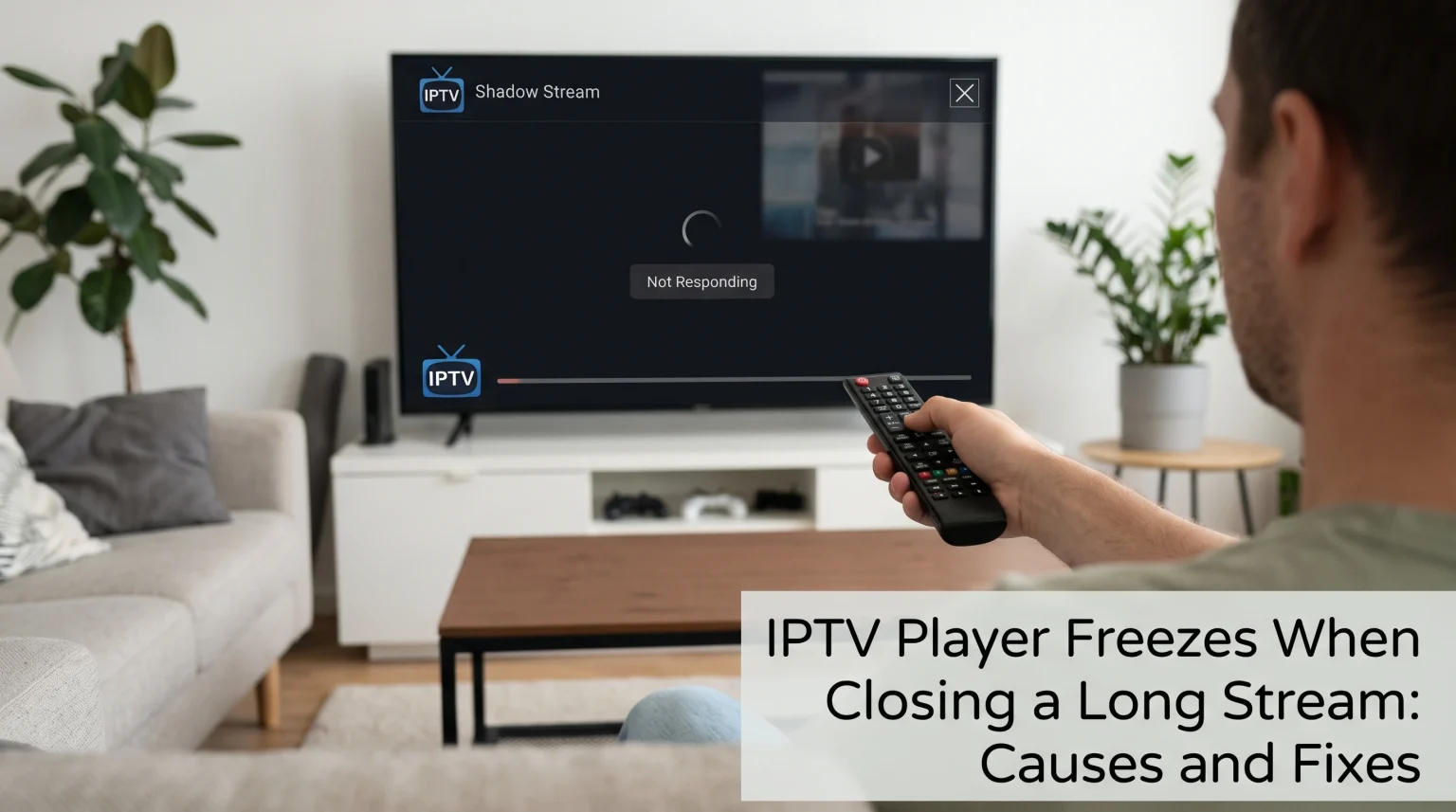
When you watch an IPTV stream for several hours, the media player application accumulates temporary data. If you press the exit button or try to change the channel after a long viewing session, the IPTV application may suddenly freeze. The television screen might turn black, or the device may stop responding to the remote control.
This problem happens frequently on Smart TVs and streaming devices that have limited system memory. When the television cannot process the large amount of temporary data quickly, the operating system crashes the application. This article explains why an IPTV freezes when exiting stream and provides practical solutions to stop this problem permanently.
Snel antwoord
Why does your IPTV player freeze when exiting a stream? The most common cause is a memory leak or a full application cache. When you watch a stream for a long time, the application stores temporary video data and Electronic Program Guide (EPG) information in the background.
If your television does not have enough random-access memory (RAM) to delete this data when you close the stream, the application freezes. You can fix this problem by manually clearing the application cache, reducing the EPG update frequency, and keeping your IPTV player software updated to the latest version.
Why Your IPTV Player Freezes When Exiting a Stream
To fix the freezing issue, you must first understand how a media player application manages data. The problem usually involves a combination of hardware limitations and software behavior.
RAM Overload and Memory Leaks
Every Smart TV and streaming device has a specific amount of random-access memory (RAM). Applications use this RAM to process video and audio in real time. A memory leak happens when a software application uses RAM but fails to release the RAM back to the operating system.
During a long video stream, a memory leak will slowly consume all available RAM on your device. When you finally press the exit button, the system does not have enough remaining resources to load the main menu graphics. This lack of resources causes the application to freeze entirely.
Large EPG Data and Cache Buildup
The Electronic Program Guide (EPG) provides the channel schedule for your IPTV service. Many IPTV applications download the entire EPG file into the device memory. At the same time, the video cache stores small segments of the live video to prevent network buffering.
After you watch a single channel for three hours, the cache file becomes very large. When you exit the stream, the application tries to save or delete this large file instantly. A television processor that is not powerful enough will struggle to complete this file management task. The application will pause and appear frozen while the processor works.
Software Bugs in the IPTV Player
Some media player applications are not optimized for long continuous viewing sessions. The application programming code may contain errors that only appear after several hours of operation. These software bugs prevent the application from closing the video player module correctly. When the video module fails to close, the user interface cannot appear on the screen.
The Role of Video Buffering in Application Freezes
Video buffering directly affects your device memory. A buffer is a temporary storage area. The IPTV application downloads a few seconds of video ahead of the current playback time. This prevents the video from pausing if your internet connection speed drops slightly.
However, a large buffer size uses a large amount of RAM. If you set your IPTV application to a “Very Large” buffer size, the application holds massive amounts of data in the active memory. When you close the stream, the device must suddenly dump all this data. This sudden data dump frequently crashes the application. Changing the buffer size to “Small” or “Normal” can prevent the player from freezing when you exit the stream.
How to Fix an IPTV Player That Freezes
You can apply several different fixes depending on the type of device you own. These steps will help you manage your device memory more effectively.
Clear the Application Cache Manually
The most effective temporary solution is clearing the application cache. You should do this regularly if your television has low storage space.
How to clear cache on Google TV and Android TV:
Open het menu ‘Instellingen’ van de televisie.
Select Apps.
Find and select your IPTV player application.
Select Clear Cache.
Confirm the action.
Do not select “Clear Data” unless you want to delete your playlist. Clearing the data will erase your login details, and you will need to configure your application again.
Manage Memory on Samsung and LG Televisions
Samsung Tizen and LG webOS do not always allow users to clear the cache for individual applications easily. Instead, you must use system-level memory management.
On Samsung Tizen: You can perform a “Cold Boot” to clear the system memory. Hold the power button on your Samsung remote control for five seconds while the television is turned on. The television will turn off and turn back on. This process clears the RAM and stops all background processes.
On LG webOS: Open the Settings menu. Navigate to General, then select OLED Care (or TV Care on LED models). Select Device Self Care, and then click Memory Optimizer. This tool will close unused background applications and free up system RAM.
Change the EPG Update Settings
A large EPG file slows down the application heavily. Open the settings menu inside your specific IPTV player. Find the EPG or Playlist section. Change the update frequency.
Set the application to update the EPG only once per day, or update only when you start the application initially. Do not set the EPG to update continuously in the background while you watch a stream.
Use an External Streaming Device
Many older Smart TVs do not have enough processing power to handle modern IPTV playlists with thousands of channels. If your Smart TV freezes frequently, consider using an external streaming device.
Devices like the NVIDIA Shield TV Pro, the Apple TV 4K, or the Amazon Fire TV Stick 4K Max have much more RAM and faster processors than a standard television. An external device handles large cache files much faster.
If you are deciding which operating system handles applications best, read our guide to Het beste besturingssysteem voor smart-tv's voor IPTV in 2026 for a complete comparison of your options.
Smart TV Operating Systems and Memory Management
Different television brands use different operating systems. Each operating system manages system memory in a different way. This design affects how often an application might freeze.
| Functie | Google TV / Android TV | Samsung Tizen | LG webOS |
| Background application management | Closes inactive applications automatically | Uses strict memory limits for all applications | Suspends applications quickly to save memory |
| Cache clearing process | Manual clearing is available in the settings menu | Automatic clearing (the user cannot clear manually) | Automatic clearing (the user cannot clear manually) |
| Memory (RAM) availability | Varies by device (often 2GB to 3GB) | Generally lower on budget TV models | Generally lower on budget TV models |
| Risk of freezing after long streams | Medium (depends strictly on device hardware) | High on older models | High on older models |
TV Shadow IPTV Compatibility and Player Selection
To get the best experience with TV Shadow IPTV, you must choose a reliable, well-programmed IPTV player. TV Shadow IPTV provides a premium playlist service. We do not manufacture physical devices, and we do not program the media player applications. The performance of your stream depends heavily on the software you choose to read the M3U link or Xtream Codes API.
Some applications process video streams more efficiently than others. Applications like TiviMate or IPTV Smarters Pro usually have better memory management features than basic, free applications. A premium IPTV application allows you to adjust the buffer size and the EPG update schedule. Ensure that your chosen application is fully compatible with your specific Smart TV operating system.
If you are using a Samsung television, read our article explaining Is Samsung Tizen geschikt voor IPTV in 2026? to understand its specific software limitations.
Watching Live Football: Motion Handling and Stability
Football matches usually last for two hours without interruption. This long, continuous viewing time makes live sports very likely to cause application freezes when the match finishes. When you watch live football, the television also uses extra processing power for motion handling.
Motion handling is the technology that makes fast-moving objects look smooth on the screen. If your television uses heavy picture processing to improve motion handling, the main processor works very hard. When the processor is working hard on the picture quality, it has less capacity to manage the IPTV application cache.
If you experience freezing after a football match, try turning off the motion smoothing feature in your television picture settings. Furthermore, connecting your television to the internet using an Ethernet cable instead of Wi-Fi will improve streaming stability during a long match. A stable connection reduces the amount of memory the application needs for video buffering.
If your sports streams look unclear or blurry during fast movement, you can learn Waarom ziet IPTV er wazig uit op een nieuwe 4K-tv? to optimize your picture settings correctly.
Conclusie
An IPTV player freezing after a long viewing session is a frustrating technical problem. This issue occurs because the television or streaming device runs out of active memory. The video cache and the EPG data consume all available system resources over time. When you exit the stream, the processor cannot handle the sudden data dump, and the application crashes.
You can fix this problem by manually clearing the application cache, adjusting your EPG update settings, and reducing the video buffer size. For the most stable experience with TV Shadow IPTV, consider using a dedicated streaming device with a high-quality, premium media player application. Premium applications manage device memory much better than free alternatives, ensuring that your device responds quickly when you decide to change the channel or close the stream.
Veelgestelde vragen (FAQ)
Why does my screen go black when I exit an IPTV stream?
The screen goes black because the application fails to load the main menu interface. The device memory is completely full from the long video stream, and the system cannot render the menu graphics quickly enough.
Will restarting my television fix the freezing problem?
Yes, restarting the television will fix the freezing problem temporarily. Restarting the device clears the temporary memory (RAM) and closes all background processes, which gives the operating system a fresh start.
Does a faster internet connection prevent the IPTV player from freezing?
No, internet speed does not prevent this specific freezing problem. Freezing when exiting a stream is a hardware and software issue related to device memory, not a network connection issue.