
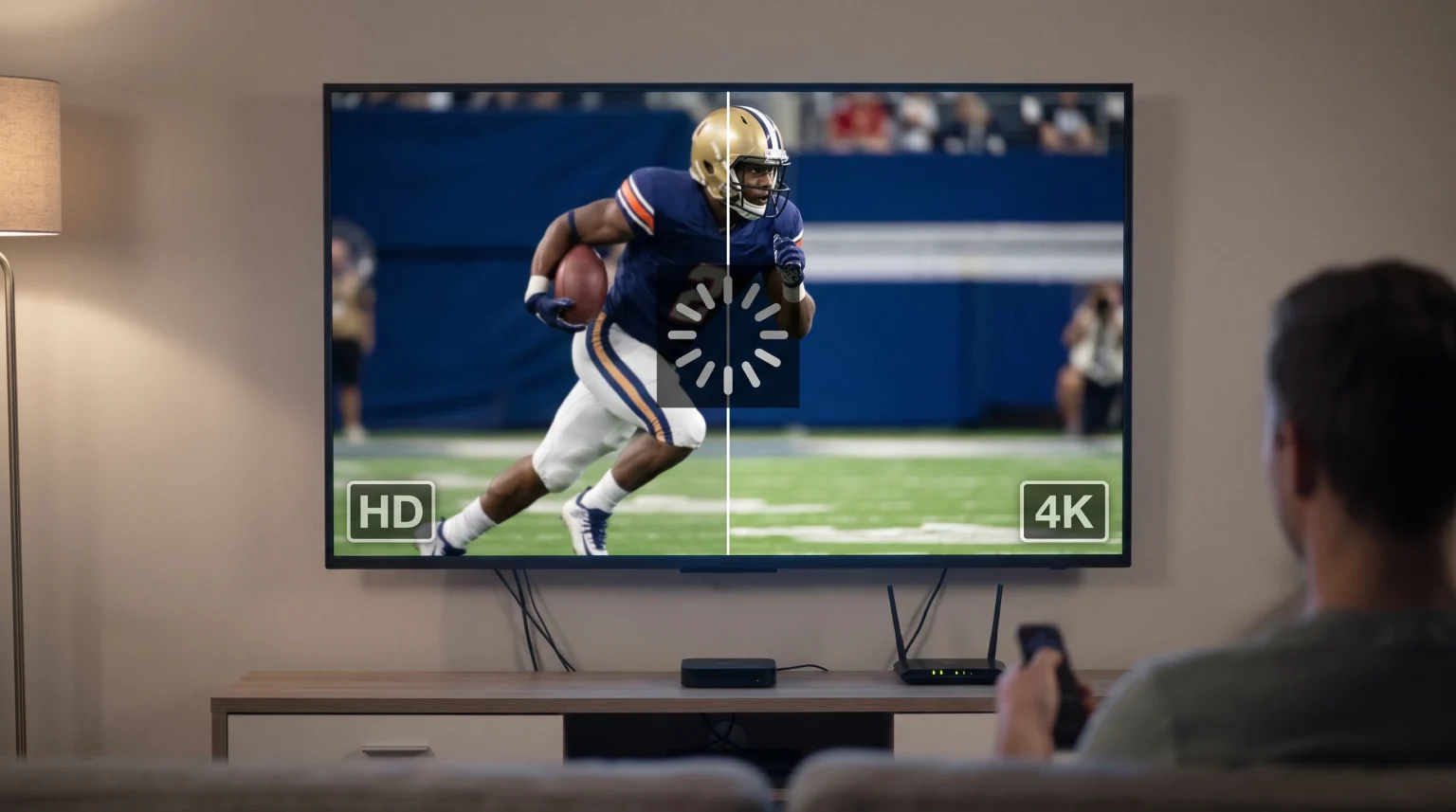
Many users experience a temporary pause or a frozen picture when they change an IPTV channel from a High Definition (HD) stream to a 4K stream. This technical delay happens on almost all streaming devices and Smart televisions. The transition requires the device to stop one type of data processing and start a completely different type of data processing.
This article explains the technical reasons for IPTV HD to 4K freezing. It also provides practical solutions to reduce the waiting time and improve your streaming experience.
Snel antwoord
IPTV playback freezes when switching from HD to 4K because the streaming device must process a massive increase in data. The media player must drop the previous HD video buffer. Next, the device must connect to the new 4K stream, which requires four times more data. Finally, the television processor must load a new video codec, changing from H.264 for HD to H.265 (HEVC) for 4K. This complex hardware transition causes a temporary freeze. Users can reduce this freeze time by using a wired Ethernet connection and a device with a powerful processor.
Technical Reasons for IPTV HD to 4K Freezing
Changing a channel on an IPTV service is different from changing a channel on traditional cable television. Your device must negotiate a new digital connection every time you select a new stream.
Video Codec Changes
A video codec is software that compresses and decompresses digital video. HD streams generally use a codec called H.264. This codec is older and requires very little processing power.
4K streams use a newer, highly compressed codec called H.265 or High Efficiency Video Coding (HEVC). When you switch from an HD channel to a 4K channel, your device must close the H.264 decoder and open the HEVC decoder. This software change takes time. Slow television processors will freeze the picture while they load the new decoder.
The Video Buffer Reset
IPTV apps use a system called buffering to prevent playback interruptions. The application downloads a few seconds of video into the device memory before displaying the picture on the screen.
When you change from an HD channel to a 4K channel, the application must delete the HD video data from the memory. The application must then download enough 4K data to fill the buffer again. Because 4K video files are very large, filling the new buffer takes several seconds.
Sudden Bandwidth Spikes
An HD stream typically requires an internet speed of 5 to 8 Megabits per second (Mbps). A 4K stream requires an internet speed of 20 to 30 Mbps. When you select a 4K stream, the application suddenly demands four times more data from your internet router. If your network cannot deliver this data instantly, the picture will freeze until the data arrives.
Smart TV Hardware vs External Streaming Devices
The hardware inside your device is the most important factor in reducing channel switching delays.
Modern Smart televisions prioritize picture quality over internal processing speed. The processors inside many televisions are very basic. When a basic processor tries to switch from an HD signal to a heavy 4K signal, the processor struggles.
External streaming boxes, such as the Nvidia Shield or Apple TV 4K, have much stronger processors. These premium devices can switch video codecs and load 4K buffers almost instantly. If you want to understand more about operating systems, you can read our guide to the Het beste besturingssysteem voor smart-tv’s voor IPTV in 2026: Tizen vs Google TV vs webOS.
Hardware Comparison Table
| Functie | Built-in Smart TV App | Premium Streaming Box |
| Processor speed | Low to medium | Hoog |
| Codec switching speed | Slow | Fast |
| Maximum Ethernet speed | Often limited to 100 Mbps | Up to 1000 Mbps (Gigabit) |
| HD to 4K freezing duration | 3 to 7 seconds | 1 to 2 seconds |
| Hardware decoding support | Basis | Geavanceerd |
How Internet Connections Affect 4K Streaming
A fast internet connection is necessary for 4K streaming. However, connection stability is more important than maximum speed.
Many users connect their Smart televisions to the internet using Wi-Fi. Wi-Fi signals suffer from interference and packet loss. Packet loss means some data disappears before it reaches the television. If video data disappears during the critical moment when you switch to a 4K stream, the application must request the data again. This causes a long freeze.
Connecting your television or streaming box directly to the internet router with an Ethernet cable prevents packet loss. An Ethernet connection guarantees that the heavy 4K data arrives constantly and smoothly.
Live Football and 4K Sports Streaming
Sports fans often notice freezing when they switch to a 4K sports channel. Live football requires the highest possible stream quality.
Football features fast camera movements and detailed images, such as grass textures and moving players. To keep the picture clear, broadcasters use high bitrates. A high bitrate means the video contains more data per second. When you switch from an HD sports channel to a 4K sports channel, the massive bitrate forces the device to process an enormous amount of data instantly.
If the television processor is slow, the screen will freeze while the processor tries to render the fast motion. If you watch a lot of sports, you might wonder whether a Een tv van 60 Hz versus een tv van 120 Hz voor live voetbal is the better choice for handling fast motion smoothly.
Choosing the Right IPTV App Settings
You can often reduce freezing times by changing the settings inside your IPTV application.
Buffer Size Adjustments
Most premium IPTV apps allow you to change the buffer size. The buffer size determines how much video data the app downloads before playing the picture.
If you set a large buffer, the application will freeze for a longer time when you switch to a 4K channel. However, a large buffer prevents freezing later during the movie or sports match. If you set a small buffer, the channel will start playing faster, but the video might pause frequently if your internet connection fluctuates.
Hardware-decodering
Always ensure that “Hardware Decoding” is active in your IPTV app settings. Hardware decoding forces the physical computer chip inside your television to process the video. This is much faster than “Software Decoding,” which uses the application code to process the video. Hardware decoding is essential for playing HEVC 4K files without freezing.
Sometimes, incorrect settings can also affect image quality. You can read our guide to understand Waarom ziet IPTV er wazig uit op een nieuwe 4K-tv?.
TV Shadow IPTV-compatibiliteit
TV Shadow IPTV provides high-quality HD and 4K streams. Our service is compatible with all major IPTV applications and devices.
Users can access TV Shadow IPTV using M3U playlists or Xtream Codes login details. Because TV Shadow IPTV uses powerful servers, our streams deliver data quickly. If you experience long freezes when switching from our HD channels to our 4K channels, the delay is usually caused by the video player, the local network, or the device hardware limitations.
Using a premium application on a fast device with an Ethernet connection will give you the best experience with TV Shadow IPTV. TV Shadow IPTV does not have an official affiliation with television manufacturers such as Samsung, Sony, or LG.
Conclusie
IPTV playback freezes when switching between HD and 4K because the streaming device must perform several complex tasks simultaneously. The device must request more data, clear the old video buffer, and load a new HEVC video codec.
While you cannot eliminate this delay completely, you can significantly reduce the freeze time. Connecting your device with an Ethernet cable prevents data loss. Using a dedicated streaming box with a powerful processor allows the hardware to decode the 4K video much faster than a standard Smart television. By optimizing your local hardware and internet connection, you can enjoy a smooth viewing experience with TV Shadow IPTV.
Veelgestelde vragen (FAQ)
Why does 4K freeze but HD plays perfectly?
4K video requires up to four times more data than HD video. 4K also uses a more complex compression technology called HEVC. The streaming device needs more time to download the larger data files and more computing power to decode the HEVC format.
Will a faster internet speed stop the freezing?
A faster internet speed helps, but it will not completely stop the freezing. The television hardware still needs time to switch video codecs and clear the internal memory buffer. An internet speed of 50 Mbps is generally sufficient for 4K streaming.
Should I use Wi-Fi or an Ethernet cable for 4K IPTV?
You should always use an Ethernet cable. Wi-Fi connections fluctuate constantly. An Ethernet cable provides a stable, direct connection that helps the device fill the 4K video buffer quickly and reliably.