
Many television viewers recently bought a new Amazon streaming device and discovered a problem. When these users open the official application store, they cannot find their favorite IPTV applications. If you search online for “IPTV player missing Vega OS”, you will find that Amazon has changed its software completely. Vega OS is the new operating system for devices like the 2026 Fire TV Stick 4K and the Fire TV Stick 4K Select. This new software alters how applications function on your television. Amazon removed the Android foundation used in older devices. Because of this technical change, thousands of popular applications are no longer available in the store. This article explains why these applications disappeared. We will explain how the new system handles software and provide clear alternatives for watching streaming television.
Snel antwoord
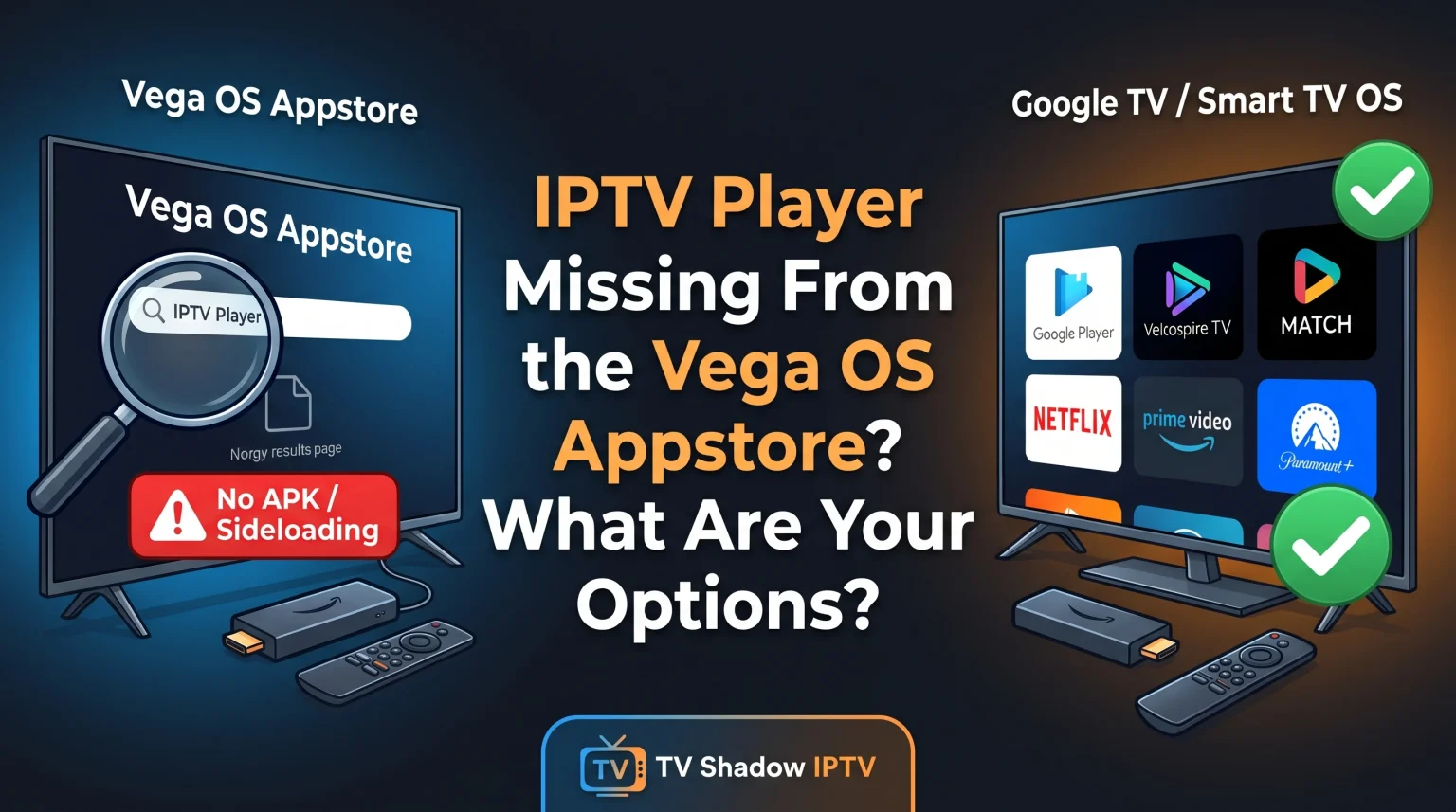
If you find your IPTV player missing, Vega OS is the reason. Vega OS is a Linux-based system. It is not an Android system. Android applications cannot run on Vega OS. You cannot install APK files or use the Downloader application on these new devices. Your options are very limited. You can search the Amazon Appstore for a rare native Vega OS IPTV application. Alternatively, you can return the Vega OS device. You can then purchase a Google TV device, a Smart TV, or an older Fire OS device that supports Android applications.
Why Is Your IPTV Player Missing on Vega OS?
The Change from Fire OS to Vega OS
For many years, Amazon used the Fire OS operating system for all streaming devices. Fire OS is a modified version of the Android operating system. Because Fire OS used Android technology, developers could easily transfer standard Android applications to Amazon devices. This made Fire OS very popular for IPTV users.
In late 2025 and 2026, Amazon introduced Vega OS. Vega OS is a completely new operating system. Amazon built Vega OS using Linux and modern web technologies. Vega OS does not contain any Android software code. Therefore, old Android applications cannot run on the new Vega OS devices. Developers must program entirely new applications specifically for the Vega OS system.
No Sideloading or APK Support
On older Fire OS devices, users could enable a system setting called “Unknown Sources”. This setting allowed users to install Android Package Kit (APK) files directly from the internet. This installation process is called sideloading.
Vega OS completely blocks sideloading. The new operating system does not have an “Unknown Sources” setting. You cannot install the popular Downloader application. If you try to open an APK file on a Vega OS device, the system will not recognize the file. This strict restriction is the primary reason you see your preferred IPTV player missing. Vega OS devices only accept applications published officially in the Amazon Appstore. Famous applications like TiviMate or IPTV Smarters are Android applications. Therefore, they do not work on Vega OS.
Comparison: Vega OS vs Fire OS
When choosing a streaming device, you must understand the software differences. This simple table compares the new Amazon operating system with the old Amazon operating system.
| Functie | Vega OS (New Devices) | Fire OS (Older Devices) |
| Operating system foundation | Linux | Android |
| Android application support | Geen ingebouwde ondersteuning | Ja |
| APK file installation | Volledig geblokkeerd | Permitted via settings |
| Downloader application support | Incompatible | Volledig ondersteund |
| IPTV application selection | Very small | Zeer groot |
What Are Your Options for IPTV?
If you want to watch streaming television, you have four main options to solve this problem.
Option 1: Search for Native Vega OS Applications
Some software developers are creating new applications for the new system. For example, a developer recently released an application called MaxPlayer for Vega OS. You can search the Amazon Appstore on your television screen to find available native applications. However, the current selection remains very small. Most famous IPTV applications do not have a Vega OS version yet. Before you buy a premium subscription for any player application, you must verify the application exists in the Vega OS Appstore for your country.
Option 2: Change to a Google TV Device
If you want total control over your applications, a Google TV device is a highly practical option. Google TV is an official Android operating system built by Google. Google TV devices include the Chromecast with Google TV, NVIDIA Shield, and televisions from brands like Sony. The Google Play Store contains hundreds of excellent IPTV applications. Google TV also permits users to install APK files easily. This flexibility makes Google TV ideal for streaming television.
Option 3: Buy an Older Fire OS Device
Amazon still sells some older streaming devices that use the Fire OS system. For example, the Fire TV Stick 4K Max (2nd Gen) currently uses Fire OS. If you buy an older Fire OS device, you can continue to use your favorite Android applications. You must read the product description carefully before purchasing. Ensure the device specifications explicitly mention Fire OS, not Vega OS.
Option 4: Use a Smart TV Operating System Directly
Instead of buying a separate streaming stick, you can use the built-in operating system of a modern Smart TV. Different television brands use different operating systems. Samsung televisions use Tizen. LG televisions use webOS. Sony televisions use Google TV.
If you are Samsung Tizen versus Sony BRAVIA Google TV: welke is in 2026 beter voor IPTV?, you must consider application availability. Samsung Tizen does not support Android applications. However, the Samsung application store has many dedicated IPTV players. Sony BRAVIA uses Google TV, which provides full access to Android applications. You can read our complete guide regarding > Het beste besturingssysteem voor smart-tv’s voor IPTV in 2026: Tizen vs Google TV vs webOS to understand these differences fully.
Using TV Shadow IPTV on Vega OS Devices
TV Shadow IPTV delivers high-quality streaming television content. We provide the television signal, but we do not provide a custom hardware device. Customers must provide their own IPTV player application. Our streaming service uses standard connection formats. We support M3U playlists and Xtream Codes login details.
To use TV Shadow IPTV, your player application must support these standard formats. The application connects to our servers, downloads the channel list, and displays the Electronic Program Guide (EPG). The player application also controls the video playback.
Because the Vega OS application store currently lacks good options, using TV Shadow IPTV on a Vega OS device is difficult. The application restrictions are too severe for most users. We strongly recommend using a Google TV device, a Sony BRAVIA television, an LG Smart TV, or an older Fire OS device. These devices offer excellent player applications that connect flawlessly to TV Shadow IPTV.
Watching Live Football on New Devices
Sports fans often notice differences in picture quality when changing streaming devices. If you change from an older Fire OS device to a new Google TV or Smart TV, you must optimize your hardware and software setup for live football. Fast movement requires specific technical conditions.
Hardware Connections for Stability
Live football requires a very stable internet connection. Video buffering ruins the sports viewing experience. If your television is far from your wireless internet router, Wi-Fi signals can drop temporarily. We recommend connecting your streaming device or Smart TV directly to the internet router using an Ethernet cable. An Ethernet cable provides constant data speed. This stable speed is necessary for high-quality live football broadcasts.
Picture Settings and Refresh Rates
Modern televisions include software that attempts to make fast movement look smooth on the screen. Manufacturers call this software “Motion Smoothing” or “Action Smoothing”. This software can create strange visual errors during a fast football match. For example, the football might look blurry when it moves quickly across the screen.
We recommend turning off motion smoothing in your television picture settings. The native hardware is usually better without software interference. If you are buying a new television for sports, you should understand the difference between Een tv van 60 Hz versus een tv van 120 Hz voor live voetbal. A 120Hz television refreshes the screen 120 times per second. This higher refresh rate handles fast video signals better than a 60Hz television.
Conclusie
Finding your IPTV player missing on Vega OS is a frustrating experience for many users. This situation occurs because Amazon replaced the Android-based Fire OS with the new Linux-based Vega OS. Vega OS completely removes support for Android applications and blocks sideloading. For normal users who only watch commercial services like Netflix or Prime Video, the new system works perfectly. Maar, for IPTV users, the application selection is currently inadequate.
To watch streaming television effectively, you must adapt to these technical changes. You can wait for independent developers to release new native Vega OS applications. If you do not want to wait, we recommend replacing the Vega OS device entirely. Buying a Google TV streaming stick, a Smart TV, or an older Fire OS device will immediately restore your access to the best IPTV applications on the market. You can then continue enjoying TV Shadow IPTV without restrictions.
Veelgestelde vragen (FAQ)
1. Why is TiviMate missing from Vega OS?
TiviMate is an Android application. Vega OS cannot read or execute Android applications. The developer of TiviMate must create a completely new Linux version of the application specifically for Vega OS.
2. Can I use the Downloader app on Vega OS?
Nee. The Downloader application is strictly incompatible with Vega OS. Vega OS blocks the installation of external files completely. You cannot download APK files.
3. How do I know if my device uses Vega OS?
You can check the device specifications online. Amazon uses Vega OS on new devices like the 2026 Fire TV Stick 4K and the Fire TV Stick 4K Select. Older models usually use Fire OS.