
Many users want to know if the TIVRA application can record multiple television broadcasts at the exact same time. The TIVRA application includes a digital video recorder function. This recording function allows a user to save live television broadcasts directly to a USB flash drive or a network-attached storage device. Maar, recording multiple channels requires specific hardware configurations and specific network requirements.
More importantly, the ability to record multiple channels depends completely on your IPTV service provider. The TIVRA application is only a media player. The application does not supply television content. Therefore, your IPTV subscription dictates how many video streams you can process simultaneously. This article explains exactly how TIVRA simultaneous recording works, what equipment you need, and how to configure your television setup for the best results.
Snel antwoord
Yes, the TIVRA application can record two IPTV channels at the same time. However, this action requires an IPTV subscription that provides at least two simultaneous connections. Each television channel requires one active connection. If your IPTV provider allows only one connection, you cannot record two channels simultaneously. You also cannot watch one channel while recording a second channel using a single connection. To use TIVRA simultaneous recording, you must purchase an IPTV subscription that supports multiple active streams.
How IPTV Connections Control Video Recording
To understand video recording, users must understand IPTV connections. An IPTV connection represents one active video stream from the provider server to the user device.
When you watch a television channel, your device uses one connection. When you record a television channel, the TIVRA application also uses one connection.
If a user wants to record two different television channels simultaneously, the TIVRA application must open two separate video streams. If the IPTV subscription only allows one connection, the provider server will block the second video stream. This block causes the video recording to fail.
If a user wants to watch a live football match while recording a news broadcast, the user also needs two connections. The live football match uses the first connection. The news broadcast recording uses the second connection.
Comparing IPTV Subscription Limits
The table below explains how your subscription limits affect the TIVRA application.
| Subscription Limit | Maximum Active Video Streams | Watch One Channel & Record Another | TIVRA Simultaneous Recording Limit |
| Single connection | 1 | Nee | 1 channel |
| Two connections | 2 | Ja | 2 channels |
| Three connections | 3 | Ja | 3 channels |
| Four connections | 4 | Ja | 4 channels |
Users must contact their specific IPTV provider to confirm their connection limits before attempting to record multiple channels.
Storage Requirements for TIVRA Video Recording
The TIVRA application does not record video to a cloud server. The application records video directly to local storage hardware. Users must connect compatible storage hardware to their television or media player.
USB Flash Drives and Hard Drives
The simplest storage method is a USB drive. Users can connect a USB flash drive or an external USB hard drive directly to their Android TV box. High-definition television channels use large amounts of storage space. One hour of high-definition video recording typically requires two to three gigabytes of storage space. If you plan to use TIVRA simultaneous recording frequently, you should purchase an external USB hard drive with at least 500 gigabytes of storage capacity.
Network-Attached Storage (NAS)
Advanced users can configure the TIVRA application to save video recordings to a Network-Attached Storage device. The TIVRA application supports the Server Message Block (SMB) network protocol. This protocol allows the TIVRA application to send the video data over your local home network to a central storage computer. Network-Attached Storage is excellent for users who want to store hundreds of hours of recorded television.
Network Requirements: Wi-Fi vs Ethernet
Recording multiple video streams requires a strong internet connection. High-definition video streams require approximately ten megabits per second of internet bandwidth per channel. 4K video streams require approximately twenty-five megabits per second of internet bandwidth per channel.
If you use TIVRA simultaneous recording for two high-definition channels, your internet connection must provide at least twenty megabits per second of continuous download speed.
Whenever possible, users should connect their Android TV box to their internet router using an Ethernet cable. An Ethernet cable provides a stable network connection. Wi-Fi connections often experience interference. Wi-Fi interference causes data loss. Data loss causes video buffering and corrupts the final video recording file.
Best Settings for Recording Live Football
Sports fans often use video recording applications to save live football matches. Live football matches feature fast motion and rapidly changing camera angles.
To achieve the best recording quality for live football, the user must understand hardware limitations. The TIVRA application records the exact video signal sent by the IPTV provider. The recording quality depends entirely on the original stream quality.
However, playback quality depends on the television hardware. When you play the recorded football match, the television processor handles the video motion. For sports playback, televisions with a native 120Hz refresh rate provide smoother motion than televisions with a 60Hz refresh rate. If you are comparing new televisions for sports viewing, you can learn more about Een tv van 60 Hz versus een tv van 120 Hz voor live voetbal.
TV Shadow IPTV Compatibility and Configuration
The TIVRA application is fully compatible with standard IPTV playlist formats. TV Shadow IPTV delivers television channels using standard formats.
Users can add their TV Shadow IPTV credentials to the TIVRA application using the M3U playlist format or the Xtream Codes login system. The Xtream Codes login system is usually better because it automatically loads the Electronic Program Guide (EPG).
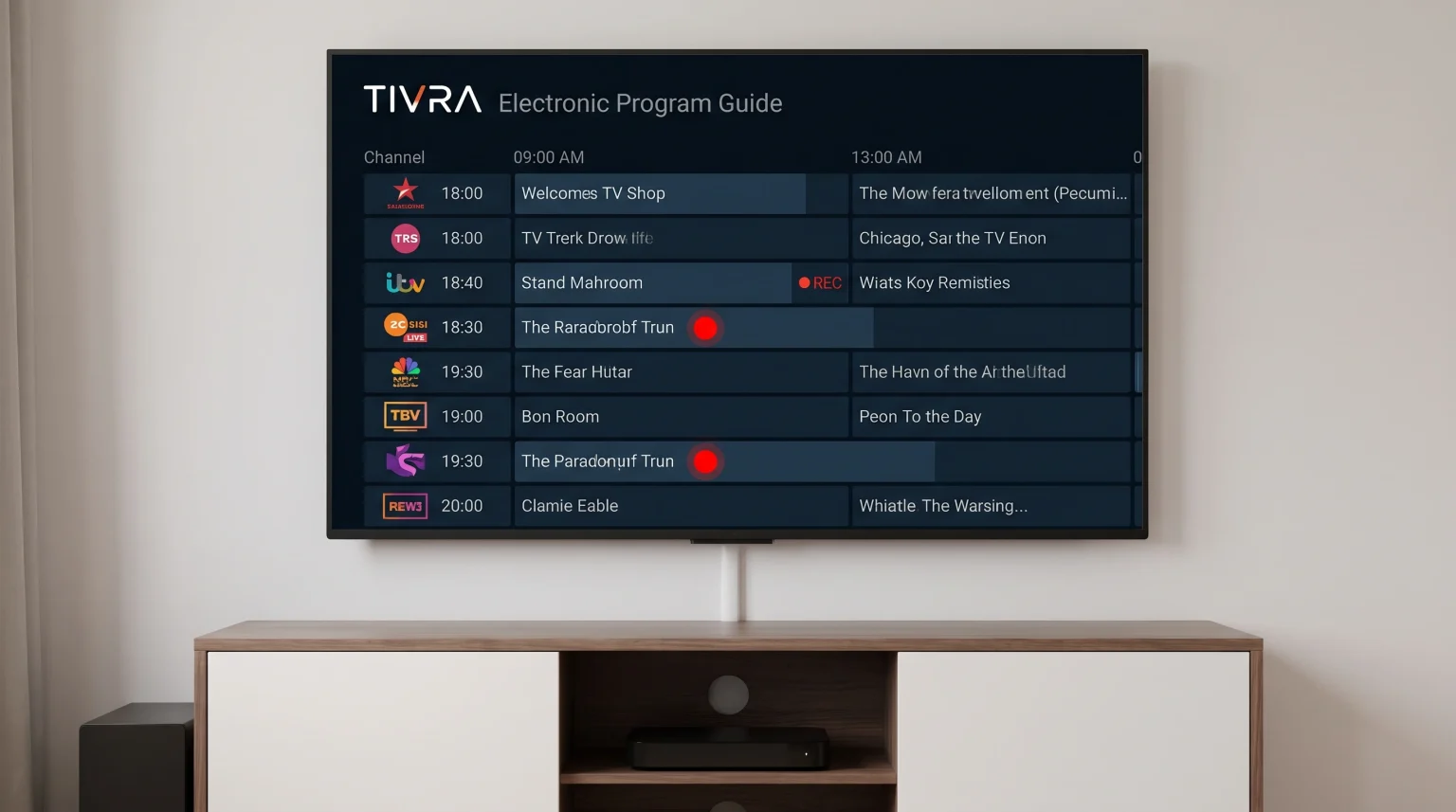
The Electronic Program Guide is essential for video recording. The TIVRA application uses the Electronic Program Guide to schedule future recordings. Users can open the TIVRA guide, select a future television program, and press the record button on their remote control. The TIVRA application will automatically start recording when the scheduled program begins.
Please note that TV Shadow IPTV is a playlist service provider. TV Shadow IPTV does not own the TIVRA application. TV Shadow IPTV does not provide technical support for external software applications.
Beperkingen van het besturingssysteem van smart-tv’s
The TIVRA application is designed specifically for the Android TV operating system and the Google TV operating system. You can install the TIVRA application on devices such as the Nvidia Shield, Chromecast with Google TV, or a Sony BRAVIA television.
You cannot install the TIVRA application directly on a Samsung Smart TV. Samsung televisions use the Tizen operating system. The Tizen operating system does not support Android applications. You also cannot install the TIVRA application directly on an LG Smart TV. LG televisions use the webOS operating system.
If you own a Samsung television or an LG television, you must purchase a separate Android TV set-top box. You must connect the Android TV set-top box to your television using an HDMI cable. You can then install the TIVRA application on the external Android TV box.
If you are deciding between different television brands, you can read our comparison of Samsung Tizen versus Sony BRAVIA Google TV: welke is in 2026 beter voor IPTV?. You can also review our complete guide to the Het beste besturingssysteem voor smart-tv’s voor IPTV in 2026: Tizen vs Google TV vs webOS.
Conclusie
TIVRA simultaneous recording is a powerful feature for television viewers. The application can easily record two or more channels at the exact same time. However, the software cannot bypass the rules of your IPTV provider.
To record multiple channels successfully, you must ensure two things. First, you must have an IPTV subscription that provides multiple simultaneous connections. Second, you must connect a high-capacity USB drive or a network storage device to your media player. If you configure your hardware and your subscription correctly, the TIVRA application serves as an excellent digital video recorder for daily television viewing and live sports events.
Veelgestelde vragen (FAQ)
Can the TIVRA application record IPTV without an internet connection?
No. The TIVRA application requires an active internet connection to record television channels. The application must download the live video data from the IPTV provider server in real time.
Where does the TIVRA application save video recordings?
The TIVRA application saves video recordings to local hardware. The application saves files to a connected USB drive or a connected Network-Attached Storage device. The TIVRA application does not provide cloud storage servers.
Does recording an IPTV channel slow down my internet speed?
Yes. Recording an IPTV channel uses your internet download bandwidth. If you record two high-definition channels simultaneously, the process will consume approximately twenty megabits per second of your total internet bandwidth.