
Many Moroccan families and viewers living in Germany want to watch channels such as Al Aoula, 2M, Arryadia, and Al Maghribia without installing a satellite dish. In many German apartment buildings, rental contracts restrict exterior satellite dishes, or balconies do not face the correct direction for satellite reception. Internet-based television provides a practical alternative.
In 2026, viewers in Germany can watch Moroccan television over a standard home internet connection. You can use official broadcaster websites, mobile applications, streaming devices, or Smart TV applications. This guide explains the available methods for watching Moroccan TV without satellite Germany, compares the main streaming devices, and explains how Internet Protocol Television (IPTV) applications work on modern televisions.
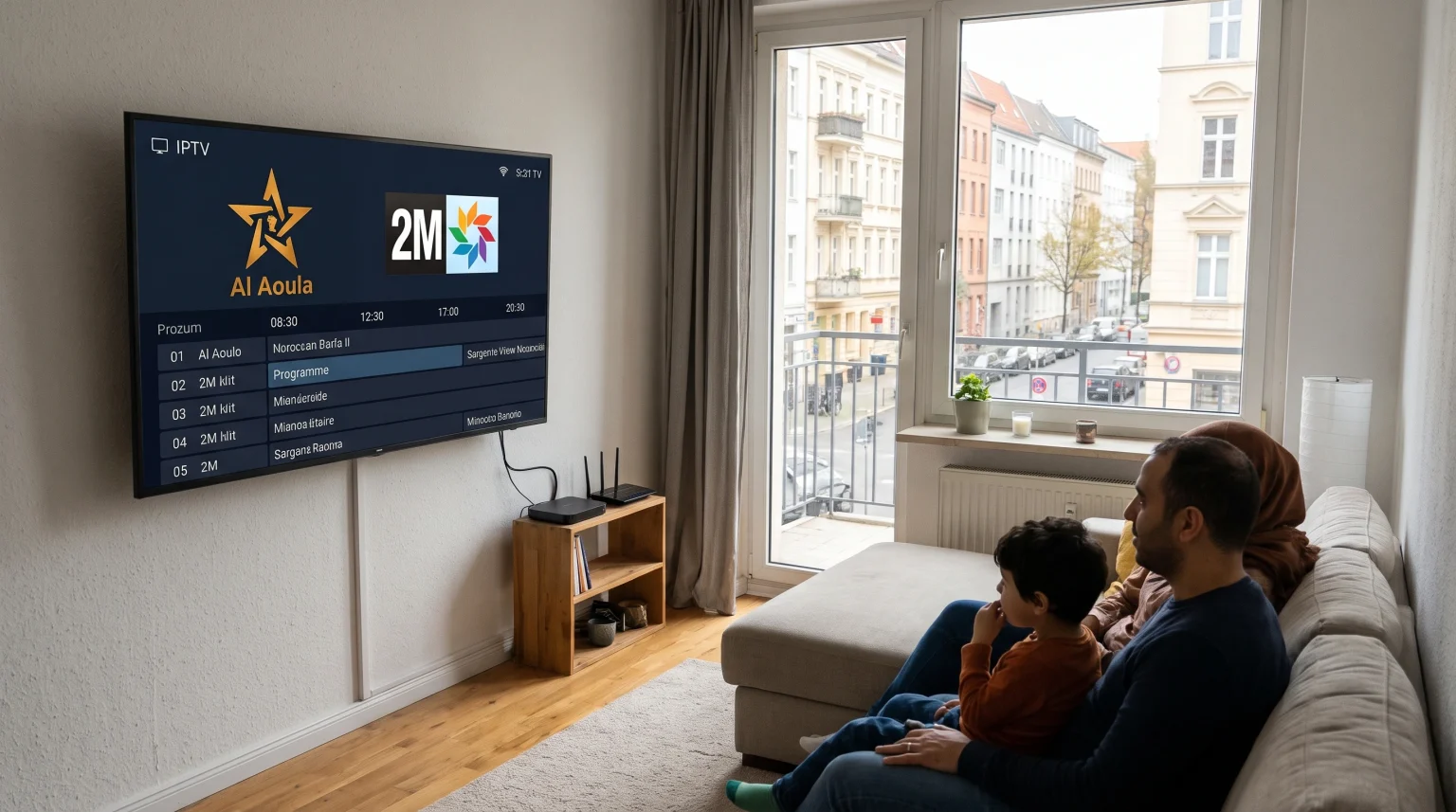
Snel antwoord
You can watch Moroccan TV in Germany without a satellite dish by using an internet connection instead of a satellite receiver. Viewers who want free official broadcasts can use the Société Nationale de Radiodiffusion et de Télévision (SNRT) Live website or mobile application for public channels such as Al Aoula and Arryadia. Viewers who prefer watching on a large television screen can use a Smart TV or an external streaming device with compatible streaming or IPTV player applications. The best option depends on your television model, your internet speed, and the channels you want to watch.
Why Many Viewers in Germany Avoid Satellite Dishes
Installing a satellite dish in Germany is often difficult for tenants. Under German tenancy law, landlords can restrict satellite dish installations if the installation damages the building facade or changes the exterior appearance of the property. Even when a tenant uses a balcony stand without drilling, a clear line of sight to the southern sky is still required.
Weather conditions in Germany also affect satellite reception. Heavy rain, snow, and strong wind can interrupt the satellite signal. Internet-based television removes the need for outdoor hardware and works inside any apartment with a stable broadband connection.
Main Ways to Watch Moroccan TV Without a Satellite Dish in Germany
There are three primary ways to watch Moroccan television over the internet in Germany. Each method has different hardware requirements and channel options.
1. Official Moroccan Broadcaster Platforms
Moroccan public broadcasters offer free online streams for many of their national channels.
SNRT Live: The official platform of the Société Nationale de Radiodiffusion et de Télévision streams channels such as Al Aoula, Arryadia, Al Maghribia, Assadissa, and Tamazight. SNRT Live is accessible through a web browser and through mobile applications on Android and iOS.
2M: The Moroccan public channel 2M provides live broadcasts and replay content through its official online platforms.
Some international sports events, films, or licensed series may be subject to geographic restrictions outside Morocco. Broadcasters must follow regional licensing rules, so certain programs may not be available in Germany on free online streams.
2. Smart TVs with Built-In Streaming Applications
Modern Smart TVs from brands such as Samsung, Sony, LG, and TCL connect directly to your home router via Wi-Fi or an Ethernet cable. You can install streaming applications and IPTV player applications directly from the television app store.
However, app availability depends on the television operating system, the model year, and the country setting of the television. If you are comparing television platforms before buying a new screen, our guide to Het beste besturingssysteem voor smart-tv’s voor IPTV in 2026: Tizen vs Google TV vs webOS explains how Tizen, Google TV, and webOS handle streaming applications differently.
3. External Streaming Devices
If you own an older television or a Smart TV with a limited app store, you can connect an external streaming device to a High-Definition Multimedia Interface (HDMI) port. Common examples include Google TV streaming devices, Android TV boxes, Amazon Fire TV devices, and Apple TV.
External streaming devices often receive software updates for longer periods than older Smart TVs. They also allow you to move your streaming setup easily between different rooms or apartments.
Comparing Devices for Moroccan TV Without Satellite in Germany
Different devices offer different levels of app compatibility and ease of use. The table below compares the four most common device categories for watching Moroccan TV over the internet.
| Functie | Smart TV (Samsung Tizen / LG webOS) | Google TV / Android TV Device | Smartphone or Tablet | Laptop or Desktop Computer |
| Satellite dish required | Nee | Nee | Nee | Nee |
| Remote control support | Full native remote support | Full native remote support | Touchscreen control only | Keyboard and mouse |
| Official web streams | Limited browser support | Web browser or dedicated app | Official apps and web browser | Full web browser support |
| IPTV player app availability | Afhankelijk van het model en het land | Broad selection in Google Play | Broad selection in app stores | Desktop media players available |
| Setup difficulty | Laag | Low to medium | Very low | Very low |
| Best suited for | Living room viewing without extra boxes | Users who want wide app compatibility | Personal or mobile viewing | Occasional viewing on a desk |
A Smart TV with Tizen or webOS may be suitable for users who want a clean living room setup with a single remote control. A Google TV or Android TV device may be more suitable for users who want access to a wider selection of applications from the Google Play Store.
How IPTV Works for Watching Moroccan Channels in Germany
Internet Protocol Television (IPTV) delivers television channels and video content over an internet connection rather than through satellite or cable signals. Many viewers in Germany use IPTV player applications on their Smart TVs or streaming boxes to organize live channels in one interface.
IPTV Player Applications and Playlists
An IPTV player is a software application that plays video streams. The player itself does not include television channels. Instead, users load their own playlist or service credentials into the player. Most modern IPTV players support two standard formats:
M3U Playlists: An M3U file is a plain text playlist format that contains channel names and streaming links.
Xtream Codes Application Programming Interface (API): Xtream Codes is a login format that uses a server URL, a username, and a password to load live channels, movies, and series automatically.
Electronic Program Guide (EPG) Support
An Electronic Program Guide (EPG) displays the current and upcoming television schedule on your screen. Good EPG support makes it much easier to browse Moroccan news, dramas, and talk shows without switching channels blindly. Most modern IPTV player applications support EPG data when the playlist provider includes it.
Beperkingen van het besturingssysteem van smart-tv’s
Not every IPTV player works on every television. App availability depends on the country, the TV model, the model year, the operating-system version, and the app-store policy of the manufacturer.
For example, Samsung Tizen does not support Android applications from Google Play. Viewers using a Samsung television must install compatible applications from the Samsung App Store. If you are deciding between a Samsung television and a Sony television, our comparison of Samsung Tizen versus Sony BRAVIA Google TV: welke is in 2026 beter voor IPTV? explains the differences in app ecosystems and remote-control usability.
TV Shadow IPTV is an independent website and service. TV Shadow IPTV has no official relationship or partnership with Samsung, Sony, LG, Google, Amazon, or any television manufacturer.
Watching Live Moroccan Football and Sports in Germany
Football is one of the main reasons Moroccan viewers in Germany look for reliable television access. Whether you are watching Botola Pro matches, national team fixtures, or international tournaments, live sports place higher technical demands on your internet connection and television than standard news programs.
Note on broadcasting rights: Viewers in Germany should always use authorized broadcasters and licensed sports platforms for live competitions. TV Shadow IPTV does not own broadcasting rights for the UEFA Champions League, the Africa Cup of Nations, or any other sports competition.
Internet Connection: Wi-Fi vs Ethernet
Live football requires a steady data stream without interruptions. Wi-Fi signals in German apartment buildings can suffer from interference caused by thick concrete walls and neighboring routers. Whenever possible, connect your Smart TV or streaming device directly to your router with an Ethernet cable. A wired Ethernet connection reduces buffering and keeps the video bitrate stable during busy evening matches.
Refresh Rate and Motion Handling
Fast camera pans and moving footballs can look blurry or stutter on some televisions. Two technical features affect how smoothly sports appear on screen:
Vernieuwingsfrequentie: Measured in Hertz (Hz), the refresh rate indicates how many times per second the television updates the image. A 120Hz panel can handle fast motion more smoothly than a 60Hz panel, provided the television’s motion processing is well tuned. You can read more in our guide on Een tv van 60 Hz versus een tv van 120 Hz voor live voetbal.
Picture Settings: Many televisions include a “Sports” picture mode, but this mode sometimes adds excessive sharpening or unnatural colors. Testing the “Standard” or “Cinema” mode with moderate motion smoothing often produces a cleaner picture.
Picture Quality and 4K Upscaling
Many live television streams broadcast in Standard Definition (SD) or High Definition (HD) rather than native 4K Ultra High Definition (UHD). When you watch an HD broadcast on a large 4K television, the television uses a process called upscaling to fill the screen.
If an internet stream looks soft or pixelated on a new television, the issue is often related to the input signal quality or the television’s upscaling processor. Our article on Waarom ziet IPTV er wazig uit op een nieuwe 4K-tv? explains how bitrate, resolution, and TV settings affect sharpness.
Internet Speed Requirements for Smooth Streaming
You do not need the most expensive fiber-optic contract in Germany to watch Moroccan TV over the internet, but you do need a stable connection. General speed guidelines for a single television stream are:
Standaarddefinitie (SD): At least 5 Megabits per second (Mbps).
Full High Definition (1080p): At least 15 to 25 Mbps.
4K Ultra High Definition (UHD): At least 35 to 50 Mbps.
If other people in your household are streaming videos, playing online games, or downloading large files at the same time, you will need higher total bandwidth.
Conclusie
Watching Moroccan TV in Germany without a satellite dish is straightforward with a modern internet connection. Viewers who want free access to public channels such as Al Aoula, Arryadia, and 2M can use official broadcaster websites and mobile applications. Viewers who want a traditional living-room experience with a remote control and an Electronic Program Guide can use a compatible Smart TV or an external streaming device with supported streaming or IPTV player applications.
Before choosing a setup, check your internet stability, consider using an Ethernet cable for live sports, and verify that your preferred applications are available on your television’s operating system. For more guides on Smart TVs, streaming settings, and IPTV compatibility, explore the technical resources on TV Shadow IPTV.
Veelgestelde vragen (FAQ)
Can I watch Moroccan TV in Germany legally without a satellite dish?
Yes. You can watch Moroccan public television channels legally in Germany through official broadcaster platforms such as SNRT Live and the official 2M website. For live international sports, viewers in Germany should check which local or international broadcasters hold the official German broadcasting rights.
Does SNRT Live work on Smart TVs in Germany?
SNRT Live is available on the web and through mobile applications for Android and iOS. Smart TV app availability depends on your television brand, operating system, and country settings. If the SNRT Live app is not available in your Smart TV app store, you can cast the stream from a smartphone or use an external streaming device.
Do I need a satellite receiver if I use IPTV?
No. IPTV uses your home internet connection instead of a satellite dish or satellite receiver. You only need a compatible Smart TV, a streaming device, a smartphone, or a computer with internet access.