
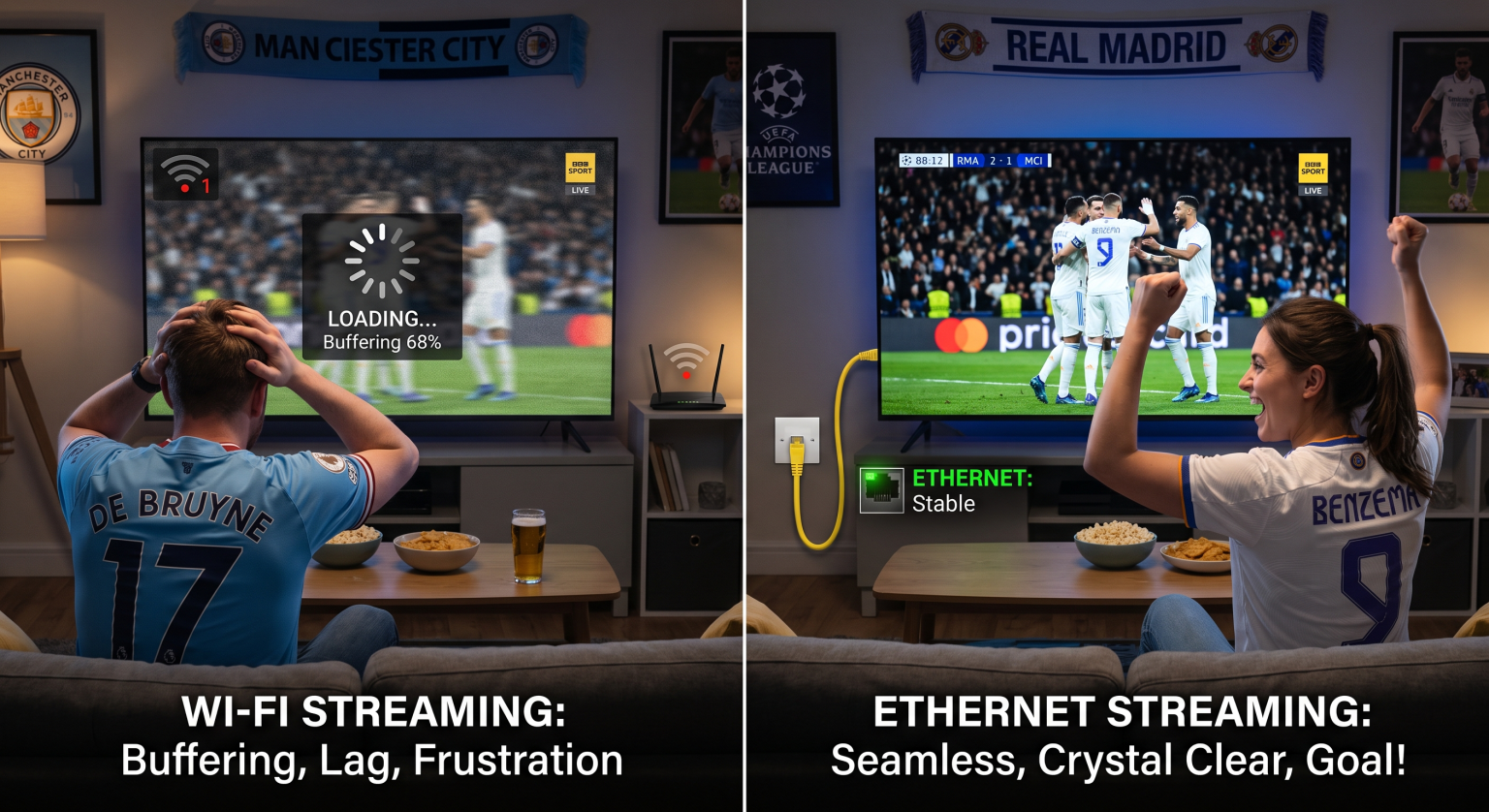
It’s the 89th minute of the Champions League final, and your screen freezes just as the striker winds up for a shot. For UK fans streaming on platforms like TNT Sports or Discovery+, this nightmare is all too real. When it comes to WiFi vs Ethernet live football streaming, making the right network choice determines whether you celebrate the goal or scream at a loading wheel.
The Demands of 4K Champions League Streaming in the UK
Watching the biggest European nights in 4K UHD demands serious bandwidth. While standard HD needs roughly 5-10 Mbps, a crisp 4K-strømming requires at least 20-25 Mbps of sustained speed to look its best.
Any dip in network performance means an immediate drop in picture quality. You might start watching a flawless live match, only to see the players turn into pixelated blobs as your router struggles to maintain the connection.
The Case for Using a Wireless Network
Modern routers have significantly improved wireless internet speeds. If your smart TV or streaming box is in the exact same room as the router, a wireless connection can often handle HD streams with ease.
However, wireless signals degrade quickly when passing through walls. In busy households with multiple devices fighting for bandwidth, signal interference can cause sudden latency spikes and frustrating micro-stutters during fast-paced action.
The Power of an Ethernet Connection
When streaming high-stakes matches, a wired connection is vastly superior. By plugging an Ethernet cable directly from your router to your TV or console, you create a dedicated data pipeline.
This eliminates network jitter and guarantees low streaming latency. If your broadband plan delivers 100 Mbps, your Ethernet-connected TV will receive that full speed consistently, ensuring your 4K stream never drops back to 720p.
WiFi vs Ethernet Live Football: Which Reigns Supreme?
To understand which setup is best for live sports, we need to compare them directly. Here is a breakdown of how a wired connection holds up against a wireless network.
| Funksjon | Wireless Network (WiFi) | Wired Connection (Ethernet) |
| Speed Consistency | Variable (drops with distance and walls) | Highly stable, consistent maximum speeds |
| Streaming Latency | Higher (10-50ms), prone to spikes | Ultra-low (1-5ms), virtually zero jitter |
| Interference | High (smart devices, microwaves, neighbors) | None (shielded from outside signals) |
| Installation | Instant, flexible, and wireless | Requires running physical cables to devices |
Why UK Fans Should Choose Wired Over Wireless
In the end, deciding between WiFi vs Ethernet live football setups comes down to absolute reliability. While UK broadband infrastructure is constantly improving with Full Fibre rollouts, even gigabit speeds cannot fix a weak wireless signal.
For the ultimate, buffer-free Champions League experience, running an Ethernet cable to your main television is a game-changer. It guarantees that you will never miss a crucial penalty kick due to a random signal drop.
Ready to stop buffering and watch the game in perfect 4K?
Upgrade your home network today by grabbing a high-quality Cat6 Ethernet cable, or check out our premium UK broadband packages to secure the ultimate streaming experience!
Ofte stilte spørsmål (FAQ)
Does Ethernet reduce streaming latency for live sports?
Ja. Ethernet provides a direct, uninterrupted connection, which drastically lowers latency and network jitter. This means your live match feed stays as close to real-time as possible.
Is 100 Mbps fast enough for live match streaming?
Absolutely. A stable 100 Mbps connection provides plenty of bandwidth for a 4K UHD stream, provided that the speed reaches your device without physical interference.
Why does my football stream buffer even with fast WiFi?
Buffering on fast broadband is usually caused by signal interference, physical barriers, or localized network congestion. Switching from wireless to a wired connection will instantly resolve these drops in quality.