
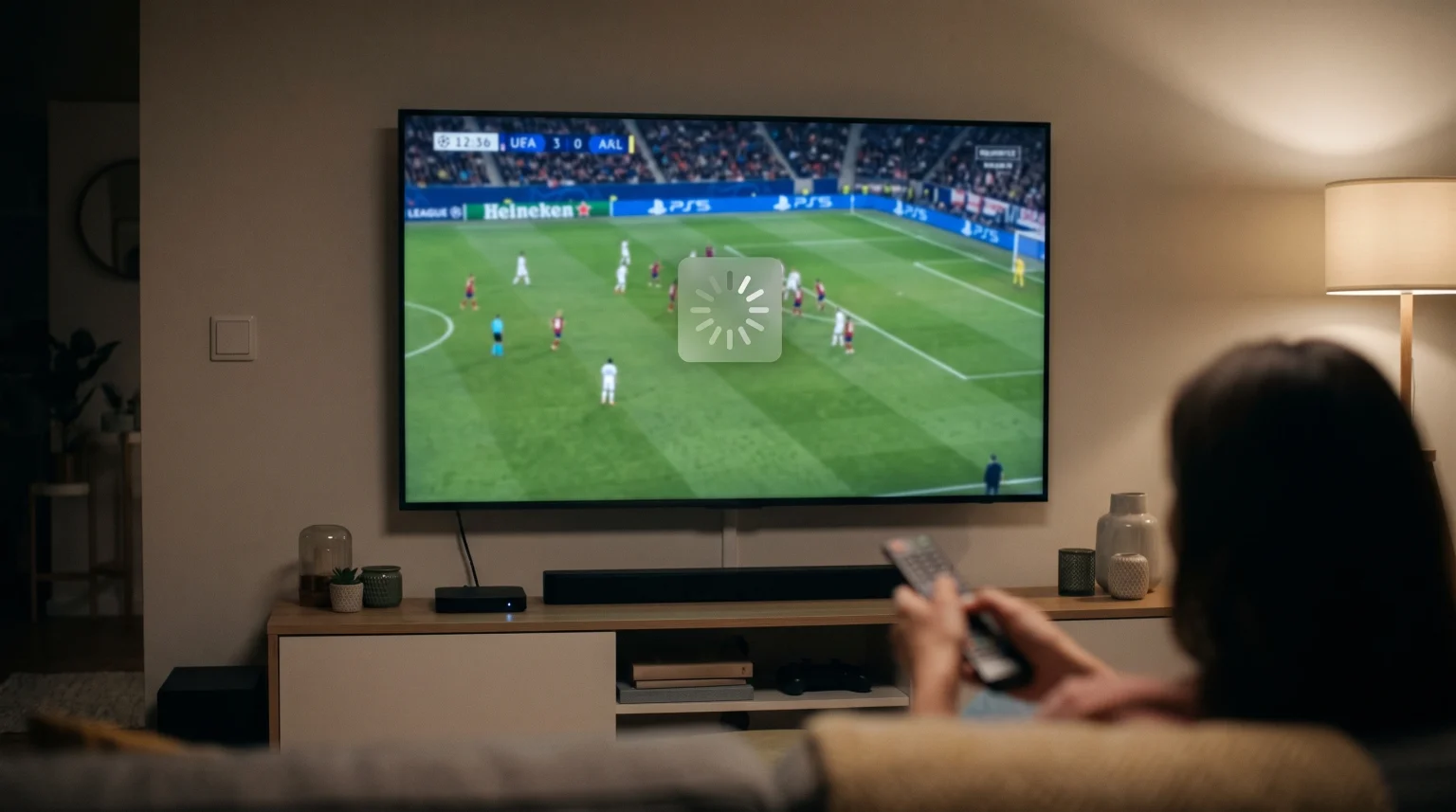
A stable internet connection often streams movies and ordinary television channels without any interruption. However, when a UEFA Champions League knockout match begins, the video stream can suddenly freeze, stutter, or display a loading wheel. This issue frustrates sports fans because standard speed tests still show high download speeds.
Champions League buffering big matches usually happens because thousands of viewers request the same live video data simultaneously. This collective demand creates bottlenecks at specific points along the transmission chain. These points include content delivery servers, internet service provider networks, local neighborhood nodes, and home hardware decoders.
Solving this problem requires an understanding of how live sports streams travel from the broadcast source to your television screen. Once you identify whether the bottleneck is external or inside your home network, you can take practical steps to secure smooth playback during major football fixtures.
Krótka odpowiedź
Champions League buffering during big matches occurs primarily because millions of viewers access identical live video streams at the exact same second. Unlike video-on-demand services such as Netflix, live sports cannot easily rely on local file pre-loading. Peak concurrency overloads Content Delivery Network (CDN) edge servers and causes Internet Service Providers (ISPs) to throttle video traffic during high-demand hours. In many households, local factors such as 2.4 GHz Wi-Fi interference, low device RAM, and small media player buffer sizes worsen the problem. Switching to a wired Ethernet cable, using custom DNS addresses, and increasing player cache memory can significantly reduce buffering.
Why Big Matches Cause Unique Streaming Bottlenecks
Ordinary television shows and movies stream using asynchronous unicast connections. When two neighbors watch the same movie on an on-demand platform, they watch different parts of the file at slightly different times. The streaming platform stores these static movie files on regional cache servers weeks in advance.
Live football operates under completely different conditions. Every viewer requires the exact same video frame at the exact same fraction of a second. This live streaming mechanism is called synchronous streaming.
When a major Champions League match starts, tens of thousands of subscribers connect to the video feed simultaneously. If a goal occurs, data requests spike instantly. This sudden demand tests every link in the network infrastructure.
1. CDN Edge Server Saturation
Broadcasters and streaming providers distribute video through a Content Delivery Network (CDN). A CDN is a global network of proxy servers that temporarily store and deliver content to local users.
During normal evenings, CDN edge servers operate well below their maximum capacity. During a Champions League semi-final or final, the number of simultaneous connection requests exceeds the bandwidth capacity of local CDN edge servers. When an edge server reaches full capacity, it delays data packets. Your streaming player empties its temporary video storage while waiting for new packets, which causes playback to freeze.
2. ISP Congestion and Peering Bottlenecks
Your Internet Service Provider (ISP) receives video data from CDN networks through physical interconnection facilities called internet exchange points (IXPs). The data transfer agreements between these networks are known as peering connections.
During high-profile sporting events, peering links can fill up completely. Even if your domestic internet package offers 500 Mbps download speed, the physical pathway between your ISP and the CDN server may only allow a fraction of that bandwidth during peak hours. When this pathway clogs, data transmission slows down for every household in that geographic region.
3. ISP Traffic Shaping and Throttling
Many internet service providers employ automated traffic management systems. These systems identify protocols that consume unusually high bandwidth during evening hours.
If an ISP notices millions of simultaneous live video streams that threaten general network stability, automated network rules may apply bandwidth limits to video protocols. This practice is known as traffic shaping or bandwidth throttling. The speed test on your phone may report high numbers, but your live video player receives restricted throughput.
4. Home Wi-Fi Limitations and Channel Congestion
The bottleneck is not always outside your residence. In residential neighborhoods and apartment buildings, many routers operate on the crowded 2.4 GHz Wi-Fi frequency band.
When surrounding households stream high-definition sports streams at the same time, radio frequency interference rises sharply. Wi-Fi packet loss forces your television to request lost data packets again, which drains the device buffer. For consistent live sports viewing, our analysis of Telewizory 60 Hz a 120 Hz do oglądania meczów piłki nożnej na żywo shows how modern display hardware and stable data delivery work together to maintain smooth motion.
Unicast vs Multicast: Why Live Internet Streaming Struggles
Traditional cable and satellite television use broadcast distribution. A single satellite transponder sends one signal to millions of satellite dishes simultaneously. Adding one million new viewers requires zero extra transmission power or network bandwidth from the broadcaster.
Internet television uses unicast distribution by default. In a unicast architecture, the server must create a separate, individual data stream for every single connected device.
If 1,000 viewers watch a match, the server sends 1,000 individual data streams.
If 1,000,000 viewers watch a match, the server must duplicate that stream 1,000,000 times.
Because unicast requires massive bandwidth duplication, even multi-gigabit data centers face physical limits during major sports tournaments. Multicast streaming across the open internet remains rare due to compatibility barriers among different consumer internet providers. Consequently, live sports streaming remains uniquely vulnerable to sudden traffic spikes.
Comparison of Connection Methods and Hardware for Live Sports
Your local setup plays an important role in how well your system handles network jitter during high-demand matches. The following table compares common home streaming setups:
| Connection & Device Setup | Resistance to Peak-Hour Jitter | Risk of Local Buffering | Recommended For |
| Smart TV on 2.4 GHz Wi-Fi | Very Low | Bardzo wysoki | Basic web browsing and light standard-definition viewing |
| Smart TV on 5 GHz Wi-Fi | Umiarkowane | Umiarkowane | Casual HD streaming close to the wireless router |
| Smart TV on Wired Ethernet (100 Mbps) | Wysoki | Niski | General HD live streaming without wireless signal drops |
| External TV Box on Gigabit Ethernet | Bardzo wysoki | Lowest | High-bitrate 4K sports streaming and dedicated IPTV apps |
Integrated Smart TV processors often feature limited internal memory (RAM) and basic 100 Mbps Ethernet ports. If you are shopping for a new display panel specifically for sports, consult our guide to the Najlepsze telewizory Smart TV do IPTV w 2026 roku: porównanie marek Samsung, Sony, LG i TCL.
IPTV Compatibility and Big Match Performance
Subscribers who use services such as TV Shadow IPTV often stream live football through dedicated media applications. These applications read streaming protocols directly, rather than using a closed web browser interface.
To avoid Champions League buffering big matches, your IPTV software must process the video feed efficiently:
Protocol Support: HLS vs MPEG-DASH vs TS
Live IPTV streams typically use one of three transmission formats:
HTTP Live Streaming (HLS): Delivers video in short files (usually .m3u8 playlists with .ts or .mp4 chunks). HLS handles network speed fluctuations well.
MPEG-DASH: An international standard that dynamically adjusts video quality according to current bandwidth availability.
MPEG Transport Stream (MPEG-TS): A continuous data stream. It offers low latency, but it is very sensitive to packet loss. If packets arrive late during a big match, MPEG-TS streams buffer instantly.
If your IPTV player allows protocol selection within your M3U playlist or Xtream Codes login, test HLS streaming during Champions League matchdays for better stability.
Buffer Cache Settings in IPTV Players
Most popular IPTV applications such as TiviMate, IPTV Smarters Pro, and Sparkle TV feature adjustable buffer settings.
The default buffer setting in many applications is zero to one second. A tiny buffer provides near-instant channel changing and minimal broadcast delay. However, a small buffer cannot absorb temporary CDN slowdowns during high-demand events.
Increasing your player buffer size to between 5 and 10 seconds creates a temporary cushion. If the data feed drops for three seconds due to server congestion, your player continues playing video from its local memory without displaying a loading spinner.
Electronic Program Guide (EPG) Updates
Many IPTV applications automatically refresh their Electronic Program Guide (EPG) data when launched. EPG downloads consume processing power and local network bandwidth.
Configure your IPTV application to update EPG data during morning hours rather than during live sports broadcasts. This prevents background tasks from interrupting video decoding.
Live Football Display Factors: Refresh Rate and Picture Quality
Live football contains continuous, rapid horizontal camera movement. Fast camera pans across a green pitch reveal compression artifacts and frame drops far more clearly than static studio programming.
Refresh Rate and Frame Rate Matching
European football broadcasts originate at 50 frames per second (fps) using a 50 Hz broadcast standard. North American sports typically broadcast at 60 frames per second using a 60 Hz standard.
If your streaming device outputs video at 60 Hz while the European sports feed transmits at 50 Hz, your television must perform frame rate conversion. This mismatch introduces micro-stuttering. Many viewers mistake micro-stuttering for network buffering, even though the issue is actually display synchronization. Enable the “Match Frame Rate” (AFR) feature inside your streaming media player settings to maintain smooth motion.
Image Processing and Upscaling
Live streams are frequently compressed by origin servers to preserve bandwidth during peak usage. When a compressed 1080p stream stretches across a large 65-inch or 75-inch screen, image softening can occur. If your sports broadcast appears degraded during high-traffic matches, read our guide on Dlaczego obraz z IPTV jest rozmyty na nowym telewizorze 4K? to optimize your television sharpening and motion smoothing controls.
Step-by-Step Fixes to Stop Buffering During Champions League Matches
Follow these systematic steps to eliminate or reduce streaming interruptions before kick-off.
Step 1: Restart Network Hardware
   │
   ▼
Step 2: Connect via Wired Ethernet Cable
   │
   ▼
Step 3: Change Public DNS Server Addresses
   │
   ▼
Step 4: Increase Player Buffer / Cache to 5–10 Seconds
   │
   ▼
Step 5: Test a Secure VPN to Bypass ISP Throttling
1. Restart Your Home Router and Streaming Device
Home routers store temporary routing tables and connection logs in memory. Over weeks of operation, memory fragmentation degrades network throughput. Power off your router and television for 60 seconds before a major game. This clears the hardware cache and establishes fresh connections to your ISP exchange.
2. Disconnect Secondary Devices
A standard home internet subscription shares bandwidth among all active household electronics. Background cloud backups, game console updates, and mobile video apps consume upstream and downstream packets. Temporarily disconnect unneeded devices from the network or enable Quality of Service (QoS) on your router to prioritize your streaming device.
3. Switch from Wi-Fi to a Physical Ethernet Cable
Wireless connections suffer from radio interference, physical walls, and channel congestion. An Ethernet cable provides full-duplex communication without wireless interference. If your television is too far from your router, consider using powerline adapters or a dedicated MoCA (Multimedia over Coax) adapter to establish a stable wired connection.
4. Change Your DNS Servers
Default ISP Domain Name System (DNS) servers are often slow during peak hours. A congested DNS server delays the initial connection to video segment URLs. Change your router or streaming device DNS settings to reliable public DNS providers:
Cloudflare DNS: Primary 1.1.1.1 | Secondary 1.0.0.1
Google DNS: Primary 8.8.8.8 | Secondary 8.8.4.4
5. Use a High-Performance VPN to Avoid ISP Throttling
If your internet connection works quickly on standard websites but stutters exclusively on live sports feeds, your ISP may be actively throttling video streams.
A Virtual Private Network (VPN) encrypts your data traffic. When a VPN is active, your ISP cannot inspect data packet headers or identify the video server destination. The ISP sees only encrypted data moving across a single port, preventing automated video-throttling rules from engaging. Choose a VPN server located physically close to your home to maintain low latency.
Wnioski
Champions League buffering big matches is rarely the result of a single technical fault. Instead, it occurs when peak global viewership strains CDN edge servers, peering exchanges, and ISP bandwidth limits simultaneously.
You cannot control global broadcast distribution networks, but you can control your local hardware and software configuration. Switching from Wi-Fi to a stable wired Ethernet connection, selecting robust IPTV players with configurable buffer sizes, updating DNS parameters, and using high-performance streaming equipment minimizes packet loss. Services like TV Shadow IPTV perform at their highest potential when your local network, playback software, and television settings are properly configured for live sports delivery.
Najczęściej zadawane pytania
Why does my internet speed test look normal while my sports stream buffers?
A speed test connects to a dedicated, unthrottled test server located near your physical area. A live sports stream connects to an entirely different Content Delivery Network (CDN) edge server that may be handling millions of simultaneous user requests. The speed test proves that your local home line is operational, but it does not reflect congestion on the specific video distribution server.
Does watching live football in 4K cause more buffering than 1080p?
Yes. A 4K live stream requires significantly higher bitrates (typically between 20 Mbps and 35 Mbps) compared to standard 1080p feeds (which require 5 Mbps to 10 Mbps). Higher bitrates leave less room for network jitter. If an edge server experiences traffic load, high-bitrate 4K streams deplete device memory buffers much faster than lower-resolution streams.
Can a VPN completely stop Champions League buffering?
A VPN stops buffering only when the root cause is ISP traffic shaping or suboptimal ISP routing. If the buffering is caused by an overloaded origin broadcast server, weak home Wi-Fi, or an underpowered TV processor, a VPN will not fix the issue and may slightly decrease your overall download speed.
Why do European sports streams stutter on a 60 Hz television?
European football matches are produced at 50 frames per second (50 Hz). Most televisions in North America and many standard computer monitors run at a 60 Hz refresh rate by default. Displaying a 50 fps stream on a 60 Hz panel requires the display to duplicate every fifth frame, creating uneven motion that resembles buffering.
What is the ideal buffer size setting for live sports in IPTV apps?
An ideal buffer setting for live sports is between 5 and 10 seconds. Setting the buffer to zero seconds increases the risk of constant stuttering during minor network fluctuations. Setting the buffer higher than 15 seconds introduces a noticeable broadcast delay, which means you may hear neighbors cheer for a goal before you see the play.
Does an external streaming box perform better than a Smart TV app for live football?
Yes. Dedicated external media players (such as the Apple TV 4K, NVIDIA Shield, or modern high-tier streaming sticks) possess faster processors, larger RAM capacities, and superior video decoders compared to built-in Smart TV operating systems. They manage high-bitrate video streams and large player cache buffers with far fewer crashes and dropped frames.