
You need a capable IPTV box to stream high-quality video without interruptions. Modern video streams use advanced video codecs to deliver clear pictures over the internet. The two most important video codecs in 2026 are HEVC and AV1. HEVC is also known as H.265. AV1 is a newer video format. Both codecs compress video data efficiently. This compression reduces the required internet speed. It also improves the final picture quality. If your streaming device lacks support for these codecs, you may experience video buffering. You may also see a black screen while hearing only the audio. This guide explains how to verify IPTV box AV1 HEVC support correctly.
Krótka odpowiedź
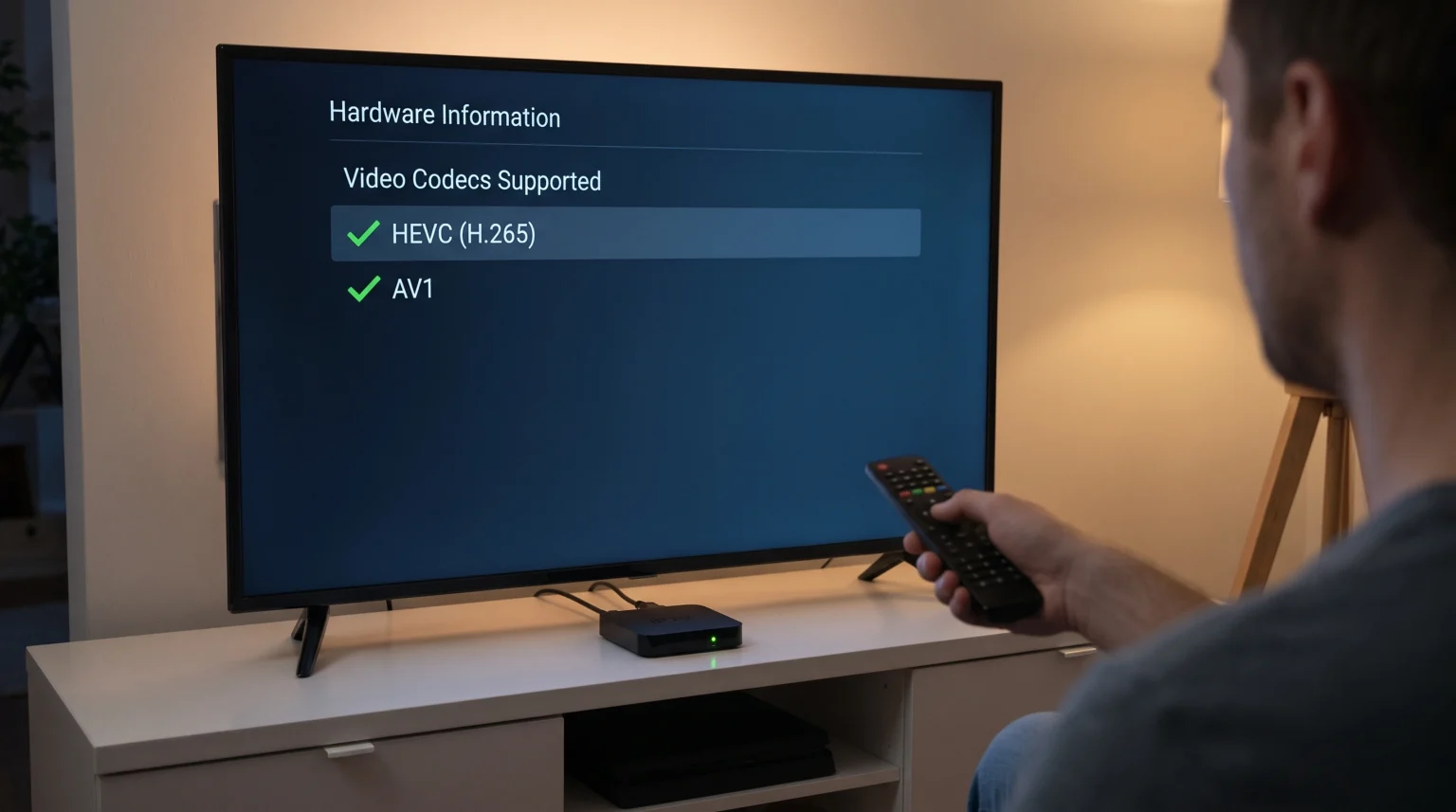
To check IPTV box AV1 HEVC support, you can use three reliable methods. First, read the official hardware specifications on the product packaging or the manufacturer website. You must look for the terms “AV1 hardware decoding” and “HEVC” or “H.265”. Second, install a hardware diagnostic application like DRM Info or AIDA64 from the Google Play Store. These applications display a complete list of supported video codecs. Third, download an AV1 or HEVC test video to a USB drive and play the file on your IPTV box. If the video plays smoothly, your device supports the codec.
What Are HEVC and AV1 Video Codecs?
A video codec is software or a physical hardware chip. The codec compresses digital video before transmission. The codec then decompresses the digital video on your device. Uncompressed video files are too large to send over standard internet connections. Codecs make live streaming possible.
HEVC (H.265) High Efficiency Video Coding (HEVC) is a standard video codec. Most 4K televisions and modern IPTV boxes support HEVC. HEVC requires approximately half the internet bandwidth of older codecs like H.264.
AV1 AOMedia Video 1 (AV1) is a newer video codec. Major technology companies developed the AV1 codec together. AV1 provides better data compression than HEVC. AV1 is a royalty-free technology. Many streaming platforms now use AV1 for 4K and 8K video delivery.
Software Decoding vs. Hardware Decoding
Your IPTV box must decode the video signal quickly to prevent buffering. Streaming devices use two different methods to decode video.
Hardware decoding uses a dedicated computer chip inside the IPTV box. The manufacturer designs this specific chip only to process video. Hardware decoding is extremely fast. Hardware decoding uses very little electricity.
Software decoding uses the main device processor. The main processor must calculate the complex video data mathematically. This process forces the processor to work very hard. The IPTV box becomes hot. Software decoding often results in video stuttering and freezing.
When you verify IPTV box AV1 HEVC support, you must ensure the device features hardware decoding.
How to Check AV1 and HEVC Support on Your IPTV Box
Method 1: Read the Device Specifications
The fastest method to check codec support involves reading the device manual. You can also read the official specifications on the manufacturer website.
Navigate to the “Technical Specifications” web page for your device. Find the category named “Video Processing”, “Video Formats”, or “Video Decoding”. The text must explicitly state “AV1 decoding” or “HEVC decoding”. If the manufacturer does not list these codecs, the device probably does not support them.
Method 2: Use a Hardware Information App
You can install an application to inspect the internal device hardware. This method is very accurate.
Open the Google Play Store on your IPTV box.
Search for the application named “DRM Info” or “AIDA64”.
Install the application.
Uruchom aplikację.
Navigate to the “Codecs” section or the “Display” section.
Look for the text “video/av01” to confirm AV1 support.
Look for the text “video/hevc” to confirm HEVC support.
If the application lists these specific codecs, your IPTV box contains the correct hardware.
Method 3: Test a Video File
You can test the IPTV box using a real video file. This method proves that the hardware works correctly.
Use a desktop computer to download a free AV1 test video and an HEVC test video from the internet.
Save both video files to a USB flash drive.
Connect the USB flash drive to the USB port on your IPTV box.
Open a media player application like VLC Media Player on the IPTV box.
Play the video files.
If the video plays smoothly with normal colors, the IPTV box supports the codec. If the video stutters, stops, or shows a black screen, the IPTV box does not support the codec.
AV1 vs HEVC: What Is the Difference?
Both codecs offer excellent video quality. However, the codecs have different technical characteristics.
| Funkcja | HEVC (H.265) | AV1 |
| Release year | 2013 | 2018 |
| Compression efficiency | Wysoki | Bardzo wysoki |
| Hardware support | Almost all modern devices | Newer devices (2021 and later) |
| Licensing | Requires licensing fees | Royalty-free |
| Bandwidth required for 4K | Approximately 15-25 Mbps | Approximately 10-20 Mbps |
HEVC is an older technology. HEVC features wider hardware support. Almost every Smart TV supports HEVC. If you want to compare television models, read our guide to the Najlepsze telewizory Smart TV do IPTV w 2026 roku: porównanie marek Samsung, Sony, LG i TCL.
AV1 is a newer technology. Older IPTV boxes do not contain the computer chips required for AV1 hardware decoding.
How Video Codecs Affect Live Football Streaming
Live football requires fast and efficient video processing. The television camera moves constantly. The football players move quickly across the grass. This fast physical motion requires a high data rate.
Older video codecs struggle to process fast motion. The television picture may display square pixels during fast camera movements. Technology experts call this visual problem macroblocking.
HEVC and AV1 handle fast motion very well. These codecs update the changing parts of the picture efficiently. The codecs ignore the static parts of the picture. This efficiency keeps the grass looking sharp. The football remains perfectly round and clear.
If your video stream still looks blurry during football matches, the problem might not be the video codec. Our guide explaining Dlaczego obraz z IPTV jest rozmyty na nowym telewizorze 4K? provides additional troubleshooting steps.
A good video codec also improves streaming stability. Live football matches attract millions of viewers simultaneously. Efficient codecs reduce the data load on the central streaming servers. This reduced data load minimizes buffering during important sports events.
IPTV App Compatibility with Video Codecs
Using a modern IPTV application is important. However, the IPTV application relies entirely on the physical IPTV box hardware.
Applications like Tivimate, Smarters Pro, or HotPlayer use the internal video player provided by the device operating system. If the IPTV box hardware does not support AV1, the IPTV application cannot play AV1 streams smoothly. The application will crash or display an error message.
TV Shadow IPTV provides high-quality streaming connections. To enjoy the best experience with TV Shadow IPTV, we strongly recommend using a modern IPTV box with HEVC support. Hardware support for AV1 is an excellent bonus for future compatibility.
Sometimes, the television processor also improves the final picture quality. If you want to learn how your television improves the video signal automatically, read our explanation of Czym jest skalowanie rozdzielczości w telewizji i czy jest to przydatne w przypadku IPTV?.
Wnioski
Checking your IPTV box AV1 HEVC support is a simple but necessary process. These modern video codecs guarantee the best possible picture quality. The codecs also reduce internet bandwidth usage significantly. You can easily check your device support by reading the manufacturer specifications, using the DRM Info diagnostic application, or testing a downloaded video file via a USB drive. HEVC remains the current global standard for 4K video. AV1 represents the future standard for highly efficient streaming. Upgrading to a modern device that supports both video codecs will ensure a smooth, clear viewing experience for live sports and movies on TV Shadow IPTV.
Najczęściej zadawane pytania (FAQ)
Do I need a new IPTV box to watch AV1 video?
Yes, usually. AV1 requires specific hardware decoding chips. You cannot add AV1 hardware support to an old IPTV box using a software update.
Is HEVC exactly the same as H.265?
Yes. HEVC and H.265 are two different names for the exact same video codec.
Which internet speed do I need for HEVC 4K streaming?
You need a minimum continuous internet speed of 25 Mbps for stable 4K HEVC streaming. A speed of 50 Mbps is recommended to avoid buffering when your network speed fluctuates.