
If you’re looking to upgrade your living room setup, buying an Urządzenie Android TV is the fastest way to turn a basic screen into a heavy-hitting streaming hub. But if you’ve searched online recently, you already know the market is flooded. Between the obscure brands promising the moon and the established names charging premium prices, making the right choice can feel like a gamble.
Whether your goal is running heavy media centers, streaming 4K movies, or setting up dedicated IPTV applications without buforowanie, the hardware under the hood actually matters. Let’s break down exactly what you need to look for to choose the perfect Android TV box this year.
The Processor is Everything
Think of the processor (SoC) as the engine of your TV box. It dictates how fast apps open, whether your 4K streams stutter, and how well the device manages heat during a marathon binge.
Right now, you don’t need to overthink the exact benchmark numbers, but you do need to recognize the chips that actually deliver.
Amlogic S905X4: This is the sweet spot for most users. Found in popular mid-range boxes, it handles 4K HDR playback flawlessly and runs efficiently.
Nvidia Tegra X1+: Found in the Nvidia Shield TV Pro. It’s an older chip, but it still outclasses almost everything else when it comes to AI upscaling and raw gaming performance.
Amlogic S928X-J: If you are pushing 8K local playback or extremely high-bitrate streams, this newer chip is what you want to look for.
The AV1 Decoding Requirement
If you are buying a box today, do not buy one that lacks AV1 decoding.
AV1 is the new, highly efficient video codec used by YouTube, Netflix, and a growing number of IPTV providers. It allows high-quality 4K streams to run on significantly less bandwidth. Older processors try to decode AV1 via software, which causes the box to overheat and the video to lag. Hardware-level AV1 decoding (standard on the S905X4 and newer chips) ensures your streams remain perfectly smooth.
RAM and Internal Storage: Don't Get Scammed
It’s easy to get distracted by cheap boxes boasting “128GB of storage.” The reality? Most of those boxes use dirt-cheap, slow memory that bottlenecks the entire system.
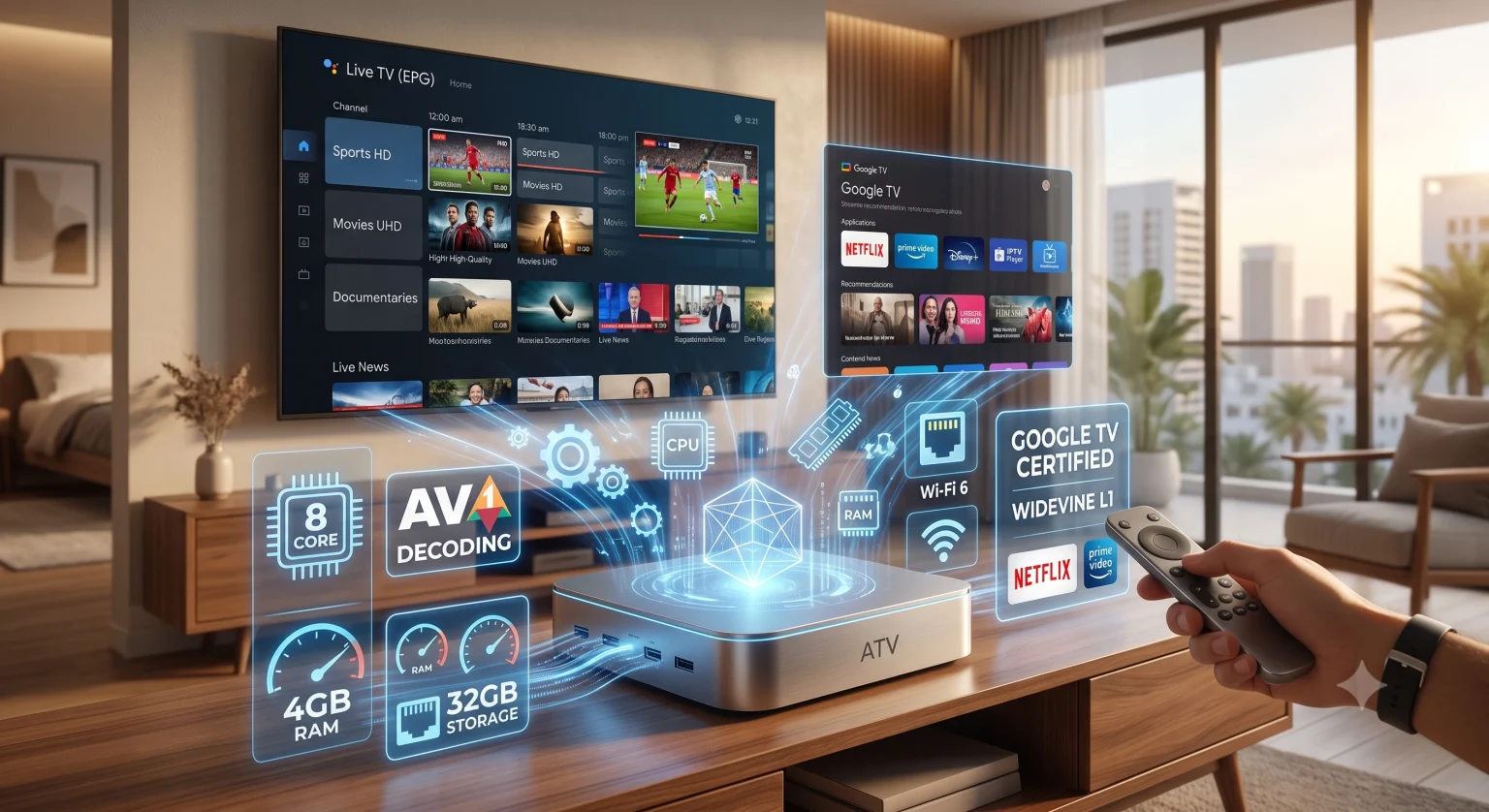
RAM: 2GB of RAM is the absolute bare minimum to run the Android TV operating system. However, if you run heavy IPTV players with massive electronic program guides (EPGs), 2GB will feel sluggish. Aim for 4GB of RAM if you want seamless multitasking and zero interface lag.
Storage: 8GB is standard on budget boxes like the Xiaomi TV Box S, but it fills up fast once you install a few streaming apps. 16GB to 32GB is ideal. If you plan to play games or download movies locally, make sure the box has a USB 3.0 port so you can add an external drive.
The Widevine L1 & Google Certification Trap
This is where a lot of buyers make a critical mistake. You can buy a box with an 8-core processor and 8GB of RAM, but if it lacks Google Certification and Widevine L1 DRM, Netflix, Prime Video, and Disney+ will be locked to standard definition (480p).
Certified boxes run official Android TV or Google TV OS. Uncertified boxes run a modified tablet version of Android stretched to fit your TV screen. The tablet version is clunky, requires an air-mouse to navigate properly, and restricts high-definition streaming on official apps. Always verify that the box is Google Certified before pulling the trigger.
Connectivity: Wired vs. Wireless
If your primary use case involves high-bitrate live streams or pulling 4K content from a local server, a hardwired Ethernet connection is non-negotiable.
Ethernet: Look for a Gigabit (1000 Mbps) Ethernet port. Many budget boxes still use 100 Mbps ports, which can bottleneck high-end 4K streams.
Wi-Fi: If you must use Wi-Fi, ensure the box supports at least Wi-Fi 6 (or Wi-Fi 6E). It provides significantly better stability and handles network congestion far better than older Wi-Fi 5 chips.
Buying the right Android TV box comes down to ignoring the flashy, inflated numbers on cheap packaging. Stick to reputable brands, demand hardware-level AV1 decoding, and ensure you have enough RAM to keep your interface snappy.