
Czy kiedykolwiek zaprosiłeś znajomych na najważniejszy mecz roku, tylko po to, by ekran zamienił się w pikselową papkę dokładnie w momencie, gdy rozgrywający wykonuje długie podanie? Tak, to prawdziwy koszmar. Jesteśmy już w samym środku 4K , a mimo to miliony widzów wciąż przepłacają za pakiety telewizji kablowej, które oferują skompresowane, niewyraźne transmisje w jakości HD.
Oto dobra wiadomość: absolutnie nie potrzebujesz rozbudowanej, kosztownej umowy z dostawcą telewizji kablowej, aby oglądać transmisje sportowe na żywo w ultra wysokiej rozdzielczości. W rzeczywistości rezygnacja z telewizji kablowej na rzecz serwisów streamingowych klasy premium i legalnych alternatyw IPTV to jedyny prawdziwy sposób, aby mieć pewność, że dostrzeżesz każdy źdźbło trawy i każdą kroplę potu.
Jednak zapewnienie płynnej transmisji na żywo w rozdzielczości 4K wymaga nieco więcej przygotowań niż zwykłe uruchomienie serwisu Netflix. Jeśli chcesz cieszyć się płynnym obrazem bez zacięć i bez konieczności buforowania, musisz zrozumieć, jak działają urządzenia, platformy oraz jakie pułapki związane z przepustowością mogą Cię czekać. Przyjrzyjmy się temu bliżej.
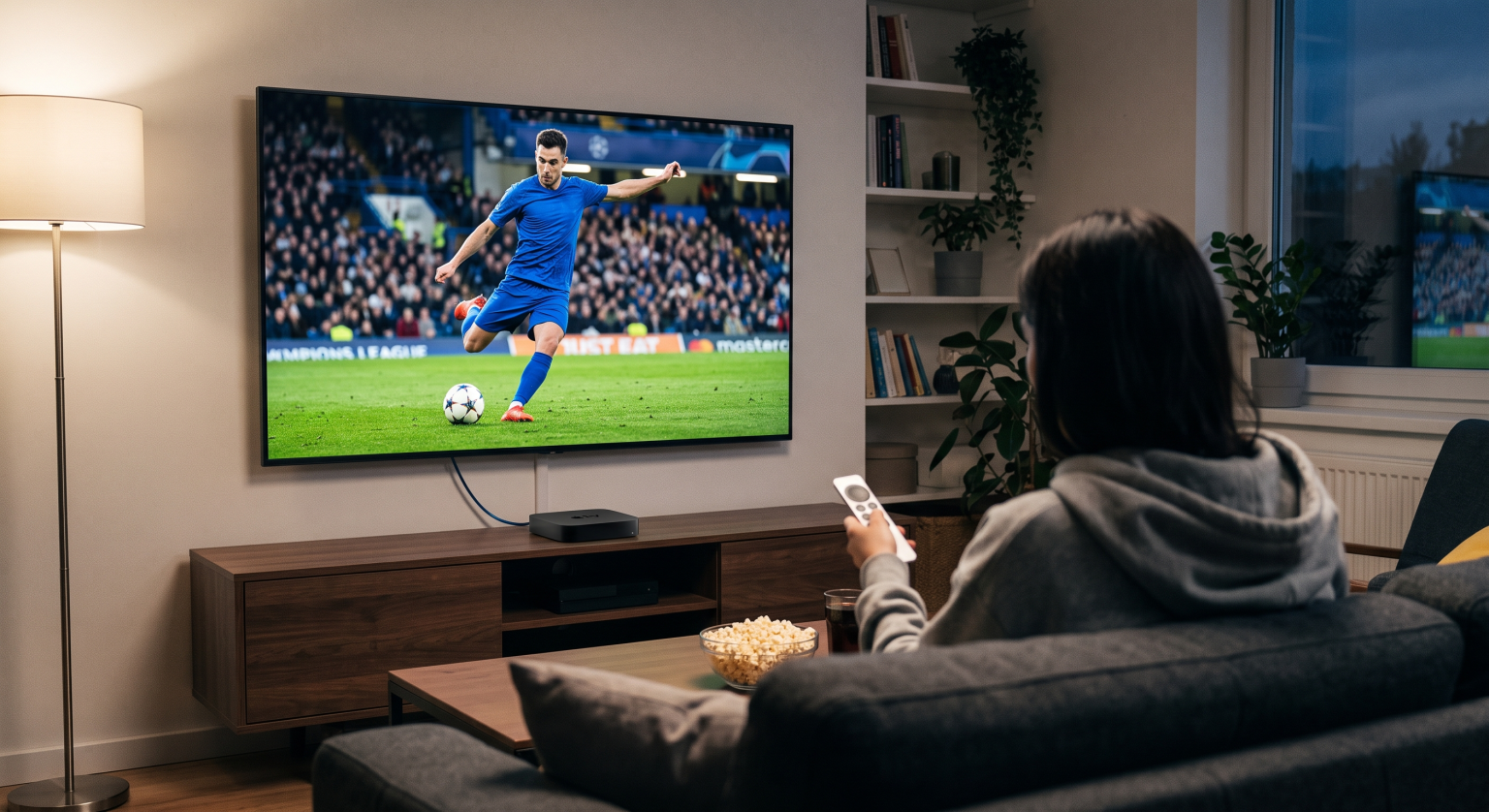
Dlaczego transmisje sportowe na żywo w rozdzielczości 4K to zupełnie inna para kaloszy
Zanim przejdziemy do tematu platform, musisz zrozumieć, dlaczego transmisje sportowe na żywo obciążają Twoje połączenie internetowe znacznie bardziej niż film w rozdzielczości 4K.
Kiedy oglądasz film w streamingu, platforma (np. Netflix czy Disney+) poświęciła już wiele godzin na kompresję i optymalizację tego pliku. Twój telewizor po prostu pobiera go w małych, przewidywalnych fragmentach. Transmisje sportowe na żywo nie mają takiego luksusu. Transmisja musi być kodowana na bieżąco, w czasie rzeczywistym, z opóźnieniem nieprzekraczającym kilku sekund.
Dodajmy do tego fakt, że w sporcie często stosuje się ciągłe, szybkie ruchy kamery – na przykład krążki hokejowe poruszające się z prędkością 100 mil na godzinę czy gwałtowne zmiany sytuacji w koszykówce – co sprawia, że kodek wideo musi pracować na pełnych obrotach. Ten szybki ruch wymaga ogromnej i stałej przepływności, aby uniknąć artefaktów kompresji (tego irytującego rozmycia wokół poruszających się zawodników). Standardowy film w rozdzielczości 4K może wymagać zaledwie 10–15 Mb/s, aby wyglądał dobrze, ale transmisja sportowa na żywo w rozdzielczości 4K wymaga stabilnej przepływności na poziomie 25 Mb/s minimum po prostu po to, żeby zachować spójność obrazu.
Rzeczywistość w kwestii przepustowości
Większość dostawców usług internetowych chętnie sprzeda ci pakiet “100 Mb/s” i zapewni, że to wystarczy do oglądania treści w rozdzielczości 4K. Teoretycznie nie mylą się. A w praktyce? To prosta droga do ciągłego buforowania.
Jeśli Twój telewizor potrzebuje 25 Mb/s wyłącznie na transmisję meczu, to dla reszty domowników pozostaje 75 Mb/s. Jednak w momencie, gdy ktoś inny zacznie pobierać ogromną aktualizację gry lub kilku członków rodziny zacznie przeglądać TikTok, przepustowość zostanie znacznie ograniczona.
Złota zasada dotycząca transmisji sportowych na żywo w rozdzielczości 4K: Niezależnie od tego, jaka jest minimalna wymagana prędkość, podwajaj ją. Jeśli chcesz cieszyć się płynnym streamowaniem, powinieneś mieć domowy pakiet internetowy o prędkości co najmniej 150–300 Mb/s, zwłaszcza jeśli posiadasz urządzenia z zakresu inteligentnego domu, które zużywają dane w tle. I proszę, z miłości do gry, podłącz urządzenie do strumieniowego przesyłania treści na stałe. Zakłócenia sieci Wi-Fi to główna przyczyna nieoczekiwanych przerw w odtwarzaniu. Podłącz telewizor lub urządzenie do streamingu bezpośrednio do routera za pomocą kabla Ethernet.
Najlepsze platformy streamingowe 4K do oglądania wydarzeń sportowych
Jeśli rezygnujesz z tradycyjnej telewizji kablowej, rozważasz skorzystanie z usług streamingowych klasy premium (które pełnią rolę wysokiej klasy, legalnych zamienników IPTV). Nie wszystkie z nich traktują transmisje sportowe w rozdzielczości 4K w ten sam sposób.
1. YouTube TV (z dodatkiem 4K Plus)
YouTube TV to prawdopodobnie najbardziej stabilna platforma dostępna obecnie na rynku. Dysponuje infrastrukturą serwerową, która pozwala obsłużyć ogromną liczbę jednoczesnych widzów bez zawieszania się serwisu. Aby uzyskać dostęp do treści w rozdzielczości 4K, trzeba wykupić pakiet podstawowy oraz dodatek 4K, co jest dość kosztowne, ale zapewnia dostęp do wybranych transmisji w rozdzielczości 4K z kanałów ESPN, Fox Sports i NBC Sports. Ponadto posiadają obecnie wyłączne prawa do pakietu „NFL Sunday Ticket”.
2. Fubo
Serwis Fubo został stworzony od podstaw z myślą o fanach sportu. W przeciwieństwie do YouTube TV, Fubo oferuje programy w rozdzielczości 4K w pakietach Elite i Premier bez konieczności uiszczania oddzielnej opłaty za “dodatek 4K”. Transmituje mnóstwo międzynarodowych meczów piłki nożnej, futbolu uniwersyteckiego oraz rozgrywek MLB w oszałamiającej jakości natywnego 4K. Jeśli jesteś zagorzałym fanem sportu, dla którego ważna jest jakość obrazu, Fubo jest niezwykle trudne do przebicia.
3. DirecTV Stream
DirecTV Stream to najdroższa opcja, ale ma jedną ogromną zaletę: regionalne sieci sportowe (RSN). Jeśli chcesz oglądać mecze swojej lokalnej drużyny z ligi NBA lub MLB, serwis DirecTV Stream zazwyczaj posiada prawa do transmisji, których nie mają inni dostawcy. Oferuje on również wybrane wydarzenia w rozdzielczości 4K, choć jego katalog treści 4K nie jest jeszcze tak bogaty jak w przypadku serwisu Fubo.
Porównanie czołowych graczy
| Funkcja / Usługa | YouTube TV (z pakietem 4K Plus) | Fubo (poziom Elite) | DirecTV Stream (pakiet Choice) |
| Cena podstawowa (szacunkowa) | ~$83 + opłata dodatkowa w wysokości 4K | ~$90 (w tym 4K) | ~$115 (w tym 4K) |
| 4K Sports – tom | Umiarkowana (wybierz najważniejsze mecze) | Wysoki (dużo studiów i piłki nożnej) | Umiarkowane (wybrane wydarzenia) |
| Lokalne sieci telewizji regionalnej (RSN) | Bardzo ograniczona liczba | Targi | Doskonały (najlepszy w swojej klasie) |
| Najlepsza funkcja | Niezrównana stabilność transmisji i nieograniczona pojemność rejestratora | Stworzony specjalnie z myślą o fanach sportu | Dostęp do niemal wszystkich meczów rozgrywanych na lokalnych rynkach |
Twój sprzęt stanowi ostatnie wąskie gardło
Możesz mieć gigabitowy internet i najdroższy pakiet streamingowy na świecie, ale jeśli polegasz na tanim oprogramowaniu wbudowanym w niedrogi telewizor, jakość Twojego streamingu w rozdzielczości 4K na tym ucierpi. Telewizor Smart TV Procesory są znane ze swojej słabej wydajności.
Aby dekodować wymagający strumień na żywo w rozdzielczości 4K z prędkością 60 klatek na sekundę, potrzebny jest dedykowany sprzęt. Warto zainwestować w wysokiej klasy urządzenie do streamingu. To Apple TV 4K oraz NVIDIA Shield TV Pro są tutaj wzorem doskonałości. Wyposażone są w błyskawicznie działające procesory, które bez żadnych opóźnień obsługują transmisje wideo na żywo o wysokiej przepływności, a ich układy skalujące obraz sprawiają, że nawet standardowe transmisje w rozdzielczości 1080p wyglądają zauważalnie ostrzej.
Podsumowanie
Rezygnacja z telewizji kablowej nie oznacza utraty jakości. W rzeczywistości, łącząc stabilne połączenie internetowe z usługą streamingową klasy premium oraz dedykowanym urządzeniem do streamingu, osiągniesz poziom klarowności obrazu, o jakim Twój stary dekoder kablowy nie mógłby nawet marzyć.
Nie zadowalaj się już rozmazanymi ujęciami z kamery i artefaktami kompresji. Podłącz się do sieci, wybierz odpowiednią platformę do oglądania swoich ulubionych lig i zobacz mecz tak, jak powinien być oglądany.