
Are you staring at a blank screen or a glitchy file because your TiviMate recording not working issue has ruined your favorite show? Streaming enthusiasts across Morocco setting up their live TV broadcasts frequently encounter sudden recording cut-offs and storage errors. Fortunately, fixing these annoying glitches is easier than you think once you understand the root causes.
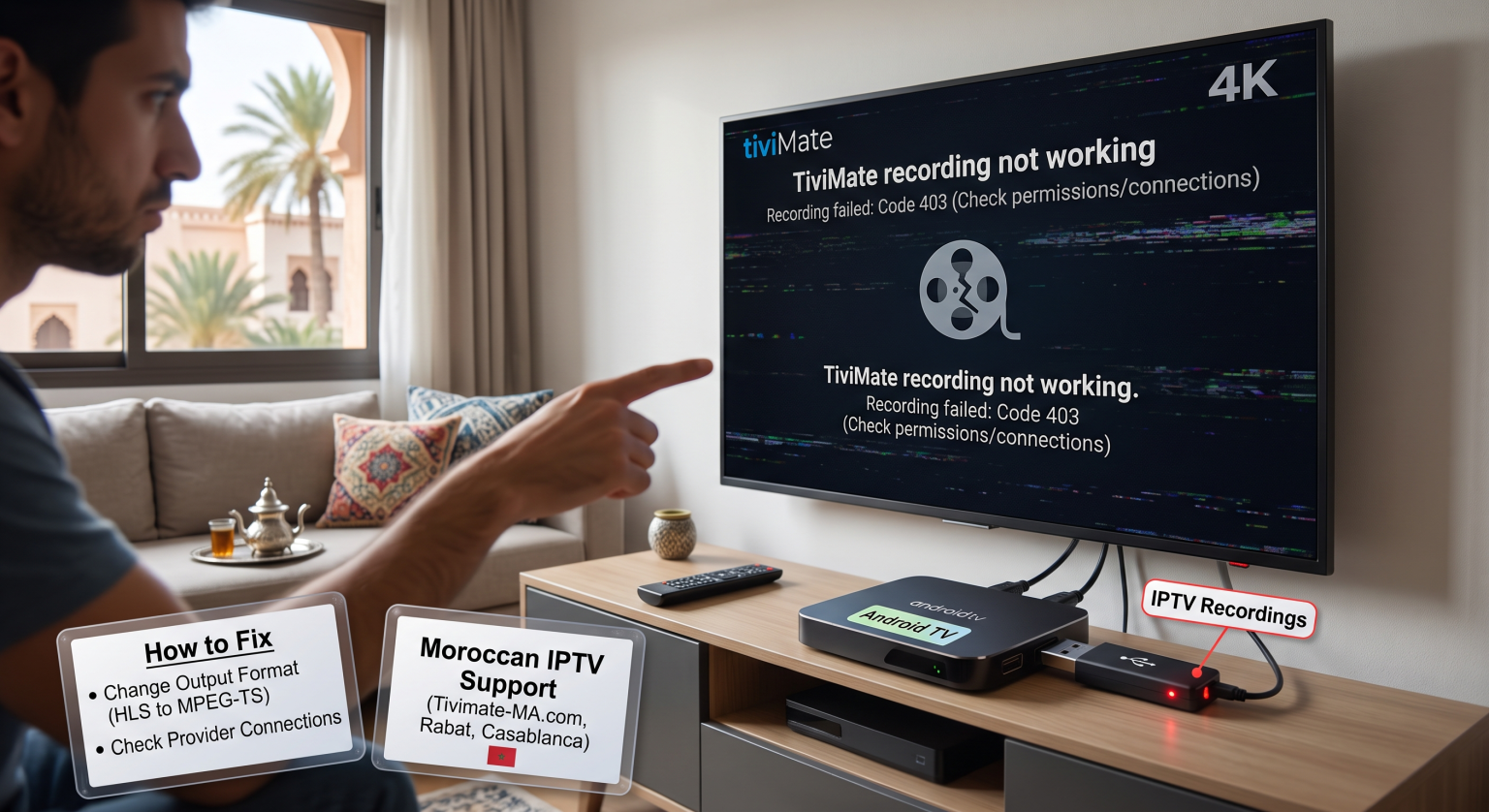
Why Is Your TiviMate Recording Not Working?
If you find that your TiviMate recording not working problem persists, the culprit is usually related to storage permissions, output formats, or stream connection limits. Modern Android TV boxes and FireSticks implement strict file-system restrictions that block unauthorized third-party apps from saving files directly. Furthermore, single-connection IPTV subscriptions will automatically terminate background recordings the moment you switch channels.
Storage Options Compared: Internal vs. USB vs. SMB Share
| Storage Method | Setup Complexity | Reliability | Najlepsze dla |
| Internal Storage | Low (Default) | Moderate | Short clips and temporary testing |
| External USB Drive | Średni | High | Dedicated DVR storage (requires correct formatting) |
| SMB Network Share | High | Maximum | Seamless multi-device access and long-term archiving |
Step-by-Step Fixes for Moroccan IPTV Users
Fixing playback glitches and storage blocks requires a few precise adjustments in your app settings. Whether you are streaming in Casablanca, Rabat, or anywhere else in Morocco, apply these proven troubleshooting steps:
Switch Output Format: Przejdź do Settings > Playlists > [Your Playlist] > Xtream Codes Parameters > Output Format and change it from HLS to MPEG-TS to fix the infamous 1-minute recording cut-off.
Correct Storage Path: Update your recording destination to /storage/emulated/0/Download/TiviMate/Recordings to bypass Android file permission restrictions.
- Upgrade Connections: Ensure your IPTV provider grants at least two active simultaneous connections so you can watch one channel while
recording another.
Mastering your DVR settings ensures you never miss a live broadcast again. Whether you are setting up your entertainment hub in Morocco or optimizing a high-end streaming box worldwide, applying these configuration tweaks guarantees smooth, uninterrupted recordings.
Ready to elevate your streaming experience? Upgrade to TiviMate Premium today to unlock advanced scheduling, multi-screen layouts, and full custom recording features!
Często zadawane pytania (FAQ)
Why does my TiviMate recording stop after 1 minute?
This usually happens because your playlist output format is set to HLS instead of MPEG-TS, or your provider restricts single-connection streams.
Can I record to a USB flash drive on a FireStick?
Yes, but you must format the drive correctly (using FAT32/exFAT via PC) and avoid formatting it as internal device storage through FireOS, which blocks app recording access.
How do I fix playback glitches on my recorded files?
Glitchy files with corrupted timelines can often be played smoothly by opening them in an external media player like VLC or MX Player Pro.