
Nothing ruins movie night faster than a frozen screen. But is that endless loading circle an IPTV app or provider problem, or is your own Wi-Fi to blame?
Stop guessing and start troubleshooting. Whether you’re streaming locally or connecting to international servers from your region, pinpointing the source of the lag is the first step to uninterrupted viewing. This guide reveals exactly how to identify the culprit so you can get back to your favorite shows.
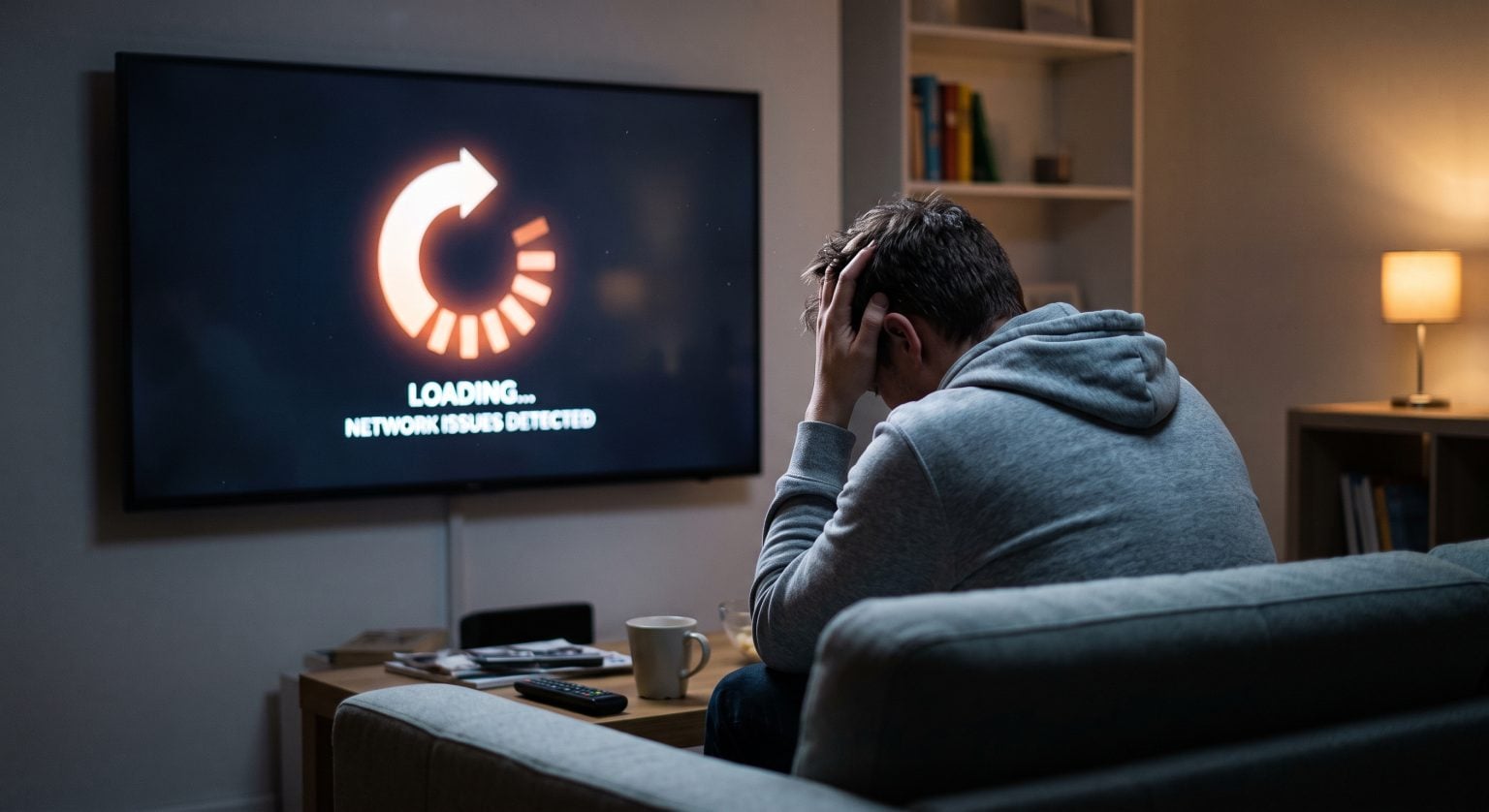
Isolating an IPTV App or Provider Problem
Before you throw your remote across the room, you need to isolate the issue. Video playback errors and stream freezing usually boil down to one of four things: your internet, your streaming device, the app itself, or the IPTV subscription service.
The easiest way to start is by testing another device on the same network. If the stream works perfectly on your smartphone but not your Telewizor Smart TV, you instantly know it’s a device or app issue not your network or the Usługa IPTV.
Step 1: Checking Your Network Latency
Your internet speed might be fast enough for web browsing, but IPTV requires a stable connection with low network latency. If your Wi-Fi signal is weak, or if your Internet Service Provider (ISP) is throttling your connection, you will experience constant buffering.
Run a speed test: Ensure you are getting at least 25 Mbps for HD streaming and 50 Mbps for 4K.
Przejście na Ethernet: Hardwiring your streaming device directly to the router eliminates Wi-Fi interference.
Skorzystaj z sieci VPN: If your speed is fine but streams still buffer, your ISP might be throttling IPTV traffic. A VPN masks your activity and often solves the issue.
Step 2: Assessing Smart TV Performance
Older smart TVs and cheap Android boxes often lack the processing power needed to decode high-quality live TV streams. If your device interface feels sluggish even when you aren’t streaming, the hardware is likely the bottleneck.
Clear the cache: Over time, background data bogs down your device.
Close background apps: Free up your device’s memory to focus entirely on the video player.
Step 3: Evaluating the IPTV Subscription
Sometimes, the issue is completely out of your control. If your network is blazing fast and your device is top-tier, you are likely dealing with an IPTV app or provider problem. Server overload on the provider’s end, especially during major live sporting events, is incredibly common.
Test a different channel: If only one channel is down, the provider’s source link is broken.
Try a different app: If your IPTV service works smoothly on an alternative player (like Tivimate or Smarters), your original app is the problem.
Quick Diagnostic Guide: Find the Culprit
Use this comparison table to quickly match your specific symptom to the likely cause and the fastest fix.
| Symptom | Likely Culprit | Quick Fix |
| App crashes immediately on launch | Streaming Device / App | Uninstall and reinstall the app, or clear device cache. |
| Only one specific channel is buffering/offline | IPTV Subscription Service | Contact your provider; their source link for that channel is down. |
| All channels buffer, especially during peak hours | ISP Throttling / Network | Connect to a premium VPN or hardwire your device via Ethernet. |
| Stream works on phone but not on Smart TV | Device Hardware | Upgrade to a dedicated streaming stick (e.g., Firestick 4K or Apple TV). |
Ready for a Flawless Streaming Experience?
If you’ve run through these troubleshooting steps and you are still dealing with a stubborn IPTV app or provider problem, it might be time to stop fighting a losing battle.
Don’t settle for constant freezing and unreliable servers. Upgrade your streaming setup today by securing a premium, high-speed VPN to stop ISP throttling, or make the switch to a top-tier IPTV provider with guaranteed server uptime. Stop buffering, and start watching!
Często zadawane pytania (FAQ)
Why does my IPTV buffer only at night?
This is a classic sign of either network congestion in your local area or ISP throttling. During peak evening hours, neighborhood bandwidth drops, and many internet providers intentionally slow down heavy streaming traffic. Using a VPN can bypass this throttling.
How do I know if my IPTV provider's servers are down?
If your internet speed is excellent, other streaming apps (like Netflix or YouTube) work perfectly, and you’ve restarted your device, the issue is likely on the provider’s end. Check their support channels, Telegram groups, or Discord servers to see if other users are reporting outages.
Will changing my IPTV app improve my streaming?
Yes, frequently. Some apps handle live video decoding much better than others. If you suspect an IPTV app or provider problem, testing your playlist on a highly-rated alternative player is one of the easiest ways to rule out a software glitch.