
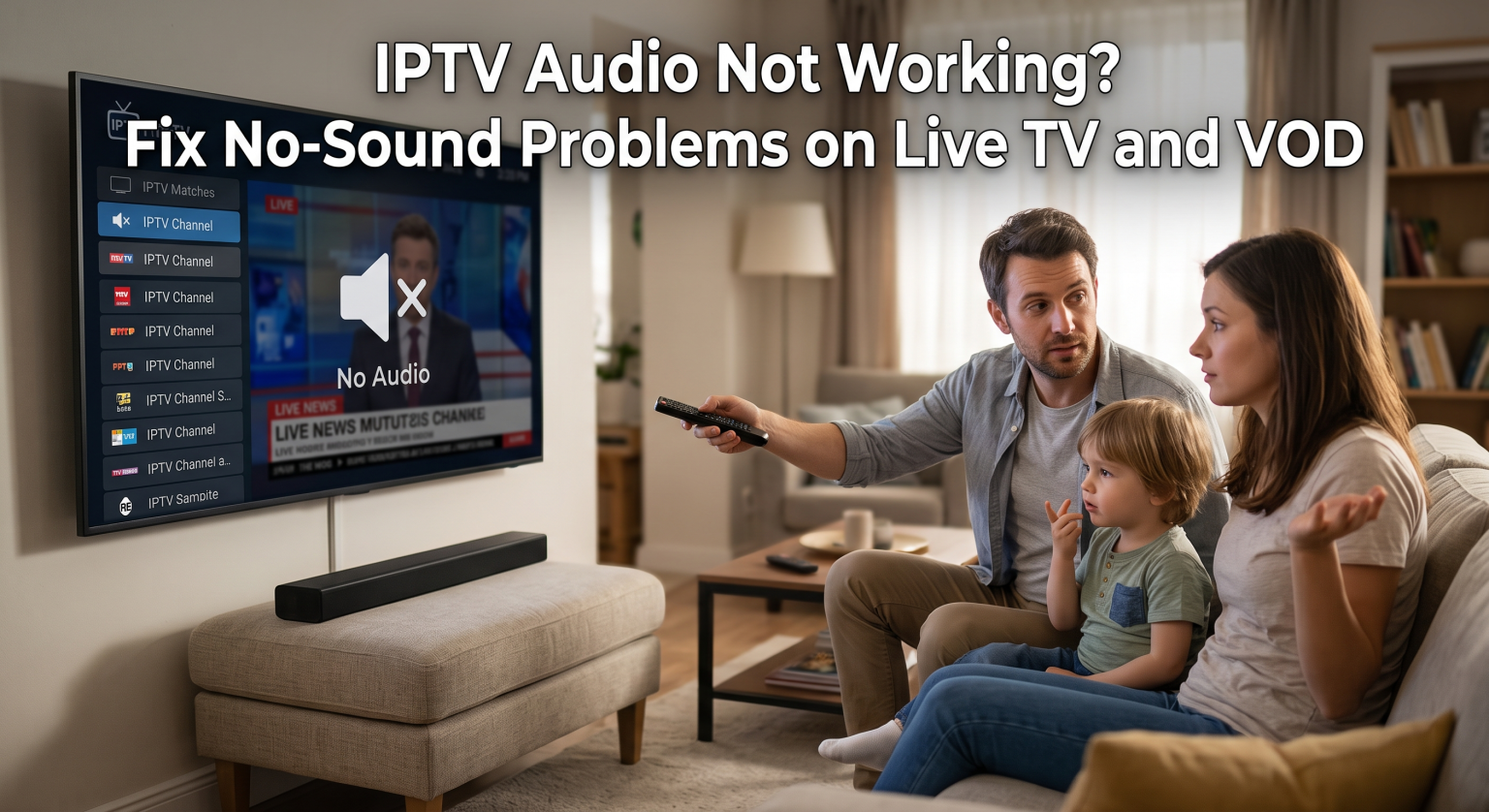
There is nothing more frustrating than settling in for a movie, only to realize the dialogue is completely muted. If you are dealing with an IPTV no sound error, you aren’t alone. This silent treatment affects thousands of users, ruining the streaming experience across both live channels and Video on Demand (VOD) libraries. Fortunately, most sound glitches are easy to resolve without calling tech support. Let’s explore the best troubleshooting steps to get your volume back.
Common Causes Behind an IPTV No Sound Error
Why does your stream suddenly go quiet? The root of an IPTV no sound issue usually boils down to three main culprits. First, incorrect device settings or muted hardware can instantly kill your audio. Always check your physical remotes first!
Second, incompatible audio codecs within the IPTV app often block sound on specific VOD movies. Finally, faulty physical connections like a loose HDMI cable can disrupt the audio signal from reaching your television.
Quick Troubleshooting Steps for Live TV Audio
When live channels lose their voice, start with the simplest software and hardware solutions. Try these quick fixes before diving into complex settings:
Check the Volume and Mute Status: It sounds basic, but ensure your TV, soundbar, and streaming box are unmuted. Use the original TV remote, not just the IPTV remote.
Switch Audio Tracks: Many international channels broadcast in multiple languages. Press the “Audio” button on your player to switch tracks and restore the audio feed.
Restart Your Network: Sometimes, a weak internet connection drops audio packets before video. How to Optimize Your Home Streaming Network can help you stabilize your speeds.
Fixing VOD Audio Sync Issues and Missing Sound
Video on Demand (VOD) files often use complex digital formats like Dolby Digital or DTS. If your app lacks the right video-on-demand audio decoder, the movie plays silently.
To fix this, go into your IPTV player’s settings and change the audio decoder from Hardware (HW) to Software (SW). This forces the app to process the sound internally. Alternatively, try playing the VOD through an external player like VLC or MX Player. These external apps feature built-in decoders that can handle almost any streaming sound error.
Audio Troubleshooting Matrix
Let’s compare the most common audio issues to help you identify the right fix quickly. Use this scannable guide to match your symptom with the solution.
| The Problem | Primary Cause | Best Quick Fix |
| Complete Silence on All Channels | Device muted or loose HDMI connection | Unmute all devices and reseat HDMI cables |
| No Sound on a Single VOD Movie | Unsupported audio codec in the app | Switch decoder from HW to SW, or use VLC |
| Audio is Out of Sync with Video | App processing lag or slow internet | Pause the stream for 10 seconds or clear app cache |
Hardware Checks: Cords, Soundbars, and TVs
If software tweaks fail, it’s time to inspect your physical setup. A damaged HDMI cable can transmit video perfectly while entirely dropping the audio signal. Swap it out with a spare cord to test the connection.
Next, check your external audio devices. Ensure your soundbar connection is securely paired to the correct optical or Bluetooth input. If you are using standard TV speakers, review your TV’s internal audio output settings. Ensure the digital output is set to PCM rather than Bitstream. [External Link: How to Configure Smart TV Audio Settings]
Ready to Upgrade Your Streaming Experience?
Don’t let a persistent IPTV no sound error ruin your weekend binge-watching plans. By checking your codecs, cables, and app settings, you can usually restore your audio in a matter of minutes. However, if your current provider constantly struggles with broken audio feeds and buffering, it might be time for a change.
Tired of troubleshooting? Check out our premium subscription plans today and enjoy crystal-clear sound, massive VOD libraries, and reliable live TV feeds. Sign up now and get back to seamless streaming!
Często zadawane pytania (FAQ)
Why does only one live channel have no sound?
If only a single channel is muted, the issue is almost always on the broadcaster’s end. The server may be missing the audio feed, or you may need to switch the channel’s audio track in your app settings.
Does clearing the app cache fix audio issues?
Yes. Over time, your IPTV app accumulates temporary files that can corrupt playback. Clearing the app cache frees up memory and frequently resolves sudden audio sync issues or dropouts.
Why is the audio out of sync with the video?
Desynced audio usually happens due to a slow internet connection or a processor bottleneck on your streaming device. Pausing the stream for a few seconds to let it buffer usually forces the audio and video to realign.