
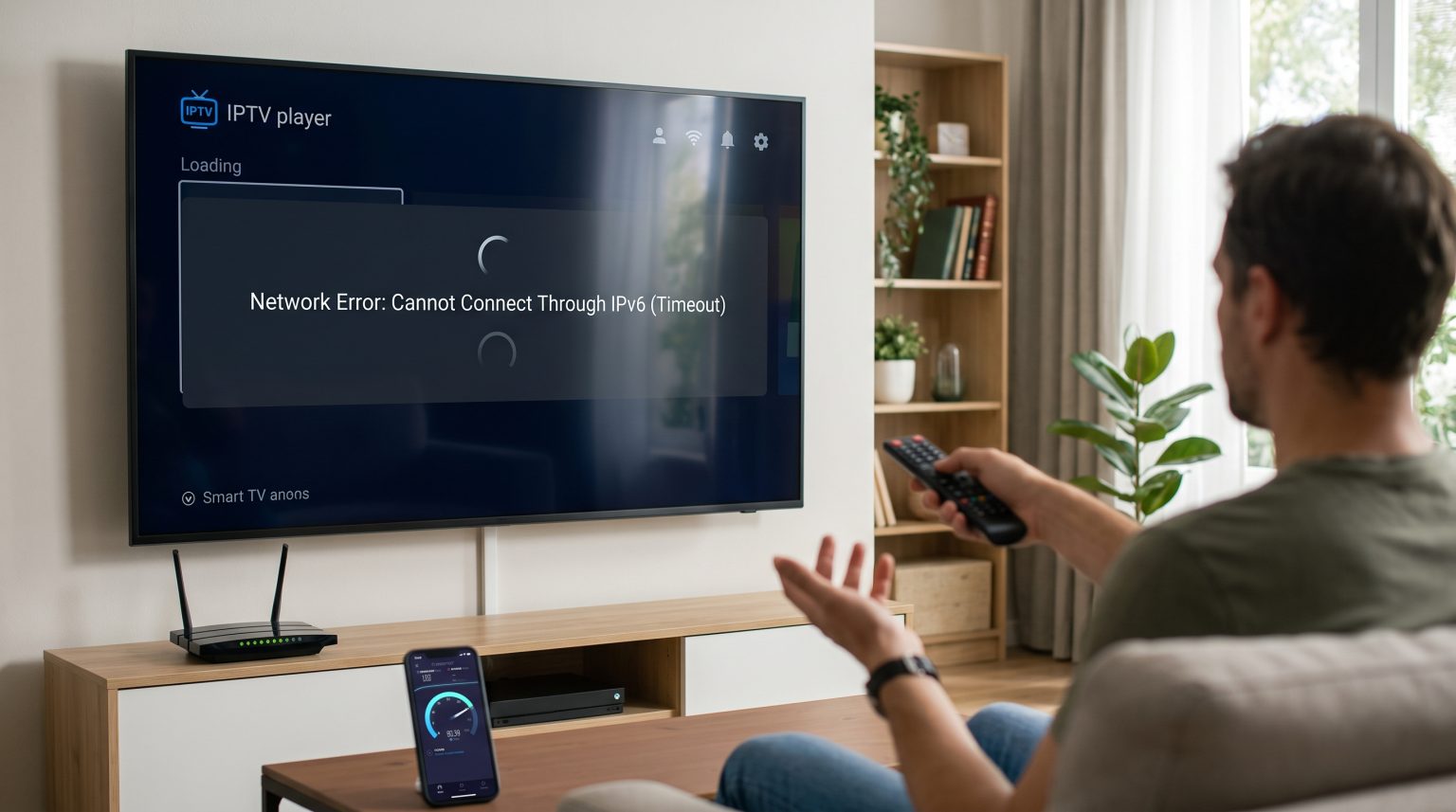
Many users experience network errors when they set up an IPTV application. A common reason is the IPTV IPv6 connection problem. Internet Service Providers now frequently use IPv6 network technology. However, many IPTV applications, media players, and older Smart TVs still require an older IPv4 connection.
When an IPv4 application tries to communicate over a strict IPv6 network, the connection fails. The application may show a loading screen, or the playlist may fail to download. This guide explains how to identify an IPv6 network problem. It also provides clear steps to restore your connection. You can apply these troubleshooting methods to most Smart TVs, Android TV boxes, and mobile devices.
Krótka odpowiedź
An IPTV IPv6 connection problem happens when your television or IPTV app only supports IPv4, but your Internet Service Provider only provides an IPv6 address. To fix this, you must determine your current IP address type. If you have an IPv6 connection, you can solve the issue in three ways. You can disable IPv6 in your television network settings. You can ask your Internet Service Provider to assign you a public IPv4 address. You can also use a Virtual Private Network (VPN) service that routes your traffic through an IPv4 network.
Understanding the IPTV IPv6 Connection Problem
Devices use Internet Protocol (IP) addresses to communicate online. There are two main versions of this protocol.
What Are IPv4 and IPv6?
IPv4 is the older internet standard. An IPv4 address looks like a short string of numbers, such as 192.168.1.1. The internet has mostly run out of available IPv4 addresses.
IPv6 is the modern standard. An IPv6 address is much longer and includes letters and numbers. It looks like 2001:0db8:85a3:0000:0000:8a2e:0370:7334. Because IPv4 addresses are rare, many Internet Service Providers now give home networks an IPv6 address by default.
Why IPv6 Causes Problems for IPTV Apps
Many IPTV systems and video players were built specifically for IPv4 networks. Some Smart TV operating systems do not process IPv6 traffic correctly for third-party applications.
If your IPTV app requires an IPv4 network, it cannot read the IPv6 data format. The application cannot find the server. This incompatibility creates the connection failure. Some internet providers use a system called “Dual-Stack Lite” (DS-Lite). DS-Lite tunnels IPv4 traffic through an IPv6 network. This tunneling process can slow down video streams or cause connection timeouts in IPTV applications.
If you are choosing a new television to avoid these software limitations, our guide to the Najlepszy system operacyjny dla telewizorów Smart TV do obsługi IPTV w 2026 r.: Tizen kontra Google TV kontra webOS explains the network differences between Tizen, Google TV, and webOS.
Common Symptoms of IPv6 Connection Errors
You likely have an IPv6 conflict if you experience these specific symptoms:
The IPTV application opens successfully, but the channels do not load.
The channel list remains empty.
The application shows a “Network Error” or “Timeout” message.
The Electronic Program Guide (EPG) does not update.
The connection works perfectly on your mobile phone using mobile data, but fails on your home Wi-Fi.
How to Diagnose the Network Problem
You can test your network to confirm if IPv6 is causing the connection problem. Follow these three steps.
Step 1: Check Your IP Address
You need to know what type of IP address your home network uses. Open a web browser on a computer or smartphone connected to your home Wi-Fi. Visit a public IP checking website, such as test-ipv6.com or whatismyip.com.
The website will tell you if you have an IPv4 address, an IPv6 address, or both. If the website says you only have an IPv6 address, this is likely the cause of your IPTV connection problem.
Step 2: Test with a Mobile Data Connection
You can isolate the problem by changing the network.
Disconnect your Smart TV or streaming device from your home Wi-Fi. Turn on the “Mobile Hotspot” feature on your smartphone. Connect your TV to this mobile hotspot.
Open your IPTV app. If the app works perfectly on the mobile hotspot, your home Wi-Fi network is causing the problem. Mobile networks usually provide both IPv4 and IPv6 connections.
Step 3: Check Your Router Settings
Log in to your home internet router. The login details are usually printed on a sticker on the back of the router. Look for the “Internet” or “Network” settings menu. Check if the router is set to “IPv6 Only”.
Comparing IPv4 and IPv6 for IPTV
This table explains the differences between the two protocols regarding IPTV streaming.
| Funkcja | IPv4 | IPv6 |
| Address format | Short numbers (e.g., 192.168.1.1) | Long alphanumeric strings |
| IPTV app compatibility | High (Almost all apps work) | Low (Many apps fail to connect) |
| Smart TV compatibility | Świetnie | Varies by manufacturer |
| ISP availability | Becoming rare | Very common for new connections |
How to Fix IPv6 Issues with TV Shadow IPTV
Jeśli korzystasz z TV Shadow IPTV, our service requires a stable internet connection. TV Shadow IPTV is compatible with many popular IPTV players, M3U playlists, and Xtream Codes API. However, the player app on your device must be able to reach the internet correctly.
If you have diagnosed an IPv6 problem, use one of these solutions.
Disable IPv6 on Your Smart TV
You can force your television to use IPv4.
Open the “Settings” menu on your Smart TV.
Go to the “Network” or “Connection” section.
Open “Advanced Network Settings” or “Expert Settings”.
Find the “IPv6” setting.
Change the setting to “Off” or “Disabled”.
Restart your television.
This process forces the TV to request an IPv4 connection from your router.
Disable IPv6 on Your Router
If you cannot disable IPv6 on your TV, you can disable it on your router. Log in to your router settings. Find the “IPv6” menu. Turn the feature off. Save the settings and restart your router. This will force all devices in your home to use IPv4.
Contact Your Internet Service Provider
Some Internet Service Providers lock the router settings. If you cannot change the settings, you must contact your provider’s customer support. Explain that you need a “Public IPv4 address” to use specific home network devices. Many providers will change your connection back to IPv4 or Dual-Stack (which provides both IPv4 and IPv6) for free.
Use a Virtual Private Network (VPN)
A VPN can solve the IPTV IPv6 connection problem. A VPN creates a secure tunnel between your device and a VPN server. Many premium VPN services operate on IPv4 networks. When you connect to the VPN, the VPN software translates your strict IPv6 connection into an IPv4 connection. Install a VPN application on your Smart TV or streaming box, connect to a local server, and open your IPTV app.
Network Stability and Live Football
Live football requires a very stable internet connection. An IPv6 conversion problem like DS-Lite can cause data packets to arrive late. When data arrives late, live sports streams will buffer or lose picture quality.
If you watch live sports, network stability is as important as television specifications. If you want to understand how television specifications affect sports viewing, read our guide comparing a Telewizory 60 Hz a 120 Hz do oglądania meczów piłki nożnej na żywo.
To get the best picture quality during live football, always connect your television to your router using an Ethernet cable instead of Wi-Fi. An Ethernet cable provides a constant data flow. This prevents freezing when a football player moves quickly across the screen.
Wnioski
The IPTV IPv6 connection problem is a common issue for modern internet users. It happens when an IPTV application requires an IPv4 network, but your internet provider only supplies an IPv6 address. You can diagnose this by testing the application on a mobile hotspot. To fix the problem permanently, you should disable IPv6 in your device settings, request an IPv4 address from your internet provider, or use a VPN. TV Shadow IPTV works best when your network allows the IPTV application to communicate freely. By ensuring your network uses the correct protocol, you can enjoy a stable and continuous viewing experience.
Najczęściej zadawane pytania (FAQ)
Does TV Shadow IPTV support IPv6 connections?
TV Shadow IPTV provides the playlist data. The connection success depends entirely on the specific IPTV player application you use and your television’s operating system. If your chosen app supports IPv6, the service will work.
Why does my IPTV app say "Network Error" on Wi-Fi but works on 4G?
Your home Wi-Fi likely uses a strict IPv6 connection that the IPTV app cannot read. Your 4G mobile network likely uses an IPv4 connection or a Dual-Stack connection.
Can I change my Smart TV from IPv6 to IPv4?
Yes, most modern Smart TVs allow this. You can find the IPv6 toggle switch in the advanced network settings of your television. Turn IPv6 off to force the TV to use IPv4.
What is DS-Lite and does it break IPTV?
DS-Lite stands for Dual-Stack Lite. It is a method used by internet providers to send IPv4 data over an IPv6 network. This tunneling process can cause delays and block the ports that IPTV applications need.
Will a VPN fix an IPv6 connection problem?
Yes. A good VPN will route your internet traffic through an IPv4 server. This bypasses your internet provider’s strict IPv6 limitations and allows the IPTV application to connect normally.
Should I buy a new television to fix this?
No. The IPv6 problem is related to your internet connection and the specific application software. Buying a new television will not solve a strict IPv6 network block.