
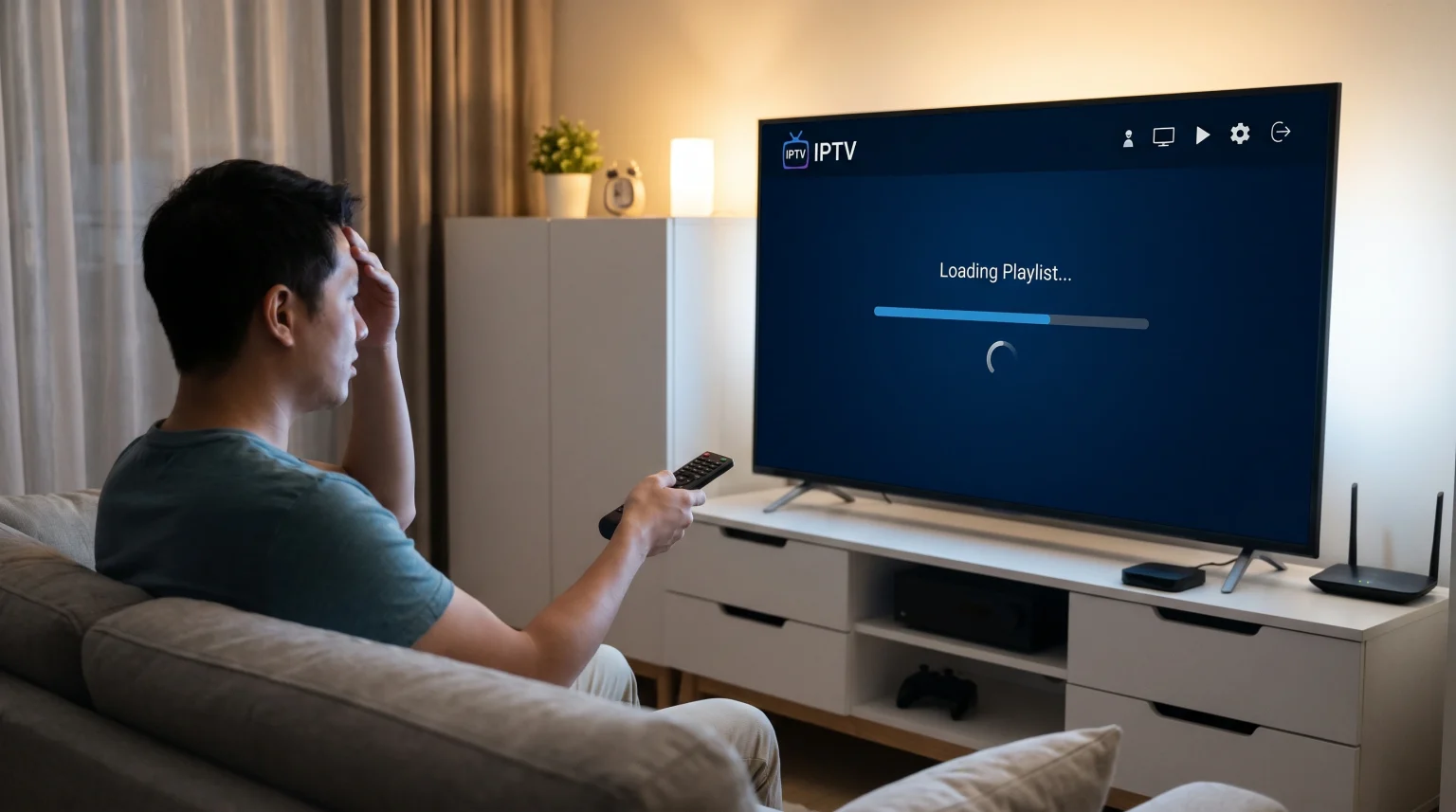
Many users experience a frustrating delay when they start their television application. You open the application, and a long loading screen appears. The system downloads the live channel list, movies, and series again. This process is called an IPTV playlist reload every launch.
It happens because the application does not save the data in the local memory of your Smart TV or streaming device. Instead, the application requests the latest data from the server every time you open it. This article explains the technical reasons for this behavior. We will discuss how device memory, playlist formats, and application settings control this loading process. You will also learn how to optimize your setup for a faster start.
Krótka odpowiedź
An IPTV app reloads the entire playlist every launch primarily because of device memory limits, application caching settings, or the playlist connection format. Smart TVs often have very limited storage space and processing memory. To prevent system crashes, the application clears the playlist data when it closes. Additionally, using a standard M3U file link forces the application to download the complete text file every time. Switching your connection format to an Xtream Codes API often solves this problem because the API only loads the necessary data categories instead of the whole file.
The Role of Playlist Connection Formats
The method you use to connect your playlist is the biggest factor in loading times. There are two main connection methods. These are M3U links and the Xtream Codes API.
M3U Files and Links
An M3U link is a direct web address. This address points to a single, very large text file. This text file contains the names and addresses of every live channel, movie, and television series in your subscription.
When you use an M3U link, the application must download the entire text file from the server. If your provider offers 50,000 items, the application must download 50,000 lines of text. The application must then read the text, organize the categories, and display the user interface. Because the file is completely static, the application cannot ask the server for just one specific category. It must download everything. This causes the IPTV playlist reload every launch.
API Xtream Codes
The Xtream Codes API is a more advanced connection method. You log in using a server URL, a username, and a password.
Unlike an M3U link, the Xtream Codes API connects directly to the server database. The application does not download one massive text file. Instead, the application asks the server for a small menu of categories. When you click on the “Action Movies” category, the application only downloads the list of action movies. This method requires much less data. The application starts almost instantly because it does not need to process a heavy file.
Connection Format Comparison
| Funkcja | Link M3U | API Xtream Codes |
| Data structure | One large static text file | Dynamic database connection |
| Initial loading speed | Slow | Szybko |
| Data download method | Downloads all content at once | Downloads only requested categories |
| Memory usage | Wysoki | Niski |
| Automatic updates | Requires full file reload | Updates data dynamically in the background |
Device Hardware Limitations
The hardware inside your television or streaming box strongly affects how applications behave. Applications must follow the rules of the device operating system. If you are comparing operating systems, our guide to Tizen kontra Google TV w kontekście aplikacji IPTV: jaka jest różnica?] explains how system software manages memory.
Smart TV Memory (RAM)
Random Access Memory (RAM) is the temporary memory a device uses to run active programs. Most standard Smart TVs have very low RAM. They often have only 1GB or 2GB of RAM. A large playlist can consume hundreds of megabytes of RAM.
If the television runs out of RAM, the system will crash. To prevent crashes, the television operating system actively manages the memory. When you close the television application, the operating system deletes the playlist from the RAM. When you open the application again, the RAM is empty. The application must download the playlist again.
Internal Storage Space
Applications can save data to the internal storage of the television. This process is called caching. If an application caches the playlist, it does not need to download the list from the internet on the next launch.
However, televisions also have limited internal storage. If an application attempts to save a 200-megabyte playlist, the television operating system might block the action to save space for system updates. Therefore, many applications are programmed to delete cached data automatically when the application closes.
Application Settings and Cache
Sometimes, the device hardware is capable, but the application settings cause the long loading screen. Different applications handle data differently.
Auto-Update Settings
Many modern applications feature an “Auto-Update on Startup” setting. When this setting is active, the application deliberately ignores any saved data. It contacts the server immediately to check for new channels or updated video-on-demand content.
This guarantees you always have the newest content. However, it forces an IPTV playlist reload every launch. If your application allows it, you can disable this setting. You can change the setting to update only once per day, or you can update the list manually when you want to refresh the content.
Premium Application Caching
Basic or free applications often lack efficient memory programming. They process data in a simple, slow manner. Premium applications usually contain better code. They compress the data and store it efficiently in the device cache. A well-programmed premium application will load the saved list from the cache in one second. It will then check for new updates quietly in the background while you watch television.
How IPTV Compatibility Affects Loading Times
Using a reliable service like TV Shadow IPTV requires a compatible setup for the best experience. The availability of good applications depends on your television brand.
For example, the Google Play Store on Android TV offers many advanced applications with excellent caching features. These applications manage Xtream Codes easily. In contrast, closed operating systems might offer fewer application choices. Some older applications on closed systems only accept M3U links, which guarantees a slow loading time.
If you experience slow loading times, check your application store for an alternative player. Look for a player that explicitly supports Xtream Codes API and features background synchronization.
Does Hardware Matter for Live Football and Sports?
The loading speed of your playlist is only the first step. When you watch live sports, the television hardware becomes very important for the viewing experience.
Processing and Networking
Live football requires a constant, high-speed data connection. If your television has a weak Wi-Fi processor, the stream may pause. This is called buffering. Using an Ethernet cable provides a much more stable connection than Wi-Fi.
Additionally, live football features fast camera movements. If your screen looks unsharp during fast sports, the television processor might struggle with the video signal. You can read more about visual clarity in our guide explaining Dlaczego obraz z IPTV jest rozmyty na nowym telewizorze 4K?.
Electronic Program Guide (EPG) Loading
The EPG provides the television schedule for live sports and channels. The EPG is a separate data file, usually in XMLTV format. If your application reloads the entire playlist, it usually reloads the entire EPG as well. EPG files are very large and complex. Loading the EPG often takes longer than loading the video links. Switching to an API connection reduces EPG loading times significantly.
Wnioski
An IPTV playlist reload every launch is a common issue caused by hardware limits, software settings, and connection formats. Smart televisions do not have enough memory to store massive text files permanently. If you use a basic M3U link, your application must download and process the entire database every time you open it.
You can fix this problem by changing how your application connects to the server. Using the Xtream Codes API allows the application to request small pieces of data dynamically. You should also explore the settings menu of your application to optimize the update frequency. Upgrading to a premium application or a faster streaming device will also improve caching capabilities. By managing these technical settings, you can remove the long loading screen and access your TV Shadow IPTV content immediately
Najczęściej zadawane pytania
How can I stop the IPTV playlist reload every launch?
You should switch your connection from an M3U link to the Xtream Codes API. You should also check your application settings and disable the “Update playlist on startup” option if it is active.
Is an M3U link slower than Xtream Codes?
Yes. An M3U link requires the application to download the entire channel and movie database at once. Xtream Codes only downloads the specific data you click on.
Why does the Electronic Program Guide (EPG) take so long to load?
The EPG is a massive text file containing scheduling data for thousands of channels across multiple days. Processing this text requires significant processing power from your device.