
Are you about to download a new streaming service but find yourself asking: is Smart TV app safe to install? You are not alone. With hackers increasingly targeting connected devices, protecting your television from malware is essential whether you’re streaming at home in the US, Europe, or anywhere around the world.
In this comprehensive guide, we’ll show you exactly how to verify secure streaming applications and keep your home network safe.
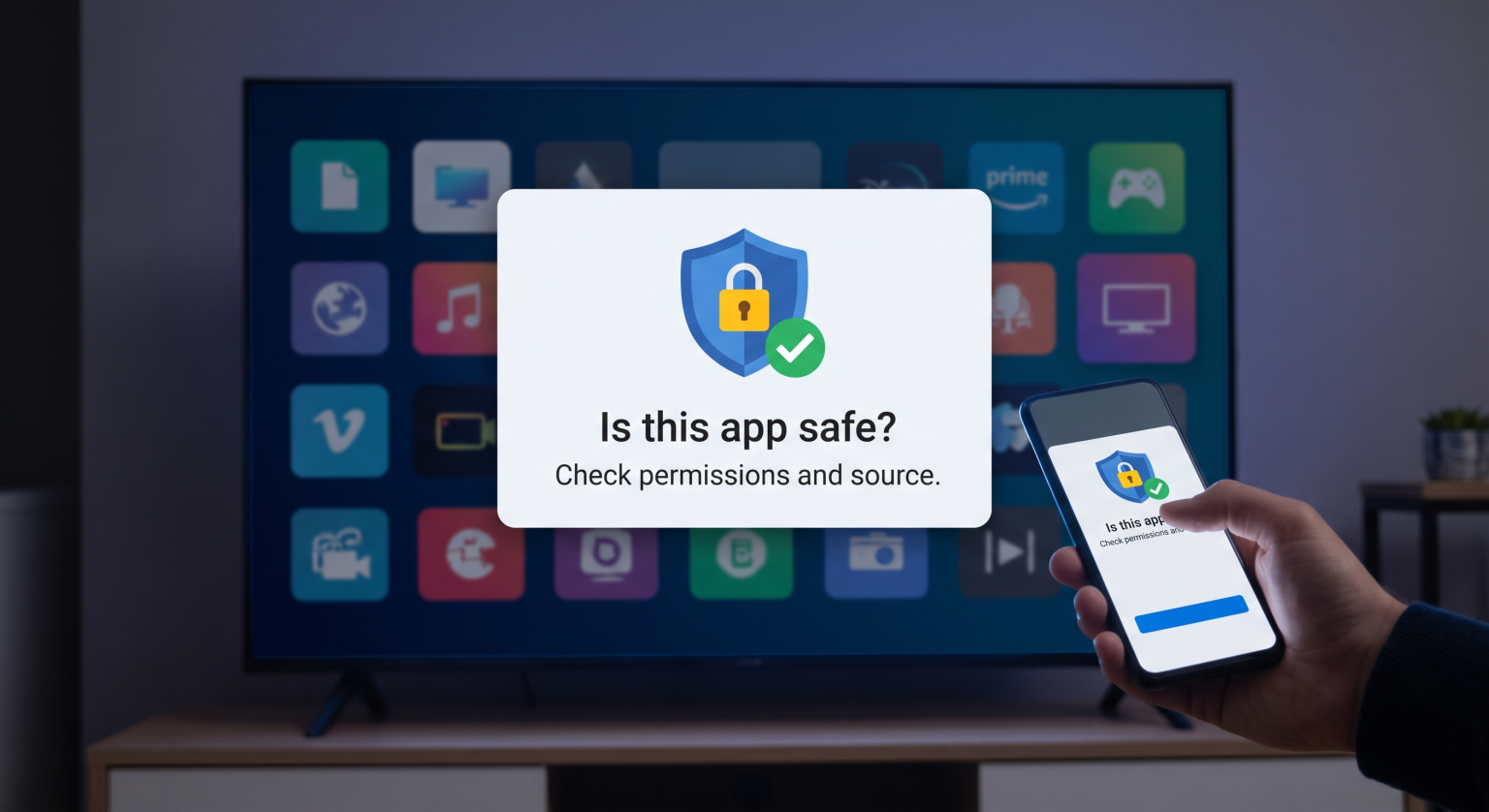
Why Smart TV Security Matters Globally
Cybercriminals love an easy target. Most people aggressively secure their phones and laptops but completely ignore their television cybersecurity. If you install unverified software, hackers can steal your login credentials, monitor your viewing habits, or even use your TV to attack your broader home network.
Before hitting the download button, always ask yourself: is Smart TV app safe, or am I risking a data breach? To avoid downloading malicious software on TV, you need to thoroughly understand where the app comes from and what permissions it requires.
The Risks of Smart TV Malware
If your smart TV gets hacked, you might notice immediate red flags. Strange pop-up ads, sudden sluggish performance, or unfamiliar apps appearing on your home screen are strong indicators of trouble. In some severe cases, hackers can even remotely alter your privacy settings to access your built-in microphone or camera.
Comparing App Sources: Where Is Smart TV App Safe?
The easiest way to avoid smart TV malware is to evaluate where you download your software. Below is a comparison of common app sources and their safety profiles.
| App Source | Security Level | Risk of Malware | Verification Method |
| Official Stores (Google Play, Roku, Samsung) | Wysoki | Very Low | Built-in scans (e.g., Google Play Protect) |
| Third-Party App Stores | Średni | Umiarkowane | Community reviews & external antivirus checks |
| Sideloading (USB / APKs) | Niski | Bardzo wysoki | Manual virus scanning required |
As the table shows, sticking to official storefronts is your absolute best defense against cyber threats.
How to Check If a Smart TV App Is Safe Before You Install
So, how can you guarantee a secure app download? Follow these actionable steps whenever you are unsure if an application is trustworthy.
Check the Developer Details: Look at the publisher’s name in the app store. Scammers often use names that look almost identical to major brands to trick users.
Read the Reviews: Always read user feedback before downloading. If multiple users report crashes, strange pop-ups, or stolen data, the app is highly likely to be unsafe.
Review App Permissions: Does a simple calculator app need access to your TV’s microphone? If the privacy permissions seem invasive or unnecessary, do not install it.
Enable Built-in Security: Devices running Android TV have Google Play Protect. Ensure this is turned on to automatically scan for harmful behavior and privacy violations.
By following this quick checklist, you won’t have to guess whether your next download is secure.
Final Thoughts: Keeping Your Television Secure
The next time you wonder, “is Smart TV app safe?“, you now have the tools and knowledge to find out. Whether you live in North America, Asia, or anywhere globally, practicing good smart TV security is vital to protecting your digital privacy.
Always stick to official stores, keep your device’s firmware regularly updated, and routinely audit your installed applications.
Ready to Secure Your Digital Life?
Don’t leave your home network vulnerable to preventable attacks. Subscribe to our premium cybersecurity newsletter today for weekly tips on securing your smart home devices, exclusive software discounts, and real-time alerts on the latest malware threats!
Często zadawane pytania (FAQ)
Can smart TVs get viruses from apps?
Tak. Just like your smartphone or computer, smart TVs can be infected with malware if you download insecure applications from untrusted sources. Always stick to official app stores to minimize this risk.
How do I run a virus scan on my smart TV?
Many modern smart TVs have built-in security scanners in their settings menu. For Android TVs, you can navigate to the Google Play Store and run a scan using the Google Play Protect feature.
Is it safe to sideload apps on my TV?
Sideloading apps installing them via a USB drive or direct APK download bypasses official security checks. This significantly increases your chances of installing malicious software, so it is generally not recommended unless you fully trust the developer.