
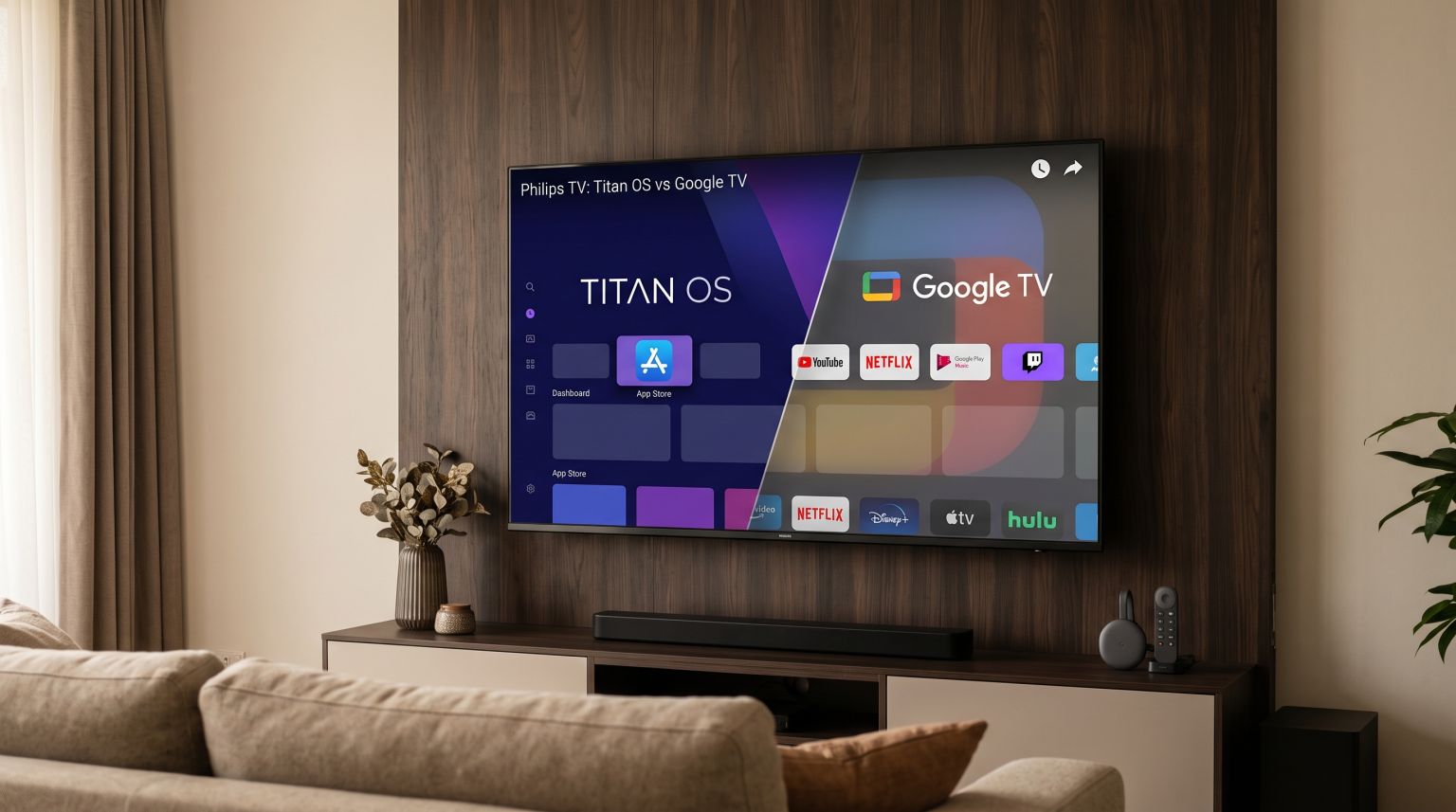
Philips introduced Titan OS on many of its televisions to replace Google TV. Because of this change, many television buyers want to know how the new software affects their favorite applications. This article explains the differences between Philips Titan OS and Google TV. We explore how Titan OS handles application availability. We also look at IPTV support and performance for watching live sports. Understanding these details will help you decide if a Philips Titan OS television meets your entertainment needs.
Krótka odpowiedź
Does Philips Titan OS support Google TV apps? No, Titan OS is an independent, Linux-based operating system. It does not support applications from the Google Play Store natively. If you buy a Philips television with Titan OS, you must download applications directly from the Titan OS app store. While many popular global streaming services are available on Titan OS, specific Android applications are missing. If you need dedicated Android apps, you must connect an external Google TV streaming device to your television.
What Is Philips Titan OS?
Titan OS is a smart television operating system. Philips began using Titan OS on specific television models to replace Android TV and Google TV. The operating system is based on Linux.
Titan OS aims to provide a fast and simple user interface. Because it does not use the Android framework, it requires less processing power to run smoothly. However, this means Titan OS has a completely different software environment than Google TV.
Titan OS vs Google TV: Main Differences
The transition from Google TV to Titan OS brings several important changes for the user.
| Funkcja | Philips Titan OS | Philips Google TV |
| System operacyjny | oparty na systemie Linux | oparty na systemie Android |
| Sklep z aplikacjami | Titan OS App Store | Sklep Google Play |
| Google TV apps support | Nie | Tak |
| System speed | Very fast on mid-range hardware | Requires more processing power |
| Built-in Chromecast | No (uses alternative casting) | Tak |
What Happens to Google TV Apps on Titan OS?
Because Titan OS is a Linux system, it cannot install Android APK files. You cannot open the Google Play Store on a Titan OS television.
Many major streaming companies build specific versions of their applications for Titan OS. You will find popular services like Netflix, Amazon Prime Video, and YouTube. However, smaller applications, regional applications, and specialized tools available on Google TV are often missing from the Titan OS app store. If you depend on a specific application from Google Play, you should check its availability on Titan OS before you buy the television.
If you own a Titan OS television and need Google TV applications, the easiest solution is to buy an external Google TV streaming stick. You can connect this stick to the television using an HDMI port.
IPTV Compatibility on Titan OS
Using IPTV services on a smart television requires a compatible IPTV player application. This is a very important consideration for TV Shadow IPTV users.
Because Titan OS does not support Android applications, you cannot install popular Android IPTV players. For example, applications like TiViMate or Smarters Pro are not natively available on Titan OS unless the developers create a specific Linux version for the Titan store.
However, the Titan OS app store includes alternative IPTV applications. When you search the store, look for applications that support M3U playlists or Xtream Codes. These applications allow you to load your IPTV subscription and access the Electronic Program Guide (EPG). For a broader comparison of television software, you can read our guide to the Najlepszy system operacyjny dla telewizorów Smart TV do obsługi IPTV w 2026 r.: Tizen kontra Google TV kontra webOS.
Watching Live Football on Philips Titan OS TVs
Sports fans need good picture quality and smooth motion to enjoy live football. Philips televisions are famous for their picture processing capabilities.
When you watch live football through an IPTV application on Titan OS, the television hardware is very important.
Refresh Rate: A 120Hz television panel provides smoother motion for fast sports than a 60Hz panel.
Motion Handling: Philips includes motion smoothing technology to reduce blur during fast football passes.
Internet Connection: Live sports streaming requires a stable connection. Using an Ethernet cable is always better than using Wi-Fi.
If you watch standard-definition sports streams, the television processor must improve the picture quality. You can learn more about this process in our guide: Czym jest skalowanie rozdzielczości w telewizji i czy jest to przydatne w przypadku IPTV?.
Wnioski
The change to Philips Titan OS means users lose native support for Google TV apps. Titan OS is a fast and efficient operating system, but it relies on its own application store. Major streaming services are available, but specialized applications and specific IPTV players may be missing. If you want the large application ecosystem of Google TV, you will need to buy a Philips model that still uses Google TV, or you must connect an external streaming device to your Titan OS television.
Najczęściej zadawane pytania (FAQ)
Can I install the Google Play Store on Titan OS?
No. Titan OS is a Linux-based operating system. It does not support the Google Play Store or Android applications.
How do I get Google TV apps on a Philips Titan OS TV?
You must connect an external Google TV streaming device, such as a Chromecast with Google TV, to an HDMI port on your television.
Does Titan OS support IPTV applications?
Yes. The Titan OS app store contains several IPTV player applications. However, the selection is smaller than the Google Play Store.
Is Titan OS faster than Google TV?
Titan OS often feels faster on cheaper televisions because it is a lighter operating system. It requires less memory and processing power than Google TV.
Can I cast videos from my phone to Titan OS?
Yes. While Titan OS does not have official Google Chromecast built-in, it supports alternative screen mirroring and casting protocols to share video from your mobile phone.