
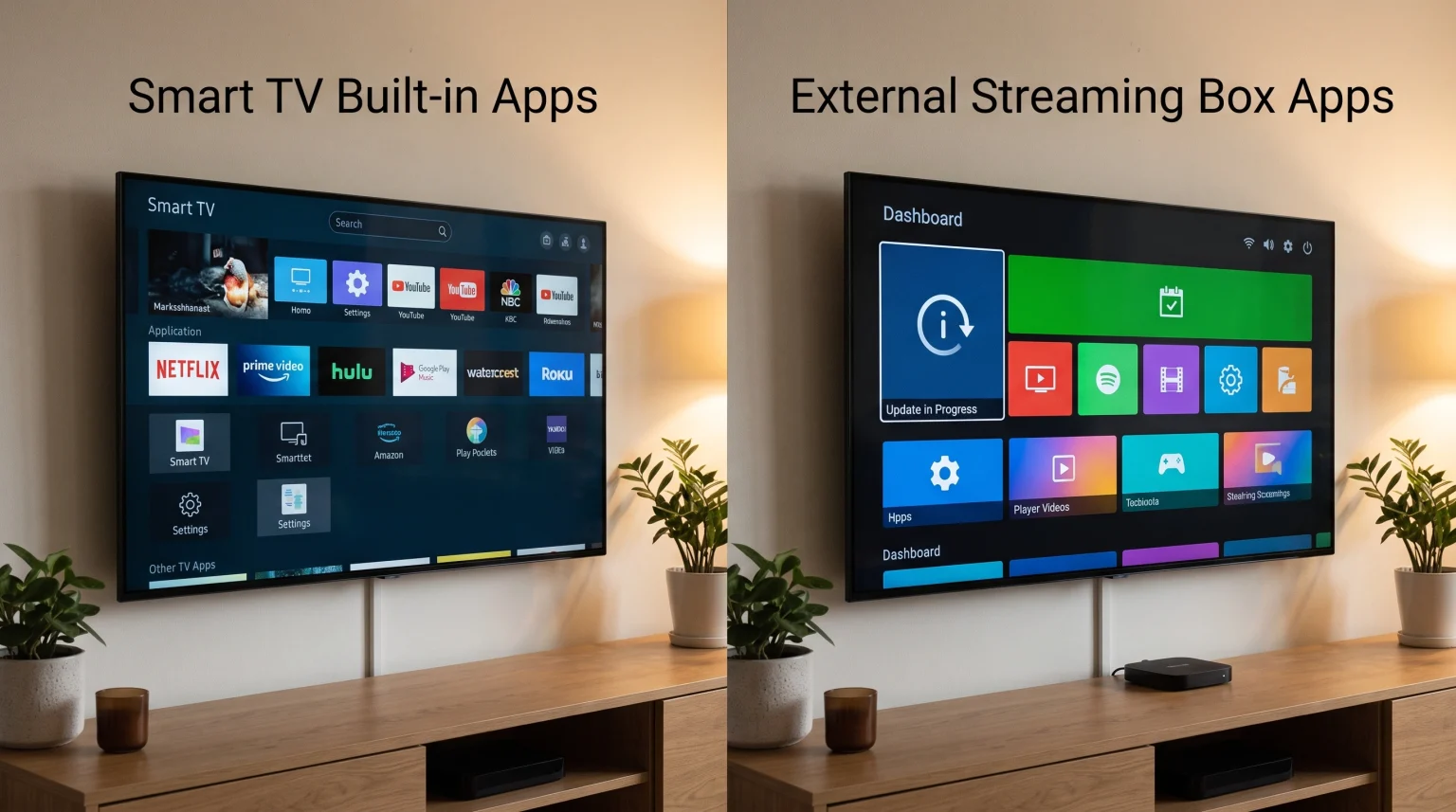
Most modern televisions include built-in operating systems. These televisions provide immediate access to popular video applications. Because the television already has these features, many buyers wonder if a separate streaming device is necessary. When comparing Smart TV apps vs streaming box apps, the most important difference is the software update schedule.
Television manufacturers and application developers handle software updates differently. A television might have excellent picture quality, but its internal computer hardware will eventually become outdated. This article compares built-in Smart TV applications and external streaming box applications. The comparison covers software update frequency, hardware performance, application availability, and compatibility with IPTV services.
Krótka odpowiedź
A Smart TV is convenient because the television requires only one remote control and needs no extra cables. However, streaming boxes usually receive software updates for a longer time. Application developers prioritize streaming box platforms, which means developers update streaming box applications more frequently than Smart TV applications.
A Smart TV is suitable for users who want a simple setup and only use basic applications. A streaming box is better for users who want faster menu navigation, regular application updates, and a wider choice of specialized software.
Software Updates and Lifespan
The biggest difference between a Smart TV and a streaming box is the software lifespan.
Smart TV Operating System Updates
When you buy a television, the television contains a specific processor and a specific amount of memory. Television manufacturers design the software to work with that specific hardware. Companies like Samsung and LG provide major software updates for their televisions. Recently, some manufacturers have promised up to five years of updates for premium models.
However, many mid-range and budget televisions stop receiving major operating system updates after two or three years. When the operating system stops updating, application developers often stop updating their applications for that specific television model.
Streaming Box Operating System Updates
Streaming boxes and streaming sticks come from companies like Google, Apple, Amazon, and Roku. These companies focus primarily on software. An external streaming box often receives software updates for five to seven years.
Because platforms like Google TV and Apple tvOS have millions of active users on the exact same software version, application developers update their streaming box applications frequently. If you are comparing operating systems, our guide to the Najlepszy system operacyjny dla telewizorów Smart TV do obsługi IPTV w 2026 roku explains the differences between platforms like Tizen, webOS, and Google TV in detail.
Hardware Performance and Speed
The hardware inside the device controls how fast the applications open and how smoothly the menus scroll.
Television Processors
High-end televisions contain powerful processors. On a premium television, the built-in applications will load very quickly. However, standard televisions often use cheaper processors to keep the final price low. After a few years, as applications require more memory, the standard television processor may struggle. This causes slow menu navigation and delayed remote control responses.
Streaming Box Processors
A dedicated streaming box has one job: streaming video. Premium streaming boxes contain powerful processors and more memory than a standard television. This dedicated hardware ensures that applications open quickly. If a streaming box becomes slow after five years, the user can buy a new streaming box easily. Replacing a slow television is much more expensive than replacing a slow streaming box.
Comparison: Smart TV vs Streaming Box
This table compares the main features of built-in television software and external streaming devices.
| Funkcja | Smart TV Built-in Apps | Streaming Box Apps |
| Hardware cost | Included with the television purchase | Requires an extra purchase |
| Software lifespan | Usually 2 to 5 years | Often 5 to 7 years |
| App ecosystem size | Limited by the television brand | Very large (Google Play, Apple, Amazon) |
| Installation | Ready to use immediately | Requires HDMI connection and power cable |
| Processing power | Depends entirely on the television price | Generally high in premium streaming boxes |
| Pilot zdalnego sterowania | Uses the main television remote | Includes a separate remote control |
IPTV Application Compatibility
Many users want to watch live television through internet protocols. Using IPTV services requires specific software.
Smart TV IPTV Apps
Televisions running Samsung Tizen and LG webOS have closed application stores. You can only install applications that the manufacturer approves. There are several good IPTV players available in these official stores. These applications support standard M3U playlists and Xtream Codes.
However, if an application developer removes their application from the Samsung or LG store, the user loses access to that application. For a detailed comparison of these two systems, read our article about Tizen kontra Google TV w kontekście aplikacji IPTV: jaka jest różnica?.
Streaming Box IPTV Apps
Streaming devices using the Android TV or Google TV operating system offer much more freedom. Users have access to the Google Play Store, which contains hundreds of different IPTV players. Furthermore, Android-based streaming boxes allow users to install applications manually using APK files. This process is called sideloading.
Sideloading gives the user complete control over which IPTV players they install. TV Shadow IPTV works on many different devices, but a streaming box with Google TV generally provides the largest selection of compatible IPTV player applications.
Electronic Program Guide (EPG) Speed
An Electronic Program Guide (EPG) requires memory to load television schedules. Because premium streaming boxes often have more Random Access Memory (RAM) than standard televisions, the EPG usually loads faster and scrolls more smoothly on a high-quality streaming box.
Watching Live Football and Sports
Live sports broadcasts push streaming hardware to the limit.
Motion Handling and Frame Rates
Live football looks best when the video stream provides 50 or 60 frames per second (fps). The device processing the stream must decode the video fast enough to maintain this frame rate. If the processor is weak, the football might look blurry during fast camera movements.
Premium streaming boxes decode high-bitrate video very efficiently. However, the television screen still controls the final motion clarity. If you are buying a screen specifically for sports, read our guide regarding a Telewizory 60 Hz a 120 Hz do oglądania meczów piłki nożnej na żywo.
Network Stability: Wi-Fi vs Ethernet
Live football requires a constant, stable internet connection. Video buffering ruins the sports viewing experience. Most Smart TVs have a built-in Ethernet port, but many television Ethernet ports are limited to 100 Mbps. Some premium streaming boxes feature Gigabit Ethernet ports (1000 Mbps). While 100 Mbps is enough for 4K streaming, a faster Ethernet port provides better network stability.
If you must use Wi-Fi, modern streaming boxes often feature newer Wi-Fi standards (such as Wi-Fi 6 or Wi-Fi 6E) compared to standard televisions. Better Wi-Fi technology reduces video buffering during live football matches.
App Store Restrictions and Regional Blocks
Application availability often depends on your physical location.
Television Brand Restrictions
Television manufacturers region-lock their software. If you buy a television in France, the television provides the French application store. If you want to download a British video application, you usually cannot change the television region easily.
Streaming Box Flexibility
Streaming boxes offer more geographical flexibility. On a device using Google TV, changing the account region or using a Virtual Private Network (VPN) application is generally much easier. This flexibility is important for international users who want to use specific video applications from different countries.
Wnioski
Choosing between Smart TV software and a streaming box depends on your long-term goals. Built-in Smart TV applications are very convenient. For the first few years, the television processor will load applications quickly and handle high-quality video perfectly. If you only watch popular streaming services, the built-in television software is completely sufficient.
However, when considering Smart TV apps vs streaming box apps over a long period, the streaming box has a clear advantage. Streaming boxes receive software updates for many more years. Application developers update streaming box applications much more frequently. For users who watch live football or use IPTV services like TV Shadow IPTV, a dedicated streaming box provides faster menu speeds, better EPG performance, and a much larger selection of video applications.
Najczęściej zadawane pytania (FAQ)
Do I need a streaming box for a new Smart TV?
No, you do not need a streaming box immediately. A brand new Smart TV will run modern video applications perfectly. You can use the built-in television software until the television stops receiving updates or becomes too slow.
Why are some apps missing from my Smart TV?
Television manufacturers control their own application stores. If an application developer decides not to write code for a specific television brand, that application will not appear in the television store. This happens frequently with smaller application developers.
Which device receives software updates for the longest time?
Apple TV and premium Google TV devices usually receive updates the longest. Dedicated streaming companies focus purely on software ecosystems. Television manufacturers focus on selling new hardware displays every year.
Is an external streaming box better for IPTV?
Yes, generally a streaming box with Google TV or Android TV is better for IPTV. These devices allow you to access the Google Play Store and install third-party applications manually. This gives you many more options for IPTV players compared to a closed Smart TV system.
Will a streaming box improve my television picture quality?
No, a streaming box cannot upgrade your physical television screen. The television hardware determines the maximum brightness, the color quality, and the contrast. A streaming box only provides the software interface and processes the video signal.
Can I use a streaming box and the Smart TV apps together?
Yes, you can use both systems on the same television. You can plug a streaming box into the HDMI port of your Smart TV. You can use the streaming box for some applications and the television interface for other applications.