
When you buy a new television for streaming, the operating system is a very important factor. The Sony BRAVIA 3 II and modern Samsung Smart TVs use completely different software systems. The Sony BRAVIA 3 II uses the Google TV operating system. Samsung Smart TVs use the Tizen operating system.
This article compares the Sony BRAVIA 3 II vs Samsung Smart TVs. We explain the differences in operating systems, application availability, and sports viewing. This comparison will help you choose the best television for streaming movies and using IPTV services.
Krótka odpowiedź
The Sony BRAVIA 3 II is usually the better choice for users who want many application choices. Because the Sony television uses Google TV, the television provides direct access to the Google Play Store. This makes installing third-party media players very easy.
A Samsung Smart TV is better for users who want a simple menu system and easy integration with other Samsung devices. Samsung uses the Tizen operating system. Tizen does not support Android applications. Both televisions provide excellent 4K picture quality for streaming movies and watching live sports.
Operating Systems: Google TV vs Tizen
The biggest difference between these two televisions is the operating system. The operating system controls how you navigate the menus, install applications, and watch content.
Sony BRAVIA 3 II and Google TV
The Sony BRAVIA 3 II uses Google TV. Google TV is based on the Android operating system. When you turn on the Sony television, the home screen shows movie and television show recommendations from all your streaming subscriptions.
Because Google TV uses the Google Play Store, you have access to thousands of applications. You can also use Google Assistant to search for content using your voice. If an application is not available in the store, advanced users can install the application manually using an Android APK file.
Samsung Smart TV and Tizen
Samsung Smart TVs use the Tizen operating system. Tizen is software created by Samsung. The Tizen home screen is very fast and easy to navigate. The system includes a central menu where you can select your favorite streaming applications.
Tizen uses the Samsung App Store. The Samsung App Store has all major streaming services, such as Netflix, Amazon Prime Video, and YouTube. However, Tizen has fewer applications than the Google Play Store. You cannot install Android APK files on a Samsung Smart TV.
If you want to read more details about these operating systems, read our complete guide explaining Tizen vs Google TV for IPTV Apps: What’s the Difference?.
Feature Comparison
This table shows the main technical differences between the two television platforms.
| Funkcja | Sony BRAVIA 3 II | Telewizor Samsung Smart TV |
| System operacyjny | Google TV | Tizen |
| Application store | Sklep Google Play | Sklep z aplikacjami Samsung |
| Obsługa aplikacji na Androida | Tak | Nie |
| Sterowanie głosowe | Asystent Google | Bixby, Amazon Alexa |
| Casting technology | Chromecast built-in | Apple AirPlay 2, SmartThings |
| Advanced HDR support | Dolby Vision | HDR10+ |
| Manual app installation | Yes (APK files) | Nie |
IPTV Compatibility and Applications
Many users want to know how these televisions work with IPTV services like TV Shadow IPTV.
Using IPTV on the Sony BRAVIA 3 II
The Sony BRAVIA 3 II is an excellent television for IPTV. You can open the Google Play Store and download many popular IPTV player applications. These applications allow you to enter your M3U playlist link or your Xtream Codes API details.
Because the Sony television supports Android applications, the Electronic Program Guide (EPG) usually loads very quickly. The remote control works perfectly with Android media players. You do not need to buy an external streaming stick if you own the Sony BRAVIA 3 II.
To learn more about how Sony handles streaming media, read our article to discover if Is Sony BRAVIA Good for IPTV in 2026?.
Using IPTV on a Samsung Smart TV
Samsung Smart TVs support IPTV, but the options are more limited. You must use the applications available in the Samsung App Store. Some popular IPTV players are available for Tizen, but many Android media players are missing.
You cannot download software directly from the internet to your Samsung television. If a developer removes their IPTV application from the Samsung App Store, you cannot use that application anymore. For this reason, some Samsung owners choose to buy an external Android TV box to connect to their television.
Watching Live Football and Sports
Live football requires a television that can handle fast motion clearly. Both the Sony BRAVIA 3 II and modern Samsung Smart TVs have special picture settings for sports.
Motion Handling
When the camera moves quickly across the football pitch, the picture can sometimes look blurry. The Sony BRAVIA 3 II uses Sony picture processing technology to keep the football looking sharp. Samsung Smart TVs also include motion smoothing features in the picture settings menu. You can adjust these settings on both televisions to match your personal preference.
To understand how television screens display sports, read our guide comparing Telewizory 60 Hz a 120 Hz do oglądania meczów piłki nożnej na żywo.
Internet Connection for Sports
Live football requires a very stable internet connection. If the connection is weak, the video will stop or buffer.
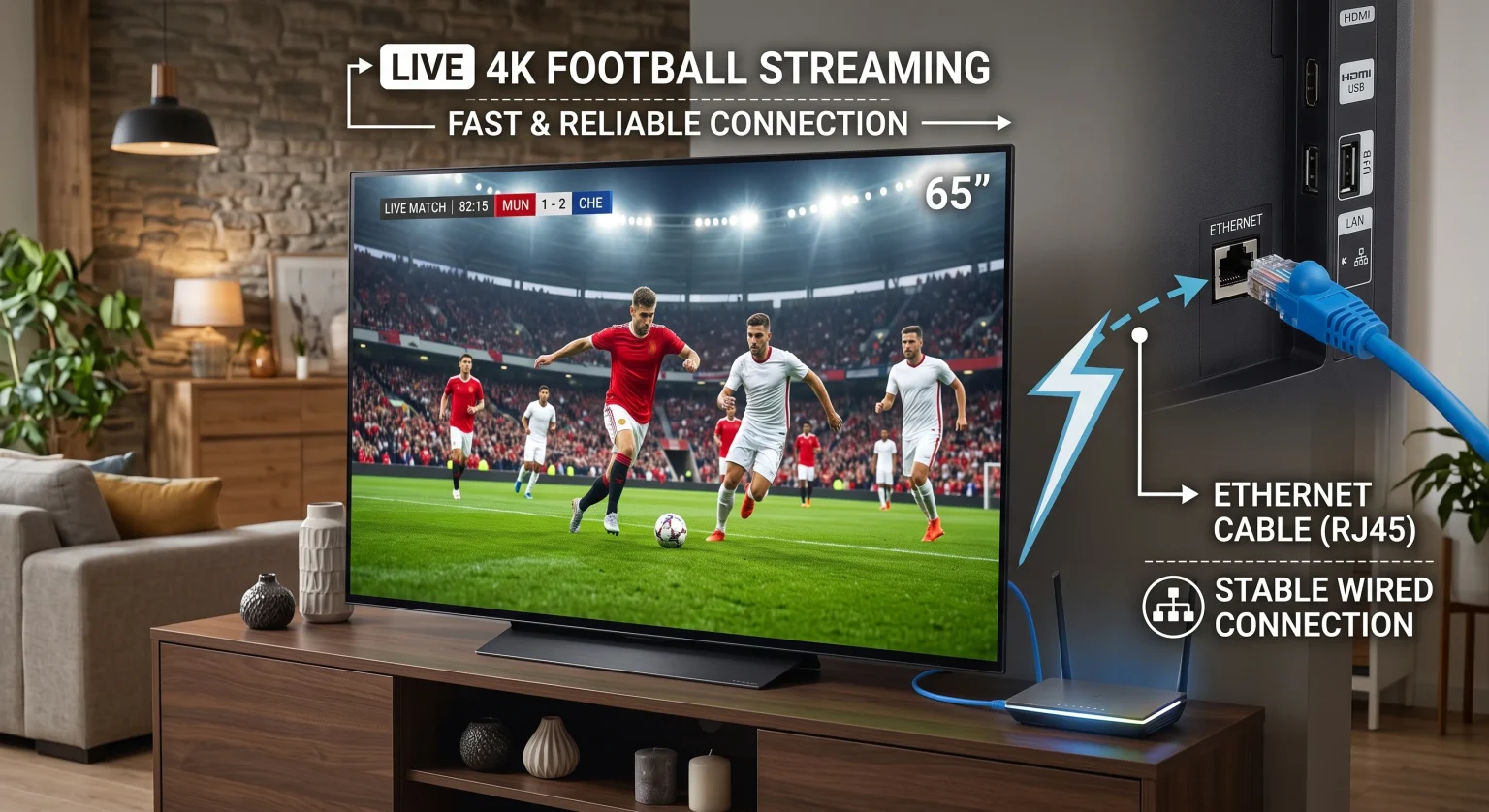
Both the Sony BRAVIA 3 II and Samsung Smart TVs have Wi-Fi and an Ethernet port. For the most stable live sports streaming, you should always connect your television to your internet router using an Ethernet cable. An Ethernet cable provides a continuous data connection. Wi-Fi signals can lose strength if the television is far from the router.
Picture Quality and HDR Formats
Both television brands provide bright, high-quality 4K video. However, they support different High Dynamic Range (HDR) technologies. HDR improves the brightness and colors of the video.
The Sony BRAVIA 3 II supports a format called Dolby Vision. Many streaming services use Dolby Vision for their newest movies.
Samsung Smart TVs support a format called HDR10+. Samsung does not support Dolby Vision. Both televisions will still play standard HDR video perfectly. Most users will be very happy with the picture quality on both televisions.
Remote Controls
The remote controls for these televisions are very different.
The Sony BRAVIA 3 II includes a standard remote control. The Sony remote control has number buttons. Number buttons are very useful when you use an IPTV application because you can type the channel number directly.
Modern Samsung Smart TVs usually include a SolarCell remote control. This remote control is very small and does not have number buttons. The Samsung remote control charges its battery using the light inside your room. Because the Samsung remote lacks number buttons, you must use the television menu to change channels.
Wnioski
Both the Sony BRAVIA 3 II and modern Samsung Smart TVs are excellent choices for 2026. Your decision should depend on how you want to use the television.
Choose the Sony BRAVIA 3 II if you want the most application choices. The Google TV operating system gives you direct access to the Google Play Store. This makes the Sony television an excellent choice for users who want to configure their own media players for TV Shadow IPTV.
Choose a Samsung Smart TV if you want a fast, simple menu interface. The Tizen operating system is very easy to use. While Samsung has fewer third-party applications, the television still provides an excellent 4K picture for all major streaming services.