
Are you staring at a blank screen because you find TiviMate not updating your EPG or playlists? You’re not alone. Streaming interruptions are incredibly frustrating, especially when you’re ready to relax and your media player refuses to fetch the latest data. This guide will help you resolve the most stubborn update errors.
If your setup has suddenly stopped working, the issue often traces back to app cache, network configurations, or outdated software. Let’s break down exactly how to restore your streaming experience in minutes.
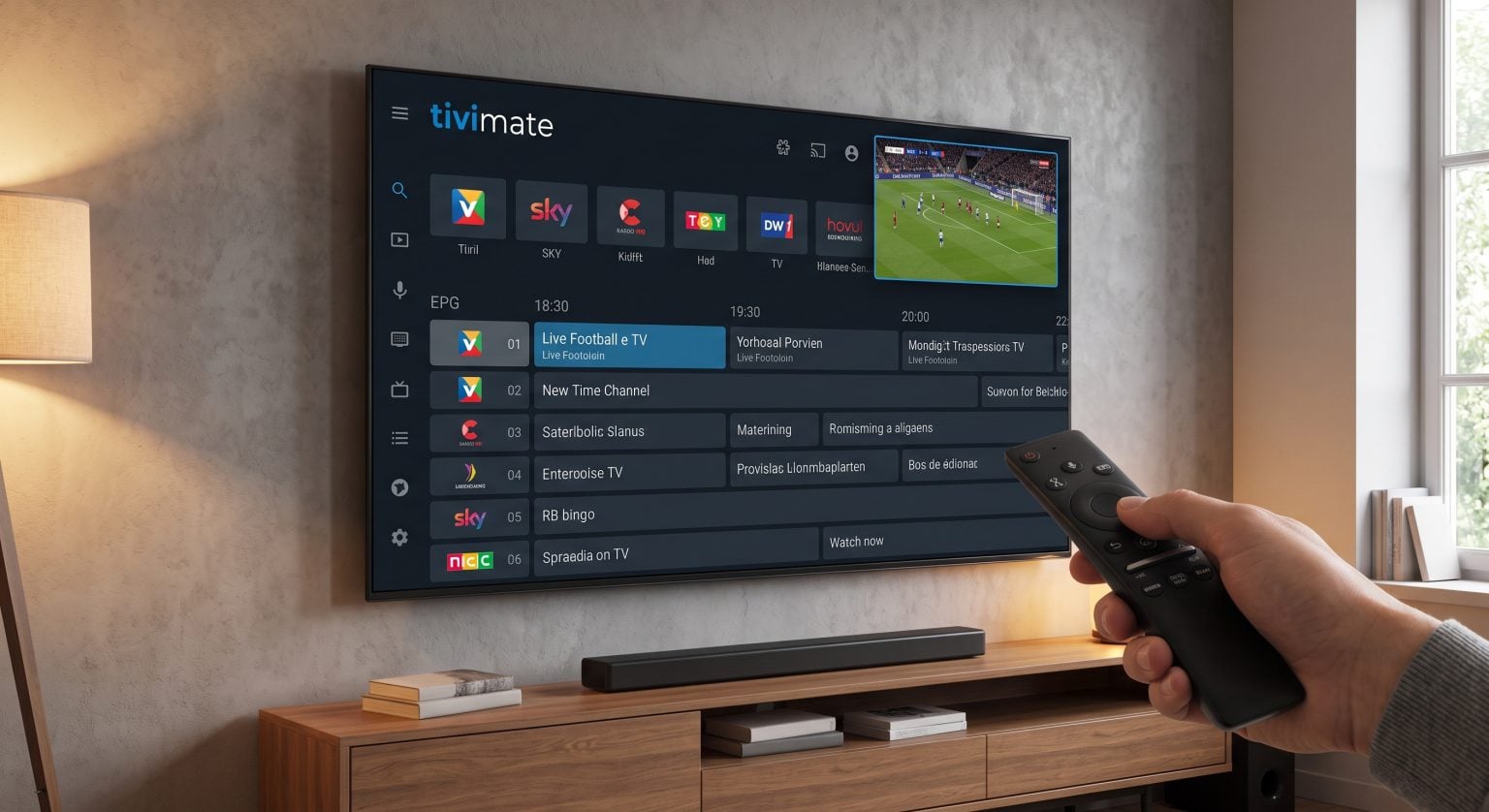
Why Is TiviMate Not Updating Your Playlists?
There are several reasons why your app might struggle to pull down the newest channel information. The most common culprit is network interference. In many cases, simply turning off an active VPN allows the Electronic Program Guide (EPG) to sync properly.
Another frequent issue involves outdated credentials or a bloated application cache. When TiviMate not updating becomes a recurring problem, it usually means your Android device is failing to communicate effectively with your IPTV provider’s server. To tackle these IPTV update errors, you must first isolate the root cause.
Troubleshooting Update Methods Compared
Before you dive into complex network settings, it helps to understand your primary troubleshooting options. Here is a quick comparison of the best ways to force an update:
| Metoda rozwiązywania problemów | Wskaźnik skuteczności | Potential Drawback | Najlepsze zastosowanie |
| Manual In-App EPG Update | Wysoki | Requires active playlist URL | Fixing a blank TV guide |
| Wyczyść pamięć podręczną aplikacji | Średni | Can sometimes sign you out | Resolving stuck app downloads |
| Toggle VPN Connection | Wysoki | Momentary network drop | Overcoming ISP blocking |
| Fresh APK Installation | Bardzo wysoki | Deletes existing configurations | Severe app compatibility issues |
How to Check TiviMate Version and Compatibility
Hardware fragmentation can sometimes cause the app to behave unpredictably. If you are using an older smart TV box, you need to verify your Android TV compatibility before installing new patches.
Do check TiviMate version details, open the app and navigate to Settings > About. Ensure that your device is running an OS version that supports the latest APK releases. If your Firestick or set-top box is severely outdated, it may block automatic background updates, forcing the software to stall.
Fixing TiviMate EPG Issues Manually
If your channels are loading but the TV guide remains empty, you likely have TiviMate EPG issues. You can easily fix this by forcing a manual refresh.
Przejdź do Ustawienia i wybierz Playlists.
Click on your active playlist.
Scroll down and hit Zaktualizuj EPG.
If this TiviMate update fails, double-check that your EPG source URL hasn’t changed or expired.
Should You Update TiviMate Premium?
Running the free version works for basic viewing, but keeping your app current often requires unlocking advanced features. If you decide to update TiviMate Premium, you unlock multiple playlist management and automatic EPG synchronization.
Always download premium updates directly from the official Google Play Store or via verified Downloader codes to avoid corrupted files. A clean installation is the best defense against long-term compatibility bugs.
Conclusion: Keep Your Streams Flowing
Radzenie sobie z TiviMate not updating doesn’t have to ruin your weekend. By managing your cache, verifying your playlist URLs, and ensuring your hardware is compatible, you can eliminate these errors for good. A stable internet connection without aggressive VPN routing is often the secret to a flawless viewing experience.
Chcesz zmodernizować swój system rozrywki domowej? Check out our premium IPTV subscription plans today and enjoy buffer-free streaming with a fully optimized EPG!
Często zadawane pytania (FAQ)
Lorem ipsum dolor sit amet, consectetur adipiscing elit. Ut elit tellus, luctus nec ullamcorper mattis, pulvinar dapibus leo.
Why does my TiviMate EPG say "Failed to update"?
This error usually occurs when the EPG URL provided by your IPTV service is incorrect, expired, or temporarily offline. It can also happen if a VPN is blocking the connection. Try updating the EPG manually in the settings.
How do I update TiviMate on my Firestick?
Since TiviMate isn’t natively available on the Amazon Appstore, you must use the “Downloader” app to sideload the latest version. Simply enter the official APK link into Downloader to install the newest update over your current version.
Does clearing data delete my TiviMate playlists?
Tak. If you choose “Clear Data” in your device’s app settings, it will erase your playlists, favorites, and premium login. Always try “Clear Cache” first, which safely removes temporary files without deleting your personal configurations.