
Apple released the tvOS 27 operating system in September 2026. This new software brings significant changes to the Apple television ecosystem. Apple has focused the update on system speed, interface responsiveness, and audio quality.
The update also introduces new hardware restrictions. Apple ended software support for older television devices. Users must now own an Apple TV 4K second generation or a newer model to receive software updates.
For streaming users, a fast operating system is crucial. This article explains how tvOS 27 affects application performance, live sports viewing, and IPTV usage. This guide helps users understand the new features and decide if they need to upgrade their current hardware.
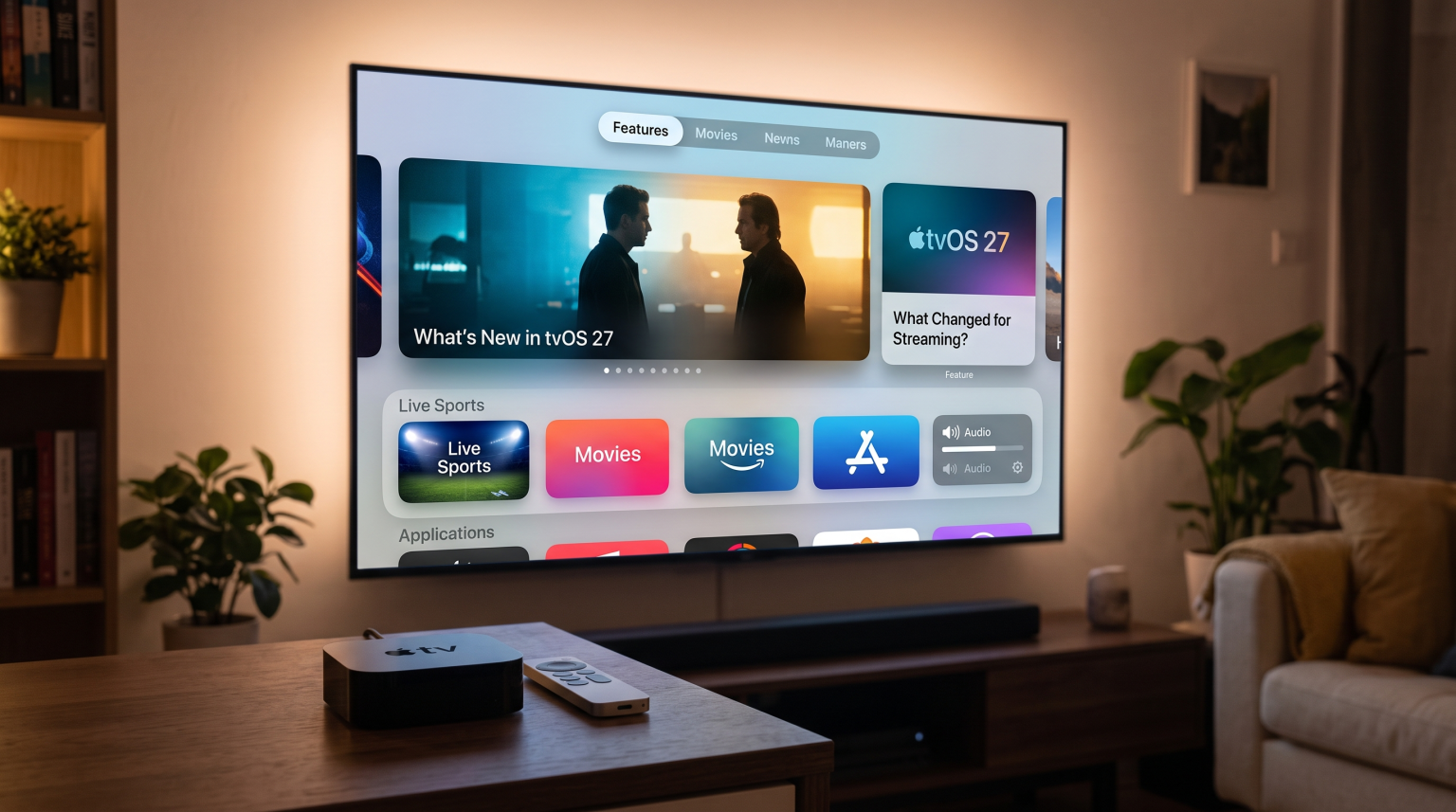
Krótka odpowiedź
Apple released the tvOS 27 operating system in September 2026 for Apple TV 4K devices. The update focuses on system speed, faster AirPlay connections, and High-Resolution Lossless Audio. The software update removes support for the Apple TV HD and the first-generation Apple TV 4K. For IPTV users and streaming enthusiasts, the tvOS 27 Apple TV platform provides a smoother user interface and faster application loading times. The Apple TV 4K remains an excellent premium device for watching live football and movies.
Key Differences: tvOS 26 vs tvOS 27
This comparison table highlights the main differences between the previous operating system and the new version.
| Funkcja | tvOS 26 | tvOS 27 |
| Release year | 2025 | 2026 |
| Supported hardware | Apple TV HD, Apple TV 4K (All generations) | Apple TV 4K (2nd generation and newer) |
| Core focus | Liquid Glass interface design | System speed and audio performance |
| AirPlay performance | Standard AirPlay connection speed | Faster AirPlay connection speed |
| Apple Music features | Apple Music Sing functionality | High-Resolution Lossless Audio and AutoMix |
| Siri voice control | Standard Siri functions | New “Reduce Loud Sounds” voice commands |
Important Changes in tvOS 27
Hardware Compatibility and Dropped Models
The most important change in tvOS 27 is hardware compatibility. Apple no longer supports the older Apple TV HD. Apple also dropped software support for the first-generation Apple TV 4K.
Users must have an Apple TV 4K second generation (released in 2021) or an Apple TV 4K third generation (released in 2022) to install the tvOS 27 software. Older devices will continue to function normally using older software versions. However, older devices will not receive new features or future application updates.
System Speed and Interface
Apple designed tvOS 27 to be significantly faster than tvOS 26. The operating system utilizes the computer processor more efficiently. This improvement results in smoother animations on the television screen.
Users will experience faster application loading times. Navigating the main menu is more responsive. The Control Center menu is also faster. Users can adjust audio settings and network connections without waiting for the system to load.
Audio and Video Enhancements
Apple Music receives major improvements in tvOS 27. The system now supports High-Resolution Lossless Audio. This format provides professional-quality sound for users who connect their Apple TV to compatible audio equipment.
Apple also added a new AutoMix feature for Apple Music. Additionally, users can now control the “Reduce Loud Sounds” setting using Siri voice commands. This voice command is very useful when watching action movies with sudden loud noises.
Profile Switching and Easy Logins
Many families share one television. The tvOS 27 software improves user profiles. Each family member can maintain a separate profile on the Apple TV.
tvOS 27 introduces a new login system for developers. Applications can link directly to an Apple Account. This technology allows users to sign into their favorite streaming applications automatically. Users do not need to type their email address and password using the remote control. This feature saves significant time when configuring a new device.
The Apple TV 4K Hardware Setup
Wygoda obsługi pilota
Apple includes the Siri Remote with the Apple TV 4K. This remote control has an aluminum body and a touch-enabled clickpad. The newest Siri Remote uses a modern USB-C port for battery charging.
In tvOS 27, the operating system responds perfectly to the Siri Remote. The touch surface allows users to scroll quickly through long text lists. This feature is very useful when a user searches a large IPTV Electronic Program Guide (EPG). Users can also use the touch surface to rewind or fast-forward Video on Demand (VOD) content precisely.
HDR, Dolby Vision, and HDR10+
Picture quality is extremely important for streaming users. The Apple TV 4K supports multiple High Dynamic Range (HDR) formats. These video formats include Dolby Vision and HDR10+.
HDR technology displays brighter highlights and deeper black colors on the television screen. The tvOS 27 software processes HDR video signals perfectly. When a user streams a 4K movie, the Apple TV sends the correct color data to the television. This process ensures a beautiful and realistic image.
Storage Space and App Installation
Smart televisions often have very limited storage space. Users can quickly fill the television memory with a few applications.
The Apple TV 4K comes with either 64 Gigabytes or 128 Gigabytes of storage space. This memory capacity provides enough space to install many IPTV applications, large video games, and streaming services.
Using tvOS 27 for IPTV Streaming
Many users purchase an Apple TV 4K specifically to watch IPTV content. The tvOS 27 Apple TV platform is highly capable for this exact purpose.
IPTV App Availability on Apple TV
The Apple App Store operates with strict rules. Apple does not allow applications that include illegal media content. However, Apple allows blank IPTV player applications. These applications do not include media content. The user must provide their own video sources.
There are many excellent IPTV player applications available for tvOS 27. Users can search the official App Store and install these video players directly to their device.
Sideloading Limitations vs Android TV
The Apple App Store is a closed software system. Apple tests and approves every application before publishing. This process makes the Apple TV very secure against computer viruses.
However, this closed system creates a specific limitation. Users cannot “sideload” external applications. On an Android TV device, users can download Android Package Kit (APK) files from the internet and install them manually. On the Apple TV, users can only install applications that exist in the official App Store. Therefore, users must verify that their preferred IPTV player is available in the Apple App Store.
Adding Playlists and Electronic Program Guides (EPG)
Most IPTV players on the Apple TV support M3U playlists and the Xtream Codes API. Users simply enter their subscription details into the application settings.
The Apple TV 4K contains a very powerful processor. This processor easily loads large Electronic Program Guide (EPG) files. The television menu will display television schedule information quickly. Users can scroll through the EPG timeline without experiencing system delays.
Zgodność z TV Shadow IPTV
TV Shadow IPTV is fully compatible with the Apple TV 4K running tvOS 27. TV Shadow IPTV provides high-quality streaming servers. Users can connect their TV Shadow IPTV subscription using their preferred third-party IPTV application from the App Store.
Please note that TV Shadow IPTV does not have an official relationship with Apple. TV Shadow IPTV simply provides the streaming data network. The third-party application on the Apple TV processes this data and displays the video on the television screen.
Watching Live Football on tvOS 27
Live football requires a good television and a fast streaming device. The Apple TV 4K is an excellent choice for sports fans.
Motion Handling and Frame Rates
Live football broadcasts contain very fast camera movements. If a streaming device has poor motion handling, the football will look blurry on the screen.
The Apple TV 4K outputs a 4K resolution video signal at 60 frames per second (60Hz). This specification matches the standard broadcast frame rate for television sports. tvOS 27 includes a feature called “Match Frame Rate”. When users activate this feature, the Apple TV automatically adjusts its video output to match the original video content. This creates smooth video motion during live football matches.
If you are confused about television screen speeds, read our guide explaining Telewizory 60 Hz a 120 Hz do oglądania meczów piłki nożnej na żywo.
Internet Connection: Wi-Fi vs Ethernet
Live football streams require a highly stable internet connection. If the internet connection drops, the video will stop. This problem is called buffering.
The 128GB version of the Apple TV 4K includes a Gigabit Ethernet port. We strongly recommend using a physical Ethernet cable for IPTV streaming. A cable provides a more stable connection than a wireless Wi-Fi signal. If you must use Wi-Fi, ensure the Apple TV is located close to the wireless internet router.
Picture Quality and Upscaling
Many television sports channels broadcast in 1080p High Definition (HD) resolution. However, modern televisions use 4K resolution. The streaming device must enlarge the 1080p image to fit the larger 4K screen. This visual process is called upscaling.
The Apple TV 4K has an excellent upscaling system. The internal processor sharpens the image without creating digital visual noise. This technology makes standard HD live football broadcasts look much better on a large 4K television.
If your picture quality remains poor despite a fast internet connection, read our article explaining Dlaczego obraz z IPTV jest rozmyty na nowym telewizorze 4K?.
Integrating Apple TV with Smart Televisions
Users often wonder if they should purchase an Apple TV 4K or simply use their Smart TV applications. Smart televisions provide an integrated experience without extra cables. However, the Apple TV 4K offers specific advantages.
Processing Power vs Smart TVs
The Apple TV 4K possesses a much faster processor than most Smart Televisions. Televisions from Samsung, Sony, and LG utilize their own operating systems. However, television manufacturers often use cheaper internal processors to reduce production costs.
The Apple TV 4K opens applications faster than a standard Smart TV. If you are comparing different television operating systems, read our guide detailing Najlepszy system operacyjny dla telewizorów Smart TV do obsługi IPTV w 2026 r.: Tizen kontra Google TV kontra webOS.
Aktualizacje oprogramowania
The Apple TV receives software updates for many years. Apple usually supports its streaming devices for five to seven years. Many Smart Television manufacturers stop providing major software updates after two or three years.
If you are currently choosing a new television, you can compare different brands in our guide highlighting the Najlepsze telewizory Smart TV do IPTV w 2026 roku: porównanie marek Samsung, Sony, LG i TCL.
Wnioski
The release of tvOS 27 brings excellent performance improvements to the Apple TV ecosystem. Apple focused on system speed, audio quality, and faster wireless connections. These changes create a better experience for daily streaming users.
However, users must own a modern Apple TV 4K device to receive these benefits. Older Apple television boxes will not receive the update.
For IPTV users, the tvOS 27 Apple TV platform remains one of the best premium hardware choices available. The device offers extremely fast menu navigation, smooth live football playback, and excellent software stability. By combining an Apple TV 4K with a reliable service like TV Shadow IPTV, users can enjoy a fantastic television entertainment experience.
Najczęściej zadawane pytania
Can I install tvOS 27 on the Apple TV HD?
No. Apple removed software support for the Apple TV HD in 2026. The tvOS 27 update requires an Apple TV 4K second generation or a newer model.
Does tvOS 27 support Android applications?
No. The Apple TV uses the unique tvOS operating system. It cannot install or run Android applications. Users must download applications exclusively from the official Apple App Store.
How do I update my Apple TV 4K to tvOS 27?
Open the “Settings” application on your Apple TV. Select “System”, then select “Software Updates”. Finally, click “Update Software”. The device will download and install the tvOS 27 update automatically over the internet.
Is the Apple TV 4K good for IPTV?
Yes. The Apple TV 4K features a powerful processor and a large application store. It loads IPTV playlists very quickly. It is an excellent premium device for streaming live television.
Does tvOS 27 include a web browser?
No. Apple does not include a native Safari web browser on the Apple TV. Users cannot download files directly from websites. Users must utilize dedicated streaming applications.
Can I use a VPN with tvOS 27?
Yes. Apple allows native Virtual Private Network (VPN) applications on the Apple TV. Users can download popular VPN applications directly from the App Store to secure their internet connection.
Does tvOS 27 support 120Hz refresh rates?
No. The current Apple TV 4K hardware supports a maximum video output of 4K resolution at 60Hz. It does not output a 120Hz video signal to the television.