
Jeśli masz już dość tego, że w trakcie transmisji na żywo z meczu sportowego ekran zawiesza się z powodu tego okropnego koła ładowania, nie jesteś sam. Przejście na Abonament IPTV stanowi ogromny krok naprzód w porównaniu z tradycyjną telewizją kablową, ale cała konfiguracja zależy od jednego kluczowego czynnika: sieci domowej.
Najczęstsze pytanie, jakie zadają osoby, które niedawno zrezygnowały z telewizji kablowej, zanim zaczną szukać najlepszy dostawca usług IPTV to dokładnie taka przepustowość, jaka jest potrzebna do płynnego oglądania telewizji na żywo. Dostawcy często podają różne wartości, co może wprowadzać zamieszanie.
Krótka odpowiedź? Potrzebujesz co najmniej 15 Mb/s dla rozdzielczości HD (High Definition) i co najmniej 30 Mb/s do strumieniowania w rozdzielczości 4K. Jednak w rzeczywistości minimalne wymagania rzadko oddają pełny obraz sytuacji.
Jeśli chcesz naprawdę stabilna telewizja IPTV Jeśli chodzi o doświadczenie, oto wszystko, co musisz wiedzieć o swoim połączeniu internetowym.
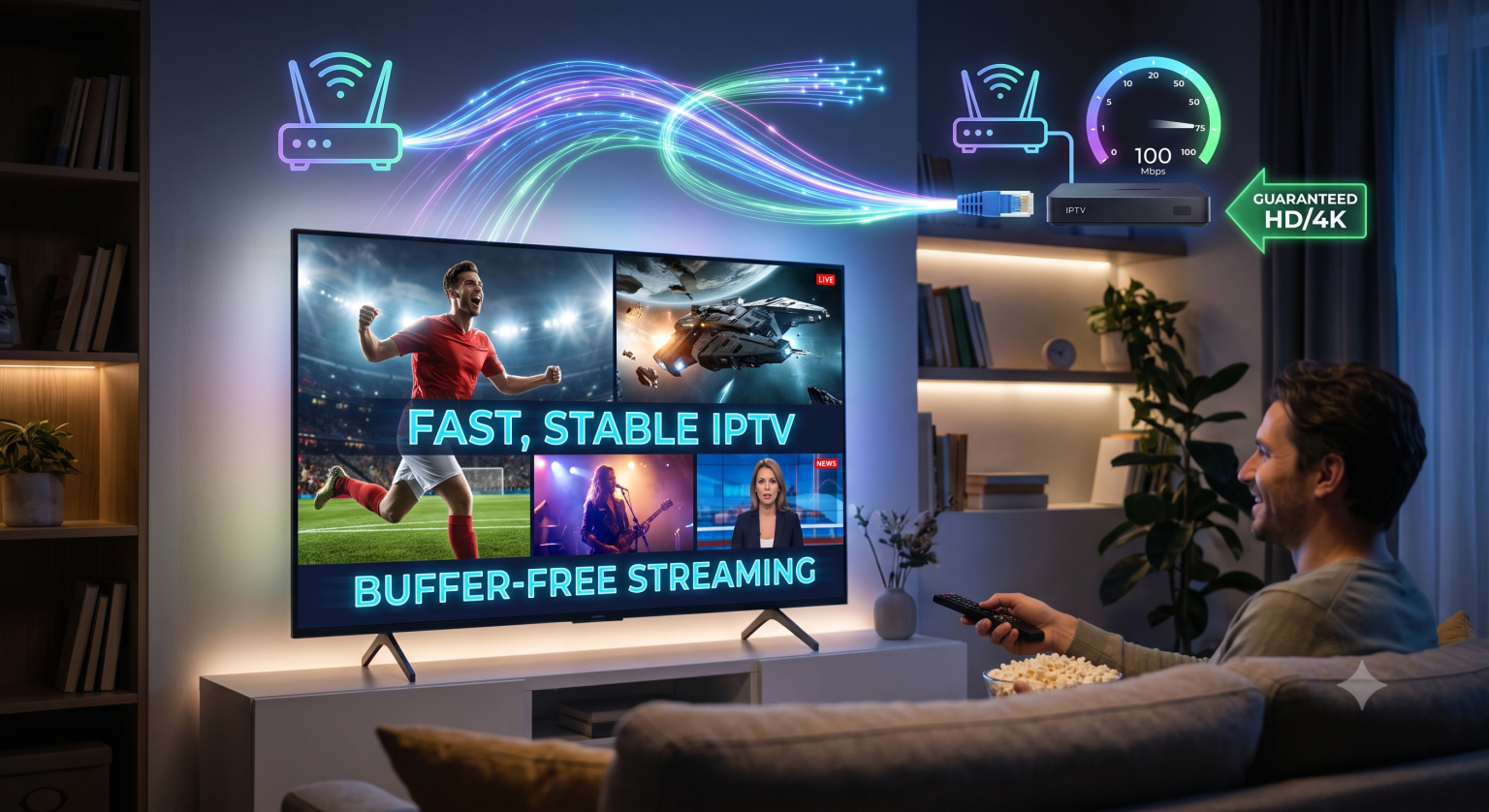
Wymagania dotyczące prędkości IPTV w zależności od rozdzielczości
Transmisja telewizji na żywo zasadniczo różni się od oglądania wcześniej nagranego filmu na YouTube lub programu w serwisie Netflix. Netflix może z wyprzedzeniem pobrać kilka minut programu, dzięki czemu nawet w przypadku chwilowego spadku prędkości połączenia internetowego odtwarzanie wideo będzie kontynuowane. W przypadku transmisji telewizyjnych na żywo nie jest to możliwe. Transmisja jest pobierana w czasie rzeczywistym, co oznacza, że połączenie internetowe musi być zarówno szybkie, jak i stabilne.
Niezależnie od tego, czy korzystasz z Urządzenie IPTV z systemem Android lub IPTV Smart TV aplikacji – oto zestawienie tego, czego faktycznie potrzebujesz, w zależności od oczekiwanej jakości obrazu:
| Jakość obrazu | Prędkość minimalna | Zalecana prędkość |
| SD (480p) | 3 Mb/s | 5 Mb/s |
| HD (720p/1080p) | 10 Mb/s | 15 Mb/s |
| 4K Ultra HD | 25 Mb/s | 50 Mb/s |
Wysoka rozdzielczość (HD)
To idealne rozwiązanie dla zdecydowanej większości gospodarstw domowych. Transmisja strumieniowa w rozdzielczości 1080p zapewnia ostry i wyraźny obraz podczas oglądania transmisji sportowych na żywo, wiadomości i filmów. Chociaż każdy najlepsza usługa IPTV Chociaż niektórzy mogą twierdzić, że do oglądania treści HD wystarczy prędkość 10 Mb/s, dążenie do utrzymania stałej prędkości na poziomie 15 Mb/s zapewnia niezbędny “zapas”, który pozwala uniknąć pikselizacji podczas scen z szybką akcją.
4K Ultra High Definition (UHD)
Coraz więcej dostawców oferuje obecnie dedykowane kanały 4K, zwłaszcza w przypadku dużych wydarzeń transmitowanych w systemie pay-per-view. Rozdzielczość 4K wykorzystuje cztery razy więcej pikseli niż standardowe HD, co oznacza, że zużywa ogromne ilości danych. Chociaż minimalna prędkość wymagana dla pojedynczego strumienia 4K wynosi 25 Mb/s, zdecydowanie zaleca się połączenie o prędkości 50 Mb/s, aby zapewnić sobie IPTV bez buforowania.
Czynnik domowy: współdzielenie przepustowości
Jednym z największych błędów, jakie popełniają ludzie, kiedy… kup IPTV przez Internet przegląda swój pakiet internetowy i zakłada, że ta liczba dotyczy wyłącznie telewizji.
Przepustowość działa jak autostrada. Jeśli Twój pakiet internetowy zapewnia 50 Mb/s, to właśnie taka jest całkowita przepustowość tej autostrady. Każde urządzenie w Twoim domu działa jak samochód zajmujący jeden pas ruchu.
Jeśli oglądasz transmisję w jakości HD (zużywając 15 Mb/s), a Twój partner prowadzi rozmowę przez Zoom (zużywając 5 Mb/s), ktoś inny gra w grę w sypialni (zużywając 10 Mb/s), a dwa smartfony aktualizują aplikacje w tle, Twoja sieć nagle staje się przeciążona.
Aby obliczyć swoje rzeczywiste zapotrzebowanie:
Zsumuj szczytowe zużycie energii przez każdą osobę mieszkającą w Twoim domu w godzinach wieczornych.
Dodaj do tej sumy dodatkowe 20% jako zabezpieczenie.
Jeśli Twój obecny pakiet internetowy nie zapewnia takiej prędkości, czas skontaktować się z dostawcą usług internetowych.
W przypadku typowej czteroosobowej rodziny stabilna Łącze światłowodowe lub kablowe o przepustowości 100 Mb/s jest to zazwyczaj punkt odniesienia, który pozwala zadowolić wszystkich, nie powodując przy tym opóźnień u żadnego z użytkowników.
Ping i stabilność: ukryte przyczyny problemów
Szybki internet nie gwarantuje dobrej jakości transmisji. Nawet mając łącze o przepustowości 1 gigabita (1 000 Mb/s), możesz doświadczać okropnych opóźnień, jeśli Twoje połączenie traci pakiety lub charakteryzuje się dużym opóźnieniem.
Ping (opóźnienie) mierzy, jak szybko dane przemieszczają się z serwera dostawcy do Twojego urządzenia. W przypadku transmisji na żywo zaleca się, aby wartość ping była jak najniższa.
Poniżej 20 ms: Świetnie.
od 20 ms do 50 ms: Dobrze, całkowicie do przyjęcia.
Ponad 100 ms: Prawdopodobnie wystąpią opóźnienia, problemy z synchronizacją dźwięku oraz zawieszanie się programu.
Połączenie, którego prędkość gwałtownie się waha, oscylując między 10 Mb/s a 100 Mb/s, spowoduje zacinanie się obrazu w telewizorze. Potrzebujesz połączenia zapewniającego stałą, niezmienną prędkość. Dlatego znalezienie serwera wysokiej jakości jest równie ważne, jak posiadanie szybkiego internetu.
Złota zasada korzystania z IPTV bez buforowania
Jeśli z tego przewodnika zapamiętasz tylko jedną radę, niech będzie to właśnie ta: Jeśli tylko możesz, nigdy nie korzystaj z Wi-Fi.
Wi-Fi jest wygodne, ale z natury rzeczy niestabilne. Na jego działanie wpływają zakłócenia powodowane przez grube ściany, kuchenki mikrofalowe, sąsiednie sieci oraz fizyczna odległość od routera. Nagły spadek siły sygnału Wi-Fi natychmiast spowoduje zawieszenie się transmisji na żywo.
Zawsze podłączaj urządzenie do strumieniowego przesyłania treści bezpośrednio do routera za pomocą kabla Ethernet. Połączenie Ethernet gwarantuje zerową utratę sygnału, mniejsze opóźnienia oraz zapewnia telewizorowi prędkość równą 100% prędkości, z jaką router odbiera sygnał. Jeśli router znajduje się w innym pomieszczeniu, warto rozważyć zakup zestawu adapterów Powerline, które przesyłają sygnał internetowy przez instalację elektryczną w ścianach.