
Google has updated the voice assistant system on Google TV devices. In 2026, Google started replacing the traditional Google Assistant with Gemini for TV. This change brings advanced artificial intelligence directly to your television screen. Google Assistant previously handled simple voice commands and basic web searches. Gemini for TV now provides natural conversational abilities, detailed content summaries, and deeper smart home integration. Many users wonder if they should upgrade to Gemini or keep the classic Google Assistant. This article explains the differences between Google Assistant and Gemini on Google TV. We will explore how this update affects daily use, content discovery, and IPTV streaming through services like TV Shadow IPTV.
Snabbsvar
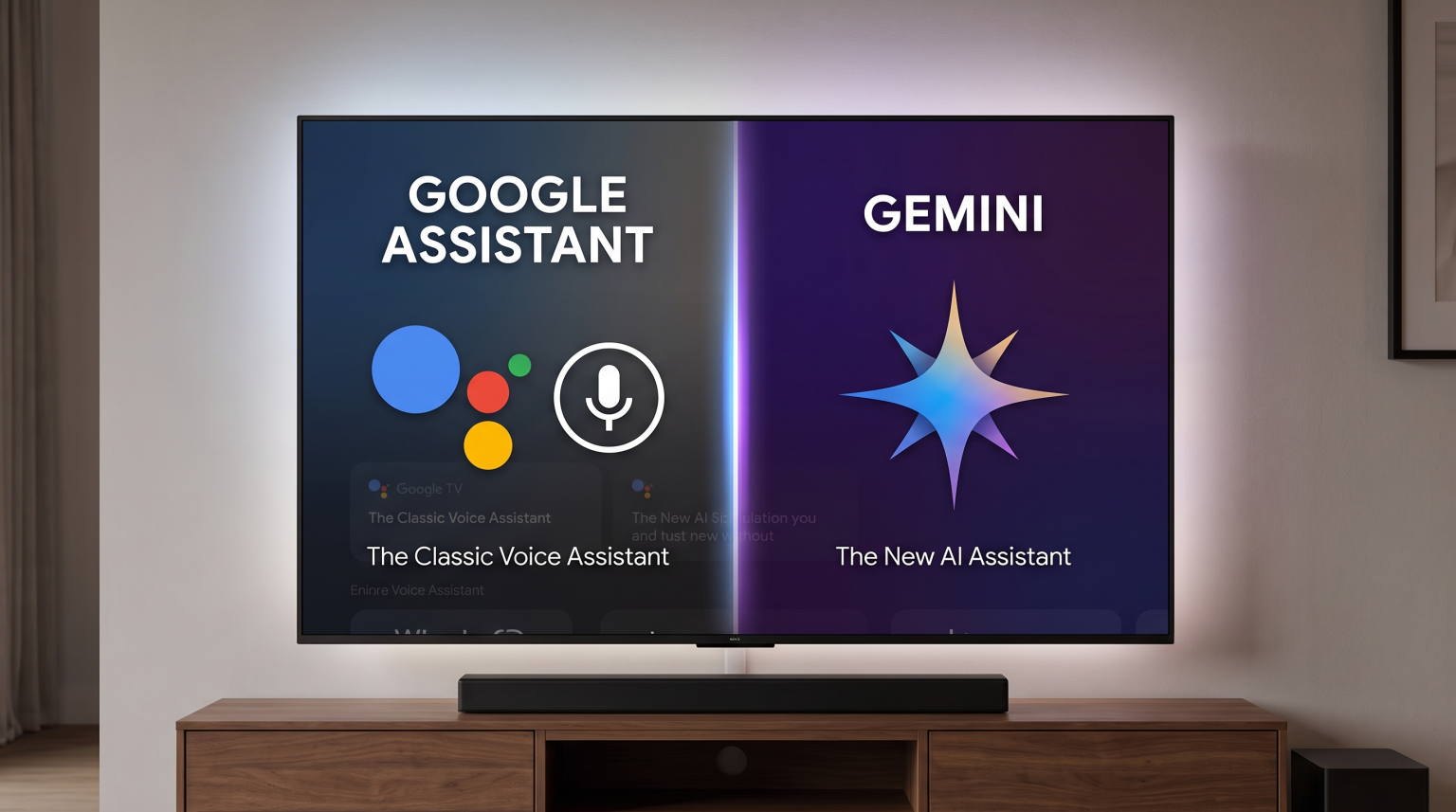
The main difference between Google Assistant and Gemini on Google TV is the artificial intelligence capability. Google Assistant is a simple voice tool for opening applications, checking the weather, or pausing a video. Gemini for TV is an advanced conversational artificial intelligence. Gemini can answer complex questions, summarize news, and recommend movies based on specific criteria. Google Assistant is suitable for users who want fast, simple voice controls. Gemini on Google TV is better for users who want detailed answers, personalized recommendations, and natural voice interactions.
Google Assistant vs Gemini TV: The Main Differences
Voice Commands and Conversation
Google Assistant uses strict command structures. You must use specific phrases to get the correct result. For example, you say “Open YouTube” or “Set volume to 50”. If you ask a complicated question, Google Assistant usually shows basic YouTube search results.
Gemini on Google TV understands natural human language. You can speak to the television like you speak to a friend. You can ask follow-up questions without repeating the original subject. Gemini remembers the context of the conversation.
Content Discovery and Recommendations
Finding movies and television shows is different on both systems. Google Assistant searches for exact titles. If you ask for “Action movies”, Google Assistant shows a standard list of popular action films.
Gemini provides personalized content discovery. You can ask Gemini complex questions. For example, you can say, “Show me science fiction movies from the 1990s that feature time travel.” Gemini analyzes the request and provides highly specific recommendations. Gemini also provides AI-generated summaries of movies before you watch them.
Interface and Visual Responses
When you use Google Assistant, a small bar appears at the bottom of the television screen. The visual feedback is minimal.
Gemini for TV uses a more detailed visual interface. Gemini can show narrated overviews of daily news and sports. Gemini displays text summaries on the screen alongside relevant YouTube video suggestions.
Feature Comparison: Google Assistant vs Gemini TV
Here is a comparison of the main features on Google TV.
| Funktion | Google Assistant | Gemini for TV |
| Technology | Basic voice recognition | Advanced conversational AI |
| Voice commands | Requires specific phrases | Understands natural language |
| Content discovery | Basic title search | Complex, personalized recommendations |
| Follow-up questions | No memory of previous questions | Remembers conversation context |
| On-screen information | Minimal visual feedback | Detailed AI summaries and news briefs |
| Smart home control | Basic device control | Advanced routines and Ask Home features |
Does Gemini on Google TV Affect IPTV?
If you use TV Shadow IPTV, you might wonder how the Gemini update affects your streaming experience.
IPTV applications on Google TV operate independently of the main operating system. Whether you use Google Assistant or Gemini for TV, the core functionality of your IPTV player remains exactly the same.
IPTV Player Compatibility
Popular IPTV players work perfectly on Google TV with Gemini. You can still install applications from the Google Play Store. You can still enter your M3U playlists or Xtream Codes login details. Gemini does not block or remove third-party IPTV applications.
Voice Search in IPTV Apps
Voice search integration depends on the specific IPTV application. Most IPTV players do not support deep voice search integration with the Google TV home screen.
If you ask Gemini to “Play live football”, Gemini will usually search official streaming services like YouTube TV or Prime Video. Gemini cannot automatically open a specific live channel inside your third-party IPTV application. To watch live television through TV Shadow IPTV, you must manually open your IPTV player and use the application’s internal Electronic Program Guide (EPG).
Live Football and Sports Discovery with Gemini
Many users buy a Smart TV specifically for live football and sports. Gemini introduces new ways to follow sports on Google TV.
Gemini can provide narrated sports briefs. You can ask Gemini for the latest football results or upcoming match schedules. Gemini will display the information on your television screen and suggest relevant highlight videos.
However, Gemini cannot bypass broadcasting rights. If you want to watch live football matches, you need access to the correct broadcasting channels. A television with a 120Hz refresh rate will display fast-moving sports more smoothly than a 60Hz television. A stable Ethernet connection will provide better streaming stability than Wi-Fi.
If you are comparing television options, our guide to De bästa smart-tv-apparaterna för IPTV år 2026: Jämförelse mellan Samsung, Sony, LG och TCL explains which televisions handle live sports best.
How to Switch Between Google Assistant and Gemini on Google TV
Google enables Gemini for TV automatically on eligible Google TV devices and profiles. If you prefer the old system, you can manage these settings.
To turn off Gemini and return to Google Assistant:
Open the Settings menu on your Google TV.
Select “Accounts & Profiles”.
Select your user account.
Go to the “Voice assistant” menu.
You can manage your Gemini access here.
Please note that Google restricts Gemini to adult profiles. Children’s profiles on Google TV automatically continue using the classic Google Assistant.
Users comparing different television brands should know that Samsung uses Bixby, while LG uses its own voice system. You can read more about this in our article about Tizen kontra Google TV för IPTV-appar: Vad är skillnaden?.
Slutsats
The update from Google Assistant to Gemini on Google TV is a significant improvement for artificial intelligence integration. Gemini offers natural conversations, deep content discovery, and intelligent summaries that Google Assistant cannot match. For everyday television control, both systems work well. Gemini is better for users who want personalized recommendations and complex search capabilities.
For users of TV Shadow IPTV, the Gemini update does not disrupt IPTV functionality. You can continue using your favorite IPTV applications seamlessly on Google TV.
VANLIGA FRÅGOR
What is Gemini for TV?
Gemini for TV is Google’s advanced artificial intelligence voice assistant for Google TV devices. Gemini replaces the older Google Assistant and offers natural conversational abilities and personalized content recommendations.
Does Gemini cost money on Google TV?
The standard Gemini for TV features are free. Some advanced smart home camera features require a paid Google Home Premium subscription, but basic television voice commands do not cost extra money.
Will my IPTV player still work with Gemini?
Yes, your IPTV player will continue to work normally. Gemini does not change how third-party IPTV applications function on your Google TV device.
Can I use Google Assistant instead of Gemini?
Ja. You can manage your voice assistant preferences in the Google TV settings menu under “Accounts & Profiles”. Children’s profiles also automatically use Google Assistant instead of Gemini.
Does Gemini support all languages?
Gemini supports many major languages, but language availability depends on your country and region. Google is continually adding new languages to the Gemini for TV platform.