
Du sätter dig äntligen ner för att titta på den stora matchen, men så fort du maximerar videofönstret fryser sändningen helt. En Krasch vid helskärmsläge i IPTV är ett av de mest frustrerande streamingproblemen som tittarna stöter på idag. Oavsett om du tittar på lokala sändningar i Nederländerna eller streamar internationell sport kan just detta tekniska problem förstöra din underhållningsupplevelse.
Lyckligtvis är lösningen oftast enkel när en livekanal fungerar perfekt i ett litet fönster men kraschar när man förstorar det. Det betyder sällan att din internetanslutning är helt ur funktion. Istället pekar det direkt på hur din enhet hanterar uppskalning av video.
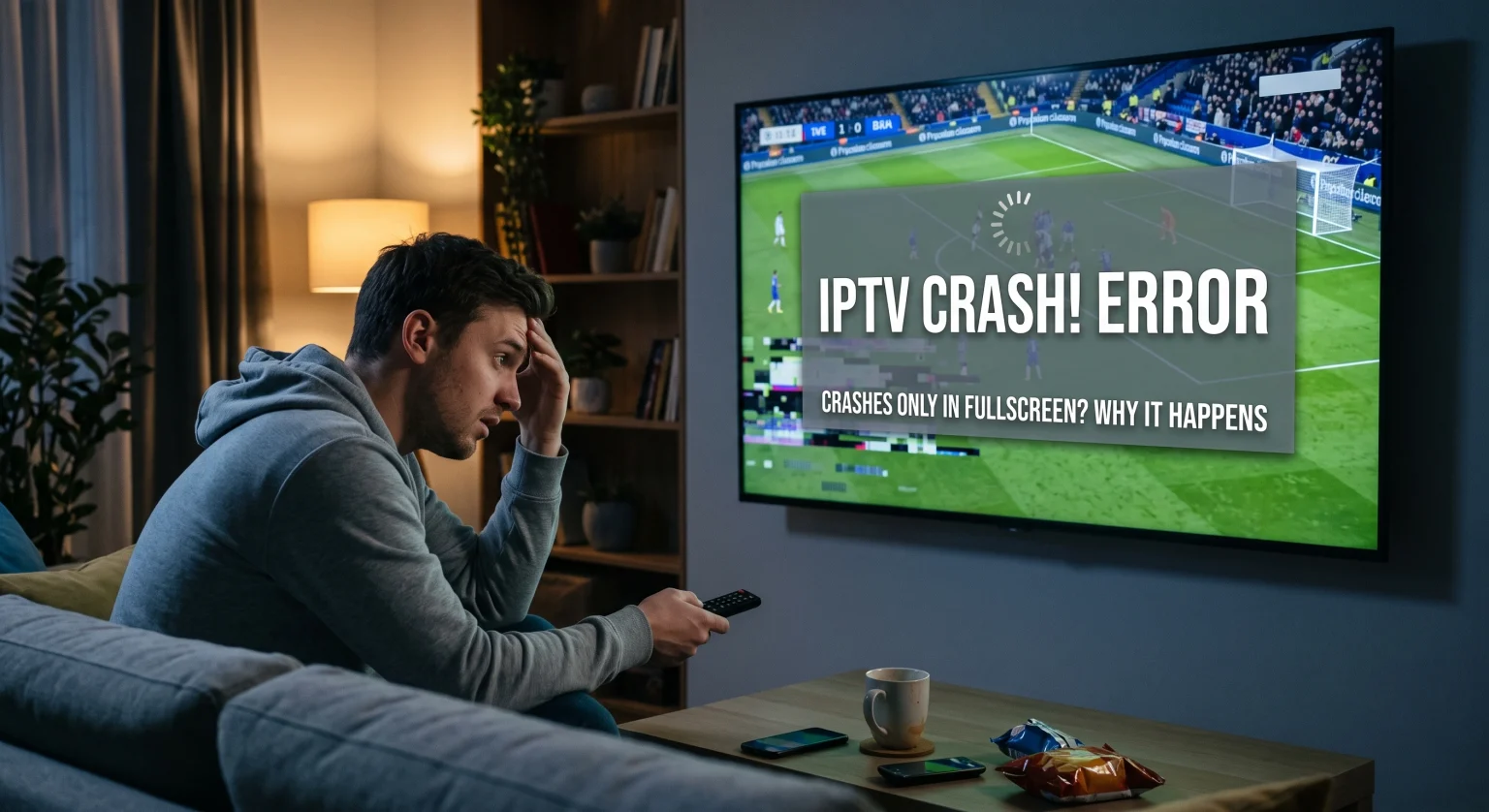
Vad orsakar att IPTV kraschar i helskärmsläge i Nederländerna?
När du växlar från fönsterläge till helskärmsläge måste din enhet plötsligt bearbeta och återge en enorm mängd bilddata. Om ditt system eller din app inte är inställd för denna snabba övergång kommer du omedelbart att märka Live-TV:n hänger sig. Detta är särskilt vanligt på äldre Android-boxar eller smart-tv-apparater som har svårt att skala upp högupplöst material.
Fel i hårdvaruaccelerationen
De flesta streamingprogram använder hårdvaruacceleration för att avlasta enheten genom att överföra krävande beräkningar till enhetens GPU. Även om detta vanligtvis förbättrar prestandan, kan en upplösningsavvikelse Eller så kan en föråldrad grafikdrivrutin leda till att spelaren hänger sig. GPU:n klarar helt enkelt inte av att återge pixlarna i helskärmsläget tillräckligt snabbt.
Överbelastad app-cache
Att streama live-TV kräver kontinuerlig och omfattande datacaching. Om din app-cache är helt fullt kan den plötsliga belastningen som uppstår när videon ska maximeras överbelasta enhetens minne. Detta leder omedelbart till att IPTV-appen stängs ner eller fryser.
Inställningar för avkodning: Att hitta rätt balans
För att åtgärda problem med videorendering, måste du ofta justera hur din app avkodar strömmen. Här följer en kort översikt över dina alternativ:
| Avkodningsmetod | Så här fungerar det | Lämpar sig bäst för |
| Hårdvaruavkodning (HW) | Använder enhetens dedikerade GPU för att bearbeta videoströmmen. | Högpresterande enheter som strömmar 4K-innehåll för att förhindra att batteriet laddas ur. |
| Avkodning med programvara (SW) | Förlitar sig helt på enhetens processor för att bearbeta videon. | Äldre enheter eller att åtgärda ett Krasch vid helskärmsläge i IPTV när hårddisken går sönder. |
| Hardware+ (HW+) | En hybridmetod som utnyttjar skräddarsydd GPU-optimering på appnivå. | Enheter som stöder avancerade mediekodekar som HEVC/H.265. |
Beprövade lösningar för att förhindra att skärmen fryser
Om dina kanaler hela tiden kraschar kan du lösa problemet genom att Problem med IPTV-streaming på bara några minuter. Prova dessa beprövade felsökningssteg:
Inaktivera hårdvaruacceleration: Öppna inställningarna för din IPTV-app, gå till spelarinställningarna och ändra inställningen för avkodaren från HW till SW. Detta gör att GPU:n kringgås, vilket ofta omedelbart löser problem med krascher i helskärmsläge.
Rensa appens cache: Gå till enhetens huvudinställningar, leta reda på din IPTV-app och rensa cacheminnet. Detta frigör viktigt minne för att kunna återge större videorutor.
Justera buffertinställningarna: Öka storleken på spelarens nätverksbuffert. En större buffert ger enheten några extra sekunder på sig att bearbeta videon innan den visas, vilket minskar risken för att den kraschar.
Uppdatera grafikkortdrivrutinerna: Om du tittar på en stationär eller bärbar dator bör du se till att drivrutinerna för grafikkortet är helt uppdaterade för att undvika att upplösningsavvikelse.
Låt inte ändlösa tekniska problem förstöra din helgunderhållning i Nederländerna. Om det inte hjälper att justera inställningarna kan det vara dags att byta till en leverantör med en mer stabil och optimerad app. Klicka här för att utforska våra premiumabonnemang för IPTV och upplev felfri, avbrottsfri streaming i fantastisk 4K redan idag!
Vanliga frågor (FAQ)
Varför blir det bara fördröjningar i min IPTV på natten?
Fördröjningar på natten beror oftast på att internetleverantören begränsar hastigheten eller på att nätverket är överbelastat under rusningstid. Genom att använda en pålitlig VPN-tjänst kan du kringgå internetleverantörens hastighetsbegränsningar och stabilisera din anslutning.
Kan ett VPN lösa problemet med att IPTV kraschar i helskärmsläge?
Ett VPN löser främst problem med buffring och routning, inte lokala appkrascher. Om strömmen fungerar i ett litet fönster men kraschar i helskärmsläge beror problemet på avkodning i hårdvaran eller mjukvaran, inte på ditt nätverk.
Bör jag använda en extern mediaspelare?
Ja. Om din tjänsteleverantörs standardapp hela tiden kraschar kan du prova att spela upp strömmen via en extern spelare, till exempel VLC eller MX Player. Dessa appar har bättre avkodningsmotorer som går att anpassa.