
Live TV is streaming perfectly, but your favorite movies and series just won’t load. If your IPTV VOD not working is ruining movie night, you are not alone. Let’s diagnose why this frustrating error happens and how to fix it immediately.
No matter where you are worldwide, understanding how your streaming service operates is the key to unlocking your content.
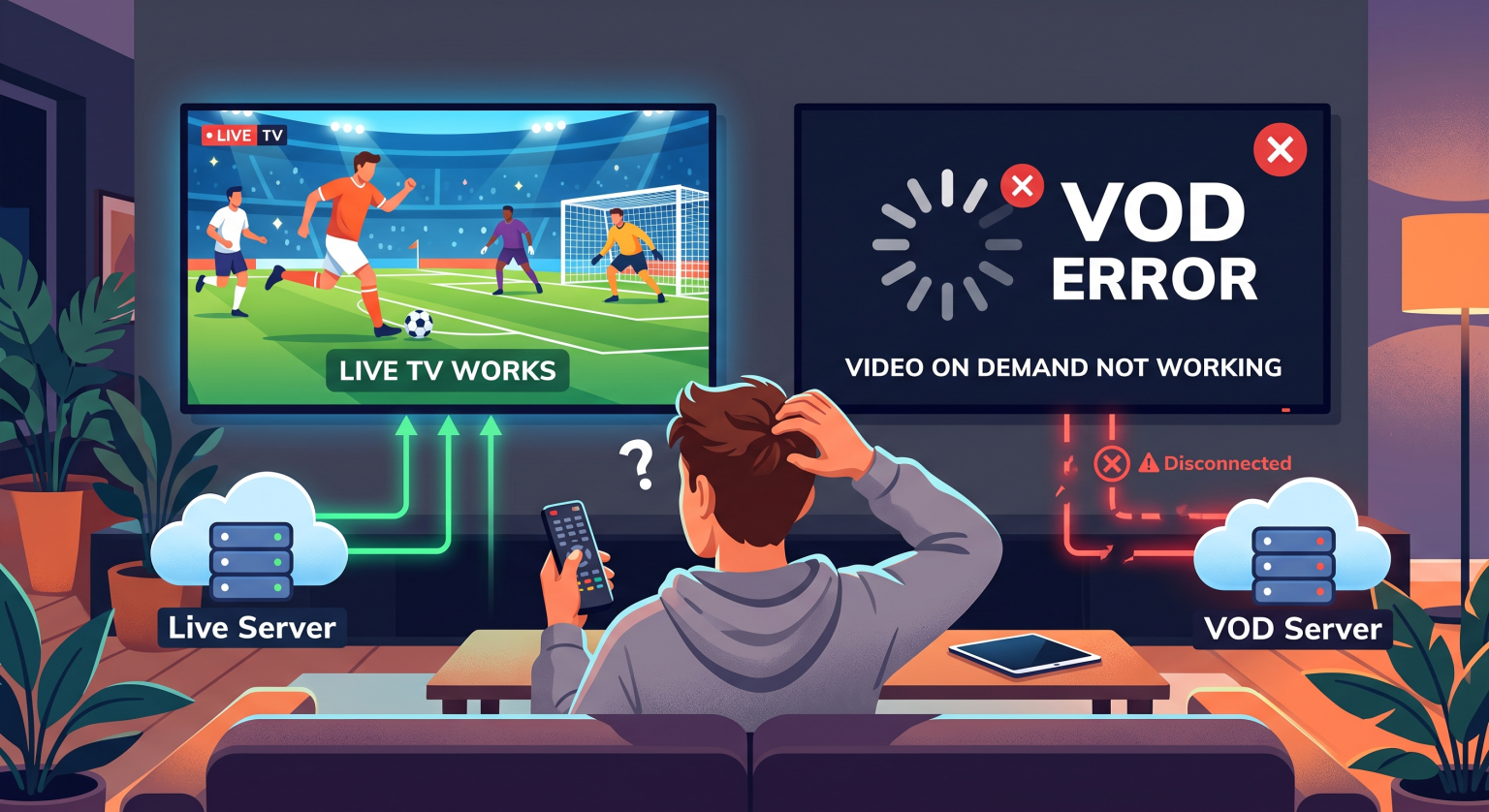
Why is My IPTV VOD Not Working Worldwide?
Live television and Video on Demand (VOD) usually run on completely different servers. When the IPTV movie library won’t load, it points to a specific disconnection with the VOD host, rather than your entire service. Sometimes, the issue is purely a localized app glitch on your streaming device.
Server-Side VOD Playback Failures
Your IPTV provider might be updating their movie database or performing routine server maintenance. During these updates, live channels stay up, but the VOD section goes offline temporarily. This is entirely normal for budget providers.
Corrupted Streaming App Cache
Devices like Firesticks or Android TV boxes store temporary data to load your favorite apps faster. If this cache becomes bloated or corrupted, it leads directly to video on demand issues. The app simply cannot fetch the heavy video files.
Comparison: Troubleshooting Video on Demand Issues
Understanding the root cause of your catch-up TV errors saves you hours of frustration. Use this table to diagnose your specific problem quickly:
| Problem Source | Common Symptoms | Rekommenderad åtgärd |
| Provider Server Down | Live TV works fine, but VOD folders are empty or freeze instantly | Contact provider support or wait 24 hours |
| Skadad app-cache | App crashes when clicking a movie, infinite loading wheel appears | Clear the IPTV app cache in device settings |
| Bandbreddsbegränsning från internetleverantören | VOD buffers endlessly while live channels play smoothly | Enable a premium VPN service to bypass limits |
Step-by-Step Fixes for VOD Playback Failure
Ready to get your movie library back online? Try these proven troubleshooting steps to restore your connection.
Restart your router and device: A simple hardware reboot clears out basic network routing errors and refreshes your connection.
Clear the IPTV app cache: Navigate to your streaming device settings, locate your IPTV application, and click “Clear Cache.”
Update your IPTV player: Outdated software struggles with newer VOD video codecs. Always ensure you are running the latest version of your app.
Use a reliable VPN: Some Internet Service Providers deliberately block the massive file transfers required for VOD streaming. A VPN hides your traffic and bypasses these blocks.
Global Solutions: Keeping Your VOD Connected Worldwide
Dealing with a broken VOD library frequently is a massive red flag regarding your provider’s server quality. No matter your location worldwide, you deserve a seamless, high-definition entertainment experience. If finding your IPTV VOD not working remains a daily struggle, it is time to upgrade your setup.
Why do live channels work but VOD fails?
Live broadcasts and VOD files are hosted on separate servers. The VOD server may be offline, overloaded, or undergoing routine maintenance while the live TV server remains fully active.
How do I fix my VOD not loading?
Start by restarting your streaming device and clearing your IPTV application’s cache. If that fails, try accessing your service with a VPN to bypass potential ISP throttling.
Does my internet speed affect VOD more than live TV?
Lorem ipsum dolor sit amet, consectetur adipiscing elit. Ut elit tellus, luctus nec ullamcorper mattis, pulvinar dapibus leo.