
Hvis du i øjeblikket betaler over 100 pund om måneden for traditionelle kabel- eller satellitpakker, er du ikke alene. Millioner af britiske husstande siger farvel til kabel-tv, fordi de er trætte af at betale høje priser for hundredvis af kanaler, de aldrig ser. De kloge penge flytter sig i retning af internetbaseret tv.
Men at lede efter en “IPTV-abonnement i Storbritannien”fører dig som regel ned i et kaninhul fyldt med forvirrende fagudtryk, tvivlsomme hjemmesider og tomme løfter.”.
Denne guide skærer igennem al støj. Vi gennemgår, hvad du rent faktisk har brug for at vide, før du køber et IPTV-abonnement, hvordan du skelner mellem de seriøse udbydere og svindlerne, og hvordan du får det hele sat op på dit tv i stuen.
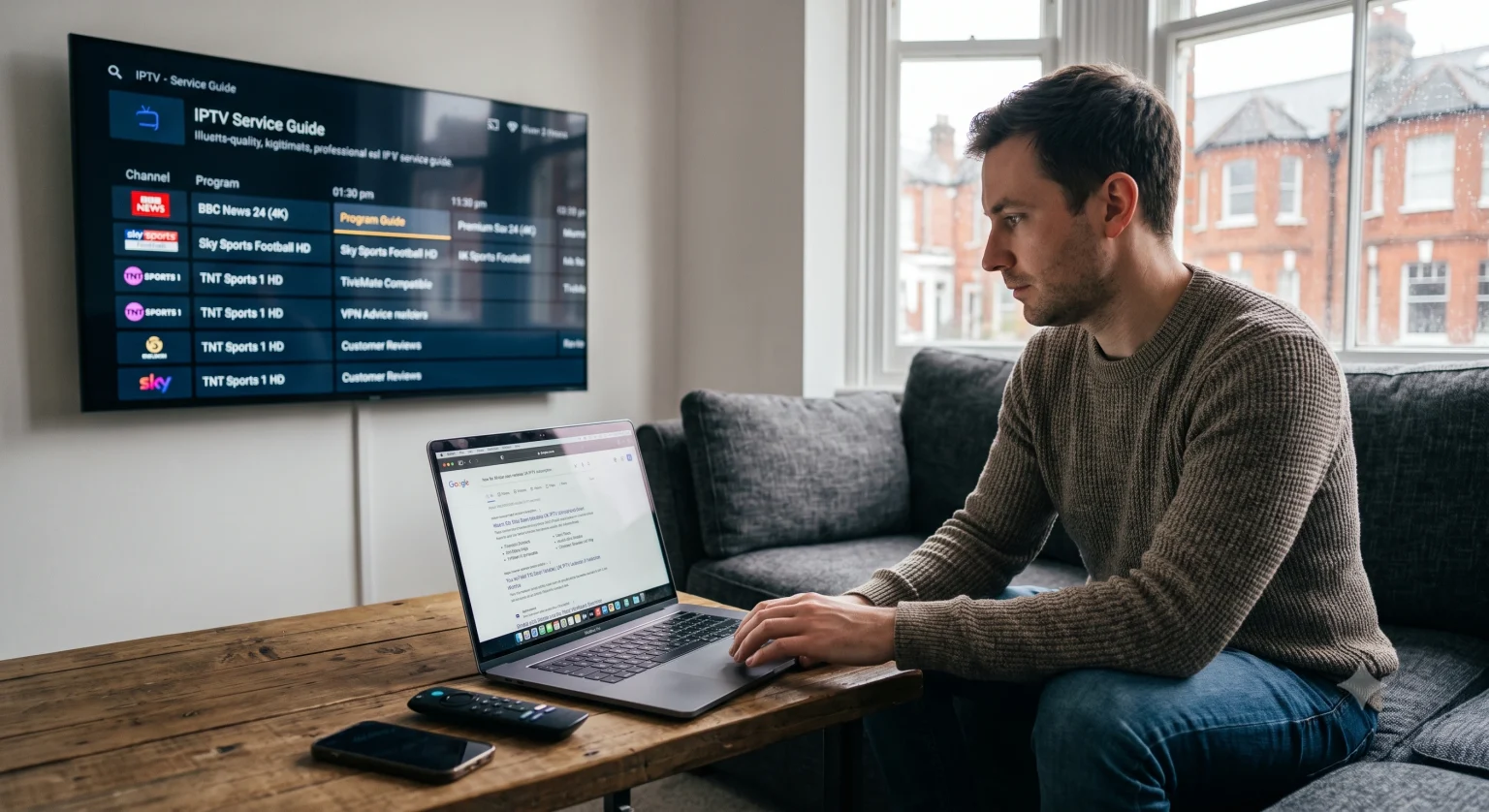
Hvad betyder "Premium" egentlig i 2026?
Næsten alle i Storbritannien IPTV-udbyder kalder sig selv for “premium”. De fleste er det ikke.
Hvis du sammenligner forskellige tjenester, skal du se bort fra markedsføringssnakken og holde øje med disse fire tekniske kriterier:
1. Lokal peering i Storbritannien (Hemmeligheden bag anti-buffer)
Det største problem ved billig IPTV er buffering især under begivenheder med stor efterspørgsel, såsom en Premier League-kamp en lørdag eftermiddag. De bedste udbydere i 2026 investerer i lokale britiske servere. Hvis en udbyders data skal sendes via en server i Østeuropa til din internetudbyder i London, vil du opleve pakketab (hvilket ser ud som mikrohakken på din skærm). Gå efter tjenester, der udtrykkeligt nævner servernoder eller CDN-infrastruktur i Storbritannien.
2. Ægte 4K kontra opskaleret 720p
Mange billige udbydere hævder at tilbyde “4K-kvalitet”, men streamer i virkeligheden et stærkt komprimeret 720p- eller 1080p-signal, der er opskaleret. En ægte 4K-stream kræver en bithastighed på mindst 25–35 Mbps. Hvis en udbyder fortæller dig, at deres 4K-kanaler fungerer fejlfrit på en internetforbindelse på 10 Mbps, lyver de om opløsningen.
3. En velfungerende EPG (elektronisk programoversigt)
Du ønsker, at din IPTV-oplevelse skal føles præcis som at navigere i en Sky- eller Virgin-boks. En pålidelig elektronisk programguide henter programoplysninger i realtid, så du kan se præcis, hvad der kører lige nu, og hvad der kommer herefter. Hvis en IPTV-udbyder ikke tilbyder et stabilt EPG-link, er du nødt til at klikke dig blindt igennem kanalerne.
4. Indhentnings- og VOD-biblioteker
Live-tv er fantastisk, men i dag ser man mest på on-demand. De bedste abonnementer indeholder omfattende Video on Demand (VOD)-biblioteker og en “Catch-Up”-funktion, der optager live-kanaler på serversiden, så du kan spole tilbage og se programmer fra de seneste 48 til 72 timer uden selv at skulle optage dem.
De juridiske forhold omkring IPTV i Storbritannien
Lad os tale om det, som alle tænker på. Er IPTV lovligt i Storbritannien?
Selve teknologien er i overensstemmelse med 100%. IPTV står ganske enkelt for Internet-protokol-tvDet er blot en metode til at levere video via internettet. Tjenester som BBC iPlayer, NOW TV, EE TV og Netflix er alle teknisk set IPTV.
Imidlertid er indhold Det er din streaming, der afgør, om det er lovligt. Hvis du køber et uautoriseret IPTV-abonnement, der tilbyder betalingskanaler (som Sky Sports eller TNT Sports) for en slik, får du adgang til piratkopieret indhold. Britiske myndigheder og tilsynsorganer som FACT har slået hårdt ned på ulovlige streamingnetværk.
Hvis du er på udkig efter lovlig streaming uden besvær, bør du holde dig til verificerede udbydere, officielle apps eller almindelige aggregatorer. Af hensyn til privatlivets fred og sikkerheden bruger mange britiske brugere også et virtuelt privat netværk (VPN) for at forhindre, at deres internetudbyder begrænser deres båndbredde i de travleste streamingtidspunkter.
Opsætning: Sådan ser du det på dit tv
Man behøver ikke at være en teknisk ekspert for at sætte det her op. De dage, hvor man havde brug for dyre, dedikerede MAG-bokse, er for længst forbi. I dag tager opsætningen cirka ti minutter.
1. Vælg din enhed
Amazon Firestick (4K eller 4K Max): Det mest populære valg i Storbritannien. Det er billigt, klarer høje bithastigheder uden problemer og er utroligt nemt at tilpasse.
Android TV / Google TV: Indbygget i mange moderne Sony- og Hisense-tv’er eller tilgængelig via en Chromecast. Fremragende til understøttelse af originale apps.
Apple TV: Fantastisk hardware, selvom den kræver specifikke iOS-kompatible IPTV-apps som Smarters eller GSE Smart IPTV.
2. Download en afspiller-app
Din IPTV-udbyder giver dig et login, men du skal bruge en app for at kunne afspille indholdet. De to ubestridte konger blandt IPTV-afspillere er:
TiviMate: Fås til Android/Fire OS. Appen byder på et førsteklasses, traditionelt tv-programoversigtsinterface, der kan tilpasses i høj grad.
IPTV Smarters Pro: Branchestandarden. Meget brugervenlig og fungerer på næsten alle operativsystemer.
3. Indtast dine loginoplysninger
Når du køber et abonnement, modtager du som regel en e-mail med tre oplysninger: en server-URL, et brugernavn og en adgangskode (ofte kaldet Xtream Codes API login). Åbn din afspiller-app, vælg “Log ind med Xtream Codes”, indtast disse tre oplysninger, og din kanalliste vises straks.
Forventninger til priserne
Hvis du er på udkig efter et IPTV-abonnement i Storbritannien, hvor meget bør du så egentlig bruge?
Under 5 pund om måneden: Er som regel overbelastet, har store forsinkelser og har en tendens til at gå ned uden forvarsel. Kundesupporten er ikke-eksisterende.
10 til 15 pund om måneden: Det optimale punkt. Dette prisniveau omfatter som regel en stabil serverinfrastruktur, backup-kanaler og dedikeret kundeservice via WhatsApp eller Discord.
Årsabonnementer (50–90 £ om året): Det er betydeligt billigere at købe i store mængder, men Køb aldrig et 12-måneders abonnement på forhånd.
Et godt råd: Start altid med et 1-månedsabonnement eller en 24-timers prøveperiode. Afprøv tjenesten i et travlt tidsrum, f.eks. en lørdag kl. 15.00, for at se, om serverne kan klare belastningen. Hvis der opstår afbrydelser under prøveperioden, vil det også ske, når du betaler for tjenesten.
Afsluttende tanker
At skifte til IPTV kan forvandle dit hjemmeunderholdningssystem og give dig betydeligt større fleksibilitet. Husk blot at prioritere serverstabilitet frem for det rene antal kanaler. En udbyder, der tilbyder 10.000 fejlfri kanaler, er uendeligt meget bedre end en, der tilbyder 50.000 kanaler, der hele tiden fryser fast. Udnyt korte prøveperioder, brug en kvalitetsafspiller som TiviMate, og prøv det af, før du binder dig på lang sigt.