
Den traditionelle kabel-tv-model er forældet, dyr og fuld af skjulte gebyrer. Det ved du sikkert allerede, og det er netop derfor, du undersøger Internet Protocol Television (IPTV). Men at bevæge sig ind på IPTV-markedet kan føles lidt som at begive sig ud i det vilde vesten. Der er tusindvis af udbydere, utallige dristige løfter om “bufferfri 4K” og masser af useriøse virksomheder, der gerne tager imod dit årlige abonnementsgebyr, før de forsvinder igen i næste uge.
Netop derfor bør du aldrig aflevere dit kreditkort, uden først at have testet vandet. At finde en udbyder, der tilbyder en Øjeblikkelig aktivering af IPTV med prøveperiode er den eneste pålidelige måde at beskytte sig selv på, teste sin internethastighed og kontrollere, at kanaludbuddet rent faktisk lever op til det, der loves.
Her er præcis, hvad du skal vide for at komme i gang, genkende forfalskninger og gennemføre en ordentlig stresstest i løbet af din gratis periode.
Hvorfor en gratis prøveperiode er ufravigelig
Mange udbydere vil forsøge at overtale dig til at vælge et 3-måneders eller 12-måneders abonnement lige fra starten ved at tilbyde store rabatter. Lad være med at falde for lokkemidlet. En IPTV-tjeneste afhænger i høj grad af to faktorer, der er helt unikke for netop dit hjem: din internetruting og din specifikke enhed.
En tjeneste, der fungerer perfekt for en person i London, kan hænge i det uendelige for dig i New York, simpelthen på grund af den måde, din internetudbyder dirigerer trafikken til udbyderens servere på. En prøveperiode fjerner al usikkerhed. Det giver dig et tidsrum på 24 timer (undertiden 48 timer) til at bevise, at tjenesten rent faktisk fungerer i din stue.
Hvad "øjeblikkelig aktivering" egentlig betyder
Tidligere skulle man, for at få en prøveversion, sende en e-mail til udbyderen, vente 12 timer på svar og til sidst modtage en klodset fil. I dag er standarden øjeblikkelig aktivering.
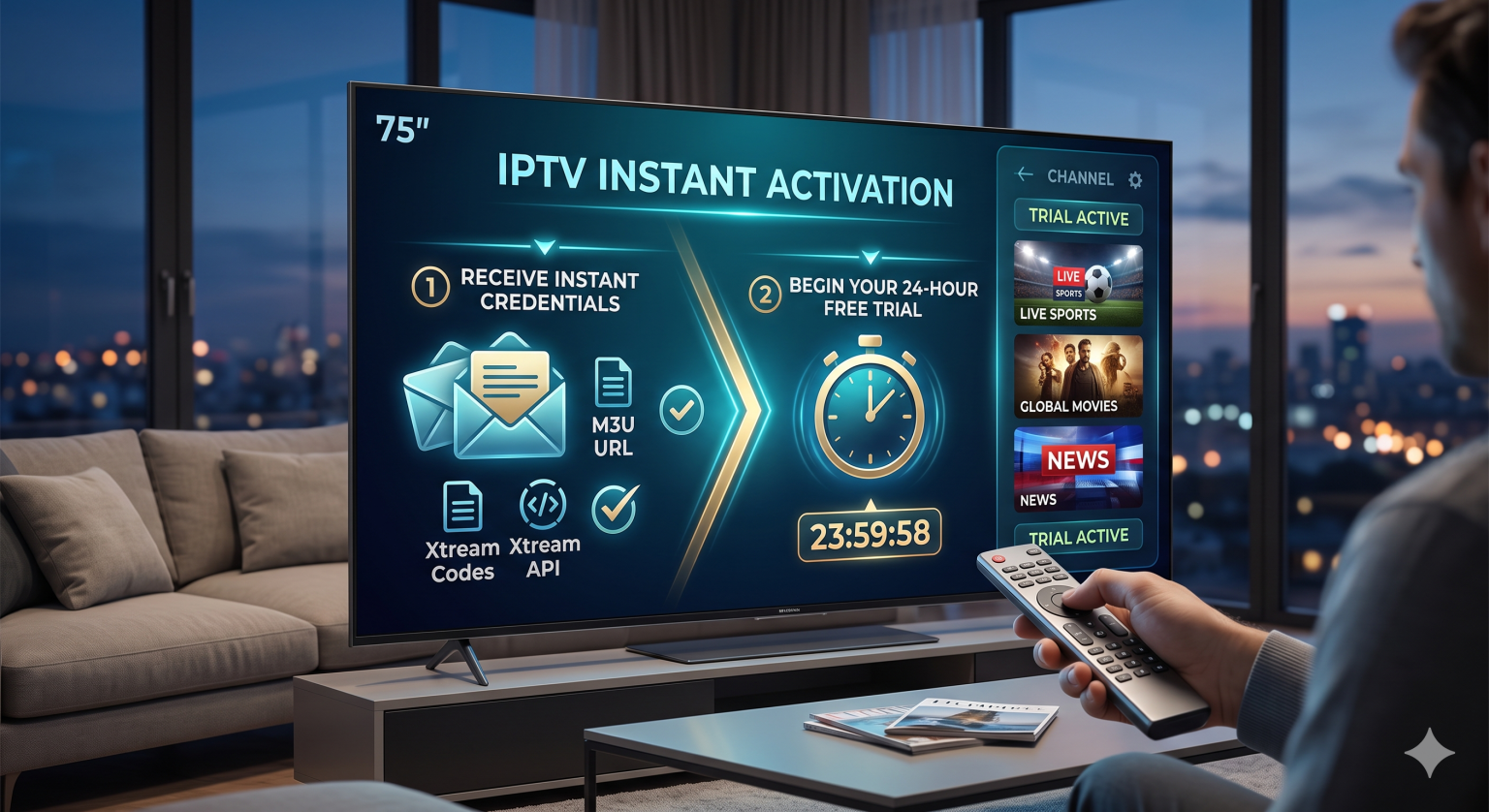
Når du anmoder om en prøveversion på en moderne platform, bør et automatiseret system generere dine loginoplysninger og sende dem til dig via e-mail inden for to minutter. Du vil typisk modtage en af følgende to ting:
En M3U-URL: Et langt web-link, der indeholder hele afspilningslisten med kanaler og Video on Demand (VOD)-indhold.
Xtream-koder API: En enklere log-in-metode, hvor man skal angive en server-URL, et brugernavn og en adgangskode. (Brug altid denne metode, hvis din afspiller understøtter den – det er meget nemmere at skrive med en fjernbetjening til tv’et).
Advarselstegn på en iscenesat retssag
Inden du overhovedet downloader en app, skal du holde øje med disse advarselstegn. Hvis en udbyder beder om noget af det følgende, skal du holde dig væk:
De beder om et kreditkort på forhånd. En ægte IPTV-forsøg kræver ikke faktureringsoplysninger. Hvis de vil have et kort “bare for at have det i arkivet”, er det en abonnementsfælde.
Den “øjeblikkelige” aktivering tager flere timer. Hvis en udbyder er nødt til manuelt at oprette din testlinje, betyder det sandsynligvis, at der er tale om en mindre forhandler, der ikke selv administrerer sine egne automatiserede servere. Kundesupporten vil senere hen være lige så langsom.
De tvinger dig til at bruge deres egen app. En god udbyder giver dig M3U- eller Xtream-koder, så du kan bruge førsteklasses afspillere fra tredjeparter som f.eks. TiviMate eller IPTV Smarters Pro. Hvis de tvinger dig til at bruge deres egen app, er det som regel for at skjule en elendig brugergrænseflade eller påtrængende sporing.
Sådan opretter du din prøveversion på 5 minutter
Når du har modtaget dine loginoplysninger, er det utroligt nemt at konfigurere tjenesten.
1. Gem dine prøveadgangskoder:Hold øje med Xtream-koder i din e-mail.
Tjek din indbakke (og spam-mappen) straks efter tilmeldingen. Du skal kigge efter serverens URL, dit brugernavn og din adgangskode. Lad denne skærm være åben på din telefon, så du nemt kan se den.
2. Download en pålidelig afspiller-app:
Du skal ikke søge efter IPTV-udbyderens navn i dit tv’s app-butik. Download i stedet en dedikeret afspiller. Hvis du bruger et Android TV, en Nvidia Shield eller en Firestick, skal du downloade TiviMate. Hvis du bruger et Apple TV, et Samsung- eller et LG-smart-tv, skal du søge efter IPTV Smarters Pro.
3. Indtast dine oplysninger via Xtream Codes:
Åbn din afspiller-app. Vælg “Tilføj afspilningsliste” eller “Log ind med Xtream Codes API”. Indtast server-URL’en omhyggeligt, præcis som den står i din e-mail (inklusive http:// og portnummeret til sidst), efterfulgt af dit brugernavn og din adgangskode. Tjek nøje for stavefejl; et enkelt forkert bogstav vil blokere forbindelsen.
4. Lad EPG og indlæsning af kanaler:
Tryk på »Tilslut«. Appen henter nu kanallisten, den elektroniske programguide (EPG) og VOD-biblioteket. Hvis udbyderen har en omfattende kanalliste på over 50.000 kanaler, kan denne indlæsning tage op til to minutter.
24-timers stresstest: Hvad skal man gøre nu?
Du skal ikke bare tænde for en tilfældig kanal, sige “fedt, det virker” og så købe et årsabonnement. Du har 24 timer til at presse tjenesten til det yderste. Her er præcis, hvad du bør teste:
Test i myldretiden: Alle kan streame uden problemer kl. 10.00 en tirsdag formiddag. Den virkelige test er fredag eller lørdag aften mellem kl. 20.00 og 23.00. Det er her, serverbelastningen er på sit højeste. Hvis der opstår buffering nu, vil der også opstå buffering under Super Bowl.
Se kategorierne »Sport« og »PPV«: Live-sport kræver den største båndbredde. Find en live-kamp, helst i 60 fps, og se den i mindst 15 minutter for at tjekke, om der er billedudfald eller lydforsinkelser.
Kontroller EPG’ens nøjagtighed: En omfattende kanalliste er ubrugelig, hvis man ikke ved, hvad der bliver vist. Gennemse tv-programoversigten og sørg for, at de store tv-stationer har præcise og fyldige programoversigter.
Prøv VOD-biblioteket: Prøv at afspille en 4K-film fra on-demand-sektionen. Den bør begynde at køre inden for 3 til 5 sekunder. Spring frem til midten af filmen for at se, hvor hurtigt serveren indhenter forsinkelsen.
Det kræver lidt prøven og fejlen at finde en pålidelig udbyder, men ved at insistere på en Øjeblikkelig aktivering af IPTV med prøveperiode, så har du al magten. Prøv hastigheden, tjek dine yndlingskanaler, og tag først tegnebogen frem, når tjenesten har bevist, at den kan klare dine seervaner i weekenden.