
Tired of buffering, clunky menus, and disorganized channels? Choosing the right media player is the fastest way to fix your streaming setup. If you’re deciding between TiviMate vs OTT Navigator, you are looking at the two absolute best options on the market.
Whether you stream in the US, UK, or anywhere else globally, having a reliable interface is essential for a cable-like experience. Let’s dive into how these two heavyweights stack up in 2026.
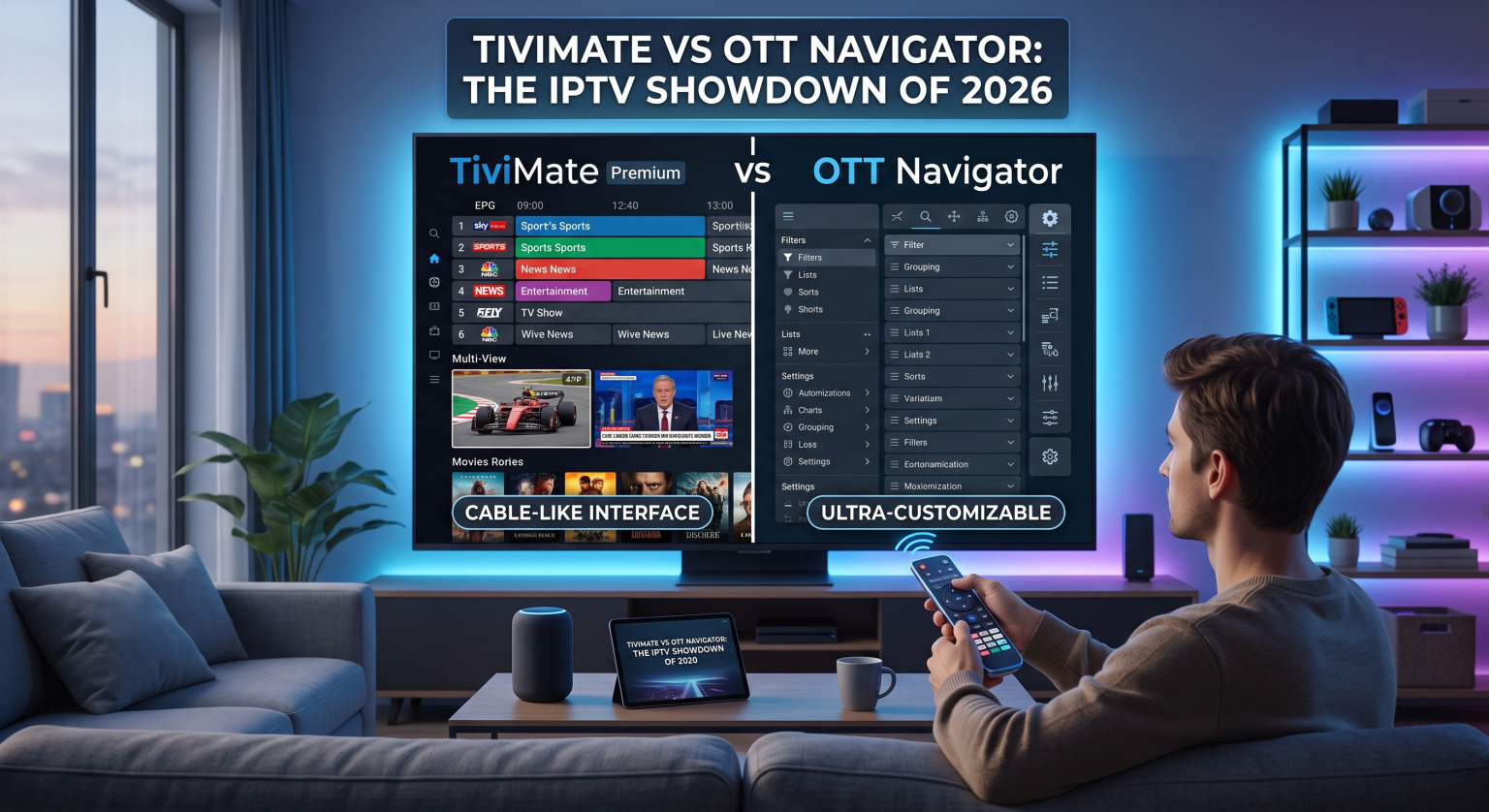
Why the TiviMate vs OTT Navigator Debate Matters
Both of these apps are strictly media players, meaning they do not provide live TV channels or streams themselves. You must provide your own credentials. However, the software you use to load that content dictates everything about your viewing experience.
Die Wahl des best IPTV player for Android TV ensures you get faster channel loading, a seamless interface, and better organization. For years, the TiviMate vs OTT Navigator conversation has dominated Reddit forums and streaming communities, and for good reason they both offer elite performance but cater to different types of users.
Exploring TiviMate Premium Features
TiviMate is widely considered the gold standard of IPTV streaming apps. It features an incredibly polished, modern user interface that mirrors a traditional cable or satellite box.
Sleek Interface: The UI is unmatched, offering intuitive navigation and a beautiful layout out of the box.
Advanced EPG Guide Support: TiviMate handles large Electronic Program Guides flawlessly, meaning you always know what’s airing and when.
Multi-View & Recording: You can watch up to four screens simultaneously, and the built-in recording function is highly reliable for saving live broadcasts directly to your device.
Unlocking all TiviMate Premium features is highly recommended, as the free version severely restricts playlist management and customization.
What Makes OTT Navigator Stand Out?
While TiviMate focuses on aesthetics, OTT Navigator is a powerhouse for power users. It is arguably the most customizable M3U playlist player available today.
Deep Customization: You can tweak almost every visual element, layout, and sorting preference.
Speed and Multi-Threading: OTT Navigator processes massive channel lists incredibly fast thanks to multi-threaded EPG guide support.
Easy Organization: Die OTT Navigator setup makes grouping categories, filtering out dead links, and pinning favorites exceptionally easy.
The primary drawback of OTT Navigator is its lack of a native recording feature, which pushes many users back to TiviMate.
Feature Breakdown: TiviMate vs OTT Navigator
To make your decision easier, here is a direct comparison of the most important features you need for your home entertainment setup.
| Feature Category | TiviMate Premium | OTT-Navigator |
| Benutzeroberfläche (UI) | Ultra-sleek, modern, and cable-like. | Utilitarian but highly customizable. |
| Recording Capabilities | Yes (Excellent scheduled recording). | No (Lacks native recording support). |
| Multi-View Option | Yes (Up to 4 screens seamlessly). | Yes (Picture-in-Picture available). |
| EPG Processing Speed | Fast, but uses more internal storage. | Lightning fast with multi-threading. |
| Customization Depth | Moderate (Focused on simplicity). | Extremely high (Tweaks for every menu). |
The Verdict: Which M3U Playlist Player Wins?
If you want a flawless, beautiful interface that works perfectly for the whole family, TiviMate is the undisputed champion. Its native recording features and premium TV-guide feel make it the best all-around choice.
However, if you are a tech enthusiast who prioritizes lightning-fast load times and wants granular control over every single menu setting, OTT-Navigator will serve you incredibly well.
Whether you stream locally or internationally, your best bet is to install the free versions of both, see which layout fits your TV, and upgrade to the premium tier of your favorite.
Häufig gestellte Fragen (FAQ)
Can I use TiviMate or OTT Navigator on my phone?
While you can theoretically sideload them, both of these IPTV streaming apps are designed specifically for Android TV interfaces (like Firesticks and Nvidia Shields). They are not optimized for touchscreens.
Bieten diese Apps Live-Fernsehkanäle an?
Nein. Neither app provides any media content, streams, or live TV. You must bring your own M3U link or Xtream Codes from an active third-party subscription.
Is TiviMate Premium worth the cost?
Ja. The premium version unlocks crucial features like multiple playlists, favorites management, catch-up TV, and customized panel layouts.
Ready to transform your Android TV viewing experience?
Stop dealing with laggy, basic players. Download the free versions of TiviMate or OTT Navigator today, load your playlist, and upgrade to Premium to unlock the ultimate cord-cutting experience!