
You just dropped serious cash on a stunning 4K Smart TV. The picture is crisp, the sound is booming, but there’s just one glaring problem: you have no idea which IPTV app to install.
Let’s be real for a second navigating the app stores on modern TVs can be an absolute headache. One day your favorite app is right there on the homepage, and the next, it’s vanished from the Samsung or LG store. Meanwhile, Android TV users are drowning in a sea of options, half of which are loaded with annoying ads or clunky menus that feel stuck in 2014.
If you’re tired of buffering screens, broken program guides, and ugly interfaces, you’re in the right place. The IPTV landscape has shifted quite a bit in 2026. Developers are pushing out smarter, faster players, and the gap between a “good” app and a “great” one is wider than ever.
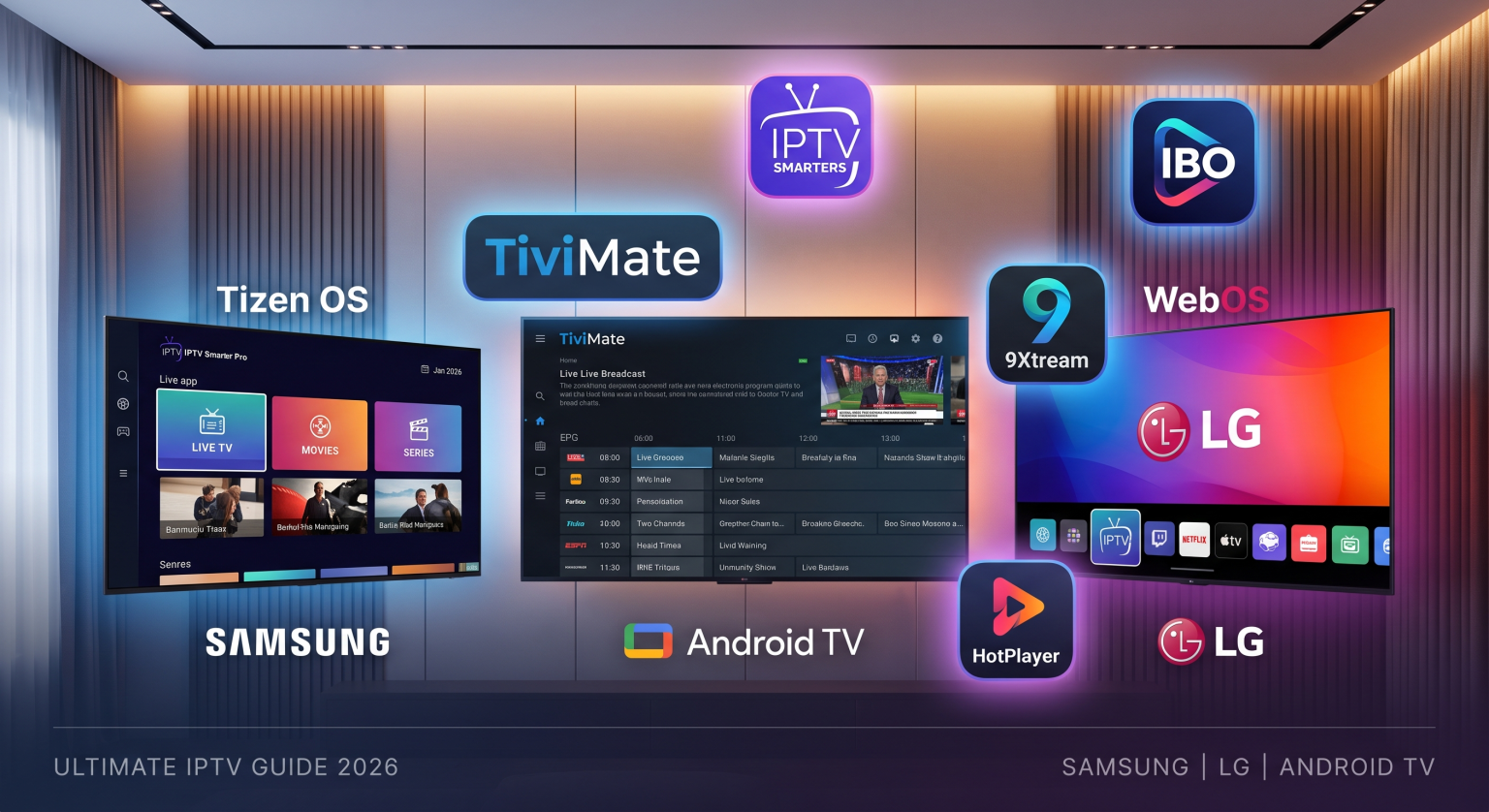
Whether you’re team Tizen (Samsung), WebOS (LG), or rolling with an Android TV box, here is the definitive breakdown of the best IPTV Apps for Smart TV available right now.
The Operating System Battle: Why Your TV Matters
Before we jump into the apps, we need to clear the air about your TV’s operating system.
If you own an Android TV (like a Sony Bravia, Nvidia Shield, or Chromecast with Google TV), you hold the golden ticket. You can install practically anything, side-loading is a breeze, and the hardware handles heavy processing easily.
On the flip side, Samsung and LG run closed systems. They are notoriously strict about what makes it into their app stores. Because of this, the apps that do survive on Tizen y WebOS need to be incredibly stable, officially licensed, and built specifically for remote-control navigation.
The Heavy Hitters: Top Apps of 2026
1. TiviMate (The Undisputed King of Android)
If you have an Android TV and you aren’t using TiviMate, what are you even doing? I’ll say it straight: this is the closest you will ever get to a premium, traditional cable box experience.
The interface is buttery smooth. It loads massive playlists in seconds, pulls EPG (Electronic Program Guide) data flawlessly, and lets you watch multiple channels at once with its Multi-view feature.
¿Cuál es el problema? It is strictly for Android devices. You won’t find this on your LG or Samsung. While there is a free version, the premium unlock is absolutely necessary if you want features like recording, catch-up TV, and customized favorites.
2. IBO Player Pro (The Savior for Samsung & LG)
Since Smart TV app stores love to purge IPTV players regularly, apps like IBO Player Pro have stepped up as the reliable rock for Samsung and LG users in 2026.
It handles high-resolution streams beautifully and feels incredibly lightweight on older TV processors. It bypasses the sluggishness you usually get when loading a provider list with 20,000+ live channels. Better yet, you set it up via their website using your TV’s MAC address which completely saves you from the torture of typing out Xtream Codes with a TV remote.
3. IPTV Smarters Pro (The Old Reliable)
You can’t talk about IPTV without mentioning Smarters. It is the Swiss Army knife of media players because it works on quite literally everything.
The recent updates have kept the interface clean, familiar, and heavily focused on categories. It splits your content perfectly into Live TV, Movies, and Series (VOD). For absolute beginners, this is usually the very first app I recommend. It’s incredibly forgiving to set up; just punch in your Xtream Codes API username, password, and URL, and you’re good to go.
4. 9Xtream (The Cross-Platform Powerhouse)
9Xtream has quietly built a massive following this year. It’s a highly versatile video player that works seamlessly across Android, Apple, Roku, LG, and Samsung.
What makes 9Xtream so interesting is how well it handles metadata. If your provider offers a massive movie and series library, 9Xtream organizes the posters, cast info, and ratings beautifully. It’s designed heavily for content consumers who dive deep into Video on Demand, rather than just flipping through live sports.
5. HotPlayer (The Minimalist Dream)
If you hate cluttered menus and just want your TV to work, HotPlayer is making serious waves right now.
Available across Roku, LG, Samsung, and Android, it strips away all the unnecessary bells and whistles to focus purely on fast channel zapping and zero lag. It’s an activation-based app, meaning you usually pay a small one-time fee after a trial period. It is worth every penny if you just want to turn on your TV and start watching the game without navigating a maze of settings.
Comparación directa
Let’s put the top choices side-by-side so you can see exactly what fits your living room setup.
| Aplicación | Best Platform | Modelo de precios | Característica destacada |
| TiviMate | Android TV, FireOS | Free / Premium (Yearly or Lifetime) | Unmatched UI, Multi-view, Recording |
| IBO Player Pro | Samsung (Tizen), LG (WebOS) | One-time device activation | Lightning-fast loading for massive playlists |
| IPTV Smarters Pro | Universal (All OS) | Gratis / Premium | Easiest setup, perfectly splits Live TV & VOD |
| 9Xtream | Universal (All OS) | App License | Incredible VOD metadata and cross-platform support |
| HotPlayer | Samsung, LG, Android | One-time device activation | Clean minimalist navigation, zero menu lag |
What Actually Matters When Choosing?
You might be wondering why you should bother paying for an app upgrade when dozens of free ones exist. Here is what you should actually care about:
Xtream Codes vs. M3U: Always choose apps that support Xtream Codes (username and password login). Raw M3U links are heavy, slow to update, and regularly crash weaker Smart TVs.
EPG Reliability: A TV without a working guide is practically useless. Top-tier apps cache your EPG data in the background so you aren’t staring at a blank screen waiting for the schedule to populate.
Hardware Optimization: Smart TVs don’t have powerful gaming chips inside them. Dedicated apps built natively for Tizen or WebOS will always run smoother than poorly ported mobile apps.
Conclusión
At the end of the day, your viewing experience is only as good as the player you use to watch it.
If you are running an Android TV or Firestick, stop reading and just go install TiviMate. It’s a total game-changer. However, if you are relying on the built-in operating systems of your Samsung or LG, IBO Player Pro and HotPlayer are easily your best bets for a crash-free, premium experience.
Remember, these apps are just empty media players. They don’t provide the channels, sports, or movies themselves. You still need to source a solid, high-quality playlist to feed into them. But once you pair a great provider with one of these top-tier apps, you’ll never look back at traditional cable again.