
Êtes-vous prêt à profiter d'un divertissement illimité directement sur l'écran de votre salon ? Si vous recherchez Comment installer l'IPTV sur un téléviseur Samsung Smart TV en 2026: Guide complet sur Tizen, vous êtes exactement au bon endroit. Ce guide étape par étape va transformer en un clin d'œil votre IPTV sur Smart TV Samsung devenir une puissante plateforme mondiale de streaming.
Configurer votre téléviseur pour la diffusion par protocole Internet n'a jamais été aussi simple. Grâce aux dernières mises à jour du système d'exploitation Tizen, les utilisateurs peuvent désormais profiter de flux 4K non compressés sans subir les boucles de mise en mémoire tampon agaçantes. Découvrons ensemble tout ce que vous devez savoir pour optimiser votre appareil dès aujourd'hui.
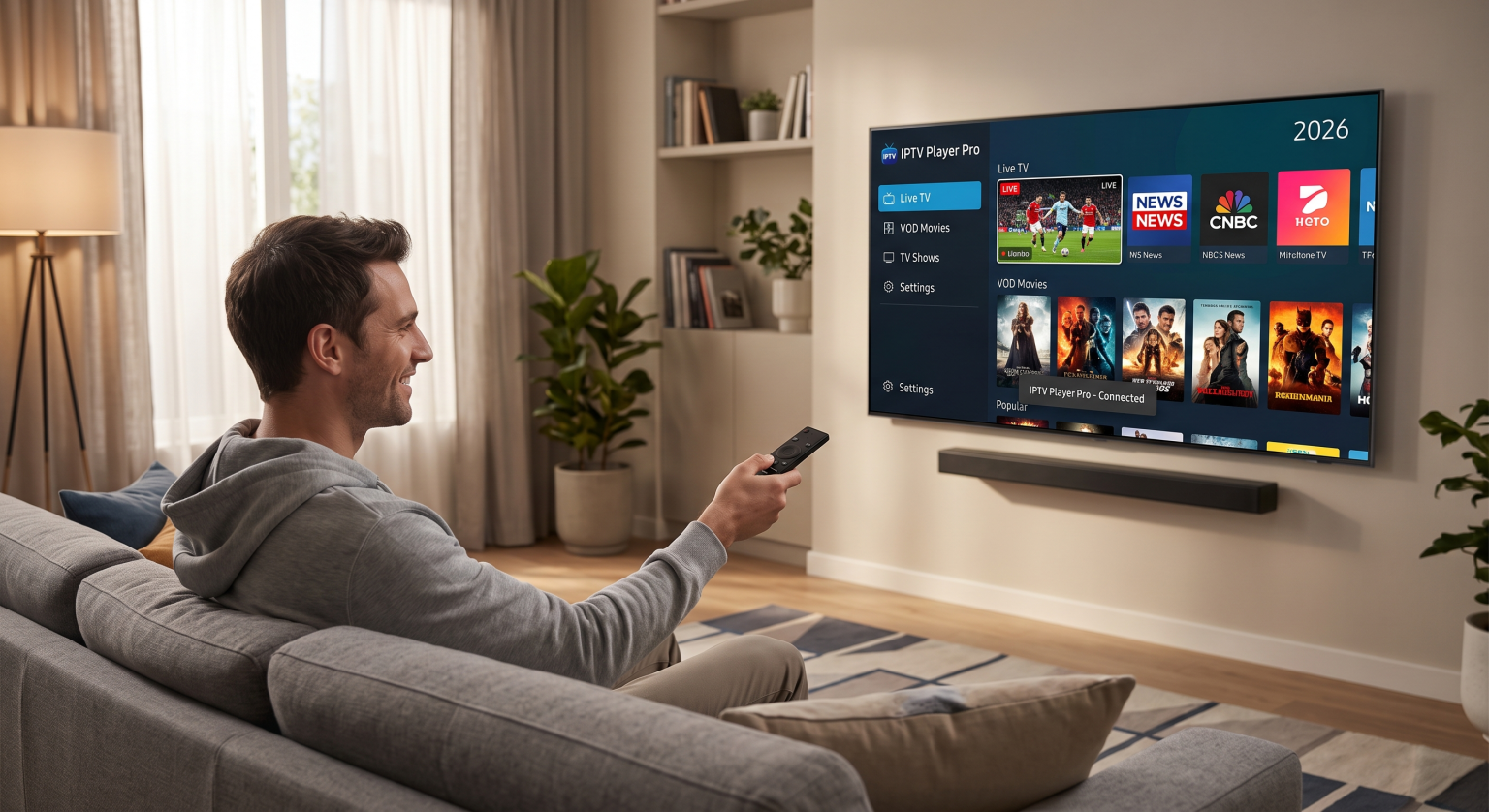
Pourquoi opter pour une installation IPTV sur un téléviseur Samsung Smart TV ?
L'intégration directe du streaming dans l'interface native de votre téléviseur offre une expérience visuelle incroyablement fluide. En utilisant un service de haute qualité Lecteur IPTV de la boutique d'applications Samsung, vous n'avez plus besoin de décodeurs externes encombrants ni de télécommandes supplémentaires. Le matériel intégré à votre téléviseur se charge de tout cela sans aucun problème.
Les écrans équipés du système d'exploitation Tizen moderne sont hautement optimisés pour une utilisation multimédia intensive. Ils gèrent sans difficulté le zapping rapide entre les chaînes, les vastes catalogues de vidéos à la demande et le contenu en temps réel Guide EPG synchronisation.
Voici les principaux avantages d'une installation IPTV directe sous Tizen OS :
Aucun matériel externe : Libérez vos ports HDMI et débarrassez-vous de l'enchevêtrement de câbles derrière votre meuble multimédia.
Décodage 4K de haute qualité : Le processeur natif de Samsung assure une lecture fluide des flux vidéo H.265 (HEVC) de sport et de films.
Interface unifiée : Contrôlez la télévision en direct, les menus interactifs et les réglages audio à l'aide de votre télécommande connectée principale.
Comparatif des meilleurs lecteurs IPTV sous Tizen OS pour 2026
Le choix du bon logiciel est l'étape la plus cruciale de votre parcours dans le domaine du streaming. Le marché propose plusieurs options fiables, chacune présentant des atouts propres à vos besoins spécifiques IPTV sur Smart TV Samsung configuration.
Voici le classement des trois meilleures applications payantes qui dominent actuellement le Samsung App Store :
| Fonctionnalité / Application | IBO Player Pro | IPTV Smarters Pro | HotPlayer |
| Idéal pour | Diffusion en 4K dans son ensemble | Mise en page classique et vidéos à la demande | Gestion facile des listes de lecture |
| Type de connexion | Adresse MAC et M3U | API Xtream Codes | Téléchargement d'adresses MAC |
| Modèle de tarification | Frais uniques, valables à vie | Gratuit (version Premium disponible) | Frais annuels ou ponctuels |
| Assistance EPG | Très précise | Synchronisation automatique | Synchronisation manuelle |
Remarque : vous devez disposer de votre propre abonnement actif, car ces applications ne sont que des lecteurs multimédias vides ne contenant aucune chaîne préinstallée.
Configuration étape par étape de l'IPTV sous Tizen OS
Prêt à vous lancer ? Suivez ces étapes simples pour configurer correctement votre téléviseur afin de profiter du streaming en direct.
1. Téléchargez l'application de votre choix
Commencez par accéder à la boutique d'applications native à l'aide de votre télécommande. Utilisez la fonction de recherche pour trouver des applications les mieux notées, telles que IPTV Smarters Pro ou HotPlayer. Cliquez sur “ Installer ” et attendez que l'application apparaisse dans le ruban principal de votre écran d'accueil.
2. Saisissez les coordonnées de votre prestataire
Ouvrez l'application que vous venez d'installer. Si vous utilisez une application telle que Smarters Pro, vous serez invité à vous connecter à l'aide de API Xtream Codes. Pour cela, vous devez indiquer l'URL du serveur, le nom d'utilisateur et le mot de passe fournis directement par votre service de streaming.
Si vous utilisez un lecteur fonctionnant sous Mac, vous devrez mettre en ligne votre Liste de lecture M3U URL accessible via le portail externe du développeur.
3. Synchronisez votre guide TV électronique (EPG)
Une fois vos chaînes chargées, lancez une mise à jour de votre guide électronique des programmes. Cela affichera à l'écran les horaires en direct, les événements à venir et les descriptions des émissions. Il est vivement recommandé de disposer d'une connexion Internet filaire stable pour garantir un chargement instantané du guide.
Astuce avancée : installation parallèle d'applications Tizen
Il arrive parfois que des restrictions régionales strictes empêchent l'affichage d'une application spécifique dans votre boutique Samsung locale. Si vous ne trouvez pas le lecteur de votre choix, vous pouvez contourner cette restriction en Installation parallèle d'applications Tizen.
Pour cela, il suffit de télécharger un fichier de widget pour développeurs sur une clé USB, puis de brancher celle-ci directement à l'arrière de votre téléviseur. Même si cela peut paraître très technique, cette opération ne prend que quelques minutes et vous permet d'accéder à des lecteurs sans aucune restriction géographique.
Commencez à regarder en streaming dès aujourd'hui !
Transformez votre téléviseur grâce à notre Comment installer l'IPTV sur un téléviseur Samsung Smart TV en 2026 : guide complet sur Tizen vous ouvre les portes d'un univers de divertissement à la demande sans limites. Ne vous contentez plus d'abonnements au câble onéreux ni de flux vidéo instables soumis à des interruptions de lecture.
Prêt à tirer le meilleur parti de votre home cinéma ? [formules IPTV haut de gamme] et profitez dès aujourd'hui d'un streaming 4K fluide et sans interruption directement sur votre téléviseur Samsung !
Questions fréquentes (FAQ)
Puis-je utiliser une application IPTV gratuite sur ma Smart TV Samsung ?
Oui. Des applications telles que « IPTV Smarters Pro » proposent une version gratuite très performante, disponible directement dans la boutique Samsung. Cependant, le passage à un abonnement Premium permet généralement un meilleur décodage 4K et une navigation plus fluide, sans publicité.
Pourquoi mon service IPTV Samsung est-il en cours de chargement ?
Les ralentissements sont presque toujours dus à une connexion Wi-Fi instable ou à une limitation de débit imposée localement par le fournisseur d'accès Internet. Pour bénéficier de la meilleure expérience possible IPTV sur Smart TV Samsung Pour une expérience optimale, connectez votre téléviseur directement à votre routeur à l'aide d'un câble Ethernet.
Est-il légal d'utiliser un lecteur IPTV sur Tizen ?
Tout à fait. Les lecteurs multimédias en eux-mêmes sont des logiciels « coquilles vides » tout à fait légaux. La légalité dépend entièrement de la liste de lecture M3U tierce ou du service d'abonnement que vous choisissez d'intégrer au lecteur.