
Vous vous installez confortablement pour une soirée cinéma, mais vous vous rendez compte que votre Les chaînes TiviMate ne se chargent pas? Vous n'êtes pas le seul à vivre cette expérience frustrante. En tant que lecteur IPTV de référence pour d'innombrables foyers à travers les États-Unis, il est inévitable que des problèmes de lecture surviennent de temps à autre. Heureusement, ces contretemps liés au streaming sont généralement faciles à résoudre en quelques minutes seulement.
TiviMate est simplement un lecteur multimédia et n'héberge aucun contenu. Par conséquent, pour résoudre ces problèmes de chargement, il suffit généralement de modifier quelques paramètres ou de contacter votre fournisseur d'accès. Découvrons ensemble les moyens les plus rapides pour que vos vidéos en streaming fonctionnent à nouveau sans accroc.
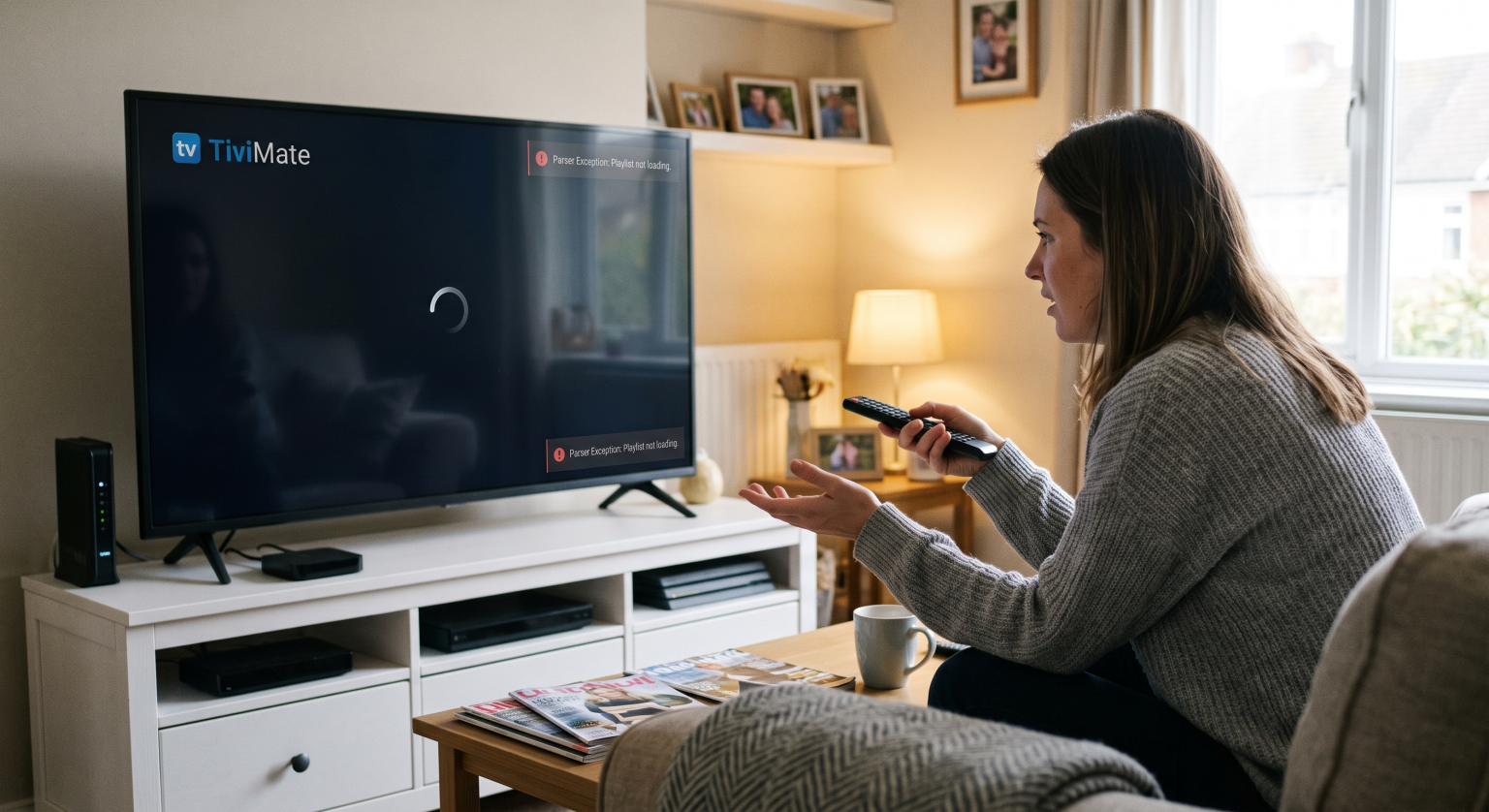
Pourquoi les chaînes TiviMate ne se chargent-elles pas ?
Avant de passer aux solutions, il est utile de comprendre les causes profondes du problème. De nombreux FAI américains limitent activement le trafic de streaming pendant les heures de pointe en soirée, ce qui entraîne des temps de chargement interminables. Si vous vous retrouvez face à un écran vide, le problème ne vient peut-être pas de l'application elle-même.
Parmi les causes courantes, on peut citer Erreurs dans les listes de lecture M3U, les abonnements arrivés à expiration et les données du guide électronique des programmes (EPG) obsolètes. Il arrive parfois que votre appareil de streaming soit tout simplement à court de mémoire d'arrière-plan, ce qui provoque le plantage de l'application. Identifier le message d'erreur exact, comme une exception de l'analyseur, vous permettra de trouver la bonne solution.
Solutions éprouvées lorsque les chaînes TiviMate ne se chargent pas
Vider le cache et forcer l'arrêt
Au fil du temps, les données mises en cache peuvent être corrompues et perturber la lecture. Accédez aux paramètres de votre appareil, recherchez l'application TiviMate, puis sélectionnez Vider le cache. Enchaînez ensuite avec un “ Arrêt forcé ”, puis relancez l'application pour lui permettre de redémarrer à zéro.
Modifier l'en-tête « User-Agent »
Certains fournisseurs d'accès à Internet et serveurs IPTV bloquent par défaut les lecteurs multimédias inconnus. Vous pouvez contourner cette restriction en usurpant l'identité de votre appareil. Accédez aux paramètres de la playlist de l'application et modifiez le Agent utilisateur vers un logiciel courant comme “ VLC ” ou un navigateur Web populaire.
Résoudre les problèmes de synchronisation des listes de lecture M3U et du guide électronique des programmes (EPG)
Si votre guide indique “ Aucune information ”, vos chaînes auront probablement du mal à se charger. Essayez de mettre à jour votre guide électronique des programmes (EPG) manuellement ou de régler l'intervalle de rafraîchissement sur 24 heures. Si vous rencontrez un exception d'analyse, vérifiez bien que votre lien M3U ne contient pas de fautes de frappe ou demandez une nouvelle URL à votre Fournisseur IPTV.
Régler la taille de la mémoire tampon
L'instabilité du réseau constitue un obstacle majeur pour la télévision en direct. Augmenter votre taille de la mémoire tampon dans les paramètres de lecture permet au lecteur de disposer de plus de temps pour télécharger les segments de flux. Sinon, le fait de passer du format de sortie MPEG-TS au format HLS peut stabiliser instantanément la connexion.
Comparaison des meilleures solutions pour résoudre les problèmes de streaming
Si vous ne savez pas par où commencer, consultez ce guide de référence rapide pour trouver la solution la mieux adaptée à vos symptômes.
| Fonctionnalité de dépannage | Option A : Optimisation des applications | Option B : Corrections réseau | Option C : Contrôles des prestataires |
| Symptôme principal | Blocage de l'interface utilisateur ou plantage de l'application | Mise en mémoire tampon constante ou décalage | Échec total du chargement des listes |
| Meilleure mesure à prendre immédiatement | Vider le cache de l'application et forcer le redémarrage | Activez un VPN fiable | Vérifier le lien vers la liste de lecture M3U |
| Réglages avancés | Modifier les paramètres du décodeur vidéo | Régler la taille du tampon du flux UDP | Mettre à jour l'en-tête User-Agent |
| Temps nécessaire | Moins de 2 minutes | 3 à 5 minutes | Cela dépend de la réponse du prestataire |
Retrouvez un streaming fluide aux États-Unis
Ne laissez pas un petit problème technique gâcher vos loisirs du week-end. En gérant votre cache, en ajustant la taille de votre mémoire tampon et en veillant à ce que les URL de vos playlists soient correctes, vous pouvez résoudre définitivement ce casse-tête qui consiste à Les chaînes TiviMate ne se chargent pas.
Prêt à moderniser votre installation multimédia ? Abonnez-vous dès aujourd'hui à notre newsletter premium consacrée à la technologie pour découvrir en exclusivité les guides de streaming 2026, les réductions sur les VPN et les astuces d'initiés spécialement conçues pour les spectateurs aux États-Unis !
Réglage des paramètres de TiviMate et résolution des problèmes courants
Cette vidéo propose un guide visuel utile présentant les paramètres optimaux à configurer dans TiviMate afin de résoudre les problèmes courants de mise en mémoire tampon et de chargement.
Foire aux questions
Pourquoi mon TiviMate affiche-t-il une « exception de parseur » ?
Une exception d'analyse se produit généralement lorsque l'application ne parvient pas à lire le fichier M3U ou XMLTV fourni. Ce problème se résout souvent en corrigeant les fautes de frappe dans l'URL de la liste de lecture ou en contactant votre fournisseur d'IPTV pour obtenir un lien mis à jour.
Ai-je besoin d'un VPN pour éviter la mise en mémoire tampon sur TiviMate ?
Oui, l'utilisation d'un VPN est vivement recommandée, en particulier dans les régions où les FAI appliquent des restrictions de bande passante strictes. En acheminant votre trafic via un serveur sécurisé, vous empêchez votre fournisseur d'accès Internet de ralentir vos diffusions en direct.
À quelle fréquence mon guide des programmes (EPG) doit-il être mis à jour ?
Pour les clés de streaming plus anciennes, il est préférable de configurer le guide électronique des programmes (EPG) pour qu'il se mette à jour toutes les 24 heures. Cela évite une surcharge de la mémoire en arrière-plan, ce qui garantit que votre appareil ne se bloque pas lors de la récupération des métadonnées.