
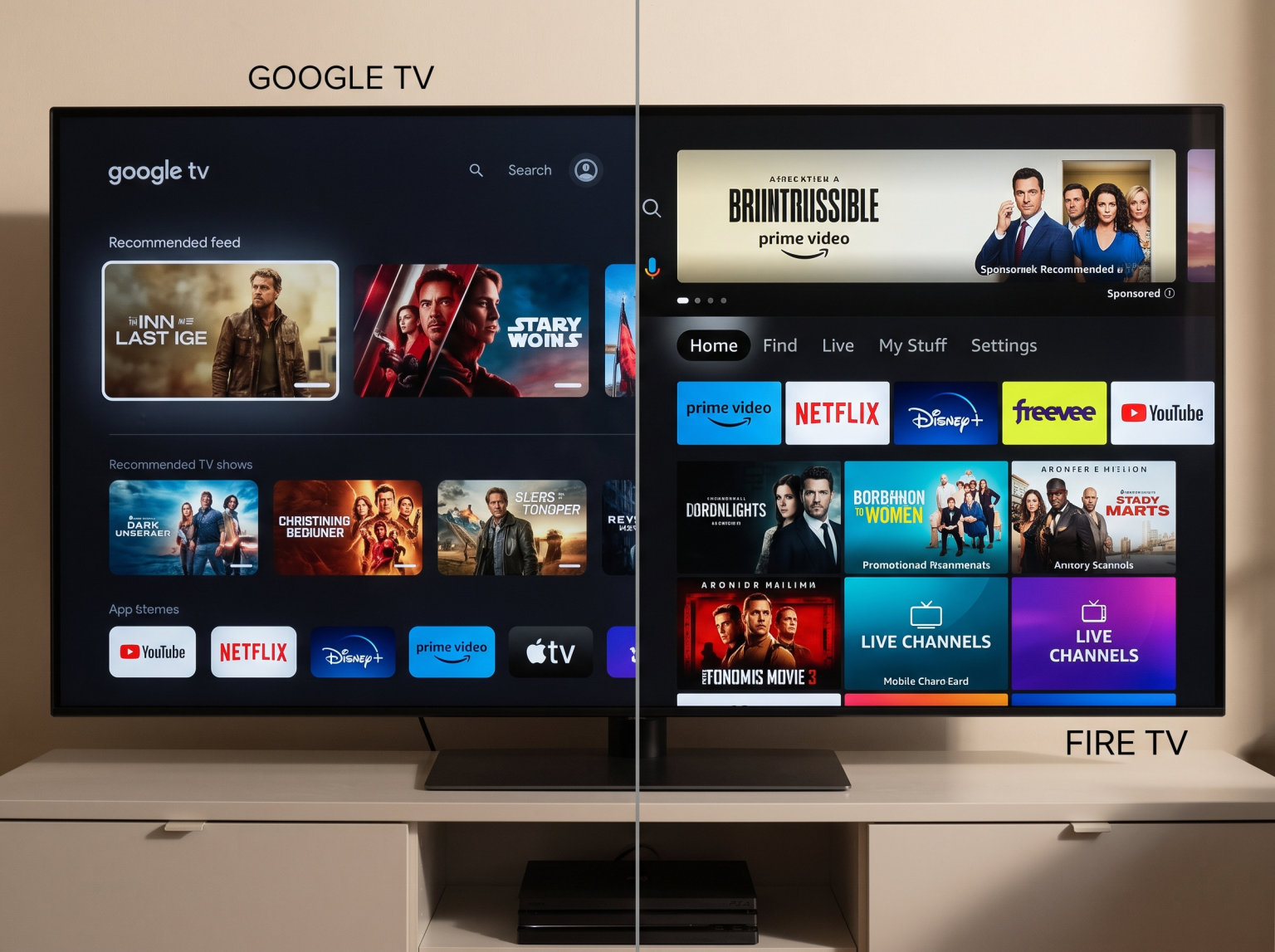
The Google TV Streamer and the new Amazon Fire TV Stick 4K are two of the most popular streaming devices in 2026. The Google TV Streamer is a set-top box that replaces the older Chromecast with Google TV. The new Fire TV Stick 4K remains a compact HDMI dongle that plugs directly into the back of a television.
Both streaming devices support 4K video resolution, Dolby Vision, and HDR10+. However, they use different operating systems and offer completely different hardware specifications. For users who stream movies, watch live sports, or use IPTV applications, choosing the correct streaming device is very important.
This article compares the hardware, the software, and the IPTV compatibility of the Google TV Streamer and the Fire TV Stick 4K to help you make an informed decision.
Snel antwoord
The Google TV Streamer is better for heavy users and IPTV viewers. The Google TV Streamer provides 32 gigabytes of storage, 4 gigabytes of memory, and a built-in Ethernet port. This powerful hardware makes navigating large television guides very fast.
The new Fire TV Stick 4K is better for budget-conscious users or travelers who want a small streaming device. The Fire TV Stick 4K costs less money, but the device requires an external adapter for a wired internet connection and provides less storage capacity for applications.
Operating System and App Store
The operating system determines which applications you can install on your television.
The Google TV Streamer uses the Google TV operating system. This software is based on Android TV. You can download applications directly from the official Google Play Store. The Google Play Store contains almost every major streaming application and many independent video players.
The Fire TV Stick 4K uses Amazon Fire OS. Fire OS is also based on Android, but Amazon uses a custom interface. You must download applications from the Amazon Appstore. The Amazon Appstore contains all major streaming services, but the Amazon Appstore misses some specific utility applications found in the Google Play Store.
If you want to know more about different television software, read our guide about the Best Smart TV OS for IPTV in 2026: Tizen vs Google TV vs webOS.
Hardware Specifications: Memory and Storage
Hardware limits how many applications you can install and how fast the device operates.
The Google TV Streamer contains 4 gigabytes of memory (RAM) and 32 gigabytes of internal storage. This is a very large amount of storage for a streaming device. You can install dozens of applications without seeing low-storage warnings. The 4 gigabytes of memory allow the Google TV Streamer to open applications quickly and switch between menus smoothly.
The new Fire TV Stick 4K typically contains 2 gigabytes of memory and 8 gigabytes or 16 gigabytes of internal storage, depending on the specific Max version. 8 gigabytes of storage fills up very quickly. If you install several large streaming applications, the Fire TV Stick 4K may run out of space.
For users who want to install many applications, the Google TV Streamer is the better choice.
Network Connectivity: Wi-Fi and Ethernet
A stable internet connection is required for high-quality video streaming.
The Google TV Streamer features a built-in Gigabit Ethernet port. You can connect a network cable directly from your internet router to the Google TV Streamer. A wired connection prevents buffering and provides a very stable video signal. The Google TV Streamer also supports Wi-Fi connections.
The Fire TV Stick 4K only features built-in Wi-Fi. The device supports modern Wi-Fi standards, which provide fast wireless speeds. However, the Fire TV Stick 4K does not have a built-in Ethernet port. If you want to use a network cable with the Fire TV Stick 4K, you must buy a separate Amazon Ethernet Adapter. This adapter is limited to a speed of 100 megabits per second.
Live Football and Sports Streaming
Watching live football requires a fast and stable streaming device. Live sports broadcasts feature fast camera movements. If a streaming device processes the video slowly, the football will look blurry.
Both the Google TV Streamer and the Fire TV Stick 4K support 60 frames per second (60fps) video output. This framerate is essential for smooth live sports.
However, the Google TV Streamer has an advantage for live football because of the built-in Gigabit Ethernet port. Live sports streams often fail when a Wi-Fi signal drops for just one second. The wired Ethernet connection on the Google TV Streamer guarantees maximum stability during important football matches.
The television screen also affects the picture quality of sports broadcasts. For more information about television hardware, read our comparison of Een tv van 60 Hz versus een tv van 120 Hz voor live voetbal.
IPTV-compatibiliteit
Because this article is for TV Shadow IPTV, we must explain how these devices handle IPTV services.
Both the Google TV Streamer and the Fire TV Stick 4K are excellent devices for IPTV. Both operating systems allow users to install third-party applications. You can use the “Downloader” application to install IPTV players that are not available in the official app stores.
Google TV Streamer for IPTV: The Google TV Streamer is exceptional for IPTV. Advanced IPTV applications, such as TiviMate or IPTV Smarters, require memory and storage to download the Electronic Program Guide (EPG). An M3U playlist or Xtream Codes login can contain thousands of channels. The 32 gigabytes of storage and 4 gigabytes of memory allow the Google TV Streamer to load large EPG files instantly without slowing down the device.
Fire TV Stick 4K for IPTV: The Fire TV Stick 4K is also good for IPTV, but you must monitor the storage space carefully. If the IPTV player downloads a very large EPG file, the 8-gigabyte storage drive on the standard Fire TV Stick 4K can become full. When the storage is full, the Fire TV Stick 4K will operate very slowly.
Please note: TV Shadow IPTV does not have an official relationship with Google or Amazon. Not every IPTV application will perform perfectly on every operating system.
Vergelijkingstabel
This table shows the main differences between the two devices.
| Functie | Google TV-streamer | Fire TV Stick 4K |
| Form factor | Set-top box | HDMI stick |
| Besturingssysteem | Google TV | Amazon Fire OS |
| Geheugen (RAM) | 4 gigabytes | 2 gigabytes |
| Opslagcapaciteit | 32 gigabytes | 8 gigabytes or 16 gigabytes |
| Ingebouwde Ethernet-aansluiting | Yes (Gigabit speed) | No (Adapter required) |
| App Store | Google Play Store | Amazon Appstore |
| Sideloading apps | Ja | Ja |
| Afstandsbediening | Voice remote included | Alexa voice remote included |
Conclusie
The Google TV Streamer and the new Fire TV Stick 4K both provide excellent 4K video quality. Your choice depends on your budget and how you use your television.
The Google TV Streamer is the superior choice for users who want maximum performance. The built-in Ethernet port guarantees stable streams for live football. The 32 gigabytes of storage and 4 gigabytes of memory make the Google TV Streamer perfect for large IPTV applications and heavy daily use.
The Fire TV Stick 4K is a great choice for users who want a simple, hidden device. The Fire TV Stick 4K plugs directly behind the television and is very portable. However, the limited storage space means you cannot install as many applications as the Google TV Streamer allows.
Veelgestelde vragen (FAQ)
Can I install Android applications on the Fire TV Stick 4K?
Yes, you can install Android applications on the Fire TV Stick 4K. Because Fire OS is based on Android, you can manually install Android application files (APK files) using the Downloader application.
Does the Google TV Streamer plug directly into the television?
No, the Google TV Streamer is a set-top box. The device sits on a table below the television. You must connect the Google TV Streamer to the television using a standard HDMI cable.
Which device is faster for navigating menus?
The Google TV Streamer is faster for navigating menus. The Google TV Streamer has 4 gigabytes of memory and a powerful processor, which makes opening applications and scrolling through menus very smooth.
Do I need an Amazon account to use the Fire TV Stick 4K?
Yes, you must have an Amazon account. The Fire TV Stick 4K requires you to log into an Amazon account before you can download any applications or use the device.
Can I watch 4K video on both streaming devices?
Yes, both devices display 4K video. However, your television must also support 4K resolution to see the 4K picture quality. If you want to buy a new television, read our guide to the De beste smart-tv's voor IPTV in 2026: Samsung, Sony, LG en TCL vergeleken.
Is the Google TV Streamer more expensive than the Fire TV Stick 4K?
Yes, the Google TV Streamer is more expensive. The Google TV Streamer contains better hardware and more storage, which increases the retail price compared to the small Fire TV Stick 4K.