
Amazon is currently replacing the Android-based Fire OS with a new Linux-based operating system called Vega OS. This change affects how applications work on new Amazon Fire TV devices. Because Vega OS does not support standard Android applications, many existing smart TV apps stopped working on new Amazon devices. To solve this problem, Tablo released a completely new 4th Generation application in November 2026. This article explains how to use Tablo on Vega OS, which Fire TV sticks are supported, and what this software change means for IPTV users.
Snel antwoord
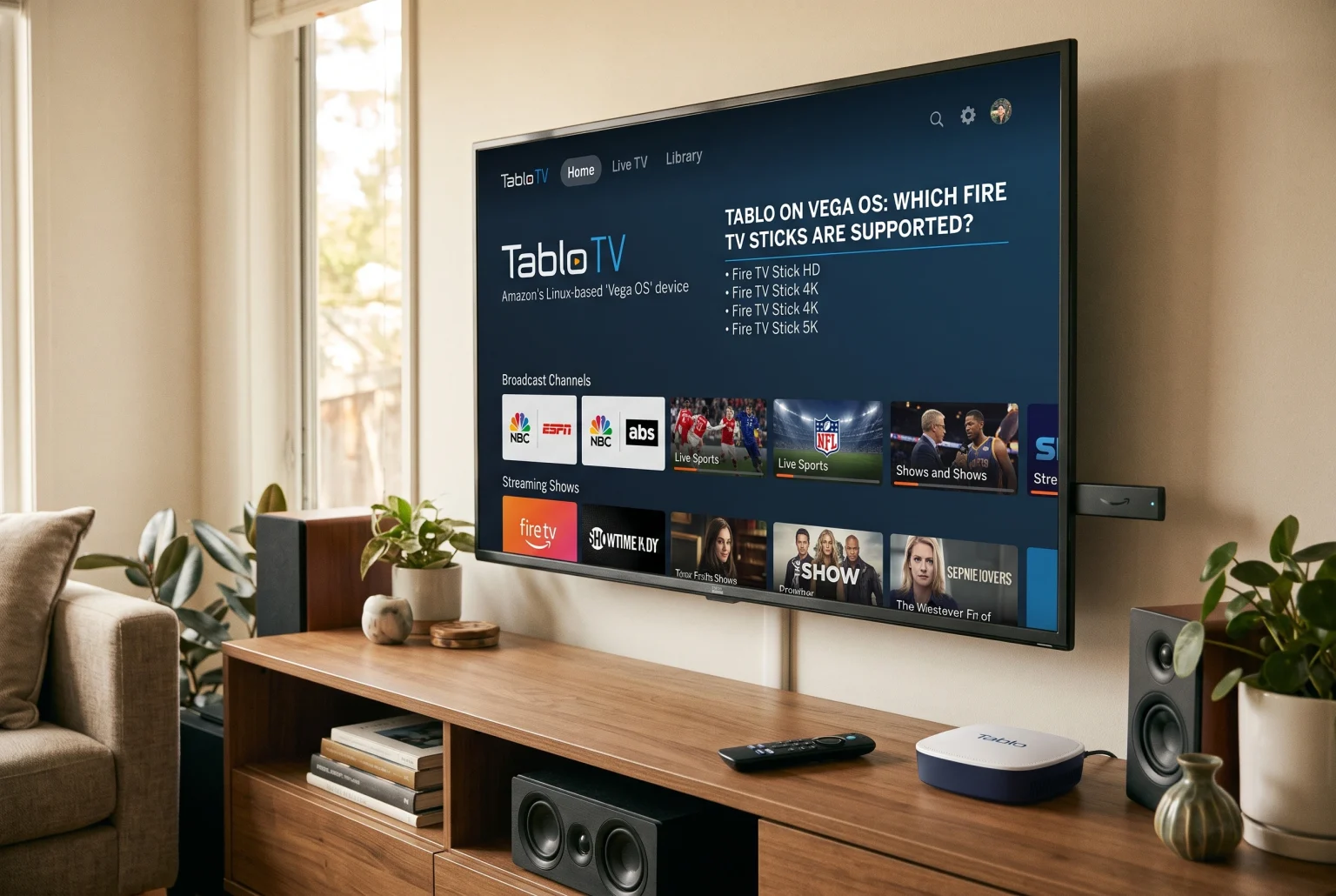
Which Fire TV sticks support the new Tablo Vega OS application? Tablo currently supports three Amazon Fire TV devices running Vega OS: the Amazon Fire TV Stick HD, the Amazon Fire TV Stick 4K Select, and the Amazon Fire TV Stick 4K (3rd Gen). Owners of these new devices can download the updated 4th Generation Tablo app directly from the Amazon Appstore. Older Amazon Fire TV devices running the previous Fire OS will continue to use the original Tablo application without any changes.
Understanding the Change from Fire OS to Vega OS
For many years, Amazon Fire TV devices used Fire OS. Fire OS is a modified version of the Google Android operating system. This made it very easy for software developers to create applications. Developers could take a standard Android TV application and easily adapt it for Fire OS.
Vega OS is completely different. Amazon built Vega OS using Linux, not Android. This means that standard Android application files (APK files) do not work on Vega OS. Software companies must write new applications specifically for the new Vega OS platform. This is why Tablo had to release a brand new application for the newest Amazon Fire TV models.
If you want to learn more about different television platforms, read our comparison of Het beste besturingssysteem voor smart-tv's voor IPTV in 2026.
Which Fire TV Sticks Support the Tablo Vega OS App?
As of November 2026, the 4th Generation Tablo app is compatible with three specific Amazon Fire TV streaming sticks running Vega OS.
Amazon Fire TV Stick HD
The Amazon Fire TV Stick HD is a new entry-level streaming device. It outputs a 1080p high-definition video signal. This model runs Vega OS out of the box. You can install the new Tablo app directly from the Amazon Appstore on this device.
Amazon Fire TV Stick 4K Select
The Amazon Fire TV Stick 4K Select is a mid-range streaming device. It supports 4K resolution and high dynamic range (HDR) video formats. Because this device uses Vega OS, it requires the new 4th Generation Tablo application.
Amazon Fire TV Stick 4K (3rd Gen)
The 3rd generation of the standard Amazon Fire TV Stick 4K also uses Vega OS. This model provides 4K video output and fast application loading times. Tablo officially supports this model with the new Vega OS application.
Comparison: Amazon Fire OS vs Amazon Vega OS
This simple table shows the main differences between the older Fire OS and the new Vega OS for Tablo users.
| Functie | Amazon Fire OS | Amazon Vega OS |
| Software base | Android | Linux |
| Tablo app version | Standard Tablo app | 4th Generation Tablo app |
| App download location | Amazon Appstore | Amazon Appstore |
| Ondersteuning voor Android-apps | Ja | No native APK support |
| Beschikbaarheid van IPTV-apps | Hoog | Currently limited |
How to Install the Tablo App on a Vega OS Fire TV Stick
Installing the Tablo app on a new Vega OS device is simple. The Amazon Appstore automatically detects your operating system and delivers the correct application version.
Turn on your Amazon Fire TV stick.
Navigate to the magnifying glass icon on the home screen.
Type “Tablo TV” into the search bar.
Select the official Tablo TV application from the search results.
Click “Get” or “Download”.
Open the application and follow the instructions to connect your Tablo hardware.
Using IPTV Players on Amazon Vega OS
The change to Vega OS has a big impact on IPTV users. Because Vega OS does not support Android APK files, you cannot install traditional Android IPTV players on these new devices.
IPTV players are applications that read M3U playlists or Xtream Codes to display live television channels. On older Fire OS devices, users had hundreds of IPTV players to choose from. On Vega OS, users must wait for developers to release new, Vega-compatible IPTV players in the official Amazon Appstore.
Wanneer je een dienst zoals TV Shadow IPTV, you need a compatible IPTV player application. TV Shadow IPTV provides the channel playlist, but the player application handles the user interface and the Electronic Program Guide (EPG). If you purchase a new Vega OS device, check the Amazon Appstore to see which IPTV players are currently available in your country.
If you are choosing a completely new television instead of a streaming stick, read our guide to the De beste smart-tv's voor IPTV in 2026: Samsung, Sony, LG en TCL vergeleken.
Watching Live Football on Amazon Fire TV Sticks
Many users buy streaming sticks to watch live football and other fast-moving sports. When watching sports through Tablo or an IPTV service, your hardware affects the picture quality.
Network Connection
Live football requires a very stable internet connection. Video streams can buffer or freeze if your Wi-Fi signal is weak. Amazon Fire TV sticks connect via Wi-Fi by default. If your Wi-Fi router is far away from your television, you might experience poor video quality during football matches. You can buy an official Amazon Ethernet adapter to connect your Fire TV stick directly to your internet router with a cable. This provides a more stable connection for live sports.
Bewegingsverwerking en verversingsfrequenties
Football broadcasts usually use 50 frames per second or 60 frames per second. The Amazon Fire TV Stick 4K Select and the Amazon Fire TV Stick 4K (3rd Gen) both process 60Hz signals perfectly. However, the final motion quality also depends on your television screen. If you connect your Fire TV stick to a television with bad motion processing, the football might look blurry when it moves across the screen. To understand this better, read our article explaining Een tv van 60 Hz versus een tv van 120 Hz voor live voetbal.
Conclusie
Amazon’s transition from Fire OS to Vega OS represents a major change for the Fire TV platform. Because Vega OS cannot run standard Android applications, software companies must build new applications for the latest Fire TV devices. Fortunately, Tablo officially released a 4th Generation app for Vega OS in November 2026.
If you own an Amazon Fire TV Stick HD, Fire TV Stick 4K Select, or Fire TV Stick 4K (3rd Gen), you can download the new Tablo app today. For users of TV Shadow IPTV and other streaming services, the shift to Vega OS means you must check the Amazon Appstore carefully to ensure your preferred IPTV player has been updated for the new Linux-based operating system. Older Fire TV sticks running Fire OS will continue to work exactly as they did before.
Veelgestelde vragen (FAQ)
Does the Tablo app work on older Amazon Fire TV sticks?
Yes. Older Amazon Fire TV devices running Fire OS still support the standard Tablo application. You do not need to buy a new device if your current Fire TV stick works well.
Can I install Android APK files on Vega OS?
No. Vega OS is a Linux-based operating system, not an Android-based operating system. Standard Android application files are not compatible with Vega OS.
Will my current IPTV player work on a new Fire TV Stick 4K Select?
It depends on the application developer. If the developer has created a new version of the IPTV player specifically for Vega OS, it will work. If the developer only offers an Android version, it will not work.