
Tired of buffering or clunky menus on XCIPTV? If you want to switch to a better XCIPTV alternative in the United States, you are in the right place. You don’t need to buy a new subscription or change your current credentials to upgrade your viewing experience.
By using your existing Xtream Codes API eller M3U URL, you can migrate seamlessly to a superior streaming-app. Let’s explore how American cord-cutters can safely swap their IPTV players while keeping their favorite live TV and VOD content completely intact.
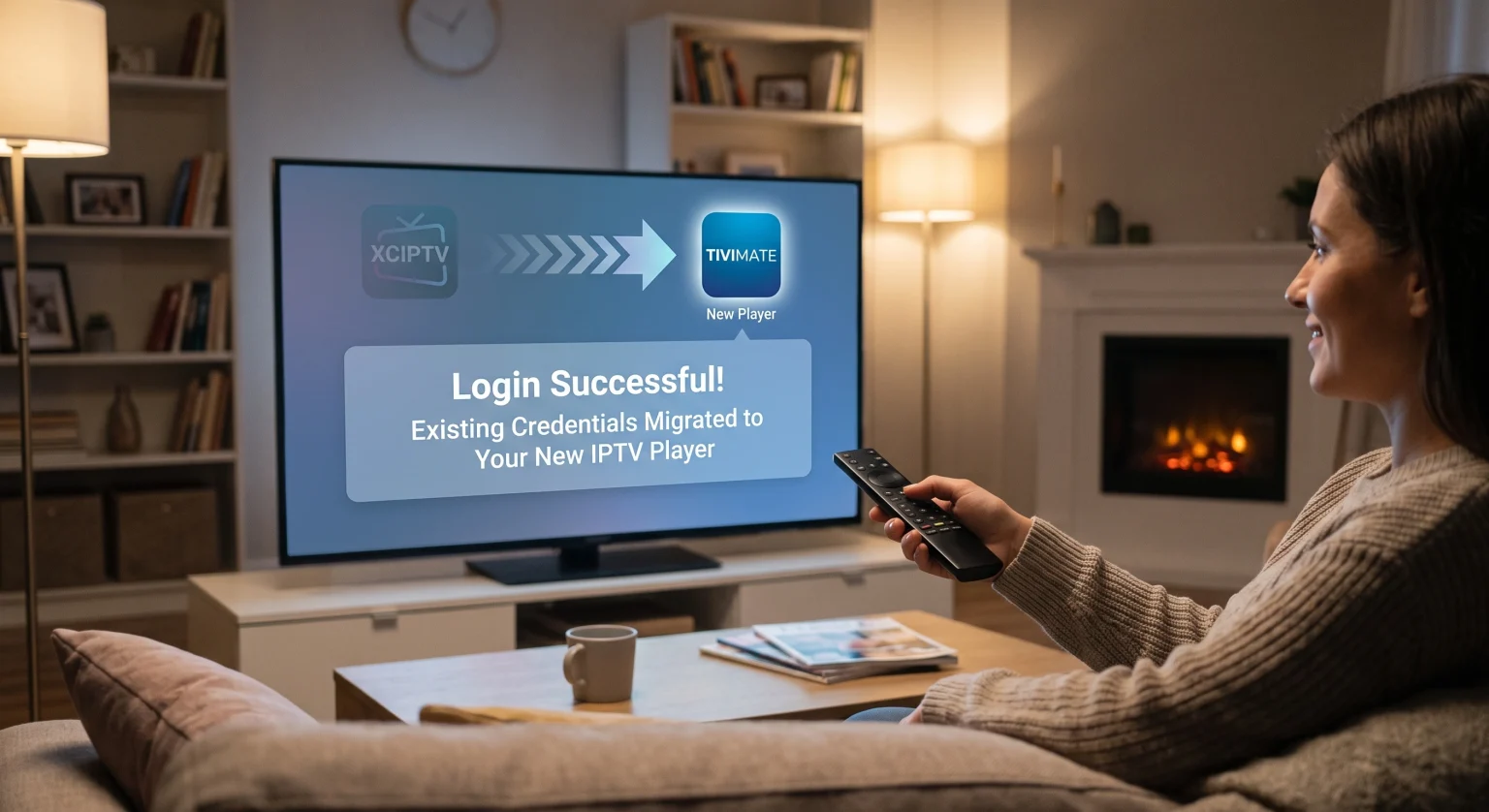
Why You Need an XCIPTV Alternative in the United States
While XCIPTV has been a staple for many users, its interface can sometimes feel outdated or rigid. Upgrading to a premium XCIPTV alternative ensures faster navigation and better EPG (Electronic Program Guide) syncing. This is especially crucial for sports fans in the US who rely on real-time direkte TV-strømming without lag.
The Magic of the Xtream Codes API
You might wonder how you can keep your exact same IPTV-abonnement. The secret lies in the Xtream Codes format. Almost every modern player allows you to log in easily by just providing a Server URL, Username, and Password.
Using an M3U Playlist
If your provider didn’t give you an Xtream Codes login, they likely provided a long web link known as an M3U playlist. Simply copy this link from your XCIPTV settings and paste it into your new player. It really is that simple!
Top 3 IPTV Players to Replace XCIPTV
Choosing the right player depends on your device hardware and your personal viewing habits. Here is a quick comparison of the top choices for users making the switch.
| IPTV-spiller | Interface & UX | Xtream Codes Support | Best Standout Feature |
| TiviMate | Premium, Cable-like UI | Ja | Advanced EPG & Recording |
| IPTV Smarters Pro | Simple, Multi-screen UI | Ja | Multi-DNS & Multi-screen setup |
| OTT Navigator | Kan tilpasses i stor grad | Ja | Superior sorting & channel filters |
Step-by-Step Guide to Migrating to Your New XCIPTV Alternative
Ready to make the jump? Follow these straightforward steps to set up your new player in just a few minutes.
Step 1: Locate your credentials. Open your current XCIPTV app and navigate to the account or login settings. Write down your Server URL, Username, and Password.
Step 2: Download your new player. Install an XCIPTV alternative som TiviMate eller IPTV Smarters Pro directly onto your Amazon FireStick or Android TV.
Step 3: Select Xtream Codes login. Open the new app, click on “Add Playlist,” and choose the “Xtream Codes” login method.
Step 4: Enter your details. Type in the exact same URL, Username, and Password you retrieved in Step 1.
Step 5: Let the guide load. Wait a few moments for your live channels, movies, and series to populate on the screen.
Conclusion: Upgrade Your US Streaming Setup Today
Switching to an XCIPTV alternative in the United States doesn’t mean starting over from scratch. By carrying over your existing Xtream Codes login, you can instantly enjoy a faster, more modern television experience.
Don’t settle for a mediocre streaming interface that ruins your movie nights. Download a top-tier IPTV player today, plug in your credentials, and take full control of your home entertainment!
Ofte stilte spørsmål (FAQ)
Can I use my IPTV subscription on multiple apps at once?
Yes, you can configure your login on multiple apps like TiviMate and IPTV Smarters Pro simultaneously. However, actively streaming content at the same time depends entirely on how many concurrent device connections your specific IPTV provider allows.
What is the best XCIPTV alternative for Amazon FireStick?
TiviMate is widely considered the best XCIPTV alternative for Amazon FireStick due to its familiar cable-like layout, fast performance, and robust recording capabilities.
Do I lose my "Favorites" when I change IPTV players?
Unfortunately, your favorites list is usually saved locally within the XCIPTV app, rather than on the provider’s server. You will likely need to re-favorite your preferred channels once you set up the new app.