
You’ve just loaded your playlist, but nothing plays. Yet, when you switch media players, the streams load perfectly. If you are wondering why your IPTV works in one app but not another, you are not alone. This frustrating issue usually boils down to incompatible codecs, app settings, or stream formatting.
Understanding how different applications process streaming data is the key to fixing playback errors. Let’s break down exactly why this happens and how you can optimize your setup.
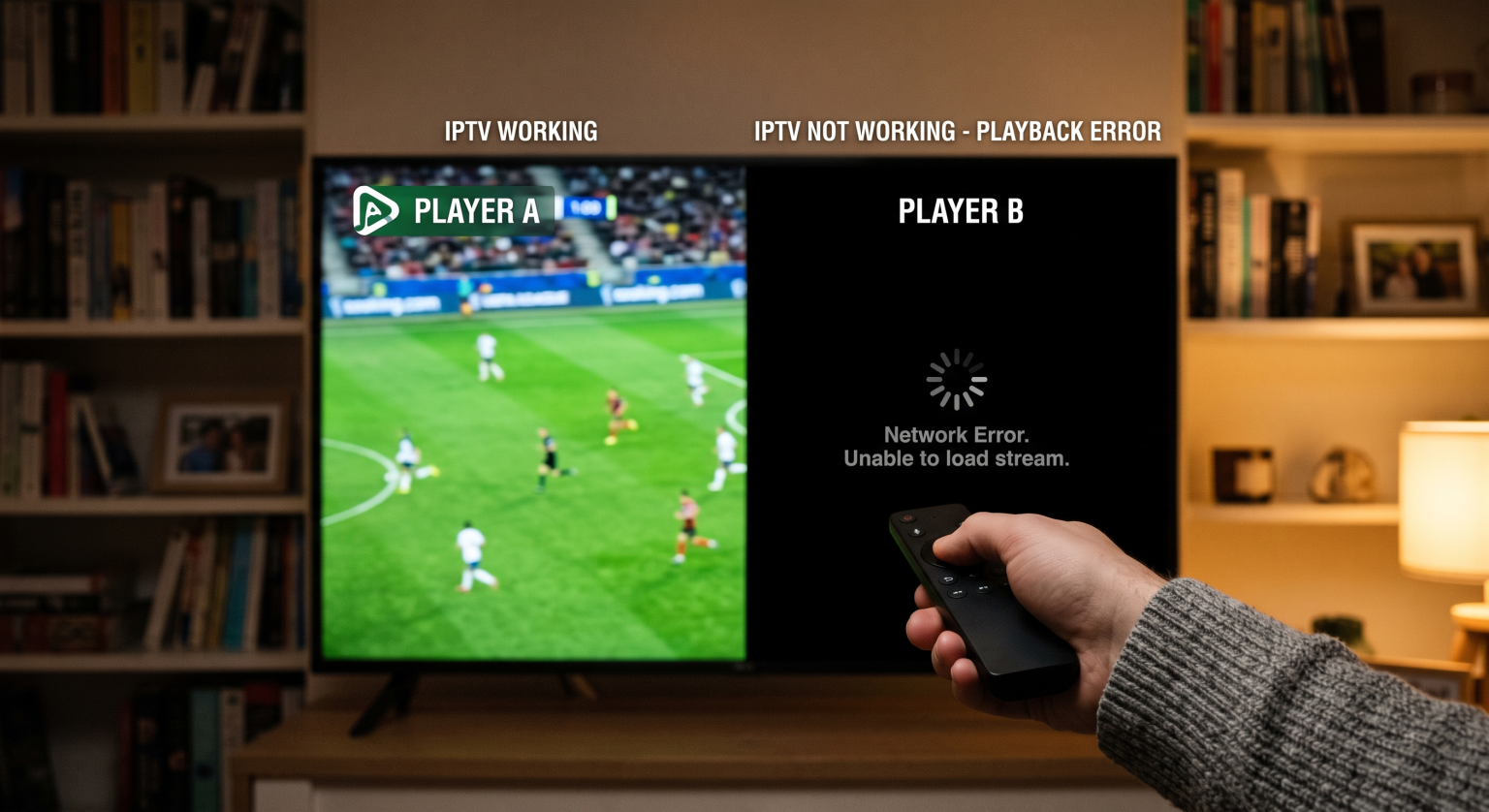
The Real Reason Your IPTV Works in One App But Not Another
Not all media players are built the same under the hood. When an IPTV works in one app but not another, it usually points to a mismatch between how the stream is encoded and how the specific app decodes it.
Here are the primary technical reasons behind IPTV player compatibility issues:
1. Incompatible Video Codecs
Every live stream is compressed using specific video codecs (like H.264 or H.265). Some applications feature comprehensive built-in codec libraries that can read anything you throw at them.
Other lightweight apps rely entirely on your device’s native media player. If your television or streaming stick lacks the right codec, the app will fail to load the channel.
2. M3U Playlist Issues vs. Xtream Codes API
How an app parses your subscription data matters immensely. Some basic players struggle to process massive stream format lists tied to older M3U links.
Conversely, modern apps using the Kody Xtream API handle large databases much better. If your player isn’t optimized for your specific playlist format, it will often crash or refuse to load categories.
3. Hardware vs. Software Decoding Errors
Many streaming apps give you the option to choose between hardware and software decoding. Stream decoding is a resource-heavy task.
Hardware decoding uses your device’s physical chip to play the video, which is faster but highly rigid. If a stream fails on hardware decoding, switching the app to software decoding often resolves the issue instantly.
Player Comparison: Which App Should You Use?
To minimize playback errors, you need to use an app suited to your device and technical needs. Here is a quick comparison of three highly popular options:
| Zgłoszenie gracza | Best Platform Fit | Obsługa list odtwarzania | Codec & Decoding Capability |
| TiviMate | Android TV & Firestick | Kody Xtream i M3U | Advanced (Easy hardware/software toggling) |
| IPTV Smarters Pro | Multi-device (Mobile, PC, TV) | Kody Xtream i M3U | Standard (Reliable built-in VLC core) |
| Odtwarzacz multimedialny VLC | PC & Mac Desktop | Tylko M3U | Ultimate (Plays almost any existing codec) |
How to Fix Your Streaming Protocols
If you are stuck dealing with a player that refuses to load your favorite channels, there are a few immediate steps you can take. First, dive into the app’s settings and clear the cache, as temporary data often corrupts the EPG (Electronic Program Guide).
Next, navigate to the playback settings and switch from hardware to software decoding (or vice versa). Finally, try updating your player; developers constantly release patches to support newer streaming protocols and video formats.
Ready for a Flawless Streaming Experience?
Are you tired of constantly switching apps, tweaking settings, and troubleshooting just to watch your favorite channels? A premium viewing experience starts with a high-quality, perfectly encoded service.
At TV Shadow IPTV, we provide top-tier streaming infrastructure designed for maximum compatibility across all major apps and devices. Say goodbye to frustrating playback errors and buffering. Check out our subscription plans today and enjoy flawless, high-definition entertainment on the exact app you prefer!
Często zadawane pytania (FAQ)
Why does my IPTV buffer on one app but play fine on another?
Different applications use varying buffer sizes. An app with a larger default buffer will pre-load more video, resulting in smoother playback on unstable internet connections, while a player with a small buffer will constantly stutter.
Do I need a VPN if a stream fails in only one player?
Usually, no. If the service works perfectly in a different application on the same network, the issue is related to the software’s internal configuration, not an ISP block.
What is the best player for large playlists?
For exceptionally large channel lists, apps that utilize the Xtream Codes API (like TiviMate or IPTV Smarters) perform much better than basic M3U parsers, as they load data dynamically rather than all at once.