
Podczas testowania bezpłatnej wersji próbnej IPTV aplikacja służąca do strumieniowego odtwarzania jest równie ważna jak sama usługa. Słaby odtwarzacz sprawi, że usługa premium Wrażenia z korzystania z usługi IPTV powolny, nieporęczny i podatny na zawieszanie się. Wybór odpowiedniego odtwarzacza zależy całkowicie od używanego urządzenia.
Oto najlepsze odtwarzacze IPTV do wykorzystania w okresie próbnym, w podziale na poszczególne urządzenia.
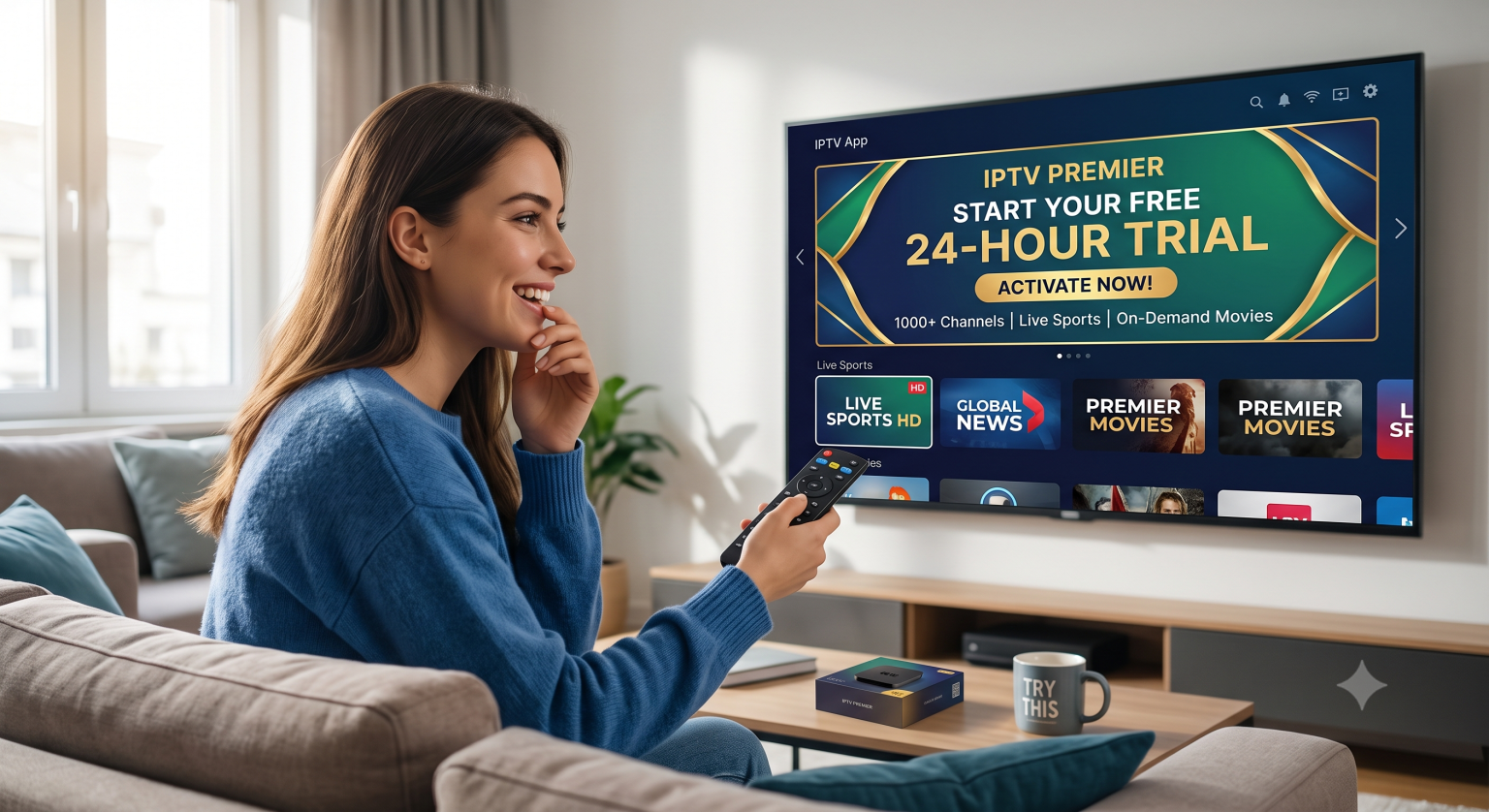
Najlepsze rozwiązania dla Firestick i Android TV
Jeśli korzystasz z urządzenia Amazon Firestick, Chromecast z Google TV lub urządzenia z systemem Android TV (takiego jak Nvidia Shield), są to najlepsze opcje na rok 2026.
1. TiviMate (złoty standard)
W przypadku urządzeń z systemem Android, TiviMate jest powszechnie uznawany za absolutnie najlepszy odtwarzacz IPTV na rynku.
Dlaczego to jest świetne: Doskonale naśladuje interfejs tradycyjnego, wysokiej klasy dekodera telewizyjnego. Oferuje błyskawiczne przełączanie kanałów, doskonały elektroniczny przewodnik po programach (EPG), funkcję „obraz w obrazie” oraz rozbudowane funkcje nagrywania i oglądania programów z opóźnieniem.
Haczyk: Wersja darmowa ma bardzo ograniczone możliwości. Aby uzyskać dostęp do wszystkich funkcji (takich jak tryb wielu widoków, nagrywanie i spersonalizowane listy ulubionych), należy uiścić jednorazową opłatę lub wykupić roczną subskrypcję wersji Premium.
2. Sparkle TV (najlepsza alternatywa) Jeśli szukasz aplikacji podobnej do TiviMate, która kładzie duży nacisk na funkcję DVR (nagrywanie) i prywatność (brak gromadzenia danych), Sparkle TV jest jej najbliższym konkurentem. Aplikacja ta płynnie obsługuje ogromne listy odtwarzania i cieszy się popularnością wśród zaawansowanych użytkowników.
3. XCIPTV XCIPTV jest wyposażony w wydajny wbudowany odtwarzacz multimedialny, dzięki czemu nie trzeba pobierać zewnętrznych odtwarzaczy, aby cieszyć się płynnym odtwarzaniem treści w rozdzielczości 4K. Działa szybko i ma bardzo nowoczesny układ na wzór serwisu Netflix, ułatwiający poruszanie się po filmach i serialach telewizyjnych (VOD).
Najlepsze dla początkujących (wszystkie urządzenia)
Jeśli dopiero zaczynasz przygodę z IPTV, zacznij od tego miejsca. Jest to jedna z najpopularniejszych i najbardziej rozpoznawalnych aplikacji IPTV na świecie.
Dlaczego to jest świetne: Wszystko jest uporządkowane w postaci dużych, przejrzystych kafelków: Telewizja na żywo, Filmy, Seria, oraz Nadrabianie zaległości. Wystarczy, że wprowadzisz dane API Xtream Codes (nazwę użytkownika, hasło i adres URL serwera podane przez dostawcę usług IPTV), a aplikacja sama o wszystko zadba.
Dostępność: Aplikacja jest dostępna na niemal wszystkich urządzeniach — Firestick, Android, iOS, Windows oraz na wielu telewizorach Smart TV.
Najlepsze rozwiązanie dla telewizorów z wbudowanym systemem Smart TV (Samsung i LG)
Jeśli chcesz uniknąć korzystania z urządzenia Firestick i chcesz pobrać aplikację bezpośrednio z natywnego sklepu z aplikacjami na telewizorze Smart TV marki Samsung (Tizen) lub LG (webOS), masz do wyboru inne opcje. (Uwaga: aplikacja TiviMate nie jest dostępna w natywnych systemach operacyjnych firm Samsung i LG).
1. Odtwarzacz IBO Obecnie jedna z najbardziej niezawodnych i najlepiej obsługiwanych aplikacji na telewizory marek Samsung i LG. Posiada przejrzysty, szybki interfejs i płynnie obsługuje duże strumienie 4K, nie obciążając procesora telewizora. Jest to aplikacja płatna, ale zazwyczaj oferuje 7-dniowy bezpłatny okres próbny.
2. SmartOne IPTV Kolejna doskonała, nowoczesna aplikacja zoptymalizowana specjalnie pod kątem systemów operacyjnych LG webOS, Samsung Tizen i Hisense VIDAA. Doskonale reaguje na standardowe piloty telewizyjne, umożliwia szybkie przełączanie kanałów i obsługuje wiele list odtwarzania.
Porada dla Ciebie – jak najlepiej wykorzystać bezpłatny okres próbny
Składając wniosek o bezpłatną wersję próbną, poproś dostawcę o Kody Xtream (adres URL, nazwa użytkownika, hasło) zamiast linku M3U, jeśli to możliwe. Kody Xtream ładują się znacznie szybciej i zapewniają idealną organizację bibliotek wideo na żądanie (VOD) w aplikacjach takich jak TiviMate i Smarters Pro.